

For agencies of 2 to 10 people and VA teams
The CRM for marketing agencies that hands every client to delivery.
Pitches, retainers and client conversations in one workspace. When a client signs, delivery sees what sales promised, answers from the same shared inbox and picks up the next step.
No credit card · Keep your delivery tools · Business from €69 per person/month
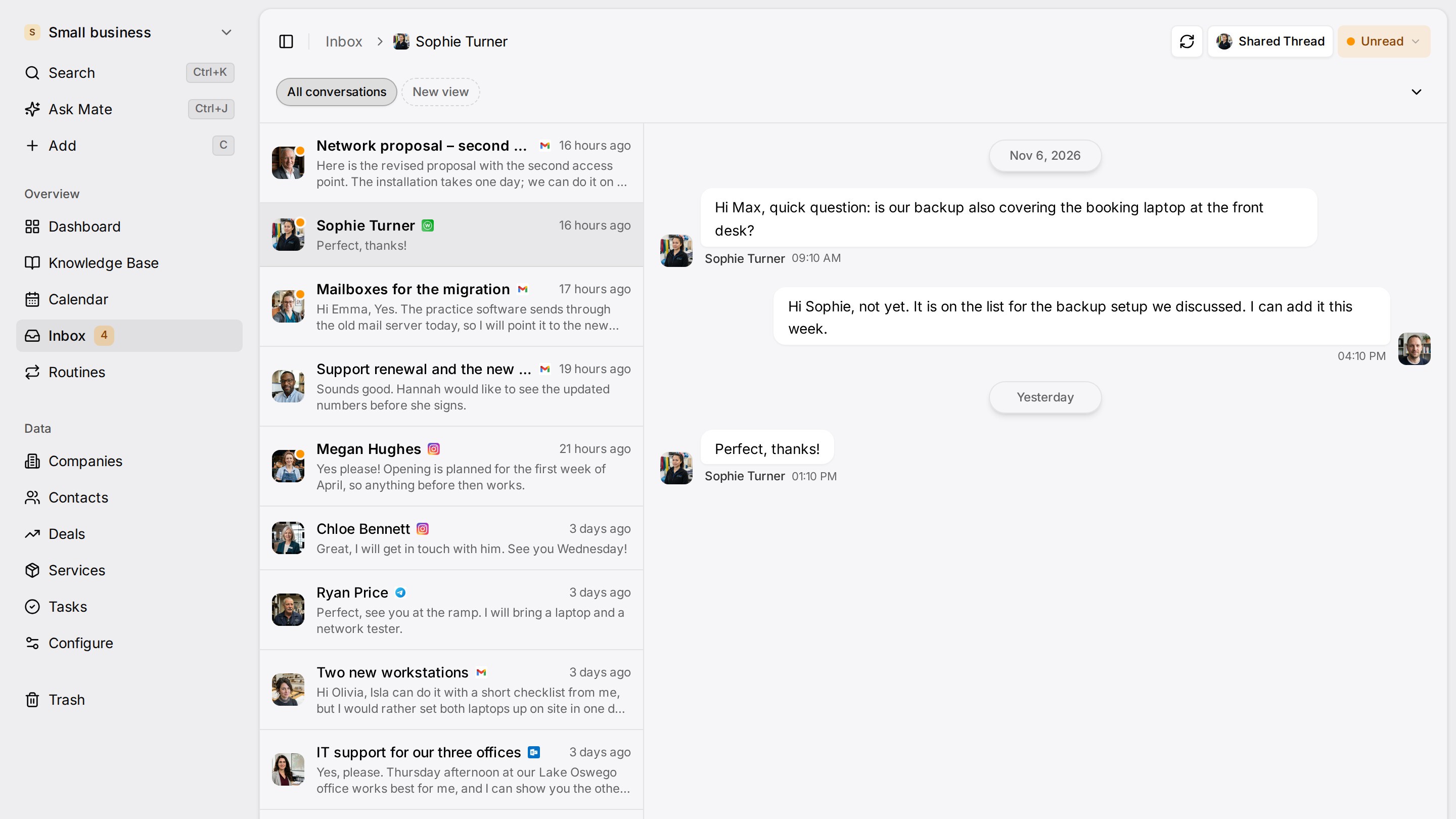
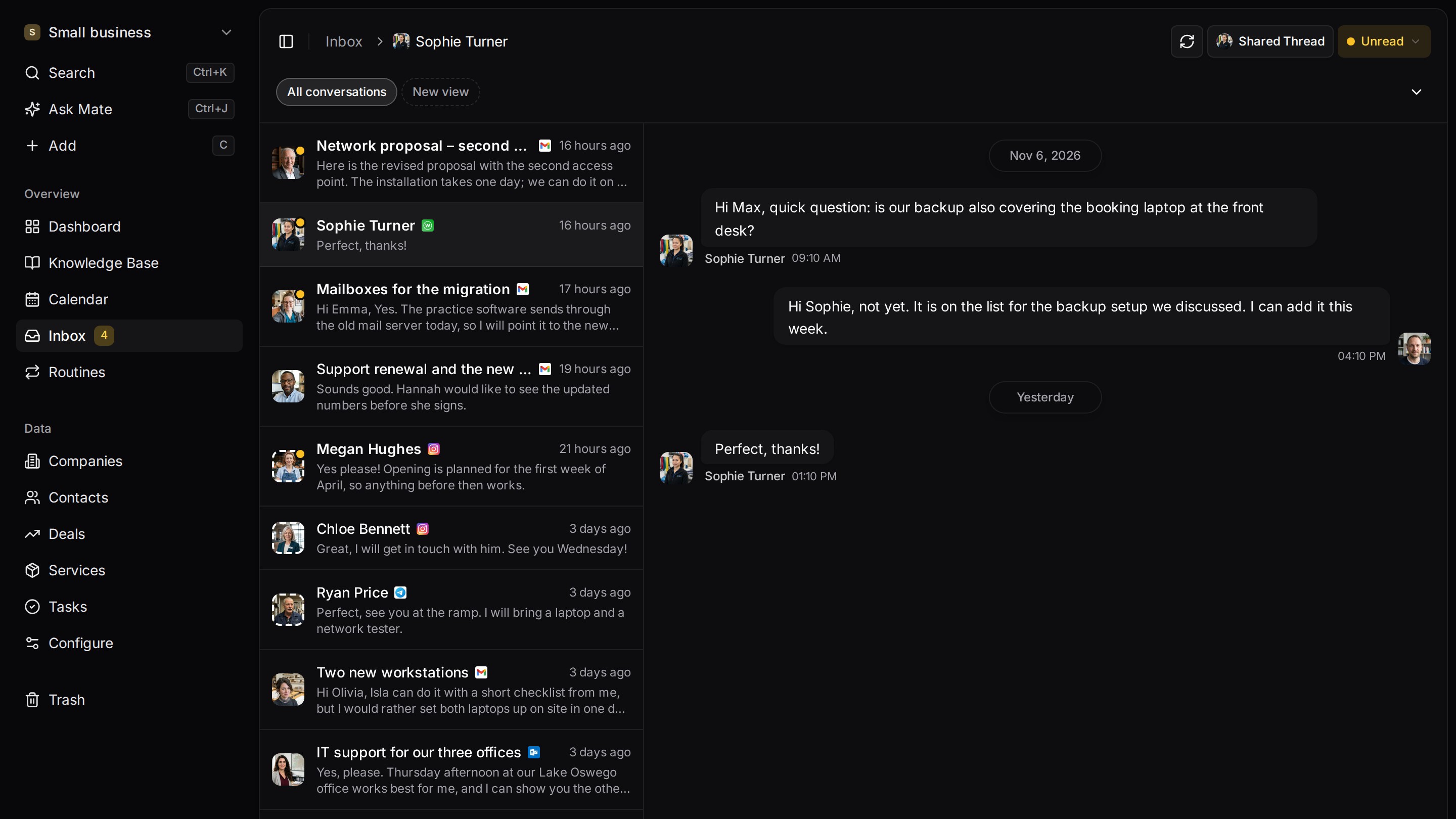
Every client conversation from email, LinkedIn and WhatsApp in one place. Mate sets up your workspace and drafts the follow-up, you review and send. Works with Claude, ChatGPT or any agent that speaks MCP.
Ways you can use it
For agencies. Three jobs, one workspace.
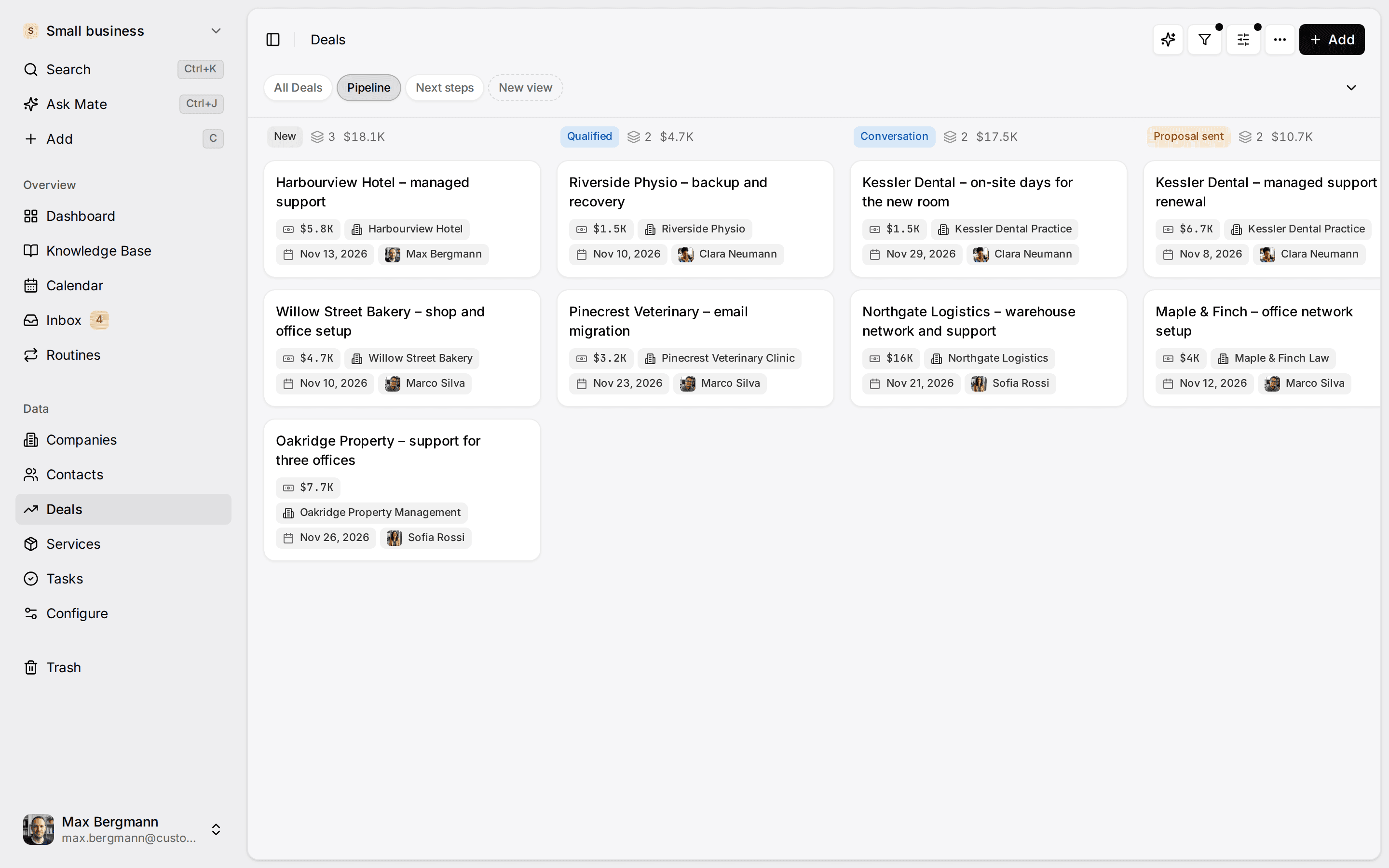
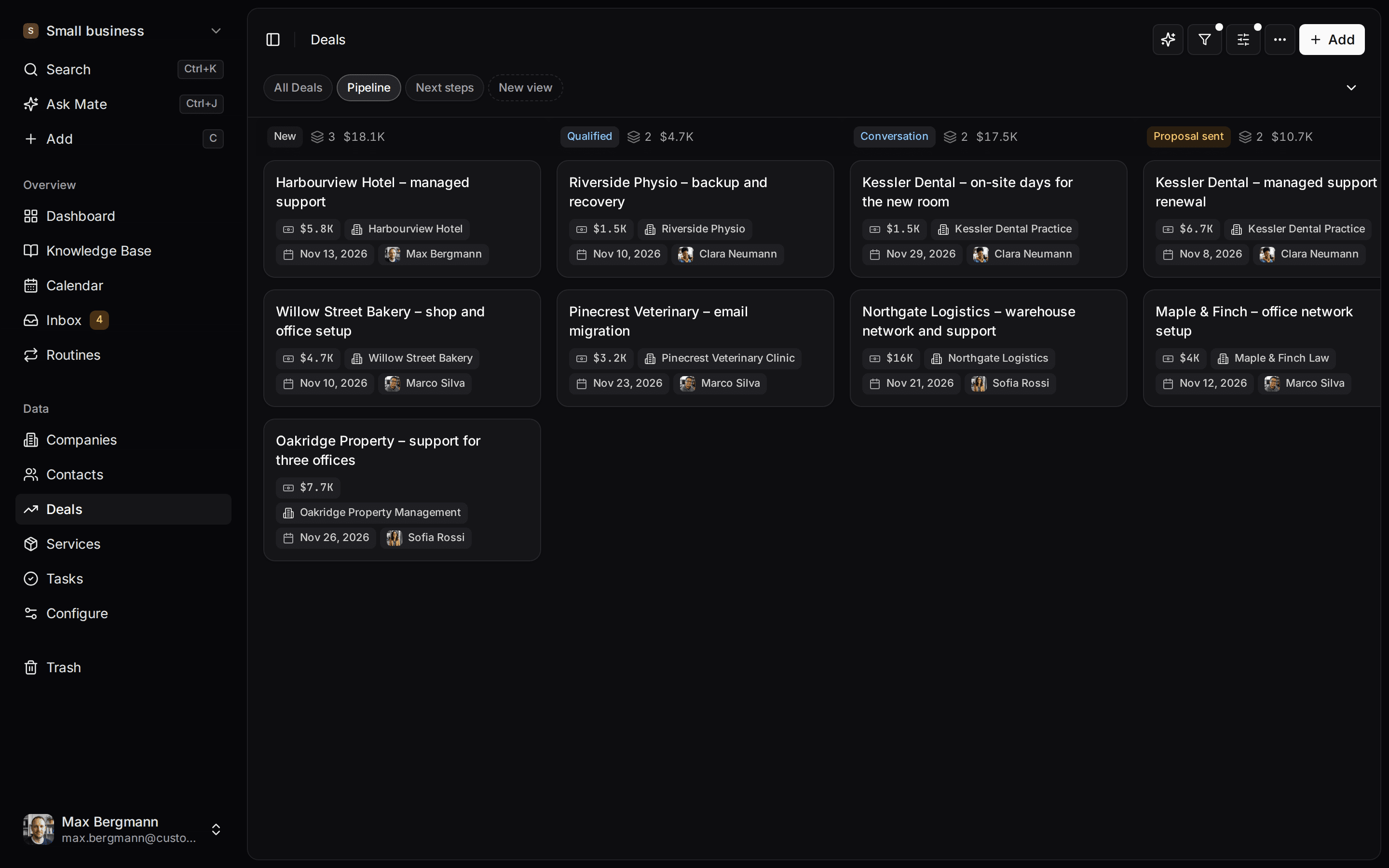
- Run every pitch on one boardInquiries, briefings and pitches move across one board, with the client context beside them.See the pipeline
- Hand every client to deliveryShare a connected inbox with the team, so delivery sees what sales agreed and answers from the same account.See the unified inbox
- Bring your own AIMate drafts replies from your agency playbook, and your own AI client connects through MCP.Connect your agent
Start from one description
Your agency, described once. Built for you.
AI setup asks a few questions and builds clients, pitches, retainers, projects and your handover playbook. This is the agency example; click around.
Describe your business
One sentence about your team, your clients and how you sell.
Mate builds it
It asks a few questions, then creates the lists, pipeline, dashboard and playbook.
Work in it
Connect LinkedIn and email. Click through a finished example below.
We're a design agency. Track pitches, retainers and projects, and hand every new client from sales to delivery.
- Mate
- Claude
- ChatGPT
- Cursor

 Mate
 Claude


Widgets built from the workspace's own lists and fields
A signed client, handed over
Sales promised a date. Delivery knows it on day one.
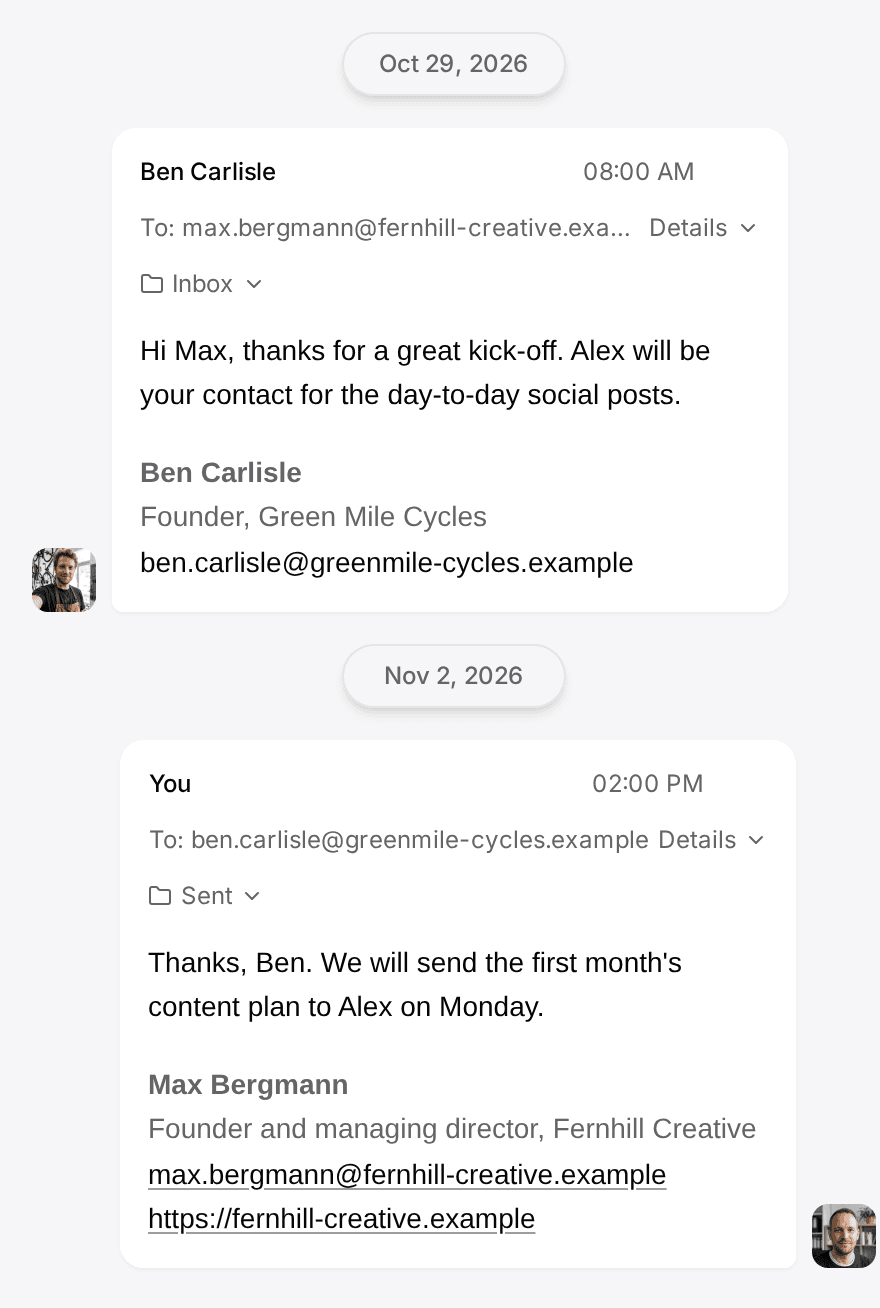
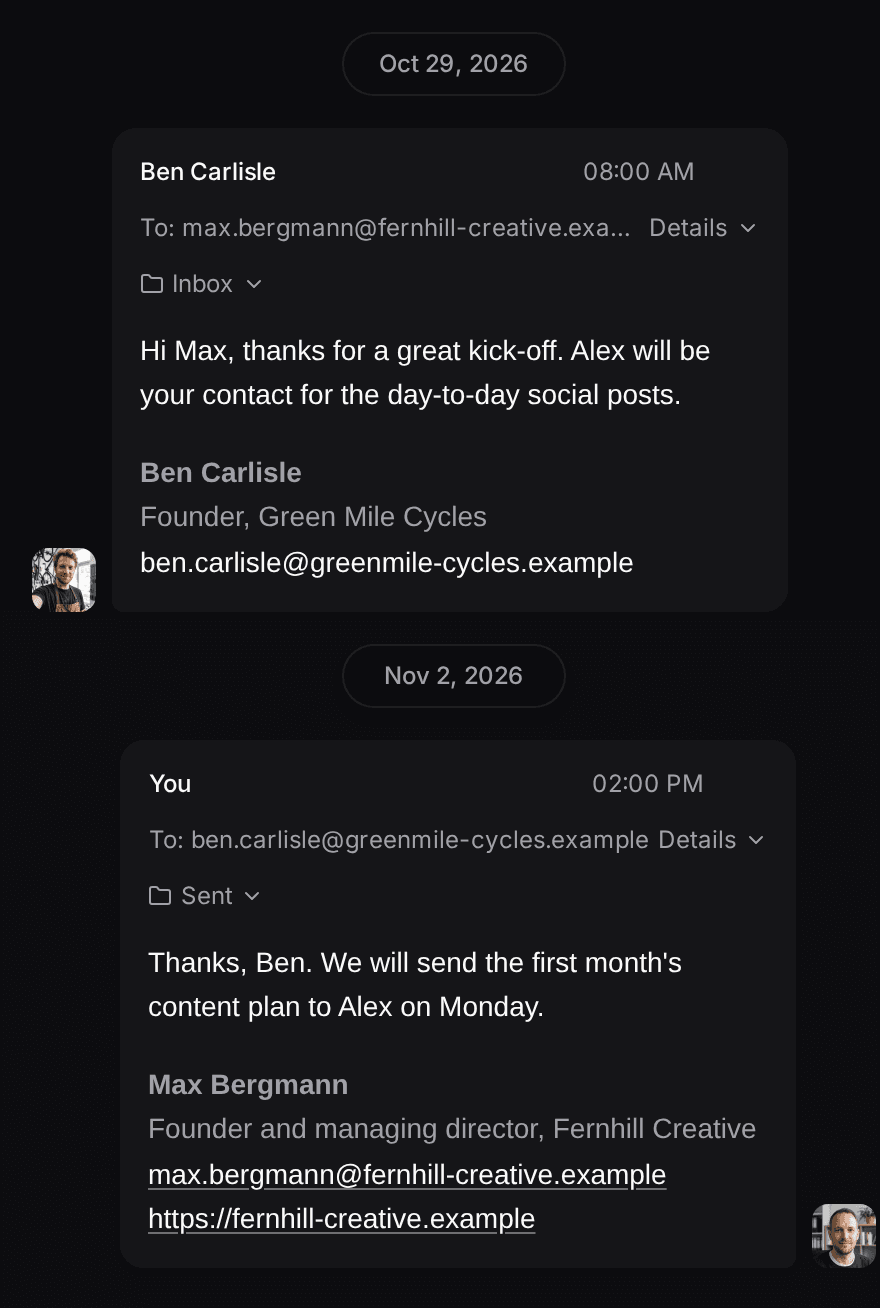
The email thread sits on the client. Mate drafts the welcome reply from your handover playbook and puts the kickoff on the project lead's list.

Maren Koch
Bergkaffee · Email
Drafting a welcome reply from your handover playbookDraft, waiting for your review
Hi Maren, thank you, great to have you on board. Lea leads your project from here and already has the 14 March date. She will send kickoff times tomorrow. Best, Tom
Draft saved. Kickoff added to Lea's next steps.
What changes
Before and after. Same clients, cleaner handovers.
Before
- Promises from the pitch live in one person's inbox
- Delivery asks the client what was already agreed
- Every client's records mixed into one list
With Customermates
- The conversation and the promise sit on the client
- Delivery answers from the same shared inbox on Business
- One workspace per client when you work for several
How you start
Three steps. To your first clean handover.
- 01
Describe your agency
AI setup builds clients, pitches, retainers, projects and your handover playbook from one description and a few answers.
- 02
Connect and share the inbox
Threads land on the client whose email address or LinkedIn profile matches. On Business, share a whole connected account with the team.
- 03
Hand over with the next step
Mate drafts the reply and dates the next step for the person who delivers. You edit, send or skip.
Pricing
Business covers the team. €69 per person per month.
Pro at €29 covers one connected account per person. Business adds whole-account sharing, so sales and delivery answer from the same inbox. Up to 20 workspaces per login, one per client.
Not a fit if you need project planning, time tracking, invoicing, proposal documents or email sequences. Those stay in your agency tools.
A CRM for agencies keeps each client, pitch and retainer on one record, with the email and LinkedIn conversations beside it, so the person who sold the work and the person who delivers it see the same history. Customermates is that kind of CRM for marketing agencies and creative studios of 2 to 10 people, and it stops where delivery starts: planning, campaigns, time tracking and invoicing stay in the tools built for them.
A pitch goes out, the briefing notes sit in one person's inbox, and a client who signed last week asks who their contact is. In Customermates, clients and prospects, their contacts, each pitch, signed retainers and the next action stay on one record until won work is handed to the tools that run delivery. From Pro on Customermates Cloud, the email and LinkedIn threads sit on the client, and Mate or your own AI agent through MCP drafts the reply and the next step for you to review, edit and send. It is an open-source, AI-native CRM made in Germany.
Marketing, creative and digital agencies that win work through briefings, pitches and several stakeholders per client.
Follow up each pitch and hand every signed client to delivery, with the conversation and the next step on the client record.
A shared view is read-only for colleagues, there are no field-level permissions, and whole-account inbox sharing starts at Business.
Project delivery, proposals, time tracking, invoicing and campaign tools stay in your agency stack.
Relationships
New business
Recurring work
Follow-up
Conversation
What does a CRM for agencies have to handle?
Agencies sell on briefings and pitches, then live on retainers and several people per client. These are the jobs a CRM has to cover, what Customermates does for each in its example agency workspace, and where it stops.
| Agency job | What Customermates does | Where it stops |
|---|---|---|
| Pitches and new business | Pitches move across a board from Inquiry to Won or Lost. Each has an owner, an estimated value, a stage probability that gives a weighted value, and a next step with its date. | The weighted value is pipeline weighting from your own probabilities, not a forecast. No proposal generation, lead scoring or outbound sequences. |
| Client management and contacts | One record per client with its contacts: the marketing lead who briefed you, the person who signs, procurement. The brief and the proposal sit on the pitch as PDFs. | Nothing is enriched or scored for you; fields are filled by people, an Excel import or your own AI client. |
| Retainers and renewals | A retainer record holds the monthly fee, term, start and renewal date; contract value is calculated and the client shows its retainer MRR. Every Monday a routine marks retainers that renew within 60 days as Renewal due and creates the task. | The record describes the agreement. No invoices and no recurring billing. |
| Projects after the win | A Projects list with status, budget, hours budget and hours used, with hours left calculated, plus a calendar view of production windows. | Hours are typed in. No time tracking, capacity planning or delivery plans. |
| Client conversations on the record | Email (Gmail, Outlook, IMAP), LinkedIn, WhatsApp, Instagram and Telegram threads in one inbox, matched to contacts and linked to the pitch by a person. | Cloud only, from Pro; sharing a whole mailbox starts at Business. No SMS or phone calls. |
| Follow-up | Every weekday morning a routine saves reply drafts for pitches whose next step date has come, or creates a follow-up task when there is no email thread. The drafts wait in the Inbox; the routine never sends. | Tasks have no built-in due dates or reminders, so nobody is notified automatically. |
| Approvals and sign-off | A person moves the pitch to Won or Lost and attaches the signed agreement to the retainer as a PDF. Mate saves reply drafts for you to review and send. A project status such as Client review shows where work waits for the client. | No approval workflow, client portal or proofing. Client sign-off on creative work stays in the tools built for it. |
The inbox starts at Pro, Mate and routines at Starter, all on Customermates Cloud; the self-hosted edition has none of them.
Best CRM for small marketing agencies: six options compared
The ranking follows one job: following up on every pitch and client conversation in an agency of 2 to 10 people. Customermates publishes this page, so check each line on the vendor's own site. Prices were checked on 9 November 2026 (Attio: 12 November 2026) on each vendor's pricing page, and a promotional price is named as one.
| # | CRM | Fits | Price |
|---|---|---|---|
| 1 | Customermates | Small agencies that pitch and win retainers and want the email, LinkedIn and WhatsApp threads beside the client, with a shared mailbox on Business. Delivery plans, time tracking and invoices stay in your agency stack. | Pro €29, Business €69 per user per month, billed monthly |
| 2 | Breakcold | Agencies that sell through LinkedIn. Its own pages describe a separate workspace per client and one inbox for email, LinkedIn, WhatsApp and Telegram. | From $49 per seat per month billed monthly; one workspace included, extra workspaces $10 per month |
| 3 | HubSpot | A free start for a founder and one partner, with targeted email campaigns in the paid Starter plan. | Free for up to 2 users; Starter €7 per seat per month billed annually, a limited-time price |
| 4 | Pipedrive | A new-business team that thinks in a deal pipeline and works from the phone: native iOS and Android apps on every plan. | Lite €14 per seat per month billed yearly; two-way email sync starts on Growth |
| 5 | Attio | An agency that wants to model clients, projects and retainers in its own data model, with email sync for Gmail and Microsoft 365. | Free for up to 3 users; Plus €35 a month per workspace billed yearly with one user included, plus €31 per extra user |
| 6 | Twenty | A technical agency that wants an open-source CRM with custom objects and keeps the data model tidy. | Pro $9 per user per month billed yearly; self-hosting the core is free |
When is Customermates the wrong CRM for an agency?
Customermates is built to follow up on pitches and client conversations. Choose another tool if one of these decides your purchase:
- You want sales and delivery in one tool. Customermates has no time tracking, capacity planning, invoicing or proposal documents, and its Projects list only holds what you enter by hand. A PSA or project tool covers that; Customermates can sit beside it for new business.
- You run outbound sequences or bulk email. There are no email sequences, bulk sends or lead scoring. Messages go out one at a time.
- Clients need a login. There are no client portals, client sub-accounts or white-label workspaces.
- Some people must not see one field. Roles control lists and records, not single fields, so a fee field is visible to anyone who can read the record.
- Your team works from phones. Customermates is responsive web software with no native mobile app.
- You want the inbox and Mate self-hosted. The self-hosted edition has the Starter feature set: no unified inbox and no Mate.
If one of these decides it, the comparison pages set Customermates side by side with Pipedrive, HubSpot, Attio, Twenty, Breakcold.
The pitch board in the example workspace
The agency workspace is an example with sample data, not a customer account. It has six lists: Clients, Contacts, Pitches, Projects, Retainers and Tasks. Pitches move through Inquiry, Briefing, Pitch preparation, Proposal sent, Negotiation, Won and Lost.
The pitch board shows every open pitch as a card in its stage, with its owner and estimated value. Each stage carries a win probability, so the board also shows a weighted value per pitch. That is pipeline weighting from your own probabilities, not a forecast.
Open a client from a card and the relationship is in one place:
- The people: the marketing lead who briefed you, the managing director who signs, the procurement contact.
- The pitches: the current one in Pitch preparation and earlier ones that were won. A pitch keeps the client brief and the proposal as PDFs in a File field, and its presentation date and time.
- The projects: won work as records with a status, budget, hours budget and hours used; hours left is calculated from the two. A calendar view shows each project's production window by month.
- The retainer: a record with fields such as monthly fee, term, start date and renewal date. Contract value is calculated as monthly fee times term, and the client shows its retainer MRR. It describes the agreement and holds the signed agreement as a PDF; it does not create invoices or recurring billing.
- The conversation: an email thread with the marketing lead, linked to the pitch. The contact was matched by email address in the Contact details field; the link to the pitch was set explicitly by a person, never automatically.
From inquiry to project and retainer
Capture the inquiry
Add the person and the client or prospect, and open a pitch in Inquiry. Note the source, such as a referral or an existing client, in a field.
Take the briefing
Move the pitch to Briefing, record budget and scope in your own fields and assign an owner.
Prepare and send the pitch
Work through Pitch preparation and Proposal sent. Linked tasks and a next-step date field show what is due and who owns it.
Follow up and negotiate
Reply on the original thread from the inbox, or ask Mate for a draft from the client record and conversation, then read and send it.
Record the outcome
Move the pitch to Won or Lost. For won work, create the project or retainer record and keep delivery plans, time tracking and billing in your project and finance tools.
What belongs in the CRM and what stays in the agency stack
| Agency moment | Customermates holds | Another system holds |
|---|---|---|
| Inquiry and briefing | Clients, contacts, pitch stages, owners and your own fields | Enrichment, lead scoring and outbound sequences |
| Pitch and negotiation | Estimated value, weighted value, follow-up context | Pitch decks, proposals, statements of work and contracts |
| New-business review | Pitch board, stage probabilities and weighted totals | Predictive forecasting and finance planning |
| Signed work | Project and retainer records with status, budget, hours entered by hand and renewal date | Delivery plans, capacity, time tracking, invoicing and accounting |
| Campaigns | Nothing | Ad platforms, email marketing and client reporting |
Client conversations beside the relationship
In Customermates Cloud, the unified inbox brings email from Gmail, Outlook or IMAP together with LinkedIn, WhatsApp, Instagram and Telegram. You reply on the original channel. Participants are matched to contacts by their email address, phone number or LinkedIn identity; linking a conversation to a pitch or client is a deliberate step by a person or agent.
The plan decides how far the inbox reaches:
- Starter and self-hosted: no connected messaging accounts.
- Pro: each person's own connected accounts, 1 per user included, and individually shared threads.
- Business, Max and Enterprise: whole-account sharing, so a shared new-business mailbox can be opened to the account team. Business includes 3 connected accounts per user.
AI help and connections
Mate, the assistant in Customermates Cloud, can summarize a client before a pitch meeting, move a pitch to its next stage and save a follow-up draft in the conversation. It runs on hosted AI credits included per active user on every paid cloud plan and is not available self-hosted. Mate sends when you tell it to send, so ask for a draft when you want to review first. A routine can run Mate on a schedule or when a record changes. The example workspace has four. Every Monday, a renewal check marks retainers renewing within 60 days as Renewal due and creates a task, and a digest summarizes the pitch board without changing it. Every weekday morning, one routine saves reply drafts for pitches whose next step date has come, and when a pitch moves to Proposal sent, another saves a follow-up draft for review.
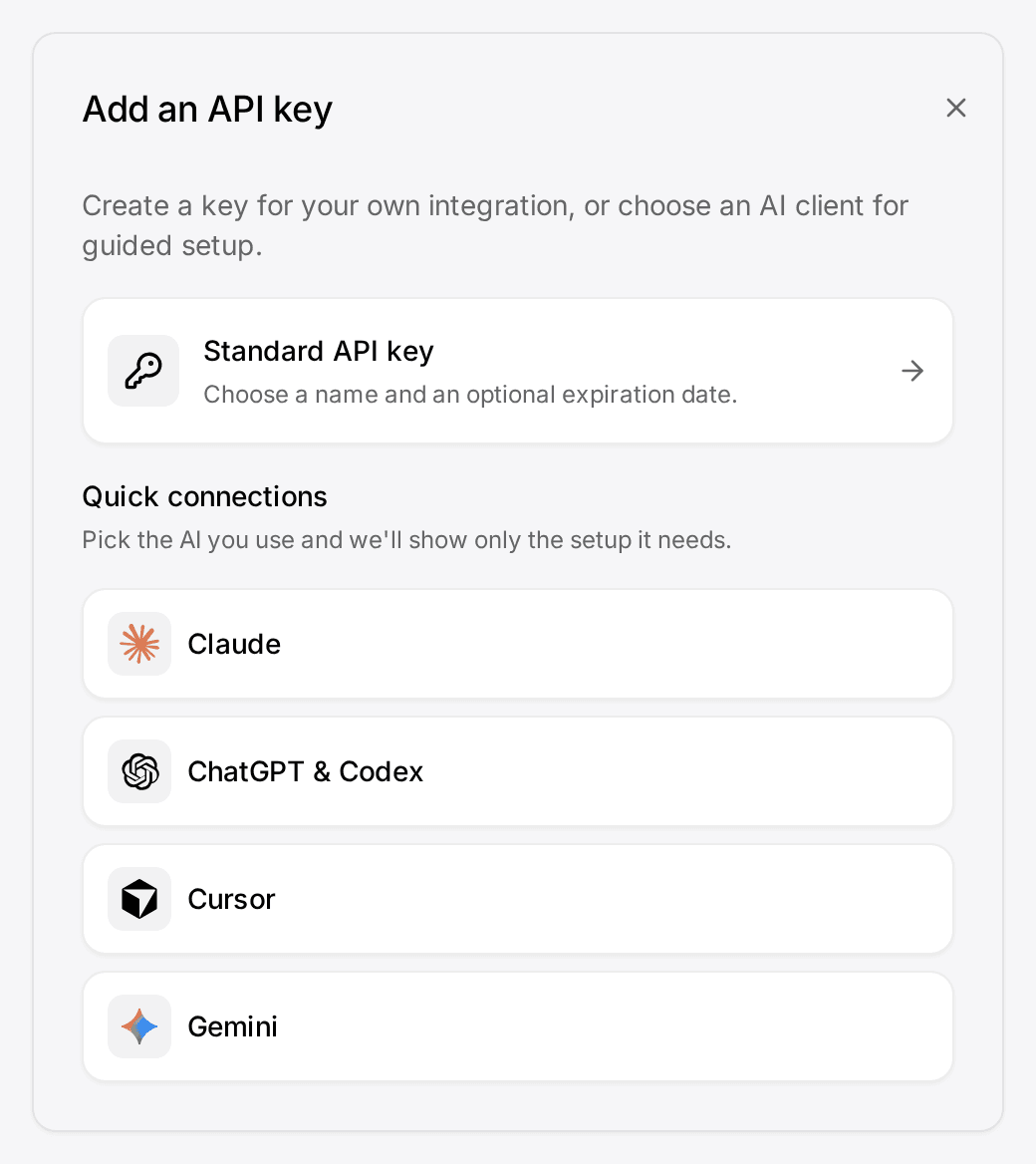
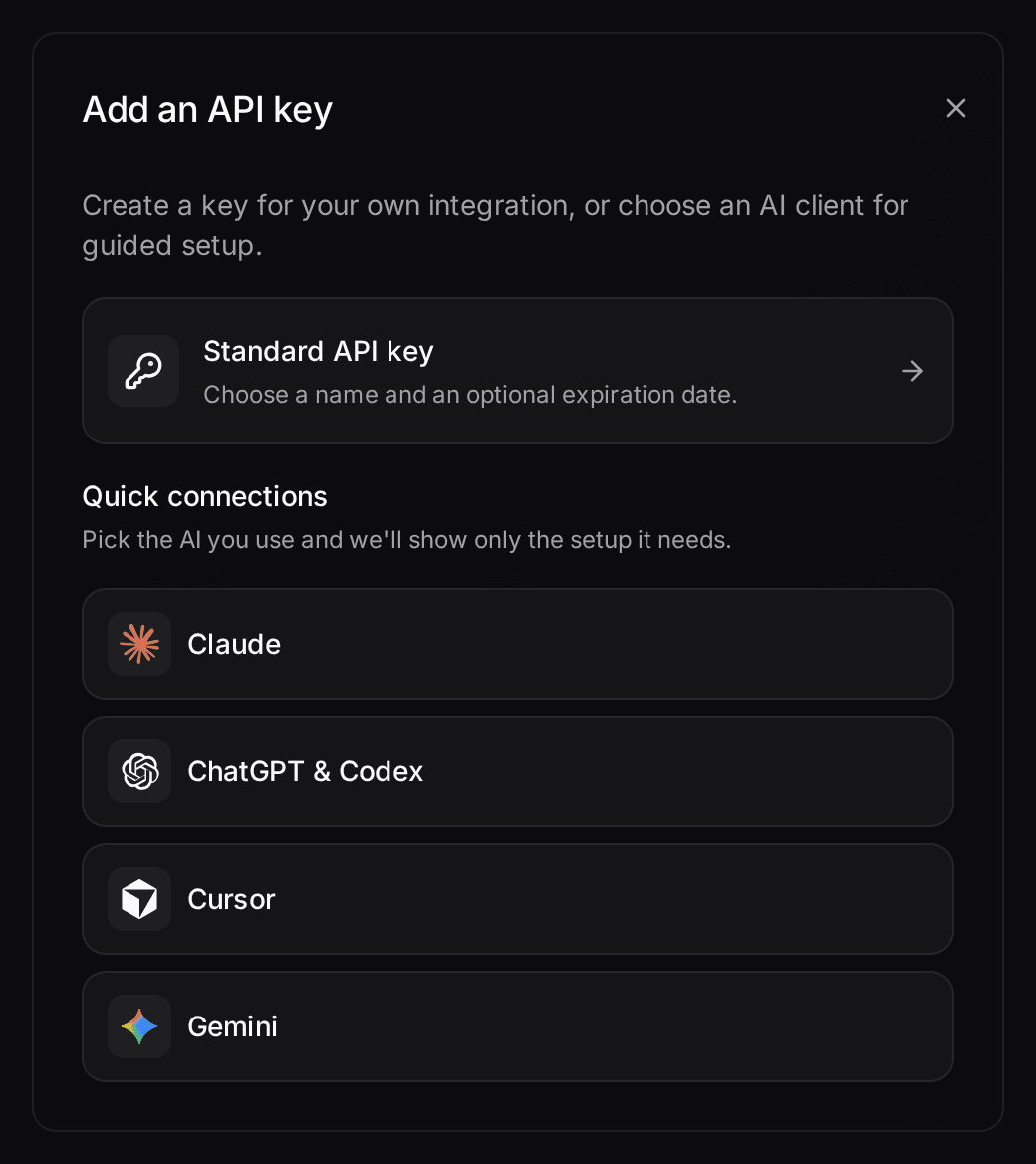
Every plan, self-hosted included, has a REST API and MCP for external AI clients such as Claude or ChatGPT, which can read or update the records your role permits; webhooks come with every paid plan and self-hosting. A separately operated n8n workflow can pass a won pitch to your project tool.
Working as an agency team
Before you invite the whole agency, know the limits:
- Shared views are read-only. Share a pitch board view with the whole agency or with selected roles and everyone works from the same filters; only its owner changes it.
- No field-level permissions. Roles control access to lists and records, so a role with Assigned read access can limit a freelancer to their own pitches, but you cannot hide one field such as a fee from someone who can read the record.
- Whole-account inbox sharing starts at Business. On Pro, threads are shared one at a time.
- No client sub-accounts or white-label workspaces. Customermates is your agency's own CRM, not a portal you resell to clients.
Setting up your own workspace
A new workspace starts without lists. Pitches, Projects and Retainers are example lists from the demo, not what every account contains. In Customermates Cloud, the AI workspace setup asks what the workspace is for and builds lists, stages, a dashboard and Knowledge Base pages from your answers. It runs once at onboarding, within a capped amount of AI credit, and you can skip it with Start with an empty workspace (see onboarding).
Otherwise, people with Data model rights create the lists, fields and stages in Data model and import existing clients and contacts from an Excel workbook. An import cannot be undone, so try it with a few rows first.
Cloud or self-hosted
Lists, fields, the pitch board, tasks, REST, webhooks and MCP work in Customermates Cloud and in the self-hosted edition. Self-hosting has the Starter feature set: no unified inbox, no Mate and no AI workspace setup. Prices per user per month, billed monthly, are on the pricing page.
Frequently asked questions
Does Customermates manage agency projects or campaigns?
Not as a project tool. The example workspace keeps a simple Projects list with status, budget and hours used, entered by hand, so won work sits beside the client. Delivery plans, capacity, time tracking and campaigns belong in project management, PSA and marketing tools.
Can it create proposals, contracts or invoices?
No. A pitch can carry its stage, value and the link to the proposal document, but Customermates has no proposal, contract or invoice workflow. Retainers are records, not recurring invoices.
Does a new workspace come with Pitches, Projects and Retainers?
No. A new workspace starts without lists. In Customermates Cloud the AI workspace setup can build lists and stages from your description once at onboarding. Otherwise people with Data model rights create them and import records from Excel.
Can the team share a pitch board view?
Yes. Share a saved view with the whole agency or with selected roles, and everyone works from the same pitch board filters. Colleagues see it read-only and only its owner changes it. Each person sees only the records their role allows.
Can we share a new-business mailbox with the team?
On Business, Max and Enterprise you can share a whole connected account. On Pro each person connects their own accounts and shares individual threads. Starter and self-hosted have no connected messaging accounts.
Can an agency track follow-ups?
Tasks can be linked to clients, contacts and pitches. They have no built-in due dates or reminders, so add a date field and sort a saved view by it. There are no email sequences or bulk sends.
Can we give clients their own white-label workspace?
No. There are no client sub-accounts, client portals or white-label workspaces.
What is the best CRM for marketing agencies?
It depends on the job. For following up on pitches and client conversations in a small marketing agency, the table above ranks Customermates first, because email, LinkedIn and WhatsApp threads sit beside the client and a drafted reply waits for your review. Breakcold, HubSpot, Pipedrive, Attio and Twenty follow. Project plans, time tracking and invoicing stay in the tools built for them. Customermates publishes this page, so check each line on the vendor's own site.
What should a CRM for a small marketing agency do?
It keeps each client, the people behind it and each pitch or retainer on one record, shows who owns the next step, and puts the client's conversations beside it, so the person who sold the work and the person who delivers it see the same history.
Is a free CRM enough for a two-person marketing agency?
To start, often yes: HubSpot is free for up to 2 users (checked on 9 November 2026) and Attio for up to 3 users (checked on 12 November 2026). Customermates Cloud has a free plan for 1 person and 250 records, without the inbox, Mate or routines. If you want client conversations beside the pitch, you need Pro.
Do agencies need a CRM or a project management tool?
Both, because they do different jobs. A CRM holds the relationship and the new business before and around the work: clients, contacts, pitches, retainers and conversations. A project management or PSA tool holds the work itself: plans, capacity, time and invoices. Customermates is the CRM part, and a separately operated n8n workflow can pass a won pitch to your project tool.
How do you track retainers in a CRM?
Keep each retainer as a record linked to the client, with monthly fee, term, start date, renewal date and status. In the example workspace, contract value is the monthly fee times the term, the client shows its retainer MRR, and every Monday a routine marks retainers that renew within 60 days as Renewal due and creates the renewal task. The record describes the agreement; invoices and recurring billing stay in your accounting tool.
How much does a CRM for an agency cost?
Customermates costs €29 per user and month on Pro and €69 on Business, billed monthly, with a 14-day Pro trial and no credit card. The table above shows what the other five charge per seat (checked on 9 November 2026); compare the same unit and see which plan includes what you need.
Can clients approve work or sign inside Customermates?
No. There is no client portal, approval workflow or proofing. You attach the signed agreement to the retainer as a PDF, and approval of creative work stays in your proofing or project tool.
Related pages
Professional Services
A CRM for professional services: client threads on the record, a dated next step per opportunity, and Mate or your own AI client drafting the reply.
Unified CRM Inbox
One CRM inbox for Gmail, Outlook, IMAP, LinkedIn, WhatsApp, Instagram and Telegram: each conversation on its client, replies drafted. Cloud from Pro.
Sales Pipeline
Sales pipeline software for small relationship-led teams: opportunities by stage with probability, value and weighted value, with customer context close by.
Consultants
A consulting CRM for small firms: clients, engagements and proposals beside LinkedIn and email threads, with Mate drafting each follow-up for you to send.
Customermates
See a signed client handed to delivery
Explore the example agency workspace with sample data, then start a trial and connect one client conversation.
Project delivery, proposals, time tracking and billing stay in your agency tools.