





CRM and your AI, in one workspace.

Customermates is the open-source CRM for small businesses, consultants, agencies, freelancers and startups. Contacts, organizations, deals and any list you configure live in one workspace, and Mate on Customermates Cloud or your own AI through MCP prepares the next step for your review.

✓ No credit card required ✓ Cancel anytime ✓ Made in Germany

Dashboard with open pipeline, value won in the last 12 months, average won deal, overdue tasks and pipeline by stage, using demo dataDashboard with open pipeline, value won in the last 12 months, average won deal, overdue tasks and pipeline by stage, using demo data
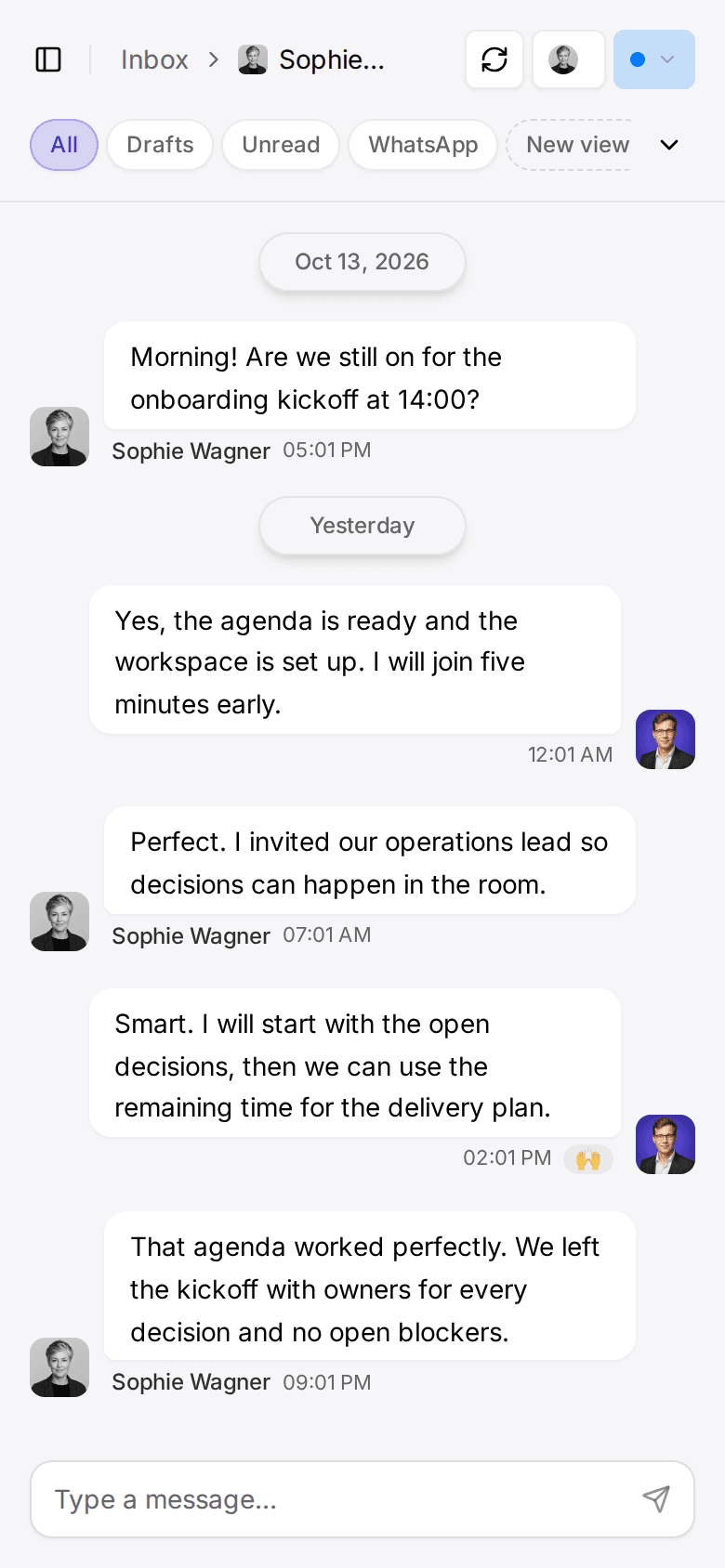
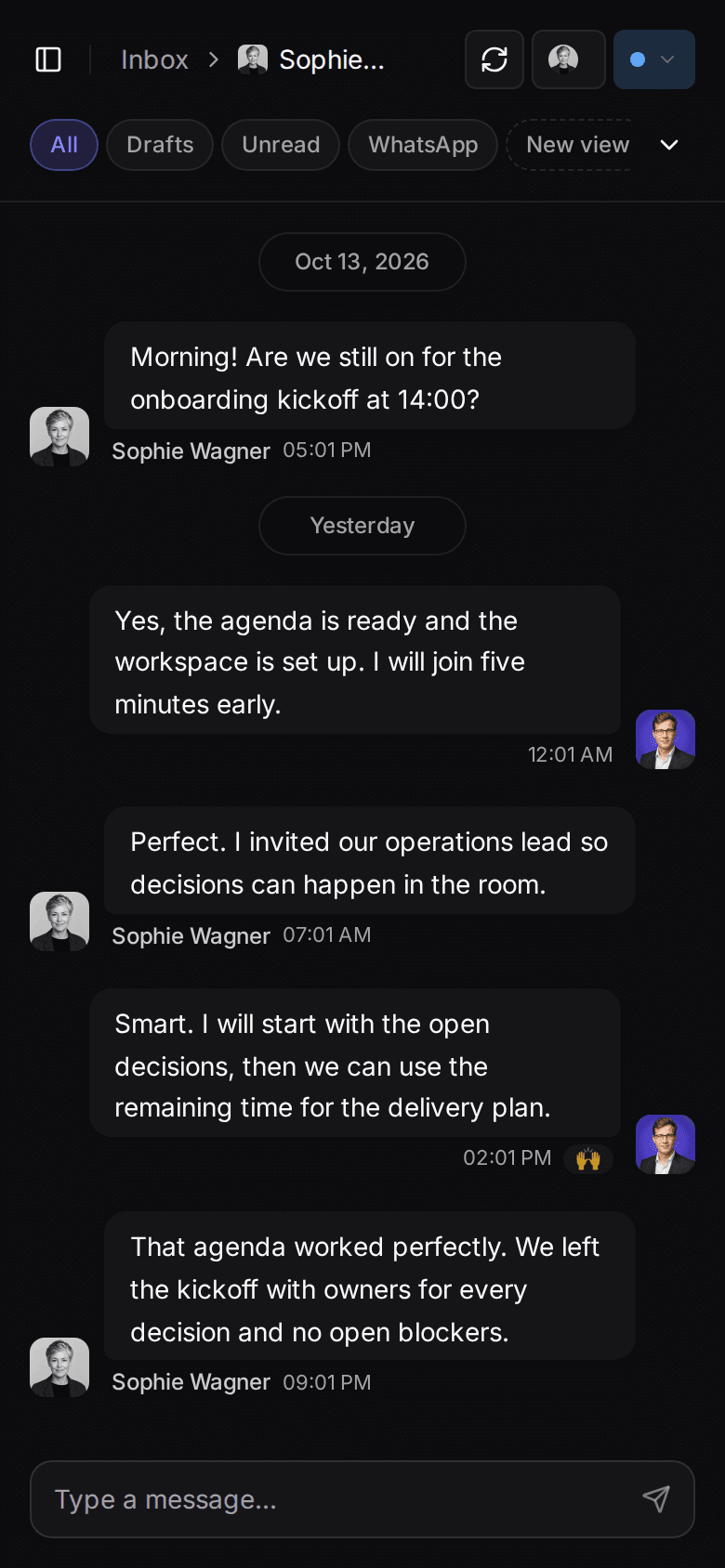
Customermates inbox with a WhatsApp conversation with Sophie Turner, using demo dataCustomermates inbox with a WhatsApp conversation with Sophie Turner, using demo data

Widgets built from your own lists and fields

5

inbox channel families · Cloud, from Pro

MCP

external AI clients operate allowed CRM actions

AGPL-3.0

open-source CRM core

EU

cloud database region (AWS Frankfurt)

DE

Made in Germany

How it works

Less copying into the CRM. More context in it.

  1. 01

    Shape the records you need

    A new workspace starts without lists. On Customermates Cloud, AI setup builds lists, stages, a dashboard and Knowledge Base pages from your description, within its credit cap. Or create lists and fields in Configure and import an Excel workbook.

  2. 02

    Conversations beside the contact

    On Customermates Cloud from Pro, email, LinkedIn, WhatsApp, Instagram and Telegram threads appear on the contact whose email address, phone number or LinkedIn profile matches. You or Mate link a thread to a deal or organization when it belongs there.

  3. 03

    AI prepares the next step

    Mate, within your plan's credits on Customermates Cloud, or your own AI client through MCP answers questions and drafts replies, and Mate also runs routines. Drafts wait for your review in the conversation; when you ask Mate to send, it sends without a separate confirmation.

External AI through MCP or browser. Automations through REST, webhooks, and your n8n instance.

ChatGPT
Claude
Cursor
Gemini
Grok Bot
n8nAutomations

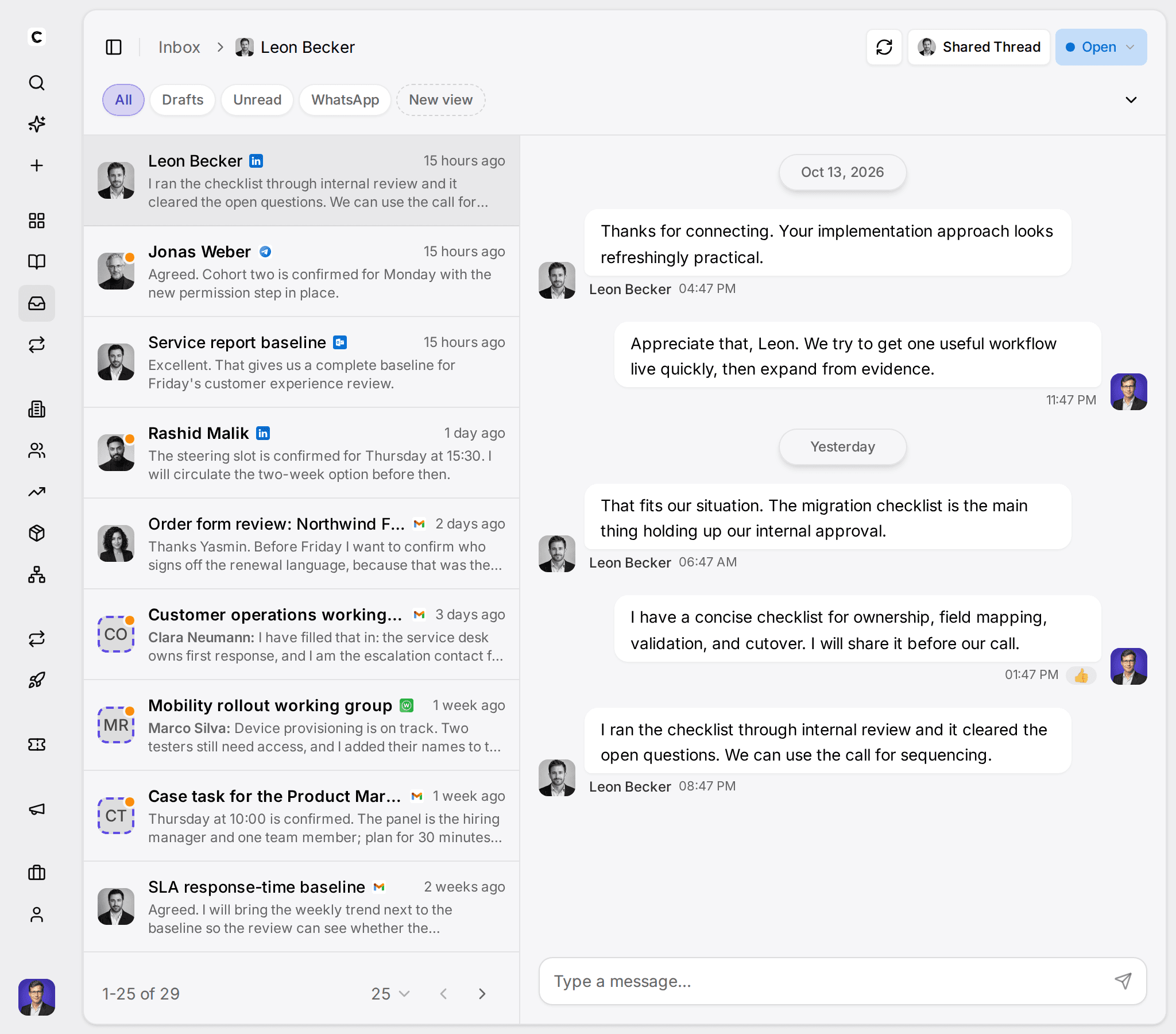
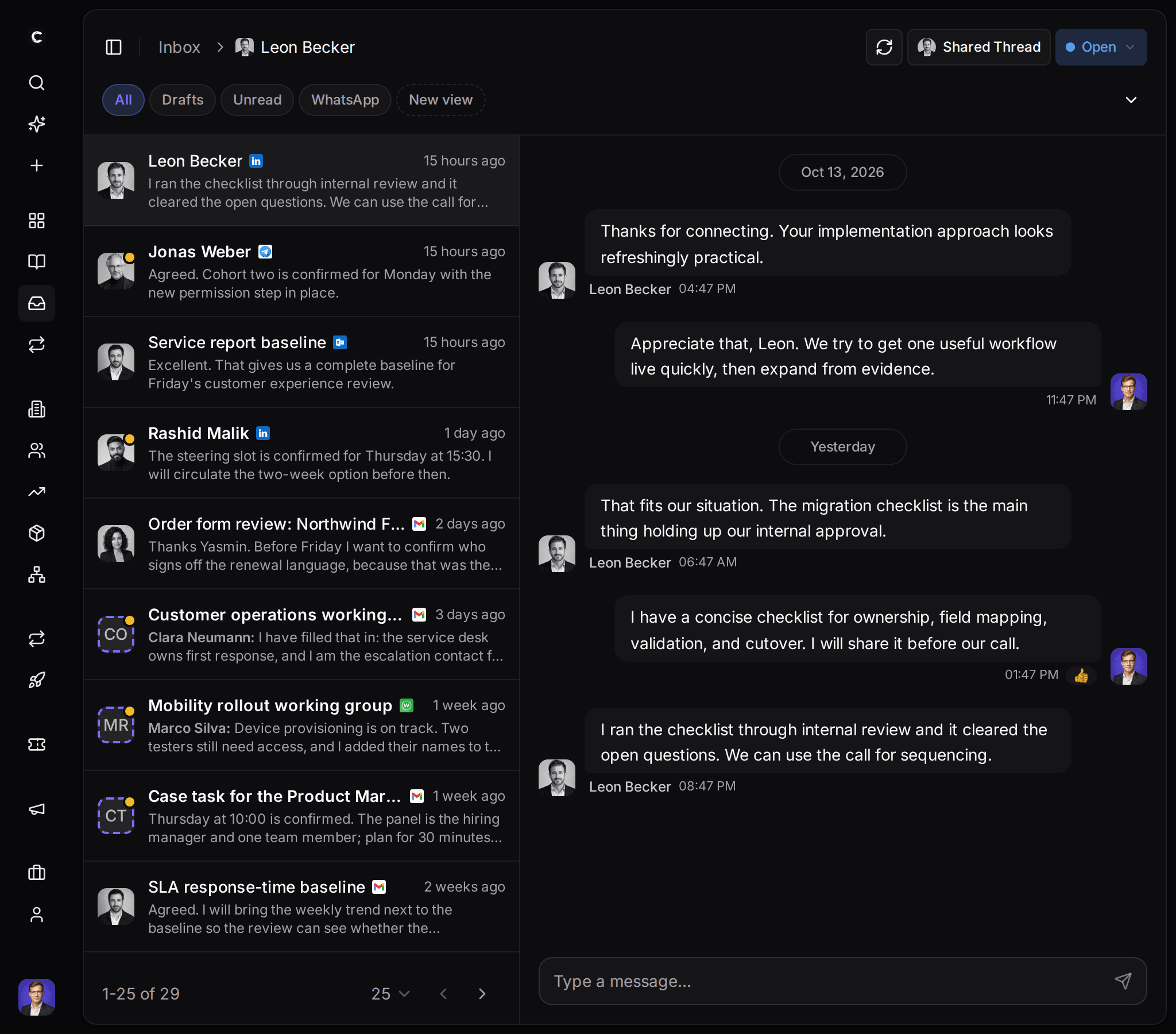
Unified inbox

Every channel, one customer story.

  • Supported channels, one inbox

    Email through Gmail, Outlook or IMAP, LinkedIn including supported Sales Navigator and Recruiter chats, WhatsApp, Instagram and Telegram. On Customermates Cloud from Pro; Starter and self-hosted instances have no connected accounts.

  • Matched to the right person

    A thread appears on the contact whose email address, phone number or LinkedIn profile matches. Linking it to a deal or organization is an explicit step, by you or by Mate.

  • Shared the way your team works

    On Pro, each person works in their own accounts and can share single threads. Business and up can share a whole connected account with the team.

Human control

Replies drafted, ready for your review.

A draft waits in the conversation until you edit or send it. On Customermates Cloud, a routine can prepare drafts every morning, so replies are ready when you open the inbox.

Your own AI

Use Claude or ChatGPT with your CRM.

mcp.jsonCursor
{  "customermates": {    "url": "https://customermates.com/api/v1/mcp",    "headers": {      "x-api-key": "YOUR_KEY"    }  }}
  1. Sign in with Google or email

    One click. No email verification loop. You are inside Customermates.

  2. Add Customermates to Claude or ChatGPT

    Add a custom connector, paste the Customermates MCP endpoint URL and sign in. The client and model have their own setup, subscription, and data handling.

  3. Or use an API key in command-line and editor clients

    For clients such as Claude Code, Codex or Cursor, create an API key in Customermates, keep it secret and add a short JSON block to the client's MCP config.

  4. Ask your AI client about your CRM data

    The client uses the MCP tools Customermates exposes, within your permissions, on every plan and on self-hosted instances. Check its changes in the CRM; whether the client asks before acting depends on the client.

Pipeline and reporting

See the real value behind every move.

With deals, notes and linked conversations on the same records, the pipeline and the dashboard stay close to where things really stand.

  • Table and Kanban views
  • Deal value and weighted value by stage probability
  • Dashboards built from your own data
Pipeline. Stage, deal value, company, owner and close date on every card.
Dashboard. Widgets for deal value, pipeline, recent changes, messages and events.

Routines

Recurring work, prepared before you start.

On Customermates Cloud, routines run Mate on a schedule or when something changes, like a Monday pipeline summary, reply drafts for new emails, or a check for duplicate records. Each run uses hosted AI credits from your plan's allowance, and routines are not available on self-hosted instances.

  • On a schedule, like every Monday at 8:00
  • Or when a record or message changes
  • Each routine runs as its owner, within their permissions

Guided walkthrough00:57

See how the workflow fits together.

The 57-second overview connects the main product surfaces and explains the broader workflow at a glance.

What the workspace covers

Configurable customer records, supported conversations and open interfaces. The inbox and Mate run on Customermates Cloud; the core CRM is also self-hostable.

Why Customermates

Customer context

Supported conversations beside contacts, linked records and notes.

  • Unified Inbox
  • Contacts & Organizations
  • Deals
  • Linked CRM Records

Flexible workflows

Lists, fields and views you configure.

  • Pipeline Views
  • Tasks & Custom Dates
  • Filters & Segments
  • Custom Fields

External AI

External AI clients work through allowed MCP operations.

  • External AI Clients Operate the CRM

Reporting

CRM data as dashboards, widgets, and grouped views.

  • Report & Statistics

Open interfaces

REST, webhooks, and your separately operated n8n.

  • Webhooks & Events
  • API Access
  • Connect Your n8n Instance
  • REST API Access

Control & deployment

Roles, managed cloud, or a self-hosted core.

  • Permissions
  • Managed Cloud & Frankfurt Database
  • Open Source Core & Self-Hosting

Pricing

Simple, honest, European

Transparent tiers, no hidden costs. Self-host the AGPL core for free; external services stay separate. Or start on Cloud with no credit card.

EU database region; no certification claimTransparent tiersOpen coreCancel anytime

Self-Hosted

Run the AGPL core app and PostgreSQL on your server with Docker Compose at Starter scope, without the inbox and hosted AI. External services stay separate.

Free coreunder AGPL

Download
  • Workspace users
  • Core CRM records
  • Documented API, MCP & webhook interfaces
  • Interfaces for a separate n8n instance
  • Community support

Cloud

Popular

Managed for you; database in an EU region. Other providers may process data elsewhere.

from €12/ user / month

Start freeCompare plans
  • Starter: the core CRM
  • Pro: unified inbox, 1 connected account per user
  • Business: 3 accounts per user, whole-account inbox sharing & priority support

FAQ

Frequently asked questions

Can't find what you need? Contact us →

What is an AI-native CRM?
A CRM built for AI agents from the start. In Customermates, conversations and records share one context. Mate, the AI agent in Customermates Cloud, works within your plan's credits; your own Claude, ChatGPT, or Cursor connects through MCP on every plan. Both read that context within your permissions, draft replies, and update records. Mate also runs routines on a schedule or trigger. Drafts wait for your review, and the core is open source.
Who is Customermates for?
Small client-facing teams: small businesses, consultants, agencies, freelancers and startups. It also fits by workflow: client management, a sales pipeline, LinkedIn conversations or WhatsApp customer contact. Each of these has its own page under Solutions and an example workspace with sample data you can explore. The example lists show one way to configure Customermates; your own workspace starts empty and holds the lists you create.
How is Customermates different from other CRMs?
It is not the right fit for everyone, but it is different in ways that matter to small client-facing teams. External AI clients such as Claude, ChatGPT or Cursor operate the CRM directly through MCP with 57 tools. On Customermates Cloud from Pro, email, LinkedIn, WhatsApp, Instagram and Telegram conversations sit next to the contact in one unified inbox. The core is open source (AGPL-3.0) and can be self-hosted, and the managed cloud database runs in the AWS Frankfurt region. If you need marketing automation, sequences, quotes or invoicing, a larger suite fits better.
Which features need which plan?
Core CRM, MCP, REST API, webhooks and the n8n node are in every plan, including self-hosting. The inbox is on Customermates Cloud from Pro: on Pro you connect your own accounts and share single threads; sharing a whole connected account with the team needs Business, Max or Enterprise. Mate, routines and AI setup run on Customermates Cloud only, within each plan's credits. A self-hosted instance has the Starter feature set without the inbox, Mate or AI setup.
How does the integration with n8n work?
Use the REST API and webhooks, or the published community node, to connect an n8n instance you operate or subscribe to. n8n is a separate product and is not bundled with Customermates.
How do I set up my workspace?
A new workspace starts without lists. On Customermates Cloud, AI setup builds lists, stages, a dashboard and Knowledge Base pages from your description once at onboarding, within a credit cap; you can skip it and start with an empty workspace. Otherwise people with Configure rights create lists and fields in Configure and import records from an Excel workbook. Migration, external-client setup, and integration effort depend on your source data and systems.
Where is my data stored?
The managed database runs in the AWS Frankfurt region, while application hosting and other providers, including US providers, are listed on our Subprocessors page. You can self-host the AGPL core CRM application and PostgreSQL with the Starter feature set; the unified inbox, calendar view, AI setup, Mate and Routines remain managed-cloud features, and connected providers remain separate.
Why is your CRM cheaper than others?
We have no investors to pay back and run a lean team, so we do not need enterprise-style pricing. There is one monthly price per seat, starting at €12 on Starter, and every core CRM feature is included from Starter. The core is open source, so you can also self-host it. Mate and Routines use the hosted AI credits included in each cloud plan. External AI clients, automation tools, and messaging providers you connect keep their own subscriptions and usage costs.

Customermates

Ready to get started?

Explore an example small-business workspace with sample data, or start your own trial on Customermates Cloud. Your workspace starts empty, and AI setup or Configure builds the lists you need.

✓ No credit card required ✓ First 7 days free