

For founder-led B2B startups
The CRM for founder-led sales that keeps every prospect conversation moving.
Prospects, contacts and the LinkedIn and email threads behind them in one workspace. Mate, or your own AI client through MCP, drafts the reply and the next step, and you review and send it.
No credit card · Keep your current tools · Pro from €29 per person/month
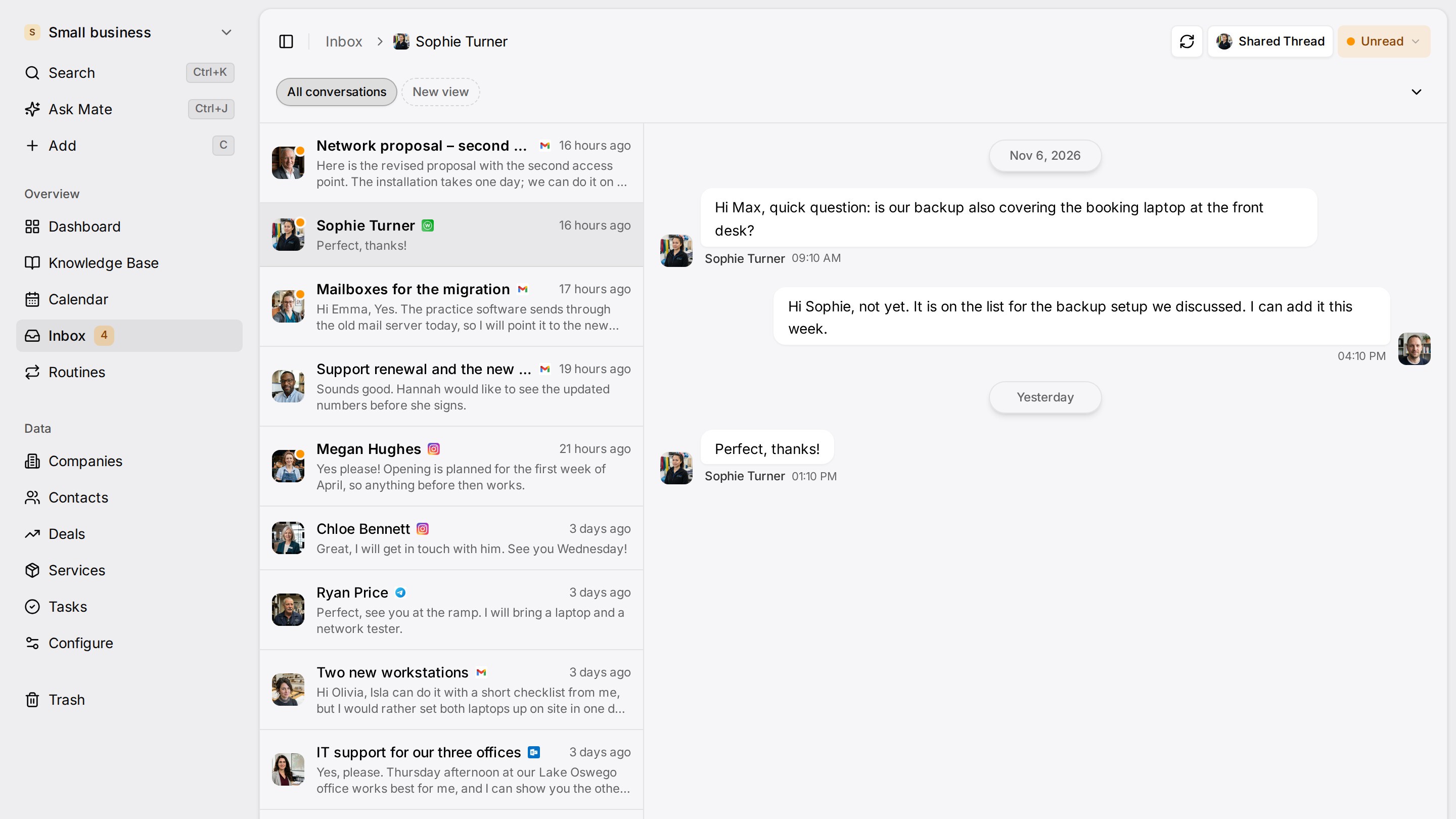
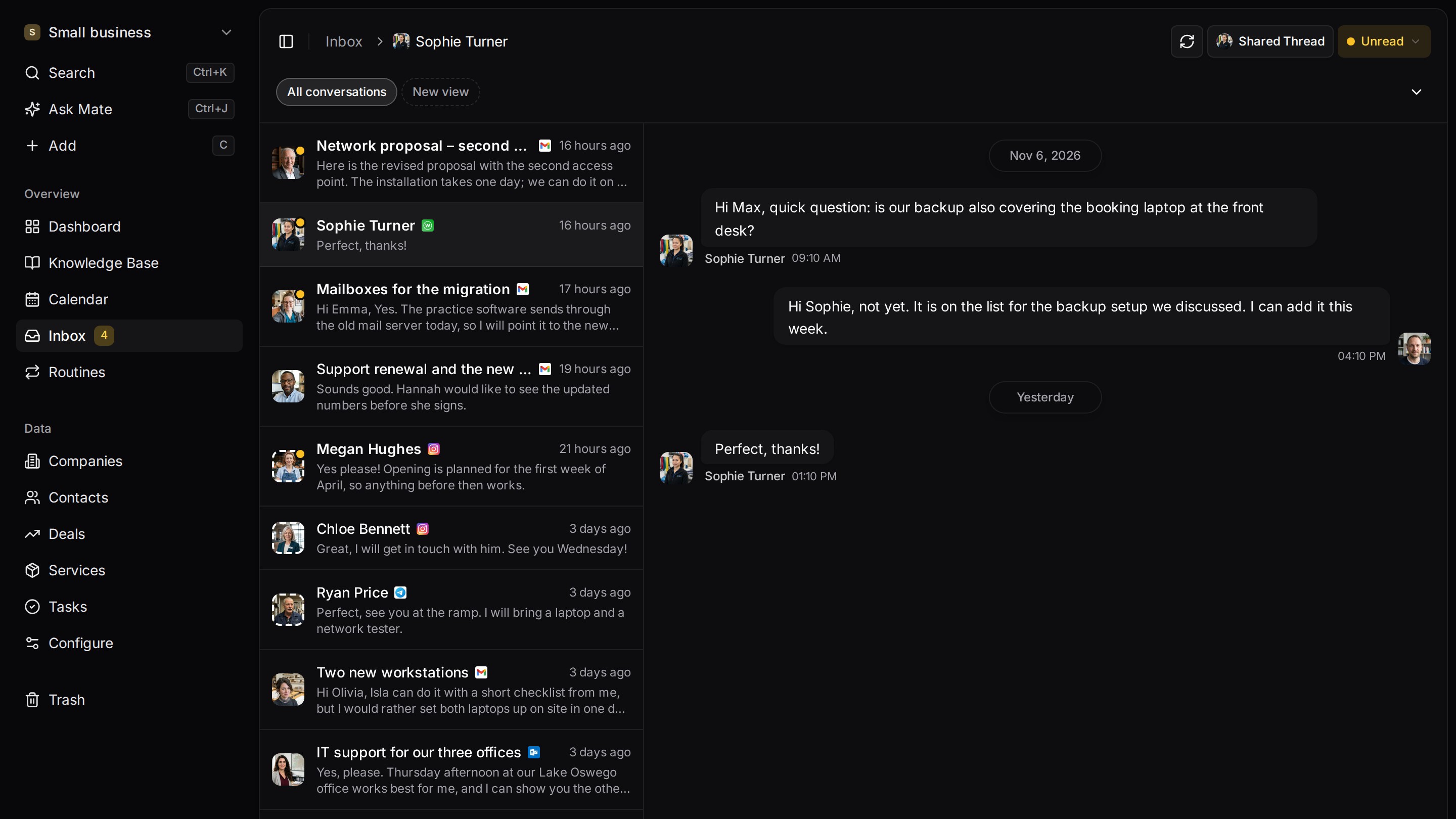
Every client conversation from email, LinkedIn and WhatsApp in one place. Mate sets up your workspace and drafts the follow-up, you review and send. Works with Claude, ChatGPT or any agent that speaks MCP.
Ways you can use it
For founders. Four jobs, one workspace.
- Follow up before a prospect goes quietSort opportunities by their next-step date, so the follow-up promised after a call is on your list.See follow-up
- Prepare for a prospect conversationOpen a prospect and see the contacts, the last conversation and the next step before the call.See sales
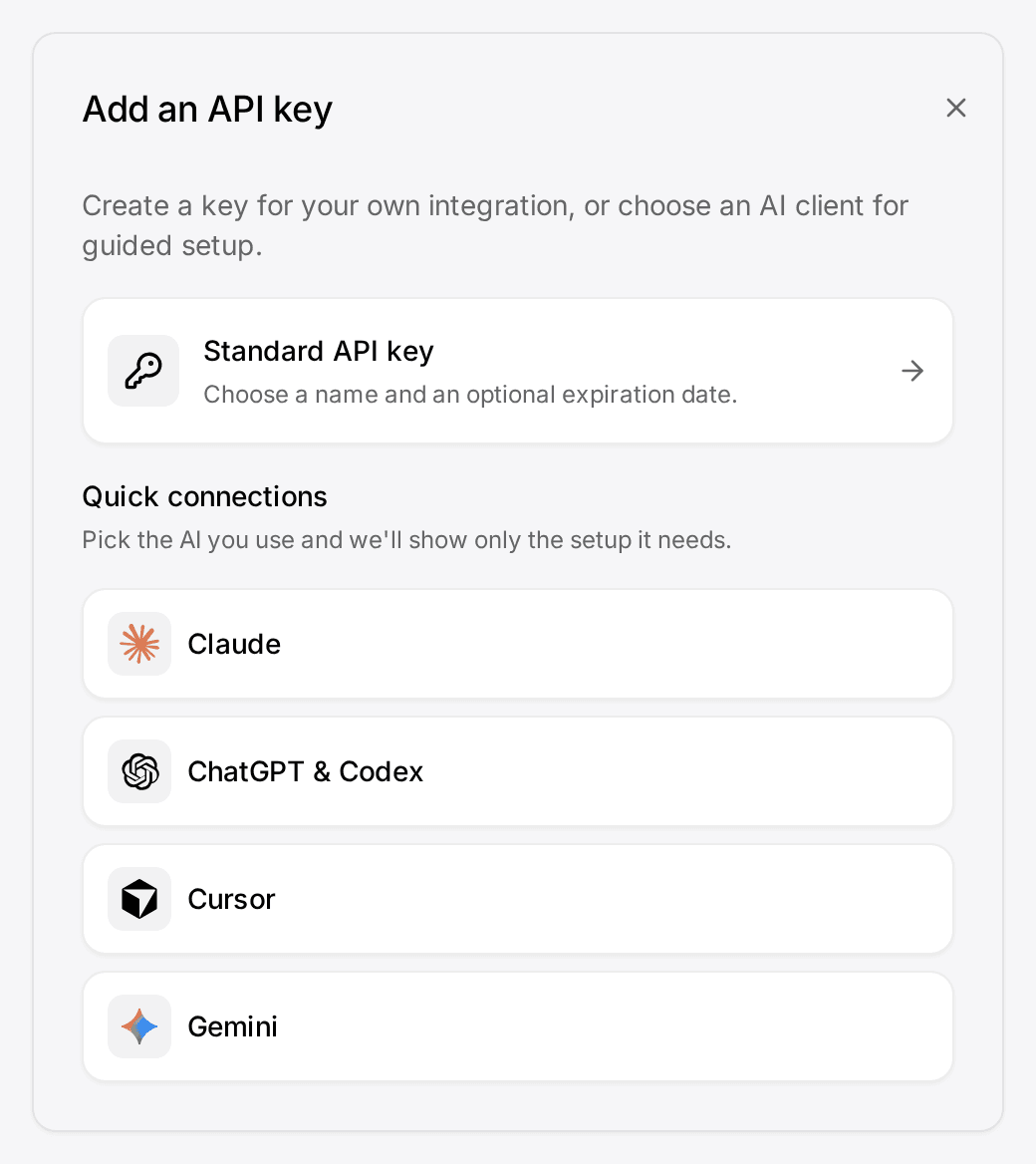
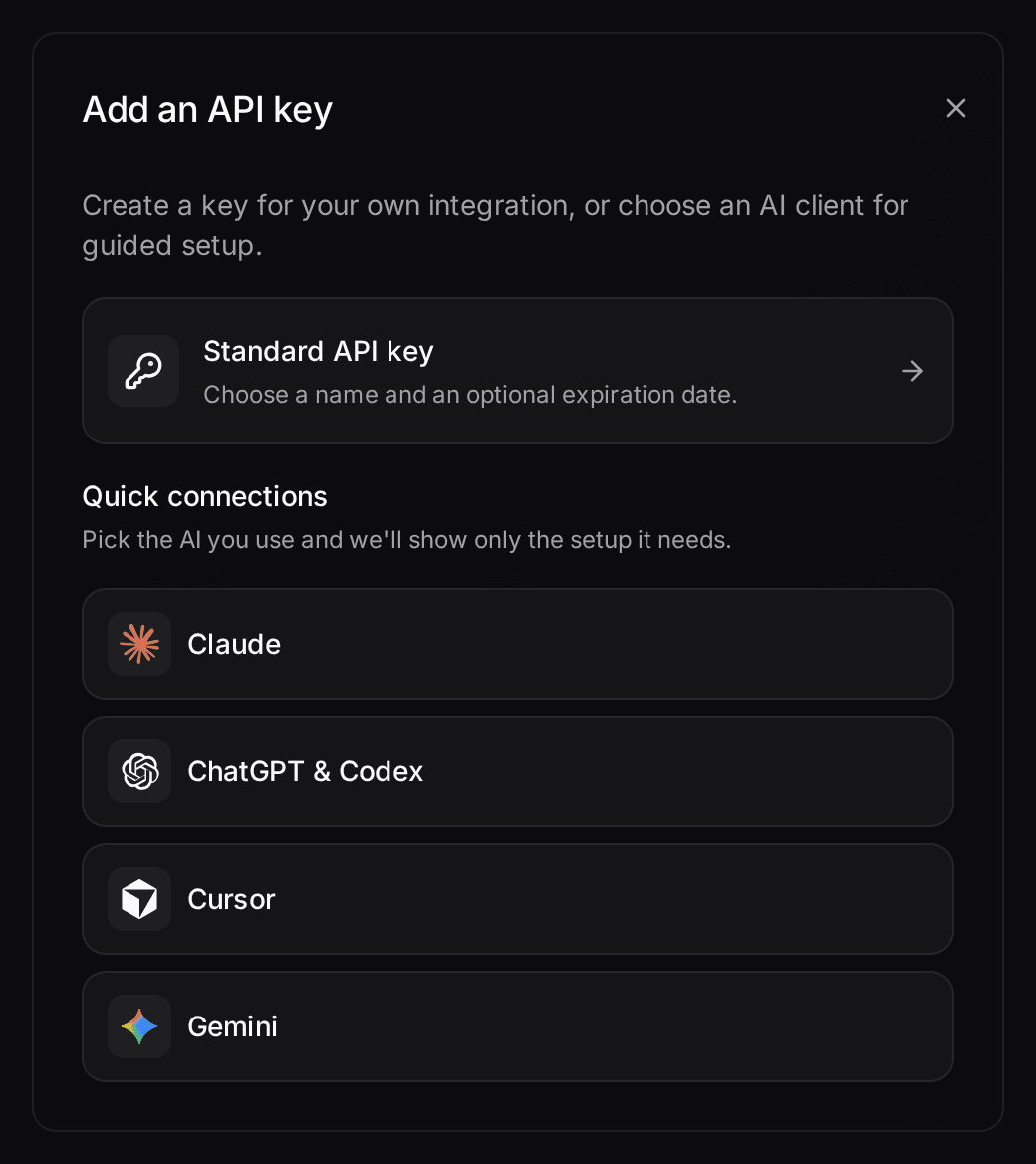
- Your own AI client through MCPLet Claude, ChatGPT or Cursor read or update the records you permit through MCP.Connect your agent
- Hand deals to your first sales hireDeals, contacts and next steps are already in one workspace when your first salesperson joins.See the pipeline
Start from one description
Your sales motion, described once. Built for you.
AI setup asks a few questions and builds prospects, opportunities, your pipeline and your playbook. This is the founder-sales example; click around.
Describe your business
One sentence about your team, your clients and how you sell.
Mate builds it
It asks a few questions, then creates the lists, pipeline, dashboard and playbook.
Work in it
Connect LinkedIn and email. Click through a finished example below.
We're two founders selling a B2B product. Track prospects, pilots and investors, and help us follow up before a pilot goes quiet.
- Mate
- Claude
- ChatGPT
- Cursor

 Mate
 Claude
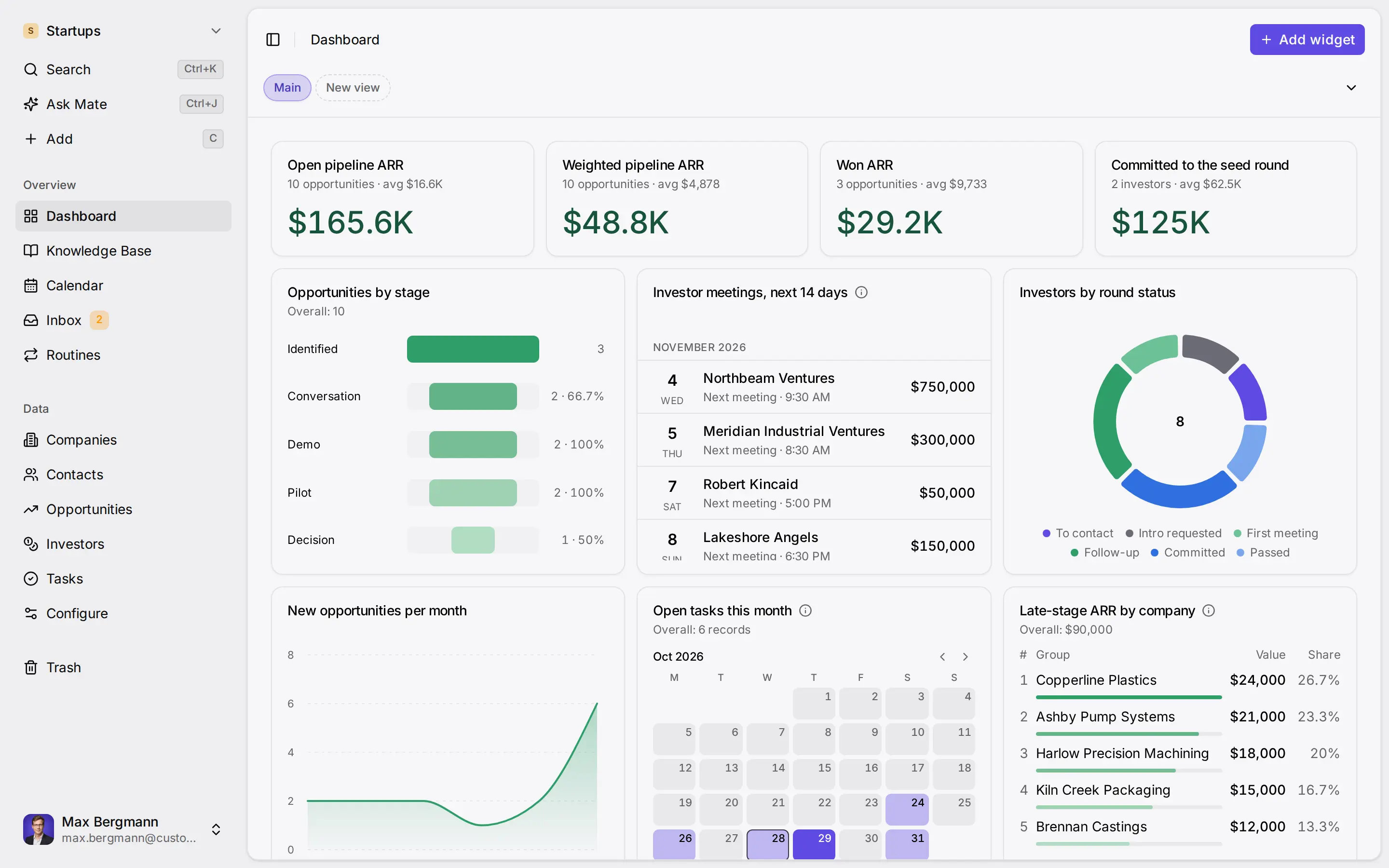
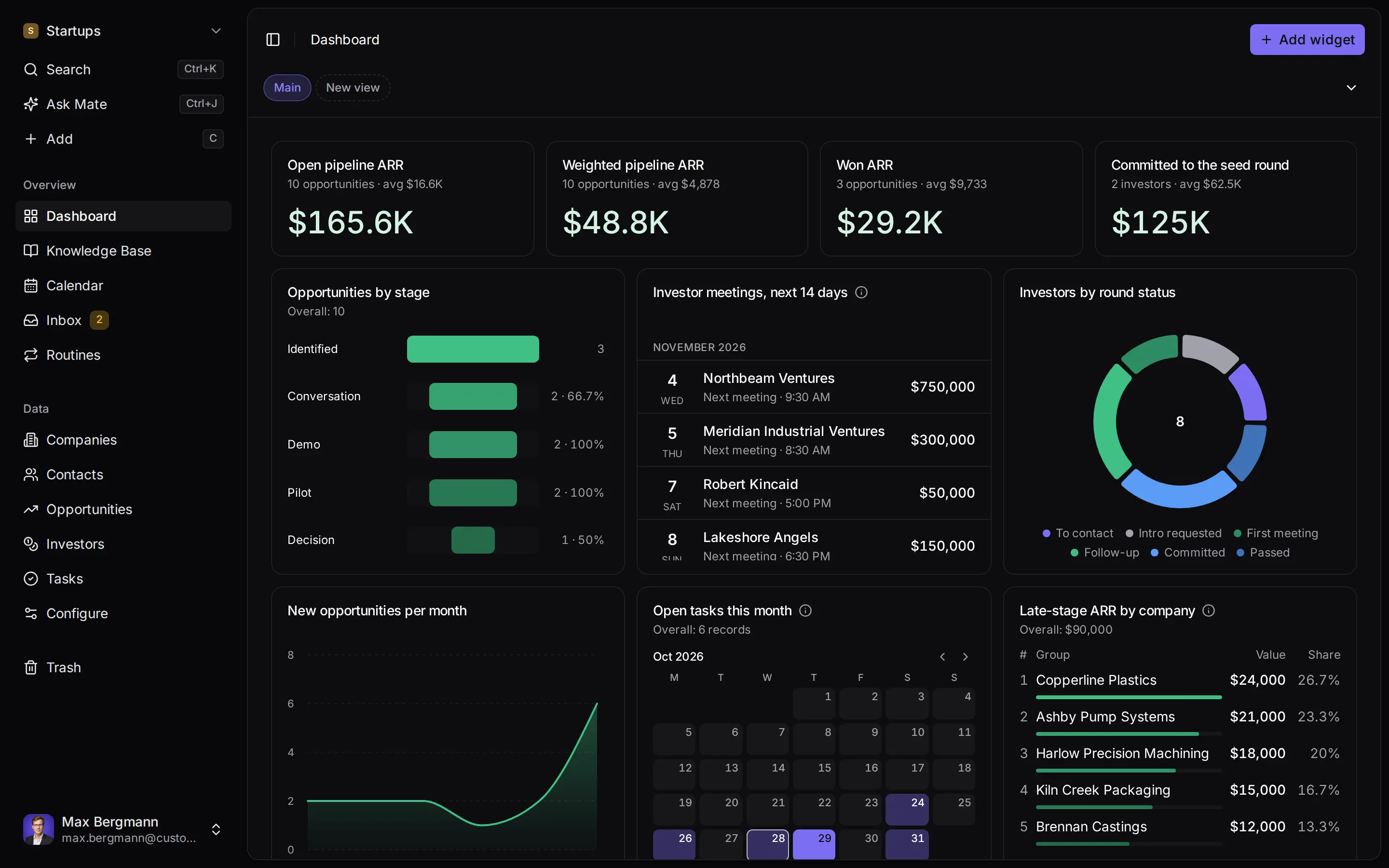
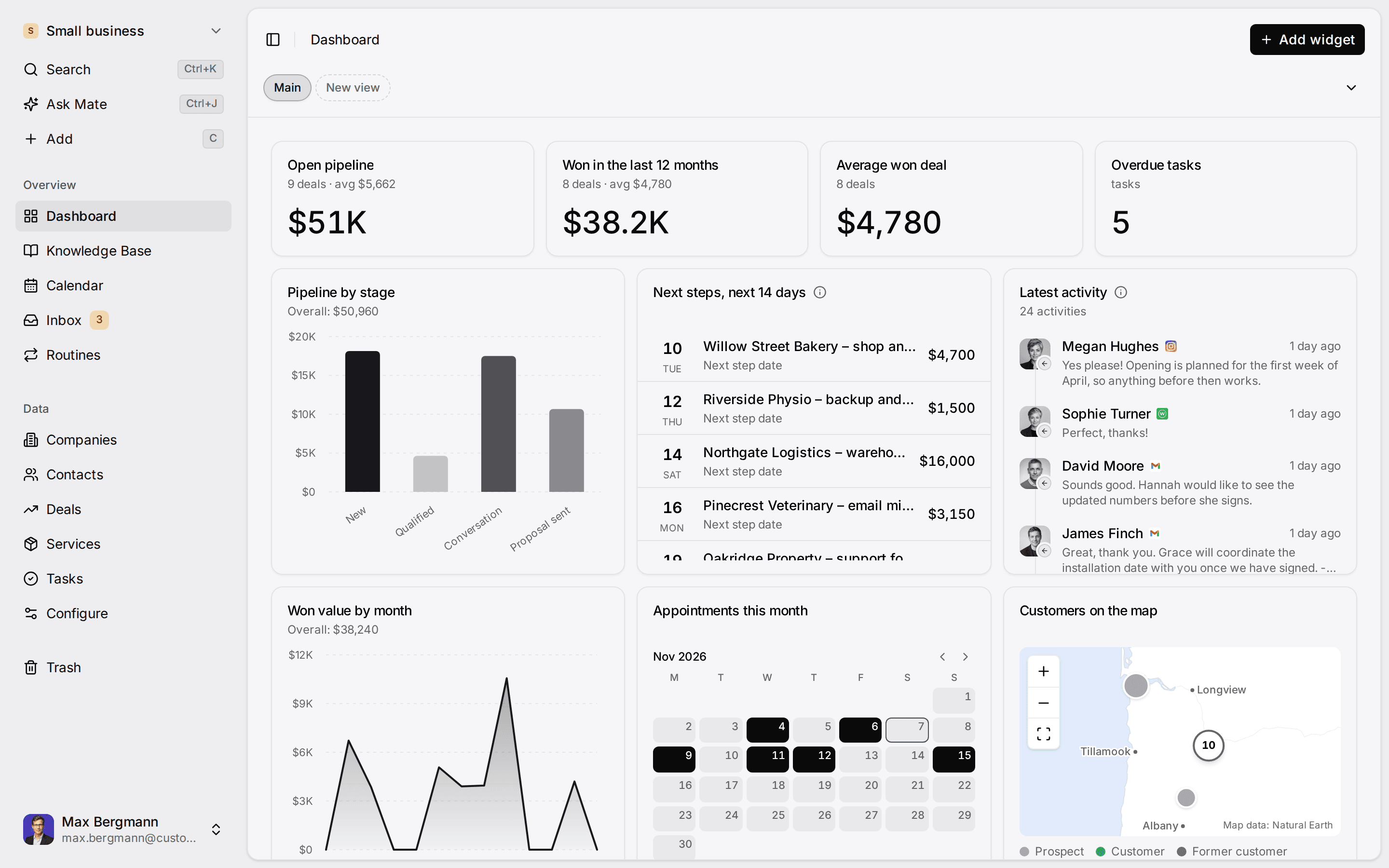
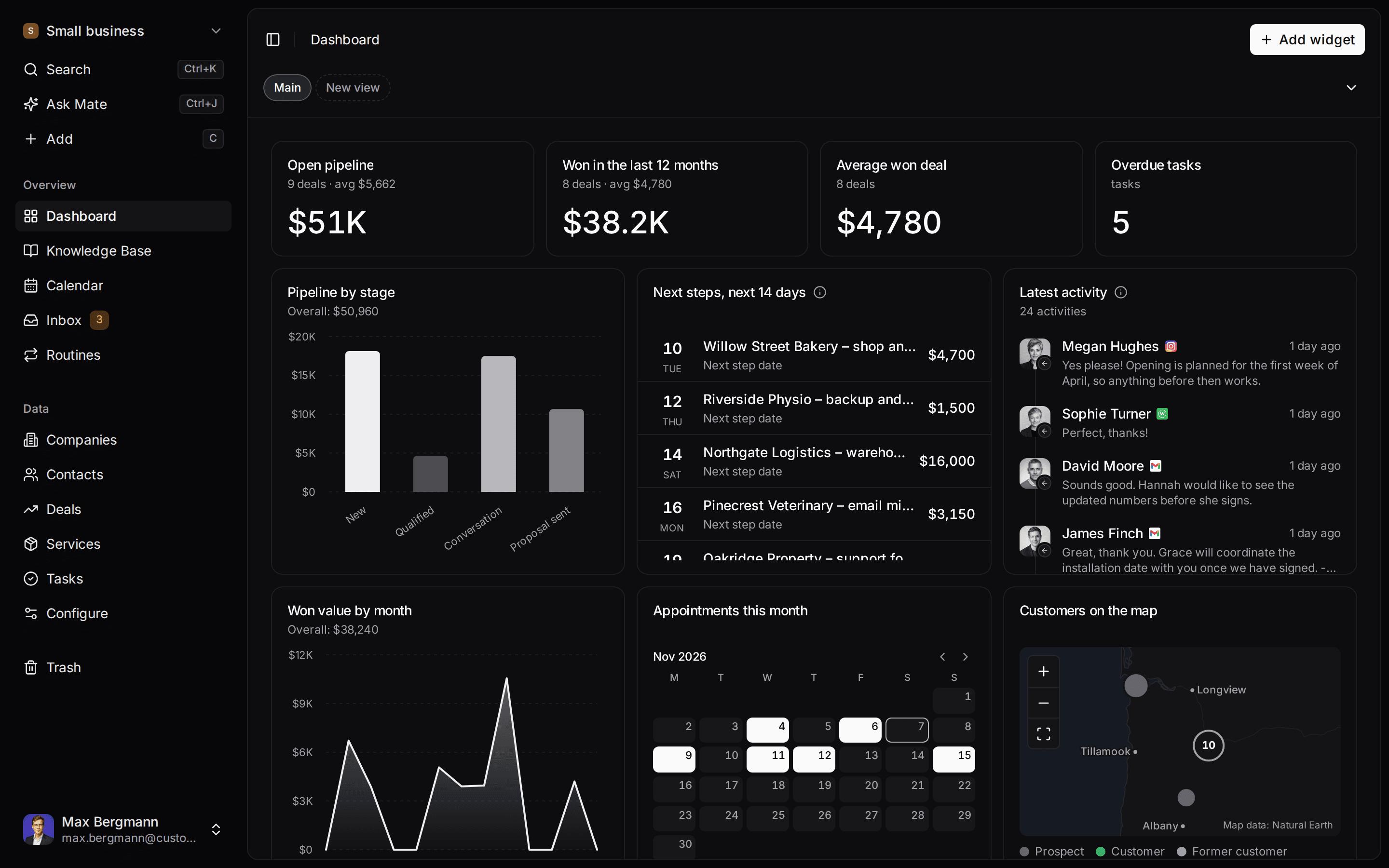
Widgets built from the workspace's own lists and fields
A Thursday message, handled
A prospect asks for security answers before Friday's review. The reply and the next step wait for your review.
The LinkedIn thread sits on the prospect. Mate drafts the reply from your sales playbook, dates the next step and leaves the draft for your review.

Elena Marsh
Fieldwork Analytics · LinkedIn
Drafting a reply from your sales playbookDraft, waiting for your review
Hi Elena, thanks. I will send the security answers tomorrow morning, together with the pilot scope we discussed. Best, Jonas
Draft saved. Next step added to your dashboard.
What changes
Before and after. Same prospects, each with a next step.
Before
- Prospects tracked across two inboxes and a spreadsheet
- The promised follow-up depends on who remembers
- A new sales hire starts from zero
With Customermates
- Every open opportunity has a next step with a date
- Conversations and the next step sit on the prospect
- The first sales hire inherits the history
How you start
Three steps. To your first follow-up.
- 01
Describe how you sell
AI setup builds prospects, opportunities, your pipeline and your playbook from one description and a few answers.
- 02
Connect LinkedIn or email
Threads land on the prospect whose email address or LinkedIn profile matches. On Pro, one connected account per person.
- 03
Review follow-ups from your dashboard
Mate or your own AI client drafts the reply and dates the next step, when you ask or on a routine you set. You edit, send or skip.
Pricing
Pro covers it. €29 per person per month.
A first sales hire answering from a shared sales mailbox needs Business at €69. Your own Claude or ChatGPT subscription stays with its provider.
Not a fit if you need lead enrichment, sequences, calling or a fundraising platform. Those stay in other tools.
In an early B2B startup, the founders are the sales team. Deals start with a warm intro, a LinkedIn message or a conversation at an event, and the context lives in two inboxes and a spreadsheet. A CRM for startups is useful once the second person talks to customers, or the first time a promised follow-up slips. Customermates is an open-source, AI-native CRM made in Germany. It keeps prospect organizations, contacts, sales opportunities and the next step in one configurable workspace, and an AI client you already use can read or update the records it is allowed to see. From Pro on Customermates Cloud, the LinkedIn and email threads sit on the prospect, and Mate or your own AI client through MCP drafts the reply and the next step for you to review, edit and send. It does not find leads for you, enrich them or send outbound on your behalf.
Founder-led B2B startups that win customers one conversation at a time, from two founders to the first sales hire.
Companies, Contacts, Opportunities, Investors and Tasks, with sample data. Your own workspace starts without lists.
MCP on every plan for Claude, ChatGPT, Gemini, Cursor and other clients. Mate, the hosted assistant, on Customermates Cloud within plan credits.
Lead enrichment, lead scoring, sequences, automated outbound, predictive forecasting, calling, web forms and a fundraising platform.
What founder-led sales needs from a CRM
- One view of who is in play. Which companies are you talking to, who is the champion, and what was promised in the last call.
- A next step on every open opportunity. Founder-led deals rarely die from a "no". They die because nobody followed up while the product team needed attention.
- A handover that does not start from zero. When the first sales hire joins, they need the history of each opportunity, not a week of calls.
- A process you can change after a pivot. Stages, fields and list names change with what you sell.
- Access for the AI tools you already use. A founder who works in Claude or ChatGPT should be able to look up a prospect or record a meeting outcome from there.
The example founder sales workspace
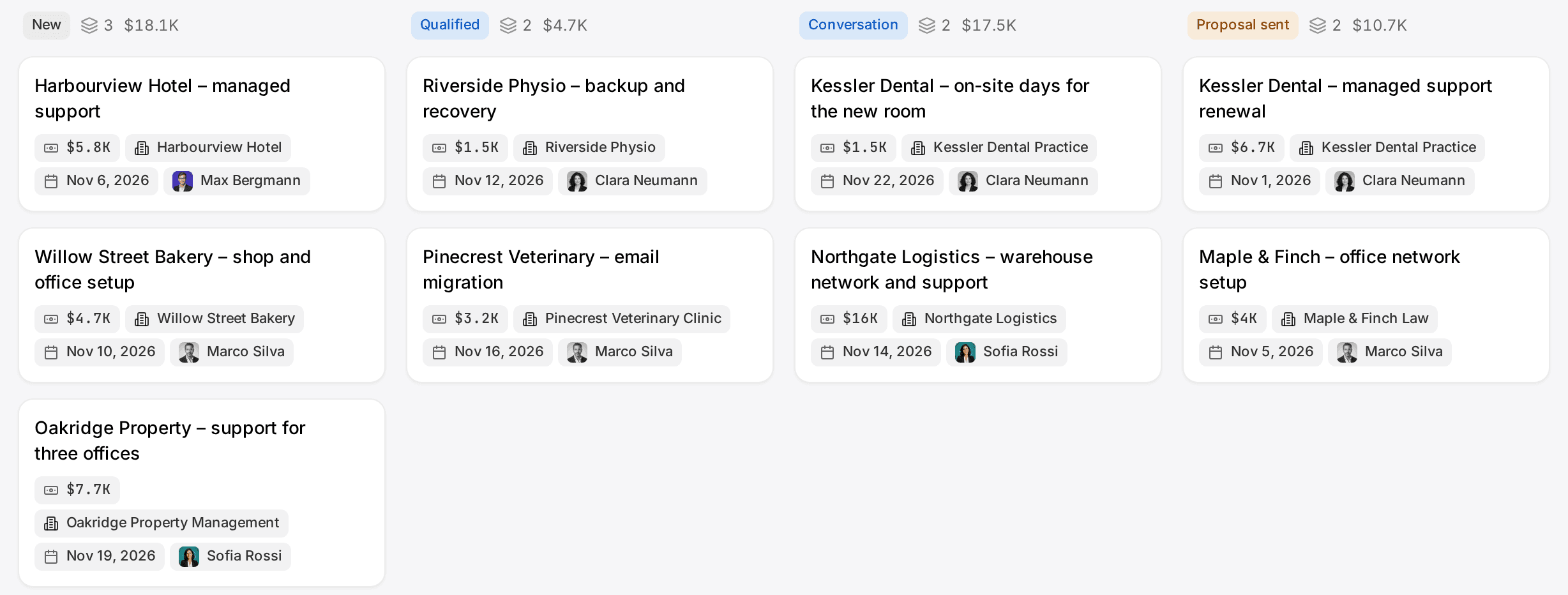
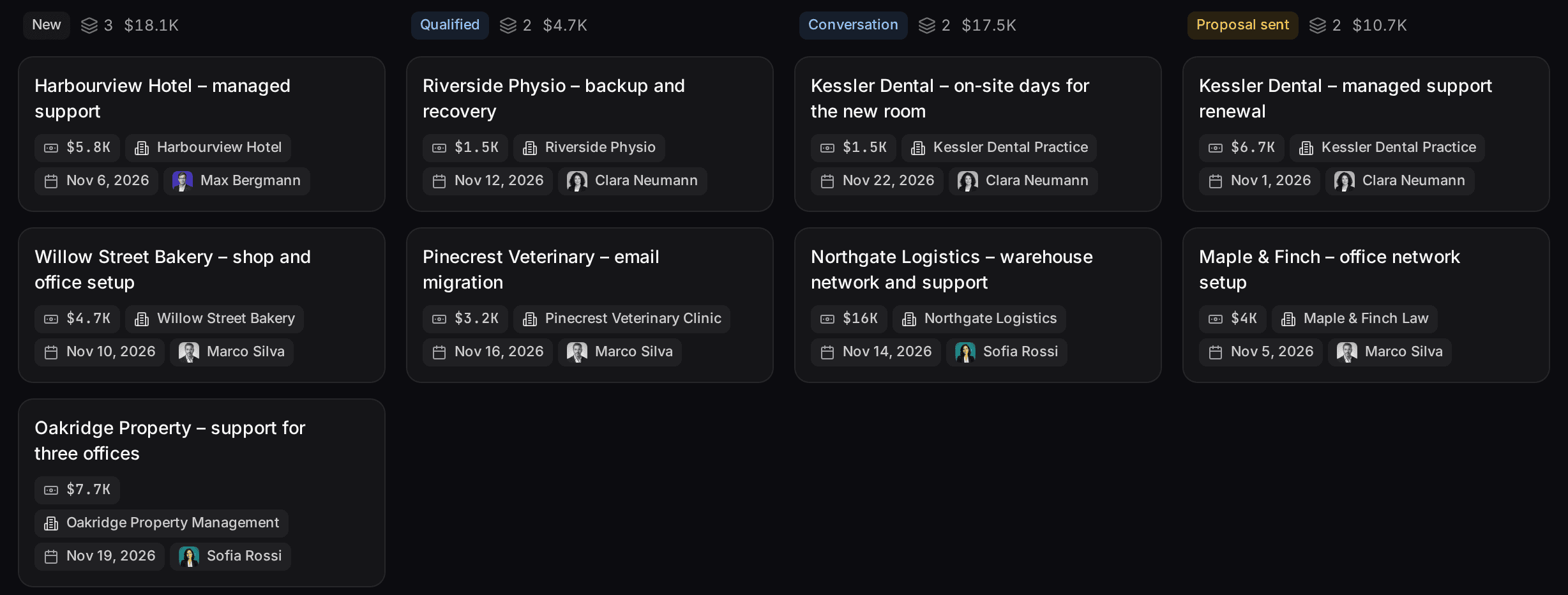
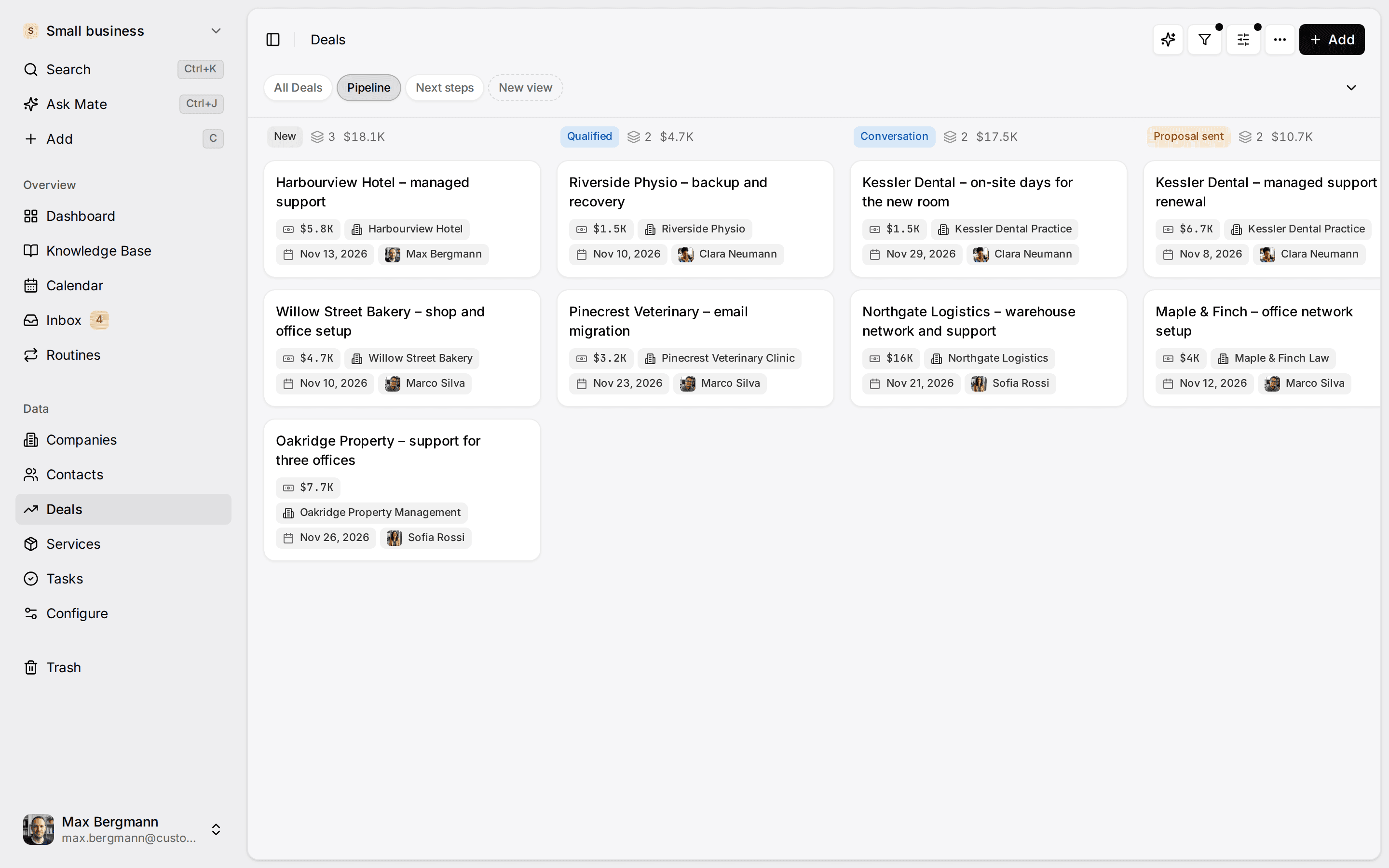
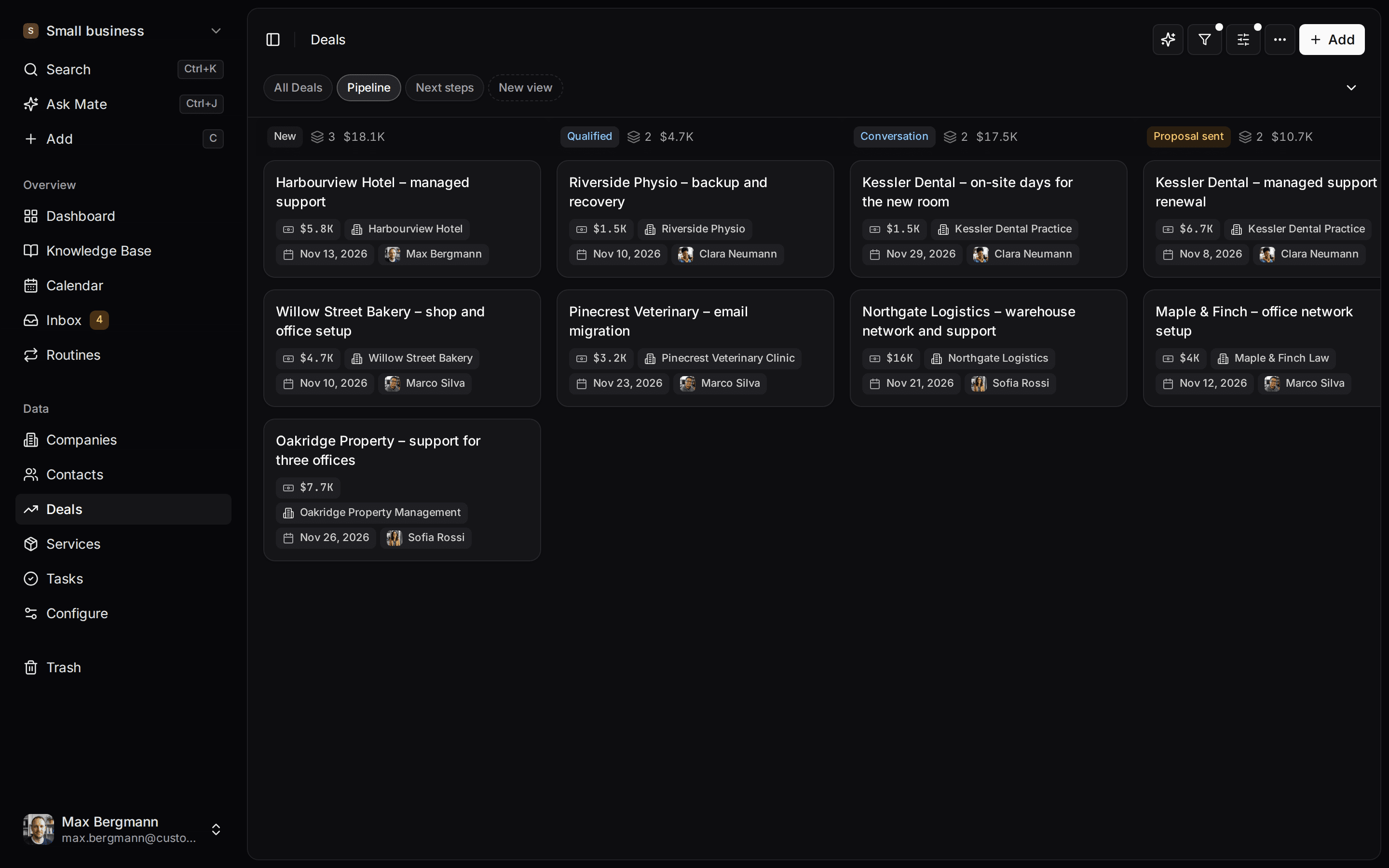
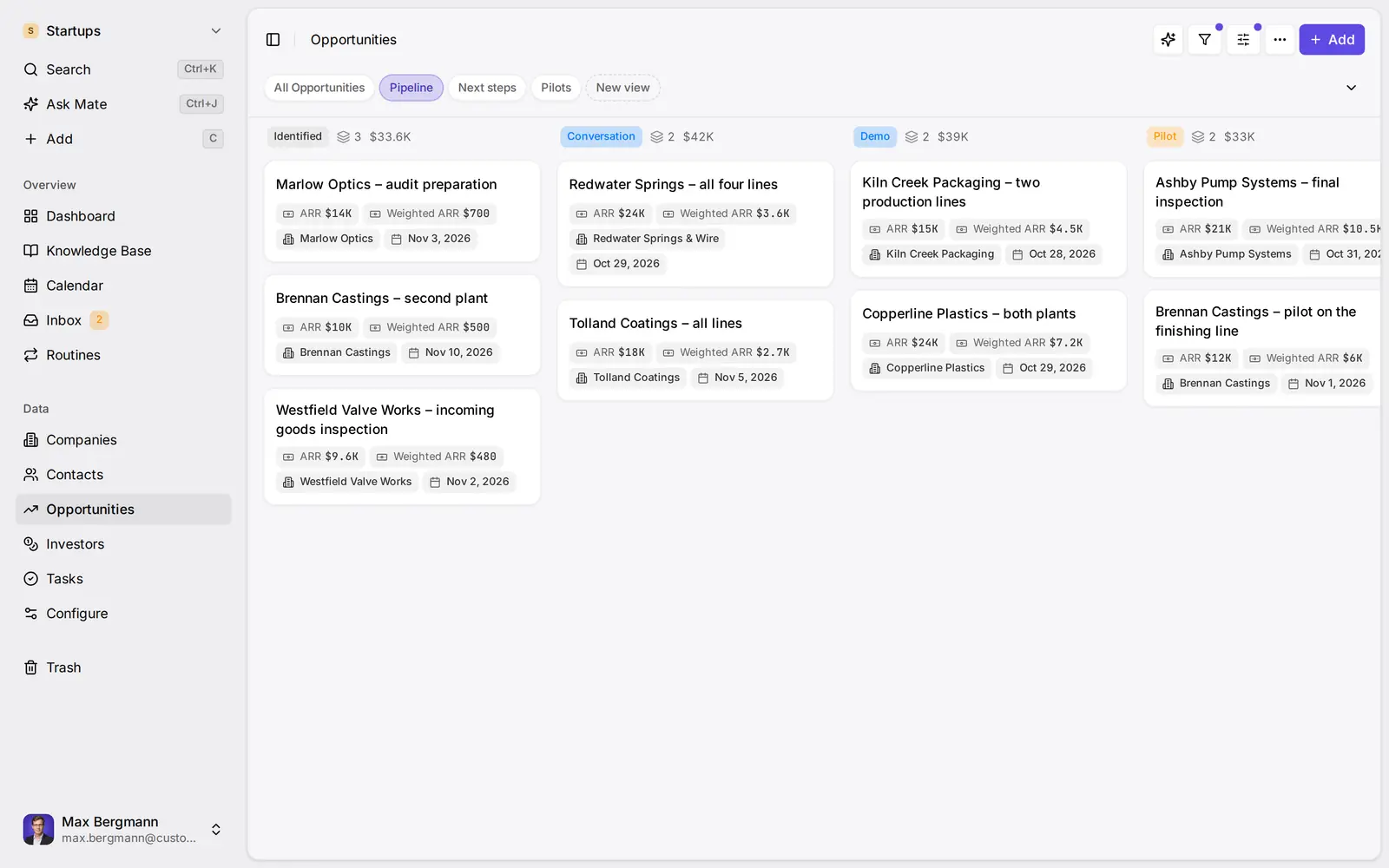
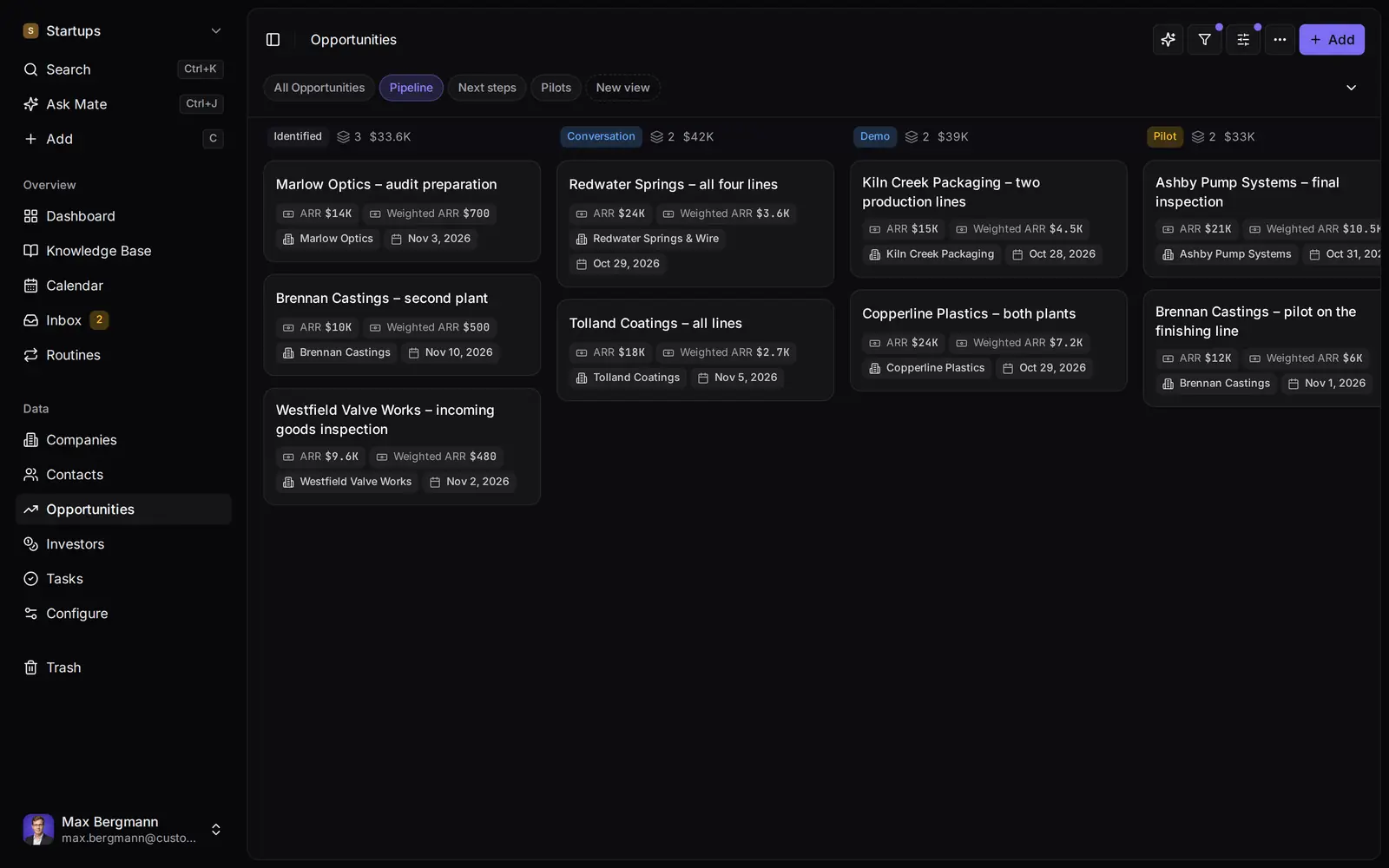
The demo opens an example workspace with sample data, not a customer's account. It starts on a compact sales dashboard and a board of opportunities. The lists:
- Companies: the companies you sell to.
- Contacts: champions, decision makers and the people who introduced you.
- Opportunities: each potential deal, moving through Identified, Conversation, Demo, Pilot, Decision, Won and Lost. Its value is calculated from production lines times the price per line and year, the annual recurring revenue if it closes.
- Investors: angels and funds you talk to about the seed round, kept as ordinary records with ticket size and round status, and shown on a separate Seed round board.
- Tasks: concrete commitments such as "send the security questionnaire", linked to an opportunity.
Investors are a list like any other. They are not a fundraising platform, an investor database or deal sourcing, and they have no cap table or data room. Keeping them in a separate list means they never mix with the sales numbers on the board.
Opportunities and investors keep their documents, such as a pilot agreement or a draft term sheet, in a File field. A Pilots calendar view shows each pilot period, the Calendar page puts investor meetings, pilot periods and expected closes on one month, and the dashboard lists the investor meetings of the coming 14 days.
Pipeline
Context
Investors
AI access
Prepare for a prospect conversation
Before a call, open the company: its contacts, the open opportunity and its stage, your notes from the last conversation and, on Customermates Cloud from Pro, the email or LinkedIn threads you linked to it. Each stage can carry a win probability, so the pipeline board shows value next to weighted value. That is weighting with your own percentages, useful in an investor update if you state the method, but it is not predictive forecasting, conversion analytics or pipeline velocity.
Add the prospect
Create the organization and the people you are talking to, with their email or LinkedIn identity in the Contact details field.
Open a sales opportunity
Link it to the organization and its contacts, set the stage and add a value if you know one.
Prepare the call
Read the opportunity, its notes and linked conversations, or ask your AI client to summarize the record through MCP.
Record the outcome
Move the stage, add a note and set the next step in a date field you configure, by hand or through your AI client.
Review the board weekly
Sort by the next-step date, follow up on what is due and close what has gone quiet.
Your own AI client through MCP
Customermates has an MCP endpoint on every plan, including self-hosted installations. Connect Claude, ChatGPT, Gemini, Cursor or another client, and it uses your own AI provider, which bills the model use.
A typical use for a founder: in Claude, ask which stage your opportunity with a prospect is in and who the champion is. The client reads the opportunity and the linked contact through MCP. After the call, ask it to move the opportunity to Pilot and add a note with the agreed next step. The client updates that record, and you see the change in Customermates.
What the client can do is limited by your role and permissions: it sees and changes only what you could see and change in the app. Treat it like any tool with write access. An MCP client may ask you to confirm before deleting or sending, but that is the client's behaviour, not a check in Customermates, so review what you ask it to do. Deleted records go to Trash for 30 days; other changes are not undone automatically.
Conversations and Mate on Customermates Cloud
The unified inbox brings email from Gmail, Outlook or IMAP together with LinkedIn, WhatsApp, Instagram and Telegram. It is part of Customermates Cloud only, and the plan decides what you can connect:
- Starter and self-hosted: no connected messaging accounts.
- Pro: each person's own accounts, with 1 connected account per user included, plus threads shared individually with a co-founder.
- Business, Max or Enterprise: needed to share a whole account, for example a sales mailbox the first hire also replies from.
Participants are matched to contacts by email, phone or LinkedIn identity. A conversation is linked to an opportunity or organization only when a person, or an agent you ask, links it; it is never filed automatically.
Mate, the assistant inside Customermates Cloud, can summarize an opportunity, update records and draft replies. It works on every paid cloud plan within your plan's hosted AI credits and is disabled in self-hosting. Mate updates records and sends messages as soon as you ask; only deletions, imports, access changes and destructive data-model changes stop for your approval. A draft waits until you edit or send it, so ask for drafts when you want to review first. A routine runs a saved instruction on a schedule or when a record changes, owned by one user and limited to what that user sees.
Handing deals to the first sales hire
Assign the new hire to the opportunities they take over and filter by assigned user. A custom role can limit their read access to assigned records on prospects, contacts and opportunities. Two limits to know: a shared view is read-only for colleagues, and there are no field-level permissions. Conversations from a founder's own account stay private until the founder shares a thread, or the whole account on Business or higher.
Integrations
Every plan, self-hosted included, has a REST API; webhooks and the n8n triggers that use them come with every paid plan and self-hosting. Your product can create a contact when someone signs up, and a webhook on an opportunity change can notify a separately run n8n workflow or a Slack incoming webhook; there is no native Slack app. The integrations page lists what connects.
What Customermates does not do for startups
- No lead enrichment, lead scoring or prospect database.
- No sequences, drip campaigns, bulk messaging or automated outbound.
- No predictive forecasting; weighted value is your own stage percentages.
- No calling, SMS, web forms, calendar booking or native mobile apps.
- No fundraising platform, cap table or data room.
- No startup discount. The free plan stops at 1 person and 250 records, without the inbox or Mate.
If one of these is what you need, look at a tool built for it. Customermates publishes this page, so read the table as pointers, not a ranking. Vendor details were checked on 8 October 2026 on each vendor's own website.
| If you need | Look at | What the vendor's site lists |
|---|---|---|
| Calling and SMS as your main channel | Close | Calling and SMS on every plan, usage-based; Power Dialer and workflows from Growth |
| Email sequences and web forms | Pipedrive | Sequences from Growth; LeadBooster with web forms on Premium and Ultimate |
| A free start for two or three people | HubSpot free CRM, Attio | HubSpot: free for up to 2 users and 1,000 contacts. Attio: Free plan for up to 3 seats |
Setting up your own workspace
The demo lists are examples. A new workspace starts without lists. On Customermates Cloud, the AI workspace setup asks how you sell and builds lists, stages, a dashboard and Knowledge Base pages from your answers; it runs once during onboarding within a credit cap, and Start with an empty workspace skips it. Otherwise, someone with Data model rights creates the lists and fields in Data model and imports records from an Excel workbook, one list at a time. Imports cannot be undone, so start with a small file.
Pricing
Prices are per user per month, billed monthly in euros. The trial runs 14 days on Customermates Cloud without a credit card.
| Plan | Per user per month | For a startup |
|---|---|---|
| Starter | €12 | Lists, pipeline, REST, webhooks and MCP; no inbox |
| Pro | €29 | Adds each person's own connected accounts in the inbox |
| Business | €69 | Whole-account sharing and more Mate usage |
| Max | €149 | More Mate usage per user than Business |
Details are on the pricing page. The AGPL core can run on your own server without a licence fee; a self-hosted installation has the Starter feature set with REST, webhooks and MCP, but no inbox, no Mate and no AI workspace setup.
In Customermates Cloud, the primary database is in the AWS Frankfurt region. Subprocessors, US providers among them, are on the subprocessors page, and a data processing agreement is available. Customermates holds no certification such as ISO 27001 or SOC 2, which matters if an enterprise customer's security questionnaire asks about your vendors.
Frequently asked questions
When should a startup start using a CRM?
When a second person talks to customers, or the first time a follow-up gets lost in someone's inbox. Before that, a spreadsheet works. After that, every month adds conversations whose context someone has to reconstruct later, usually the first sales hire.
Can we track investors in the same CRM?
Yes, as ordinary records. The example workspace keeps investors in their own list with a Seed round board, separate from the sales opportunities. Customermates is not a fundraising platform: there is no investor database, cap table, data room or deck analytics.
What can an AI client do through MCP?
Read and update the records your role allows, for example look up an opportunity before a call and record the outcome afterwards. The client uses your own AI provider. Confirmation prompts come from the client, not from Customermates, and only deletions can be restored, from Trash within 30 days.
Does Customermates find or enrich leads?
No. It has no lead enrichment, lead scoring or prospect database, and no sequences or automated outbound. You add the companies and people you are actually talking to.
Does a new workspace come with these lists?
No. A new workspace starts without lists. On Customermates Cloud the AI workspace setup can build them from your description, once during onboarding; otherwise you create them in Data model. The demo lists are an example.
Is Customermates free for startups?
There is a 14-day trial without a credit card. The free plan covers 1 person and 250 records without the inbox or Mate, and paid plans start at €12 per user per month, billed monthly. There is no startup discount. The open-source core can be self-hosted without a licence fee, without the inbox and Mate. Our startup CRM shortlist compares other options.
Related pages
Best CRM for Startups: A Shortlist by Stage and Need
The best CRM for a startup depends on stage and sales motion. HubSpot, Pipedrive, Attio, folk, Close, Zoho and Customermates, with startup-discount math.
SaaS Companies
A CRM for SaaS teams: trial, demo and LinkedIn threads on the account, a dated next step each, and Mate or your own AI client drafting replies.
Sales Pipeline
Sales pipeline software for small relationship-led teams: opportunities by stage with probability, value and weighted value, with customer context close by.
Small Business
A CRM for small B2B teams: email, LinkedIn and WhatsApp threads on the customer, Mate drafts the reply and next step, you review and send. See a sample.
Customermates
See a founder's follow-up desk before you build your own
Open the example workspace with sample data. A new workspace of your own starts without lists: on Customermates Cloud the AI workspace setup builds them from your description, or you create them in Data model and import an Excel workbook. Billed monthly per user.
✓ No credit card required ✓ First 14 days free