

CRM API
Let your AI agent and your tools follow up from the same client records
Your AI client reads a client's record and updates the next step through MCP. Your other systems read and write the same records over REST and signed webhooks. Same permissions; REST and MCP on every plan, webhooks on paid plans and self-hosted.
✓ No credit card required ✓ First 14 days free
How it works
Everything your follow-up needs, in one place. Four parts that work together.
Your knowledge, your client data and your conversations live together, so every agent that helps you works from the same facts.
Agents
Every plan, Mate on paid CloudMate is built in. Or connect the AI you already pay for, and it works with the same records and rules.
Inbox
Cloud, from ProEmail and LinkedIn, plus WhatsApp, Instagram and Telegram, beside the client each conversation belongs to.
Data
Every planClients, deals and any list your business needs, with your own fields, stages and views.
Knowledge
Every planPlaybooks, prices and how you work, written once. Mate and connected agents use the pages their permissions allow.


Start from one description
One description. A workspace your agent built.
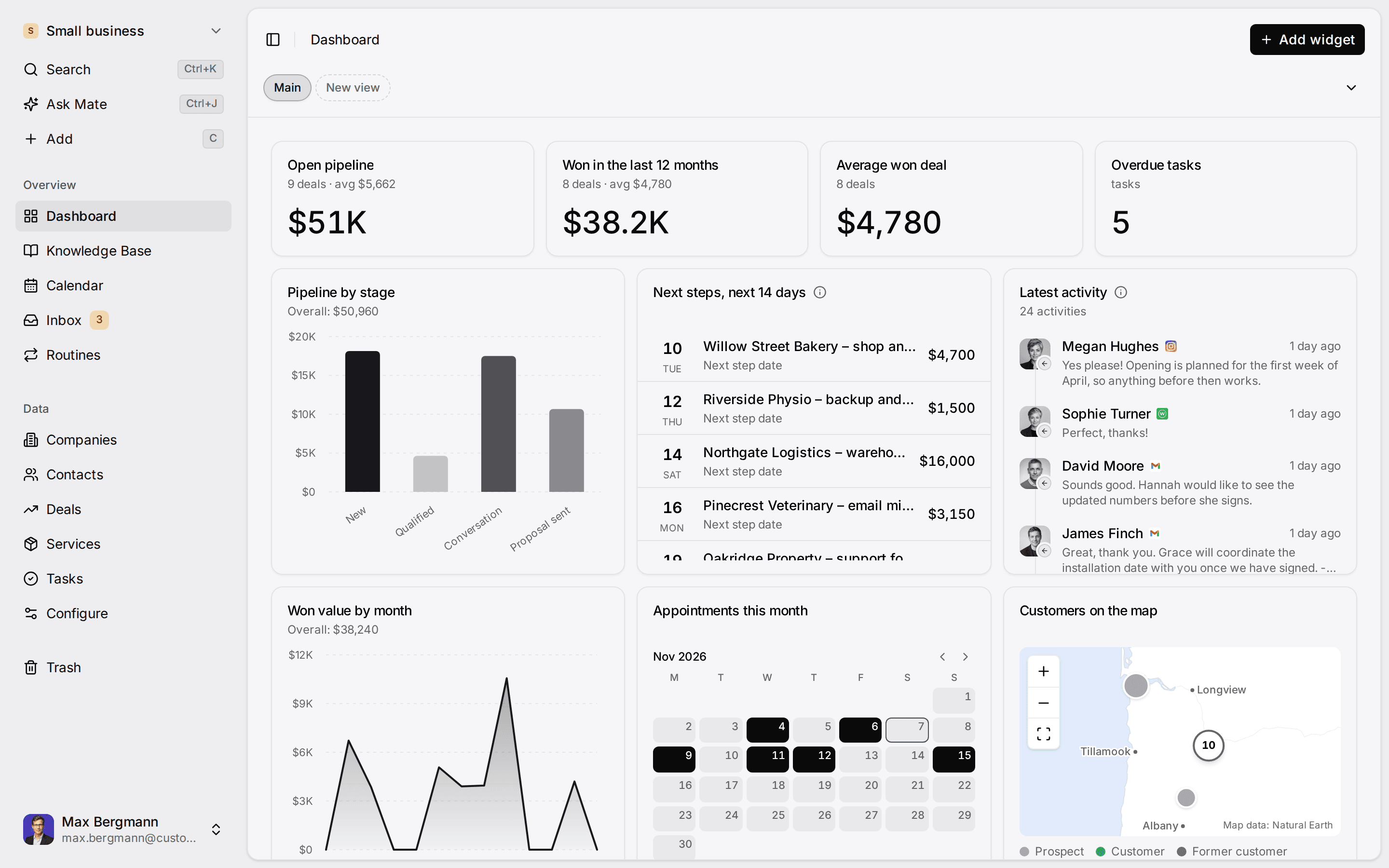
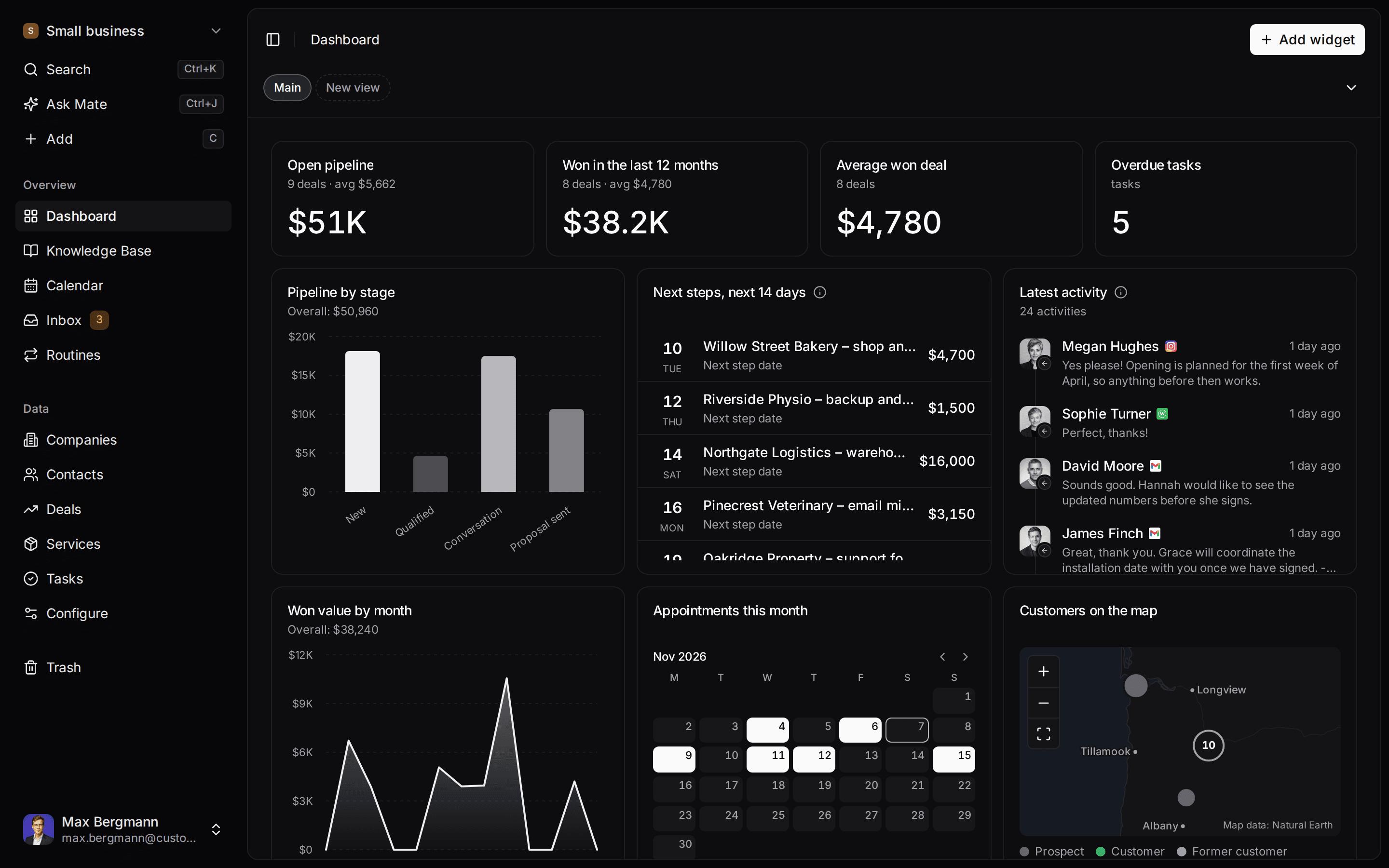
This is what setup builds from one sentence. Sample data, the real product.
Describe your business
One sentence about your team, your clients and how you sell.
Mate builds it
It asks a few questions, then creates the lists, pipeline, dashboard and playbook.
Work in it
Connect LinkedIn and email. Click through a finished example below.
We're a four-person strategy consultancy. Track clients, engagements and proposals, and help us follow up with prospects on LinkedIn.
- Mate
- Claude
- ChatGPT
- Cursor
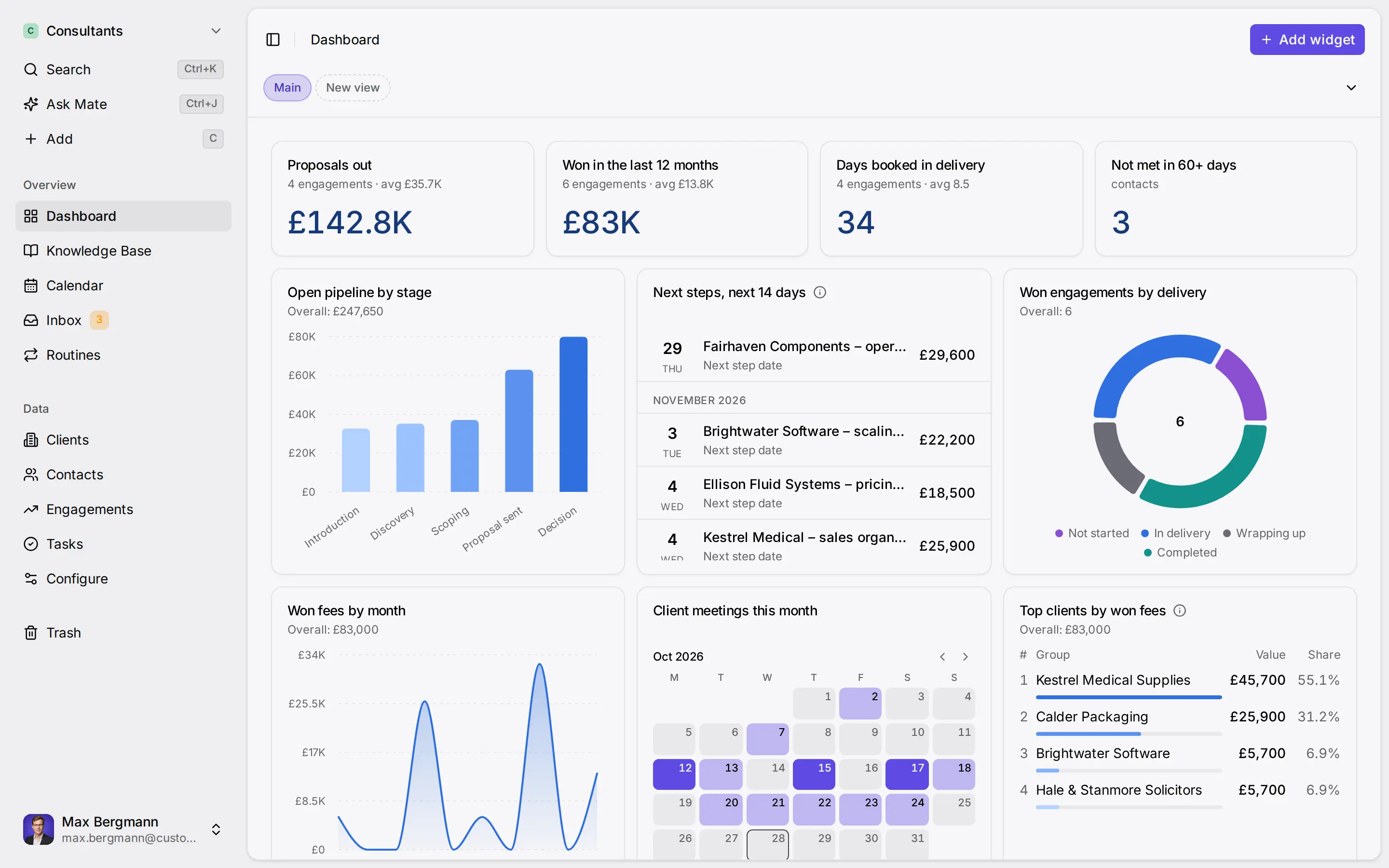
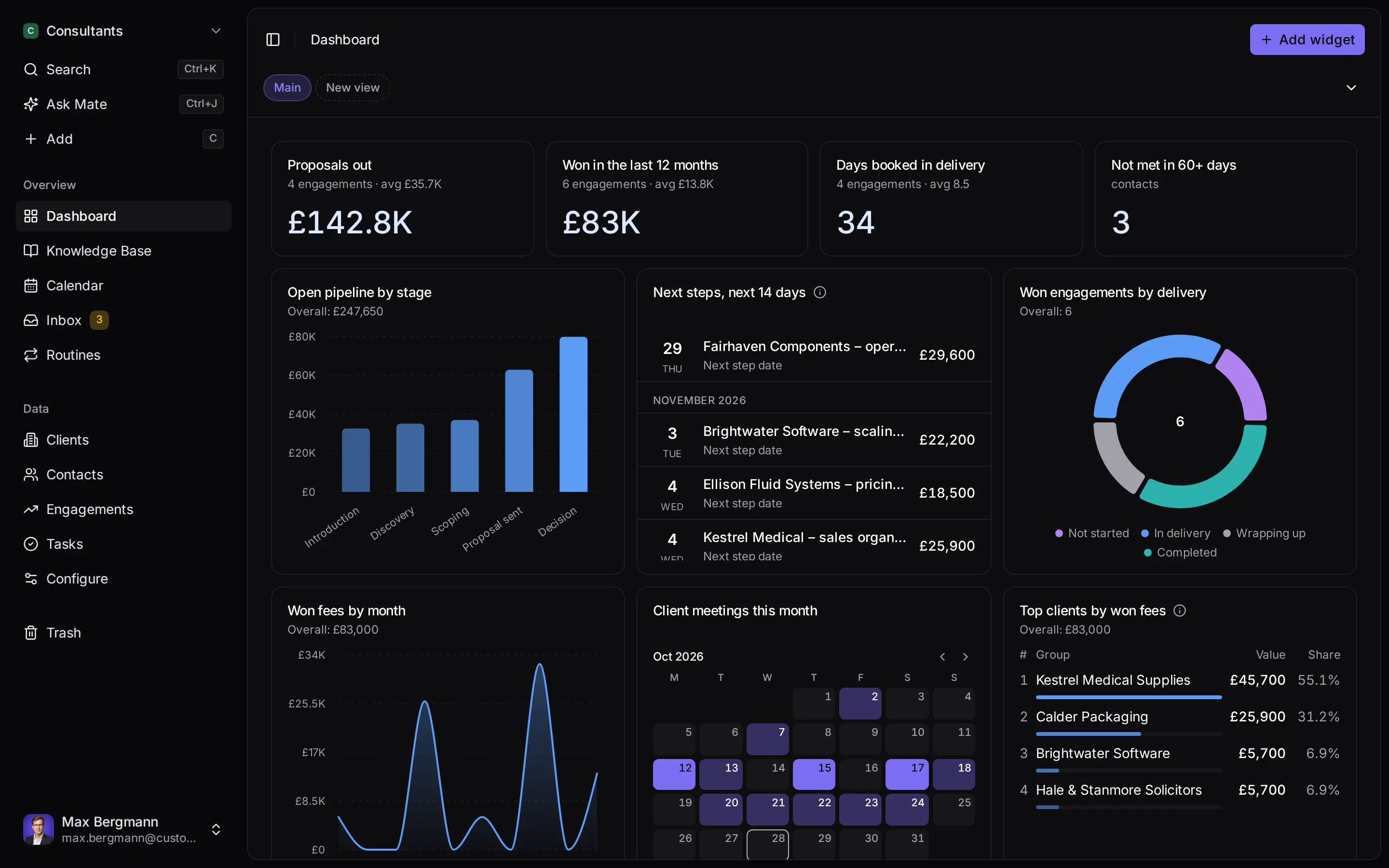
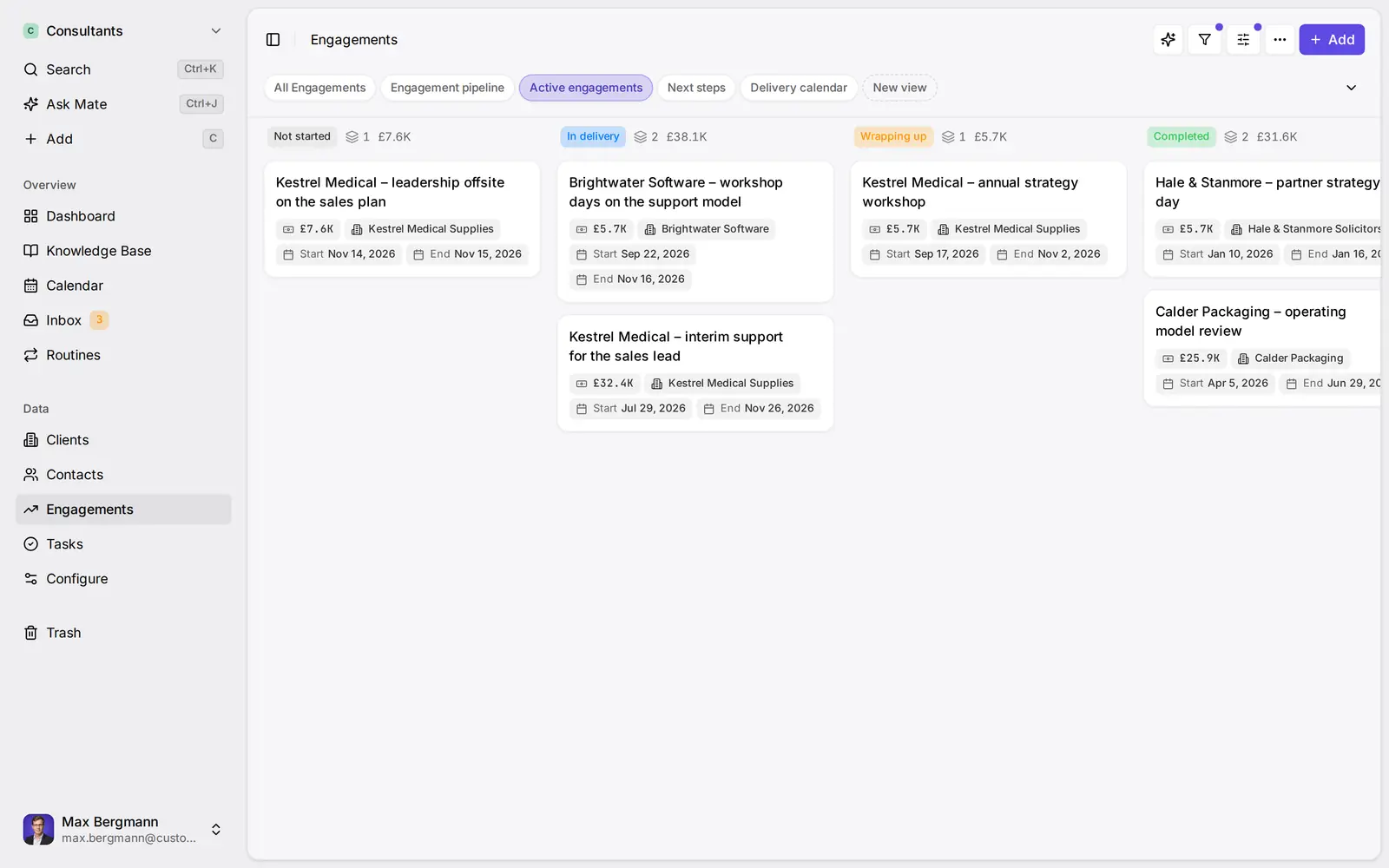
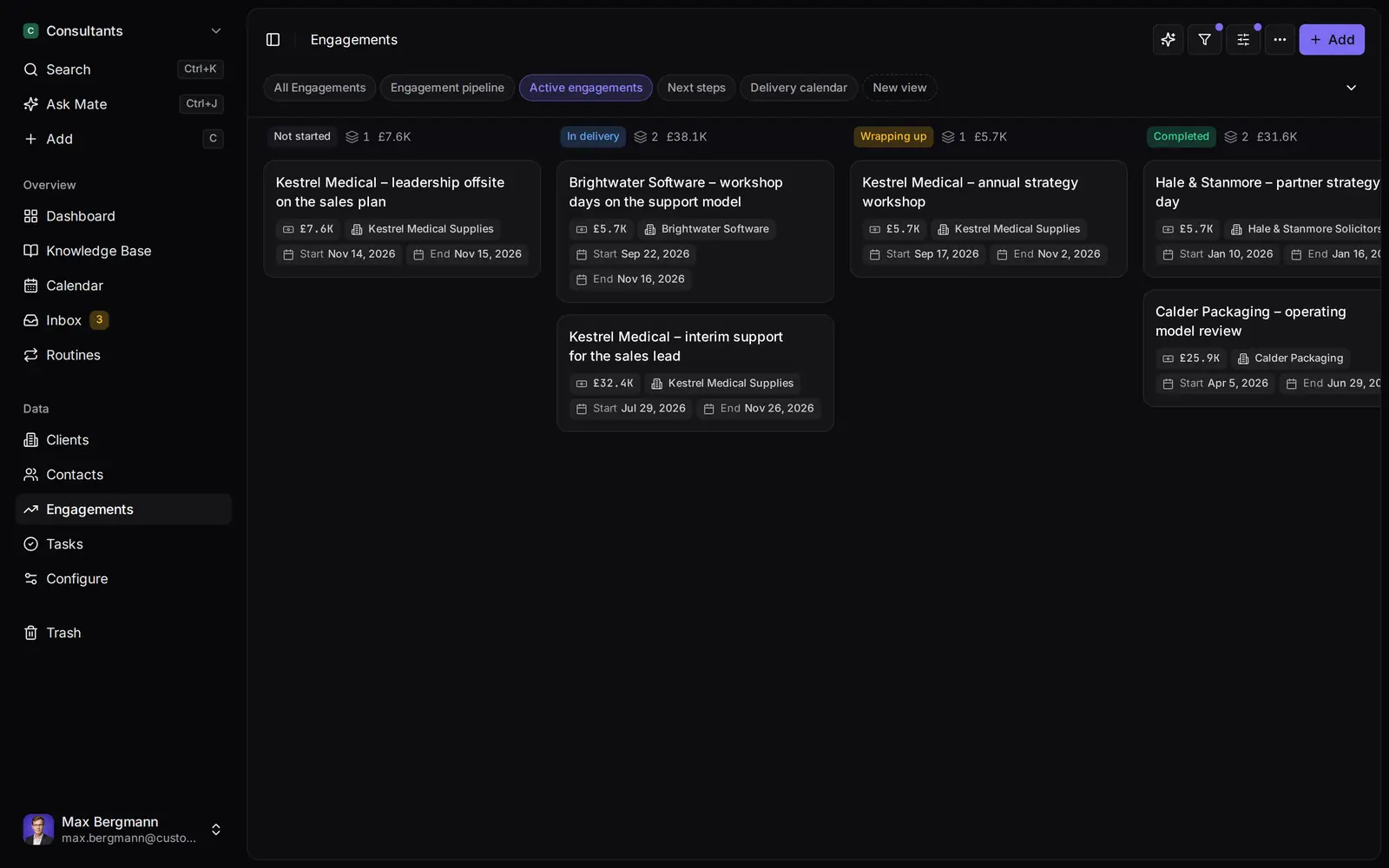
Widgets built from the workspace's own lists and fields
Ways you can use it
Pick the job. The workspace follows.
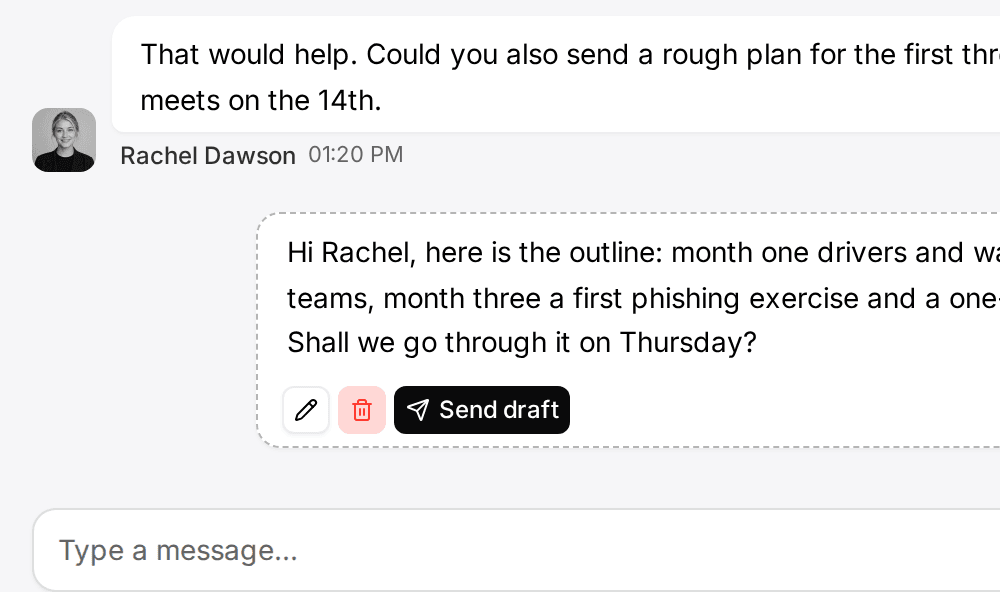
- Follow up on LinkedIn conversationsLinkedIn and email threads sit on the client. Mate drafts the reply and dates the next step, and you review and send it in the conversation.See LinkedIn in the inbox
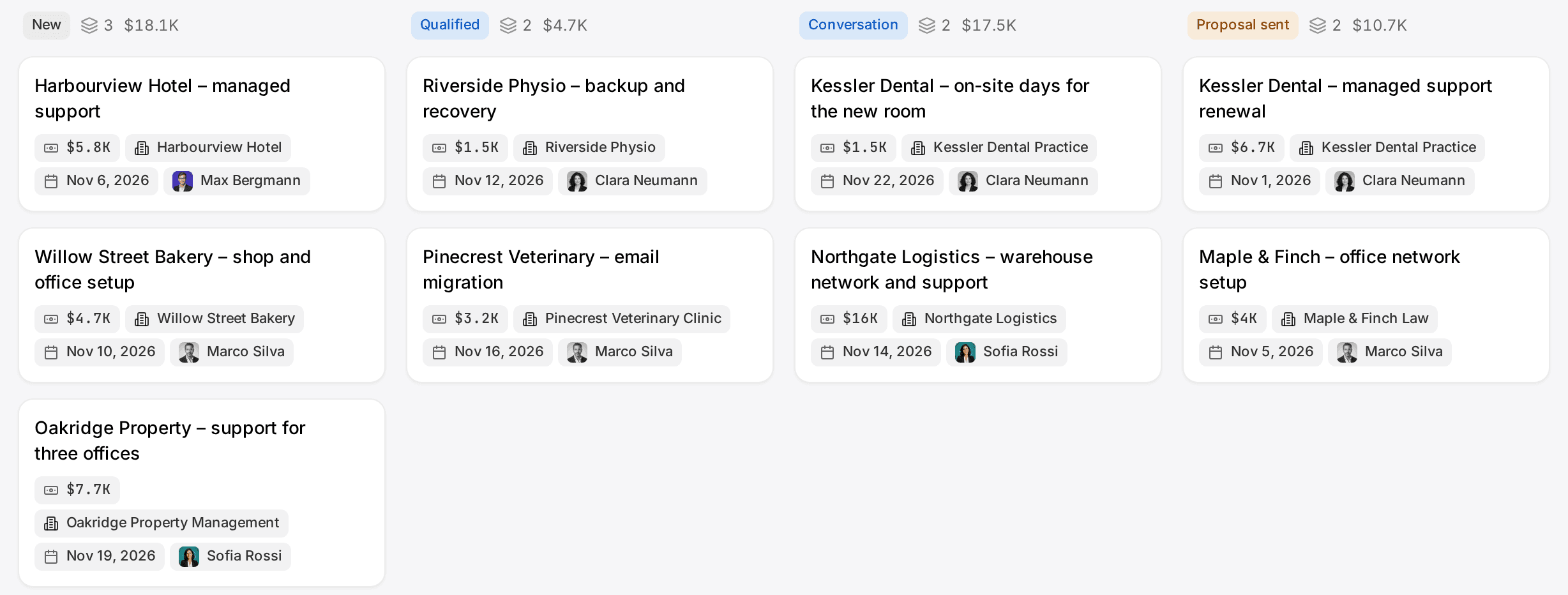
- Follow up on every proposal after the callClients, engagements and proposals with the conversations behind them, and a dated next step on each.CRM for consultants
- Keep client next steps on one dashboardEvery client gets a dated next step, and your dashboard shows what is due across all of them.See follow-up
- Let your own Claude or ChatGPT work in your CRMConnect Claude, ChatGPT, Cursor or another MCP client. It reads and updates your workspace within your permissions.Connect your agent
How it works
CRM API in 5 steps.
- 01
Create a key
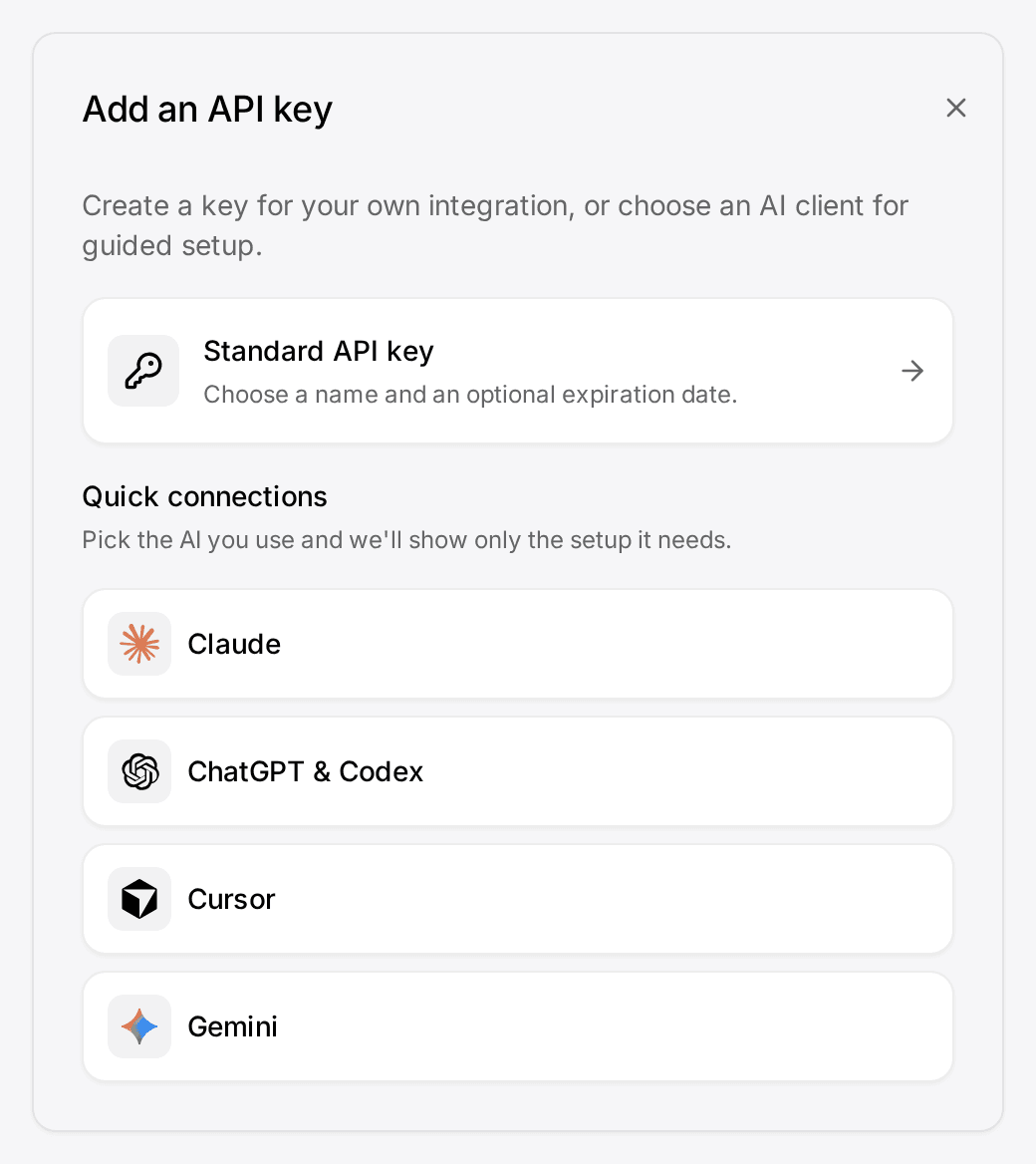
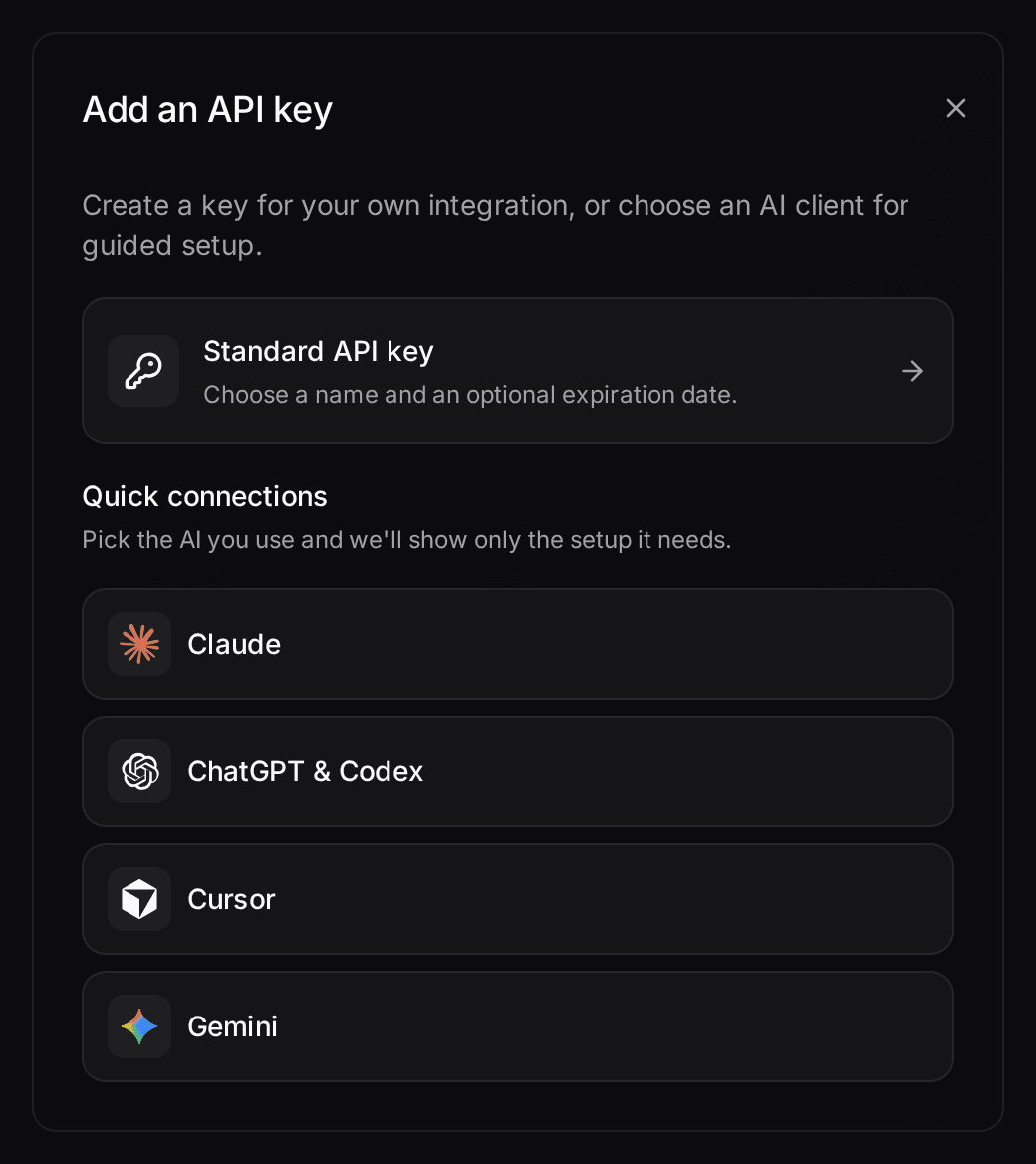
Open Settings → API keys, press Add, choose Standard API key, give it a name such as ERP sync, production, and copy the key. It is shown once.
- 02
Read the schema
Fetch /api/v1/openapi from your workspace address and import it into Postman, Insomnia or a client generator.
- 03
Query
Send POST /api/v1/records/query with the header x-api-key to list deals changed in the last week.
- 04
Write
Move one deal to another stage with POST /api/v1/records/mutate. If your user can do it in the app, the key can do it over the API.
- 05
Subscribe
Add a webhook for Record updated on the Deals list with a secret, point it at your endpoint, and check the first delivery under Deliveries.
In the product
At a glance
Surfaces
REST under /api/v1, an OpenAPI 3.1 spec, 16 webhook events and 59 MCP tools.
Plans
REST and MCP on every Cloud plan, webhooks on every paid plan, and all three when you self-host. Inbox endpoints need a connected account, which starts at Pro in Customermates Cloud.
Auth
One API key per client, sent as x-api-key. A key has exactly its owner's role permissions.
Limits
Bulk writes take up to 100 records per request. No OR across filter rules, no per-key scopes.


Customermates is a CRM with an open REST API on every plan, from Starter at €12 per user per month, and in the free self-hosted edition. You authenticate with an API key in the x-api-key header, the full schema is an OpenAPI 3.1 document at /api/v1/openapi, and, on paid plans and self-hosted, 16 webhook events tell your systems when something changes. There is no separate developer plan and no paid API add-on.
Customermates is an open-source, AI-native CRM built in Germany for small client-facing teams. The API matters to two kinds of readers: a developer who wants to sync the CRM with another system, and a team that wants an AI client such as Claude or ChatGPT to update records. The first uses REST and webhooks. The second uses the MCP endpoint, which sits on the same permissions.
Why this matters for follow-up. A client reply slips when the facts it needs sit in another system. Through MCP your own AI client, such as Claude or ChatGPT, reads a client's record and, on Customermates Cloud from Pro, the conversations with them, and can save a reply draft for you to review and send. Through REST and webhooks your other tools get the same records and are told when one changes.
What the REST API covers
The REST API works on every list of the CRM. A new workspace starts without lists: you create the lists you need (contacts, organizations, deals or your own) in Data model, through the API or MCP, or let AI setup build them in the cloud. Every record route is a POST to a named action with a JSON body, so the same code works for deals, contacts or a list you added last week.
| Goal | Method and path |
|---|---|
Find your lists and their typeId | POST /api/v1/model/discover |
| Read fields, relationships, option IDs and the schema revision | POST /api/v1/model/read |
| Filter, sort and page one list | POST /api/v1/records/query |
| Search by text across lists | POST /api/v1/records/search |
| Read one record | POST /api/v1/records/read |
| Create, update, delete, link or unlink | POST /api/v1/records/mutate |
| Update or delete up to 100 records | POST /api/v1/records/mutate with updateMany or deleteMany |
| Export a list, or import up to 100 records | POST /api/v1/records/export or POST /api/v1/records/import |
| Upload a file into a File field | POST /api/v1/files/uploads, then POST /api/v1/records/mutate |
| Sum or count a field, such as pipeline value | POST /api/v1/reports/query |
A record is addressed by a reference, { "typeId": "...", "recordId": "..." }, not by its URL. The base URL is the address you open Customermates at, in the cloud and on your own server. Further routes cover users (/api/v1/users/me, /api/v1/users/search), webhooks, and the inbox: threads, drafts, sending email and chat messages, activities and read-only calendars.
A few details save time on the first day:
- Fields have stable IDs.
/model/readreturns each field'sfieldId, the option IDs of a single choice field such as the deal Stage, and the schemarevision. IDs stay the same when someone renames a list or field. Values are typed, for example{ "kind": "text", "value": "Acme" }. - Queries use a JSON body.
/records/querytakestypeId,filters,sort,pageandpageSize(up to 500). Filters use the filter syntax shared with the app and MCP. - Writes are guarded. A mutation carries
expectedRevision(the schema revision), anidempotencyKeyand themutationitself; updates and deletes also carry the record'sexpectedVersion. Sending the same request again with the same key does not apply it twice. - Links are their own action.
linkandunlinktake arelationId, asourceand atargetrecord reference. An update never removes links you did not mention. - Bulk writes take up to 100 records.
updateManyapplies one change to up to 100 records atomically anddeleteManymoves up to 100 to Trash, so you split a cleanup of 2,000 contacts into 20 requests.
Webhooks: let the CRM call you
A webhook sends a JSON POST to your URL when a subscribed event happens. Admins, and members whose role has Read access All and Create on API & Webhooks, add one under Settings → Webhooks: URL, events, the list under Records from with optional filters, an optional secret, optional custom headers and an optional body template. The webhooks reference lists every event and payload.
- Events: 5 record events (
record.created,record.updated,record.deletedwhen a record moves to Trash,record.restoredandrecord.deletedPermanently) for any list you choose, your own included, plus 11 inbox and calendar events. - Changes included: a
record.updatedpayload carries the record reference and lists each field that changed with itsbeforeandaftervalue. A write that changes nothing sends no event. - Signatures: with a secret set, every delivery is signed with HMAC-SHA256 over the raw body.
- Retries: a timeout, network error, 5xx, 408, 425 or 429 is retried automatically, up to 10 attempts in total. Other 4xx answers are not retried, because a repeat would fail the same way. Each delivery has a 5 second timeout.
- Delivery log: Settings → Webhook log shows status code and response message for every delivery, with a resend button.
- Body templates: a template replaces the standard envelope, so a chat tool or automation endpoint that expects its own JSON shape can take deliveries without middleware.
Deliveries are not strictly ordered. Two updates to the same contact a few milliseconds apart can arrive in reverse order, so deduplicate by the event id, key your handler on typeId and recordId, and use the payload timestamp and record version.
How to make your first API call
Create a key
Open Settings → API keys & connectors, press Add, choose Standard API key, give it a name such asERP sync, production, and copy the key. It is shown once. The API keys guide covers expiry and rotation.Read the schema
Fetch/api/v1/openapifrom your workspace address and import it into Postman, Insomnia or a client generator. Then sendPOST /api/v1/model/discoverwith{"search":"deal"}to get thetypeIdof your deals, andPOST /api/v1/model/readwith{"typeIds":["<deal-type-id>"]}to see its fields, stage options and schemarevision.Query
SendPOST /api/v1/records/querywith the headerx-api-keyand a body such as{"typeId":"<deal-type-id>","filters":[{"fieldId":"system:updatedAt","operator":"inLastDays","value":{"kind":"decimal","value":"7","currency":null}}],"page":1,"pageSize":25}to list deals changed in the last week.Write
Move one deal to another stage withPOST /api/v1/records/mutateand{"expectedRevision":<revision>,"idempotencyKey":"move-acme-to-demo","mutation":{"action":"update","ref":{"typeId":"<deal-type-id>","recordId":"<deal-id>"},"expectedVersion":<version>,"fields":[{"fieldId":"<stage-field-id>","value":{"kind":"select","value":"<option-id>"}}]}}. If your user can do it in the app, the key can do it over the API.Subscribe
Add a webhook for Record updated on the Deals list with a secret, point it at your endpoint, and check the first delivery under Webhook log.
A wrong, expired or deleted key gets HTTP 401. A key whose owner was set to Inactive gets 403.
API keys and permissions
Keys belong to the user who created them and act with that user's current role. There are no separate API users and no per-key scopes, so a key cannot be limited to read-only. If an integration should only read deals, create its key under a member whose role allows only that. In Customermates Cloud that member is a paid seat like any other.
Creating keys needs Read access All and Create on the API & Webhooks row of a role. A new custom role starts without it, so out of the box only admins create keys. The same permission also opens every webhook in the workspace, which is worth knowing before you hand it out. To stop all keys of someone who leaves, set the member to Inactive. Taking Read access All on API & Webhooks away from their role stops their keys as well.
MCP: the API for AI clients
The MCP endpoint at /api/v1/mcp gives an external AI client 59 tools over the same records, inbox and webhooks. Claude and ChatGPT connect through OAuth as a custom connector; Claude Code, Codex, Cursor and Gemini use an API key. The client, its model and its subscription stay yours. Semantic search can still count toward Mate usage in Customermates Cloud. The MCP guide lists every tool.
Mate, the assistant inside Customermates Cloud, is a separate feature. It runs on hosted AI credits and needs no API key. Self-hosted installations have MCP but no Mate.
What the API does not do
- No PUT or PATCH on records. Every record change is a
POSTto/api/v1/records/mutate. - No OR across filter rules. Filter rules combine with AND. For OR, run two queries or use the
inoperator on one field. - No published request quota. A busy workspace answers
429with aRetry-Afterheader. Split bulk jobs into batches of 100. - No CSV export endpoint and no whole-account export. The app imports Excel, CSV and JSON files and exports XLSX and JSON, one list at a time. Anything larger runs through your own API script.
- No inbox and no Mate when self-hosted. The REST record routes, webhooks and MCP work there; the messaging routes need Customermates Cloud on Pro or higher.
No backward-compatibility period is promised beyond the /api/v1 path, so treat the current OpenAPI document as the contract and test against it.
How other CRMs meter API access
Customermates publishes this page. The figures below come from each vendor's own documentation, checked on 8 October 2026; they change, so follow the links before you plan around them.
| CRM | API on the free or entry plan | How usage is limited |
|---|---|---|
| HubSpot | Yes | Private apps on Free and Starter: 100 requests per 10 seconds and 250,000 per day per account; higher on Professional and Enterprise |
| Pipedrive | Every plan includes an API token | Daily token budget: 30,000 base tokens times a plan multiplier times seats |
| Zoho CRM | Yes, Free edition included | Credits per 24 hours: 5,000 on Free, more per user on paid editions |
| EspoCRM | Yes, including the free self-hosted edition | API key, HMAC or basic auth through dedicated API users whose roles set what they can do |
| Customermates | Every plan and self-hosted | No published quota; bulk routes take 100 records per request |
Choose HubSpot or Zoho CRM if you want a free hosted plan with API access and your integration fits within their published call limits. Choose Pipedrive if a daily budget that grows with plan and seats suits your volume. Choose EspoCRM if you want a self-hosted open-source CRM with separate API users and their own roles. Customermates fits a small team that wants the record API, webhooks and an MCP endpoint for AI clients at the price of the CRM itself, with an AGPL core it can self-host. It does not fit if you need per-key scopes or, in Customermates Cloud, an API user that does not take a paid seat.
What it costs
API access has no surcharge. A three-person team on Starter pays €36 per month and gets REST, webhooks and MCP. The same team on Pro pays €87 and adds the unified inbox and its messaging routes. Self-hosting the open-source edition costs nothing in licence fees; you run the server. Billing is monthly, see pricing. If you build flows in n8n, n8n is a separate product with its own plans; the n8n guide shows the HTTP Request setup.
What is an API in a CRM?
It is the programmatic way into the CRM's data. Another program sends HTTP requests to read, create, update or delete contacts, deals and other records, instead of a person clicking through the screens. Webhooks are the other direction: the CRM calls your program when data changes.
Which CRM has the best API?
There is no single answer. Check four things against your project: whether the API is on the plan you will actually buy, how calls are metered, whether webhooks include what changed, and whether there is a machine-readable spec. For a small team, an API on the entry plan with an OpenAPI document and signed webhooks usually matters more than the size of the endpoint catalog.
What is the best free CRM with API integration?
HubSpot and Zoho CRM both have free hosted plans with metered API access, and EspoCRM offers a free self-hosted edition with a REST API. The self-hosted edition of Customermates is free open source and includes the REST API, webhooks and MCP, but no inbox and no Mate, and you run the server yourself. See self-hosting.
Can I limit an API key to read-only?
No. A key has exactly the permissions of the user who owns it. Create the key under a member with a restricted role if an integration should only read.
Does the API include the inbox?
Yes, in Customermates Cloud on Pro or higher, where users connect email, LinkedIn, WhatsApp, Instagram or Telegram. Routes cover threads, drafts, sending email and chat messages, and activities. Each request sends one message; there is no bulk send.
Do I need n8n or Zapier to use the API?
No. Any language that can send HTTPS requests works. n8n is optional and runs separately; the integrations overview compares REST, webhooks, MCP and n8n.
Related pages
API Keys for MCP and REST Clients
How to create an API key in Settings, the role permission it needs, the x-api-key header, when keys expire, and how to delete or rotate a key.
Webhooks: Signatures, Retries, and Event Catalog
Subscribe to CRM events, verify signatures, inspect failed deliveries, and read the full event catalog in one place.
CRM Integrations
Connect Customermates to other tools: REST and MCP on every plan, signed webhooks and your own n8n on paid plans and self-hosted, with honest limits.
What Is an MCP Server? Tools, Local vs Remote, Security
What an MCP server is and what it gives Claude, ChatGPT or Cursor: tools, resources, prompts, local vs remote, MCP vs API, risks and a real CRM example.
Customermates
Connect your own agent to your client records
During the trial, create an API key or add the Claude or ChatGPT connector, then ask your agent about one client's record and what happens next. Or read the OpenAPI spec and send one search request.
✓ No credit card required ✓ First 14 days free