Comparison
Breakcold Alternative: Customermates and Breakcold Compared
Breakcold puts LinkedIn, email, WhatsApp and Telegram in one inbox, with enrichment and call recording, from $49 per seat per month. Customermates is open source, has a Free plan and keeps LinkedIn and email beside each client with a date for the next step. Breakcold details checked 10 November 2026.
✓ No credit card required ✓ First 14 days free
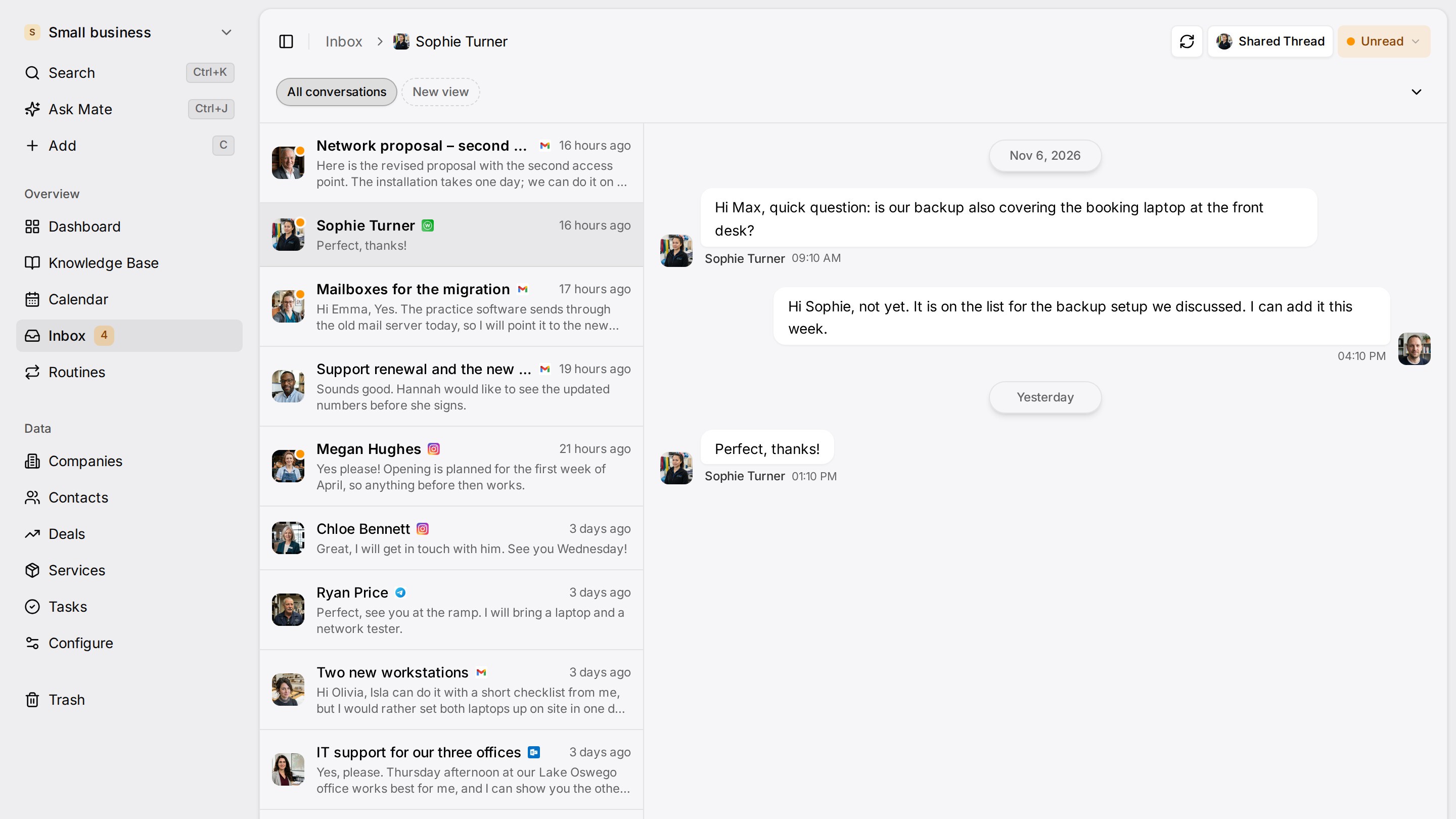
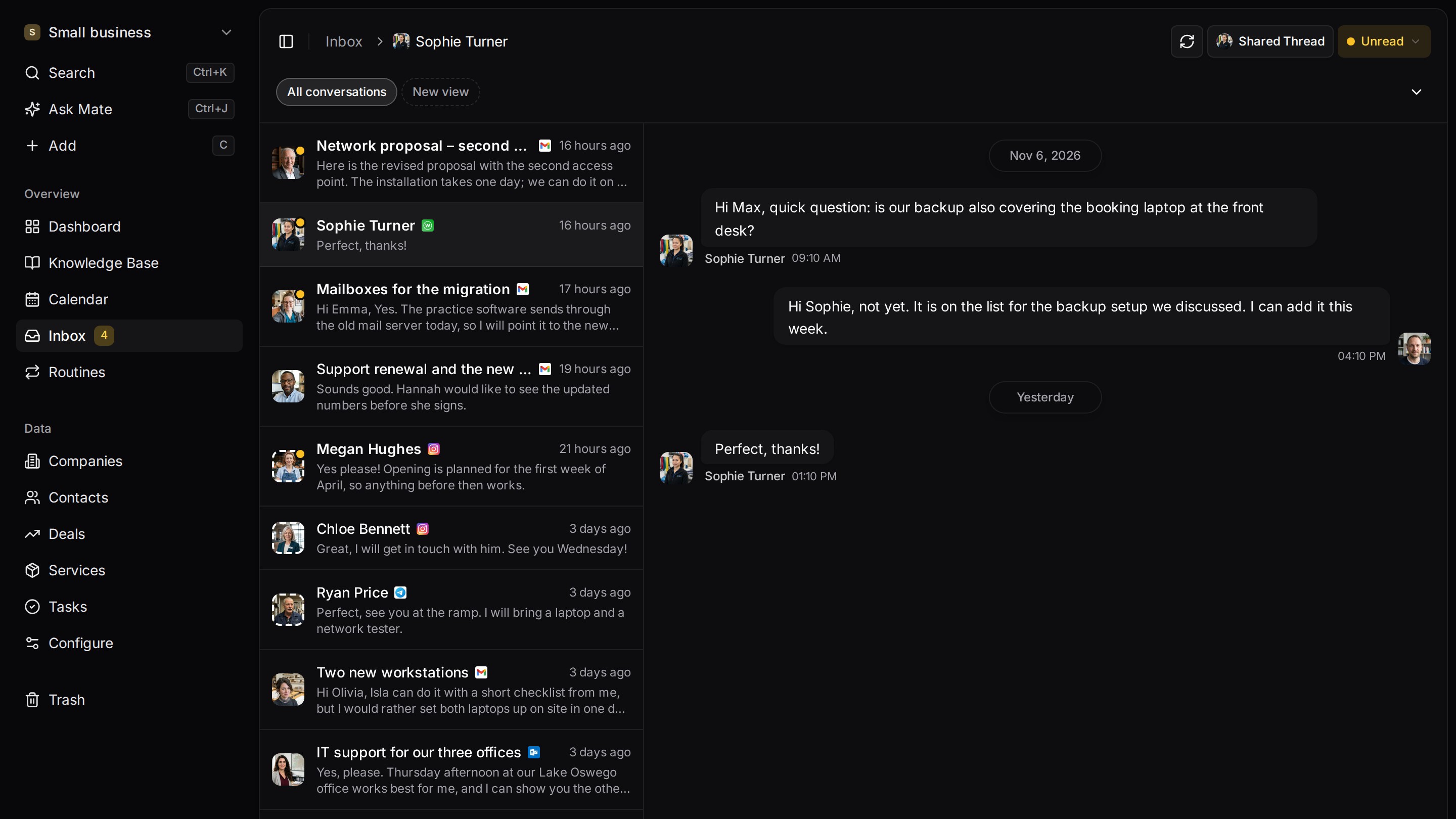
Every client conversation from email, LinkedIn and WhatsApp in one place. Mate sets up your workspace and drafts the follow-up, you review and send. Works with Claude, ChatGPT or any agent that speaks MCP.
Why teams switch
Why teams switch to Customermates.
A free plan, and a trial without a card
Customermates has a Free plan for 1 person and 250 records, plus a 14-day trial of Pro with no credit card. Breakcold's pricing page lists a 14-day trial with a card and no free plan.
Open source, on your own server
The Customermates core is AGPL-3.0 and runs on your own server with Docker Compose and PostgreSQL 16. In the cloud, the database is configured in the AWS Frankfurt region. Breakcold is sold as a hosted service.
LinkedIn and email beside each client
From Pro, LinkedIn, Gmail, Outlook, IMAP, WhatsApp, Instagram and Telegram threads sit on the client. A date field holds the next step, and Mate drafts the reply for you to review and send.
Start from one description
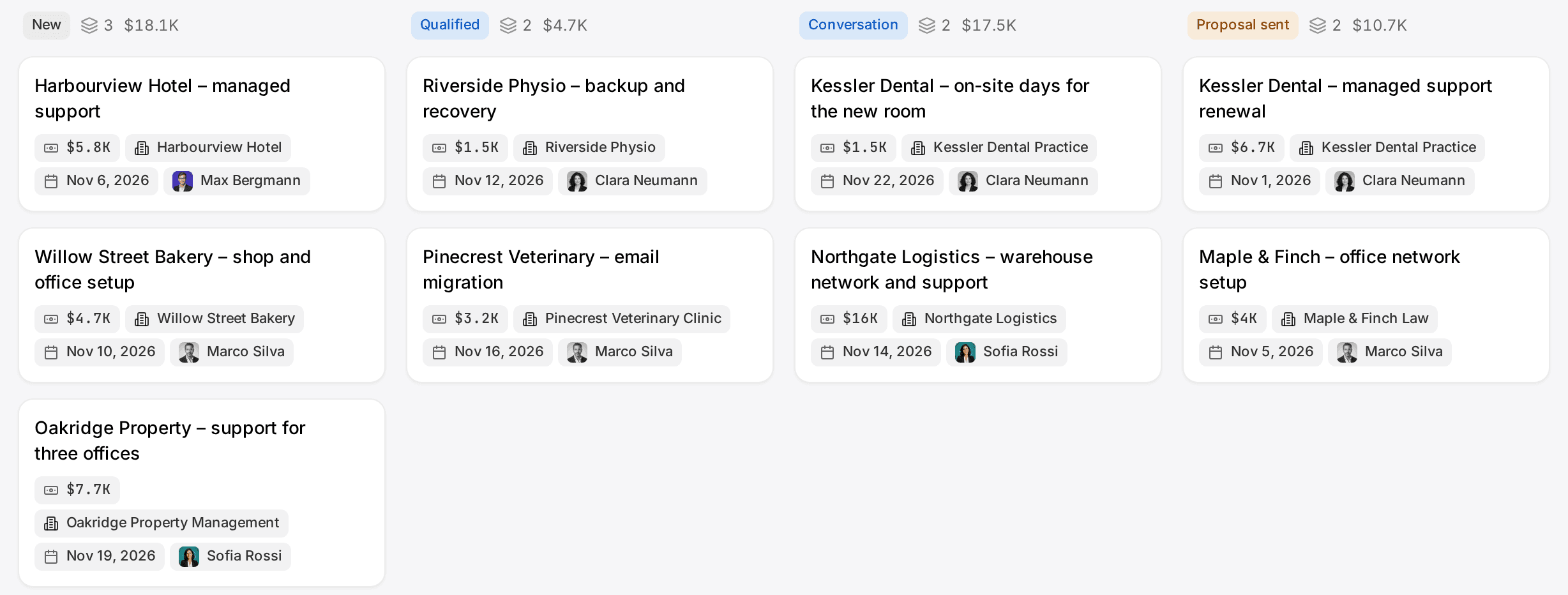
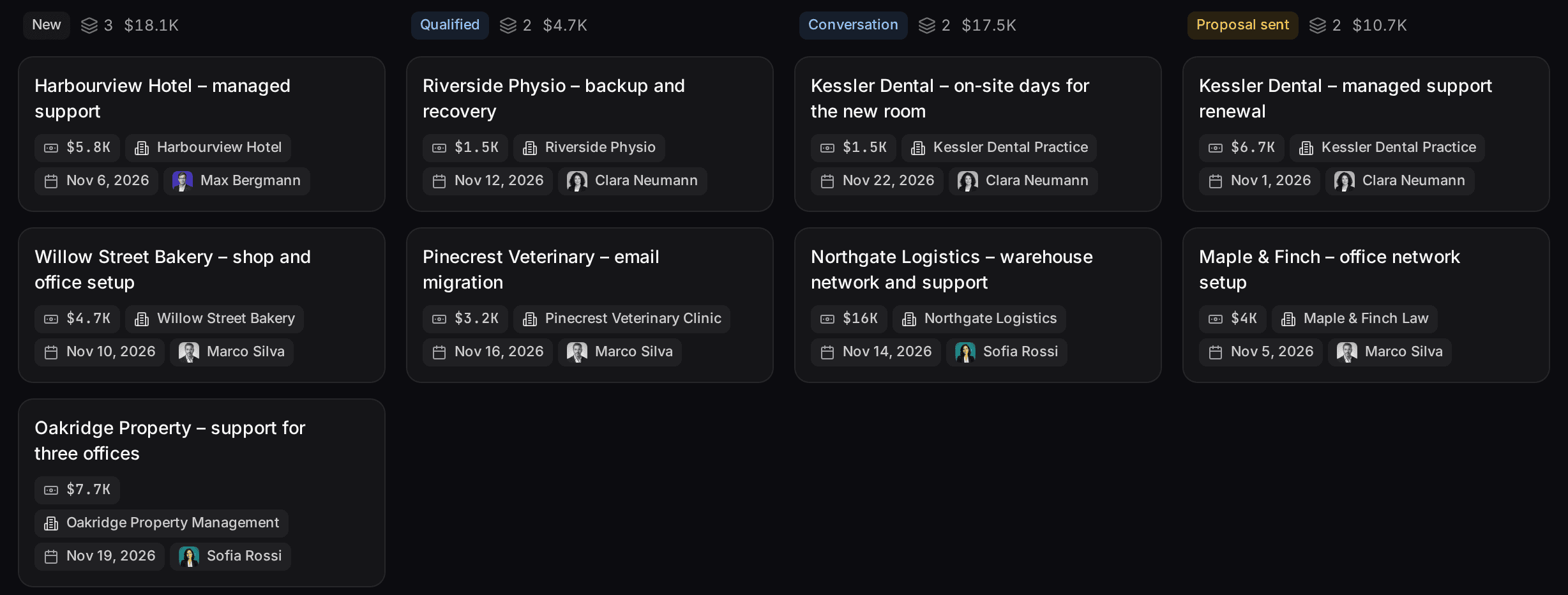
One description. A workspace your agent built.
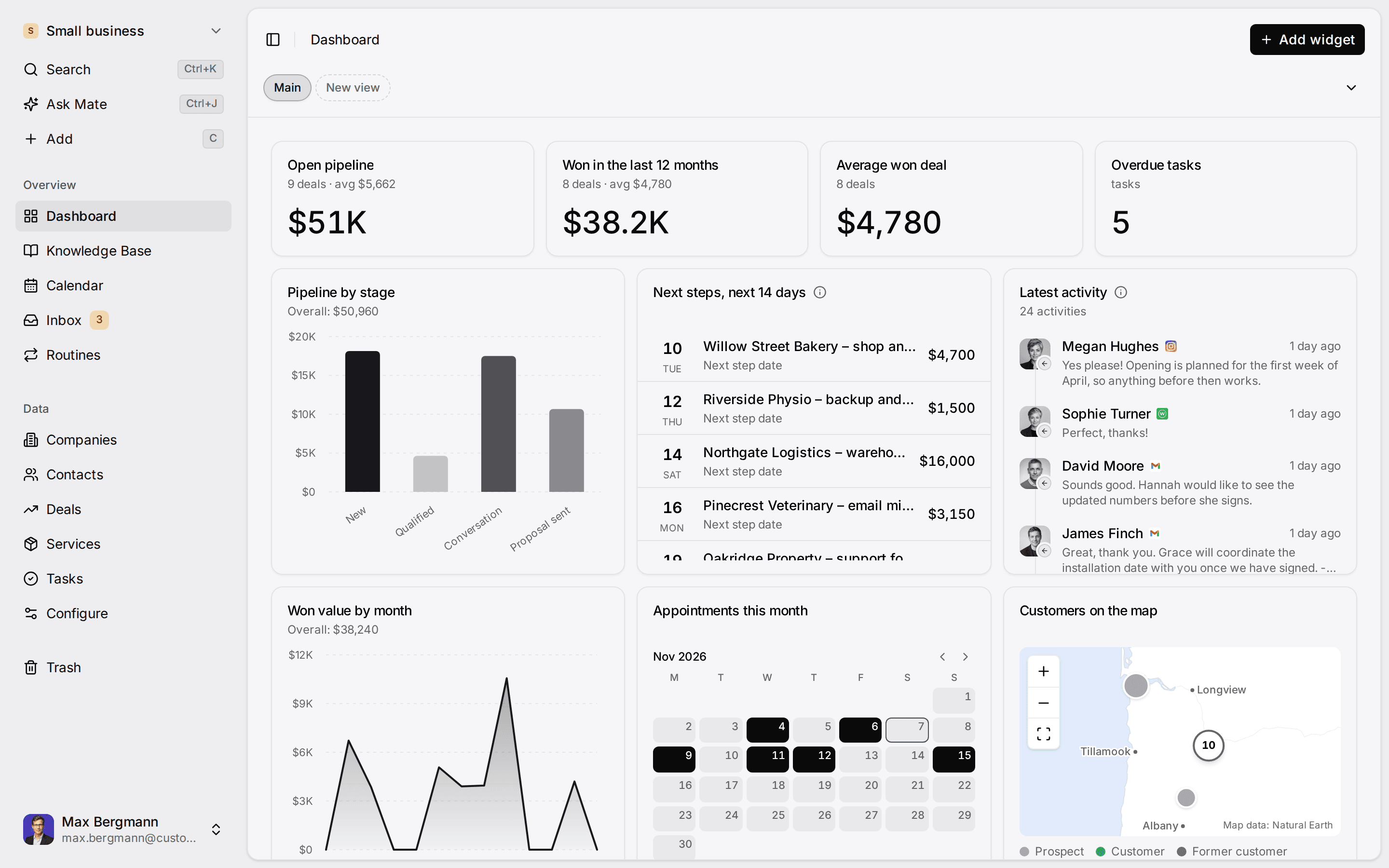
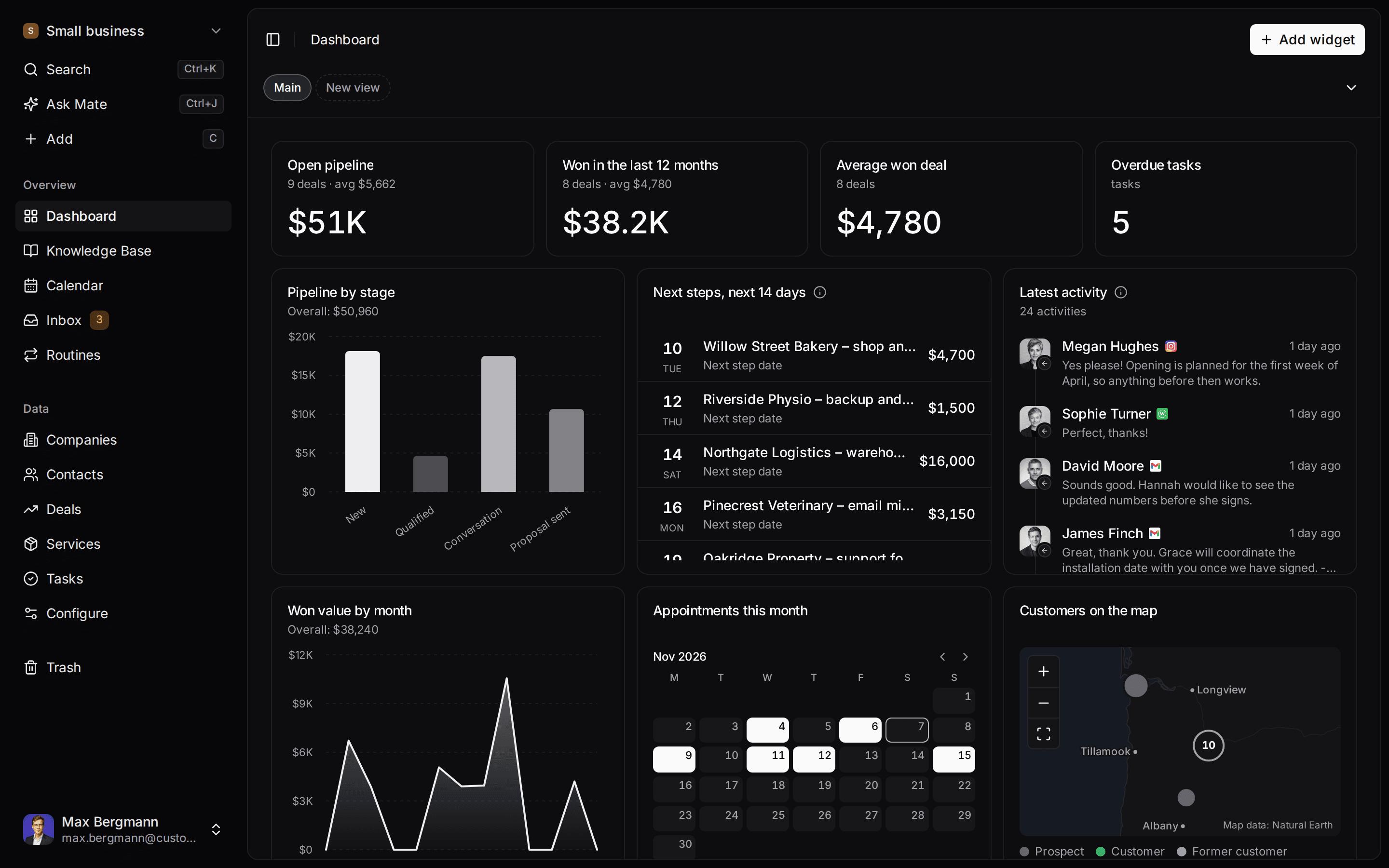
This is what setup builds from one sentence. Sample data, the real product.
Describe your business
One sentence about your team, your clients and how you sell.
Mate builds it
It asks a few questions, then creates the lists, pipeline, dashboard and playbook.
Work in it
Connect LinkedIn and email. Click through a finished example below.
We're a four-person strategy consultancy. Track clients, engagements and proposals, and help us follow up with prospects on LinkedIn.
- Mate
- Claude
- ChatGPT
- Cursor

 Mate
 Claude
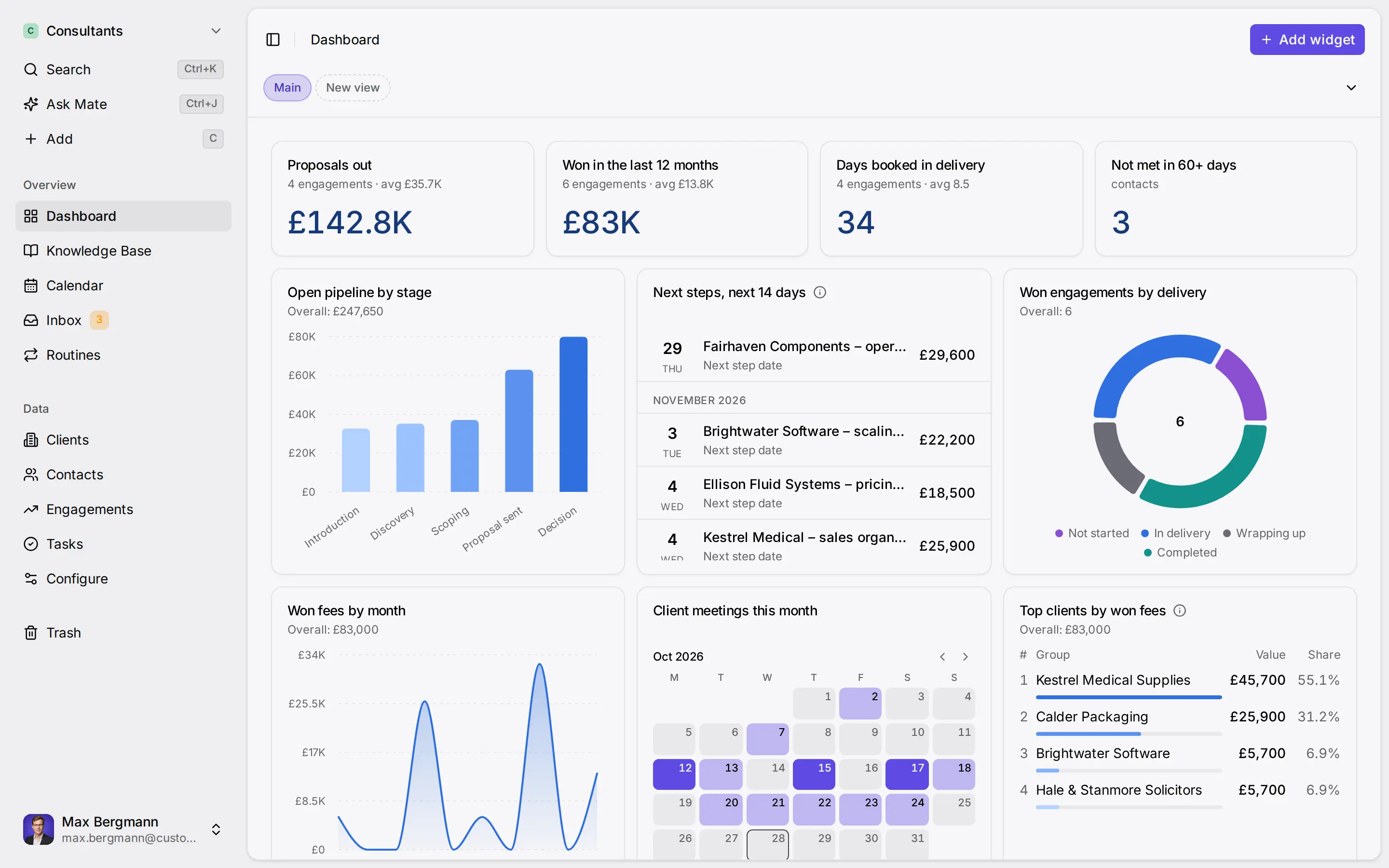
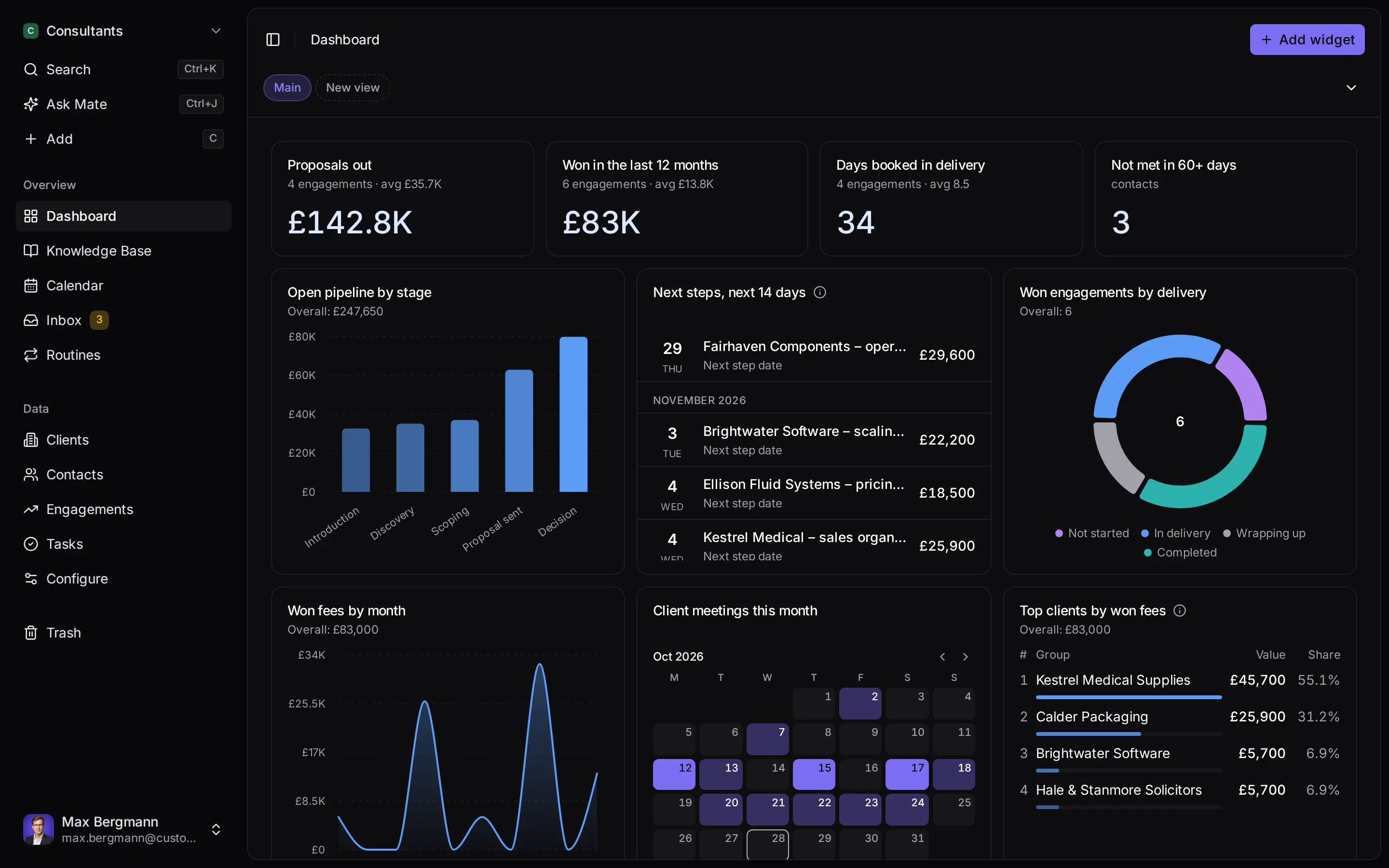
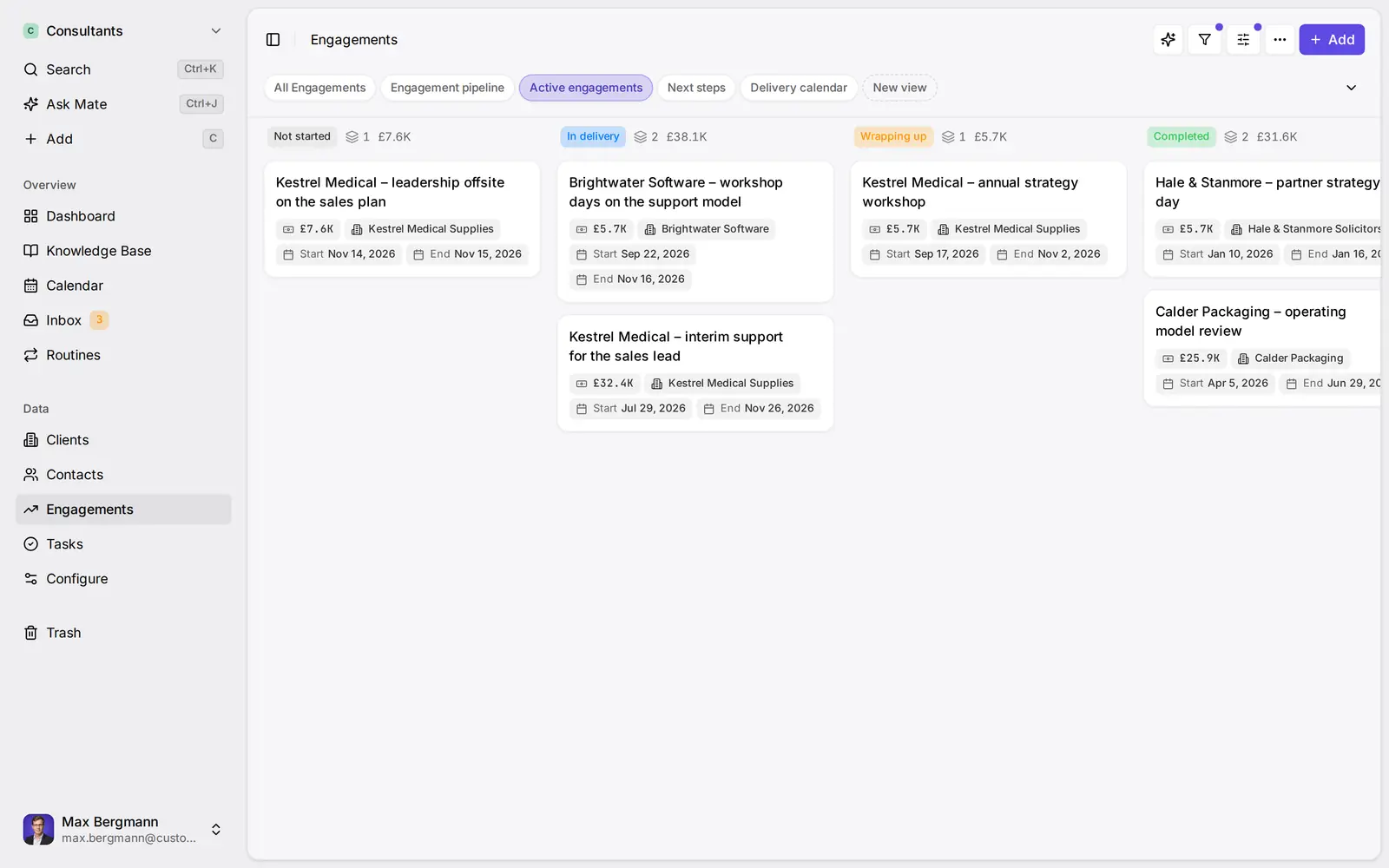
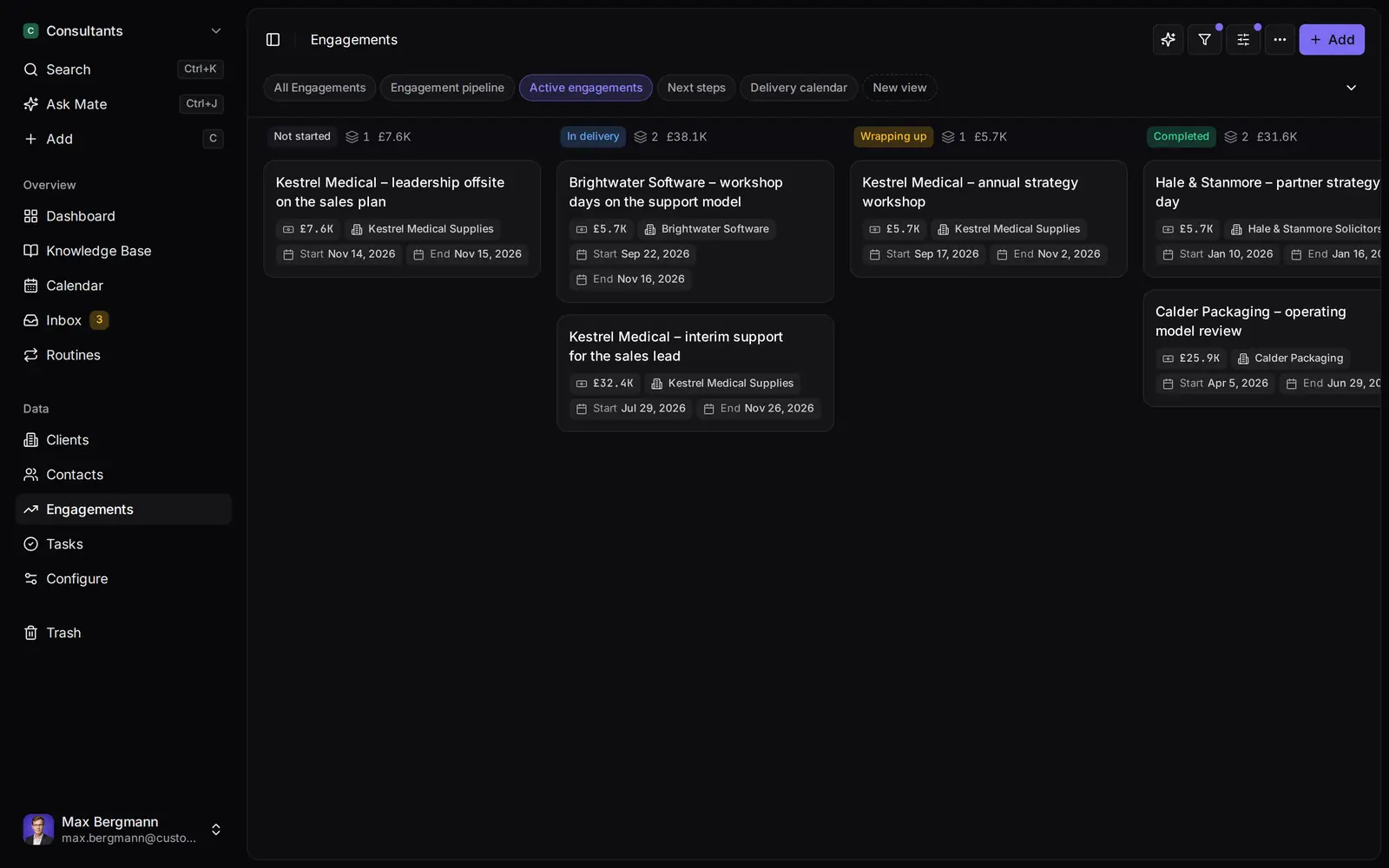
Widgets built from the workspace's own lists and fields
Side by side
Customermates vs. Breakcold: Feature Comparison
Pricing & Plans
Price per user / month, monthly billing
- Customermates
- Starter €12, Pro €29, Business €69
- Breakcold
- X1 $49, X5 $99, X20 $199 per seat; the same product with more weekly AI work per seat
Billed quarterly or yearly
- Customermates
- Monthly billing only
- Breakcold
- 10% off quarterly, 20% off yearly, billed upfront
Free plan
- Customermates
- 1 person, 250 records, no inbox or Mate
- Breakcold
- None on the pricing page
Free trial
- Customermates
- 14 days, no credit card
- Breakcold
- 14 days; the pricing page says a card is required
Conversations
Email
- Customermates
- Gmail, Outlook and IMAP in the unified inbox (Pro+)
- Breakcold
- Gmail, Outlook and IMAP
LinkedIn messages
- Customermates
- Synced to the inbox, including Sales Navigator and Recruiter InMail (Pro+)
- Breakcold
- DMs, InMails, connection requests and Sales Navigator threads
WhatsApp
- Customermates
- Read and reply in the unified inbox (Pro+)
- Breakcold
- 1:1 and group threads
Telegram
- Customermates
- In the unified inbox (Pro+)
- Breakcold
- DMs and group chats
Instagram messages
- Customermates
- In the unified inbox (Pro+)
- Breakcold
- Not listed; its channel pages name email, LinkedIn, WhatsApp, Telegram, meetings and calls
Connected accounts per user
- Customermates
- Pro 1, Business 3; no inbox on Starter
- Breakcold
- 2 per seat on every plan; extra accounts $10 a month
Calls and meetings
- Customermates
- Breakcold
- Call recording with summaries and a meeting recorder on every plan
AI & Automation
MCP server
- Customermates
- Every plan and self-hosted, 59 tools
- Breakcold
- Every plan, 62 tools, including tools that send on its messaging channels
In-app AI
- Customermates
- Mate and Routines (Customermates Cloud, hosted AI credits)
- Breakcold
- Chief of Staff on every plan, with a weekly AI allowance per seat
Approval before sending
- Customermates
- Mate sends when you tell it to; ask for drafts to review first
- Breakcold
- In Ask mode, Chief of Staff holds every email, message and change for approval; single actions can be set to Auto
Follow-ups on quiet conversations
- Customermates
- A Next contact date you set, and routines you write (Customermates Cloud)
- Breakcold
- A follow-up planner finds quiet conversations and drafts the follow-up; each action can be set to Auto, Ask or Off
Enrichment
- Customermates
- Breakcold
- Person and company enrichment on every plan
Sequences and bulk outreach
- Customermates
- Breakcold
- No sequence builder on its pricing or features pages
Tasks and reminders
- Customermates
- No task due dates or reminders; a date field, saved views and an Upcoming widget
- Breakcold
- Tasks with reminders and assignees
REST API and webhooks
- Customermates
- REST API on every plan, webhooks on paid plans and self-hosted
- Breakcold
- REST API, webhooks in and out
Licence, Hosting & Access
Open-source licence
- Customermates
- AGPL-3.0 core
- Breakcold
- Not listed; its Agent Skill is MIT-licensed
Self-hosting
- Customermates
- Docker Compose (core CRM without inbox or Mate)
- Breakcold
- No self-hosted edition listed
Cloud region
- Customermates
- Database configured in the AWS Frankfurt region
- Breakcold
- US and EU regions
  | Breakcold | |
|---|---|---|
| Pricing & Plans | ||
| Price per user / month, monthly billing | Starter €12, Pro €29, Business €69 | X1 $49, X5 $99, X20 $199 per seat; the same product with more weekly AI work per seat |
| Billed quarterly or yearly | Monthly billing only | 10% off quarterly, 20% off yearly, billed upfront |
| Free plan | 1 person, 250 records, no inbox or Mate | None on the pricing page |
| Free trial | 14 days, no credit card | 14 days; the pricing page says a card is required |
| Conversations | ||
| Gmail, Outlook and IMAP in the unified inbox (Pro+) | Gmail, Outlook and IMAP | |
| LinkedIn messages | Synced to the inbox, including Sales Navigator and Recruiter InMail (Pro+) | DMs, InMails, connection requests and Sales Navigator threads |
| Read and reply in the unified inbox (Pro+) | 1:1 and group threads | |
| Telegram | In the unified inbox (Pro+) | DMs and group chats |
| Instagram messages | In the unified inbox (Pro+) | Not listed; its channel pages name email, LinkedIn, WhatsApp, Telegram, meetings and calls |
| Connected accounts per user | Pro 1, Business 3; no inbox on Starter | 2 per seat on every plan; extra accounts $10 a month |
| Calls and meetings | Call recording with summaries and a meeting recorder on every plan | |
| AI & Automation | ||
| MCP server | Every plan and self-hosted, 59 tools | Every plan, 62 tools, including tools that send on its messaging channels |
| In-app AI | Mate and Routines (Customermates Cloud, hosted AI credits) | Chief of Staff on every plan, with a weekly AI allowance per seat |
| Approval before sending | Mate sends when you tell it to; ask for drafts to review first | In Ask mode, Chief of Staff holds every email, message and change for approval; single actions can be set to Auto |
| Follow-ups on quiet conversations | A Next contact date you set, and routines you write (Customermates Cloud) | A follow-up planner finds quiet conversations and drafts the follow-up; each action can be set to Auto, Ask or Off |
| Enrichment | Person and company enrichment on every plan | |
| Sequences and bulk outreach | No sequence builder on its pricing or features pages | |
| Tasks and reminders | No task due dates or reminders; a date field, saved views and an Upcoming widget | Tasks with reminders and assignees |
| REST API and webhooks | REST API on every plan, webhooks on paid plans and self-hosted | REST API, webhooks in and out |
| Licence, Hosting & Access | ||
| Open-source licence | AGPL-3.0 core | Not listed; its Agent Skill is MIT-licensed |
| Self-hosting | Docker Compose (core CRM without inbox or Mate) | No self-hosted edition listed |
| Cloud region | Database configured in the AWS Frankfurt region | US and EU regions |
Switching over
How to switch.
- 01
Import your spreadsheet
Export contacts and deals from your current CRM as Excel or CSV, then use Add from file, one list at a time.
- 02
Connect LinkedIn and email
From Pro, connect LinkedIn, Gmail, Outlook or WhatsApp under Settings, Channels & calendars. Each conversation shows on the linked contact.
- 03
Let Mate draft
In Customermates Cloud, ask Mate for drafts. It writes the reply and the next step, and you review and send it. Your own AI agent can draft through MCP too.
Ways you can use it
Pick the job. The workspace follows.
- Follow up on LinkedIn conversationsLinkedIn and email threads sit on the client. Mate drafts the reply and dates the next step, and you review and send it in the conversation.See LinkedIn in the inbox
- Follow up on every proposal after the callClients, engagements and proposals with the conversations behind them, and a dated next step on each.CRM for consultants
- Keep client next steps on one dashboardEvery client gets a dated next step, and your dashboard shows what is due across all of them.See follow-up
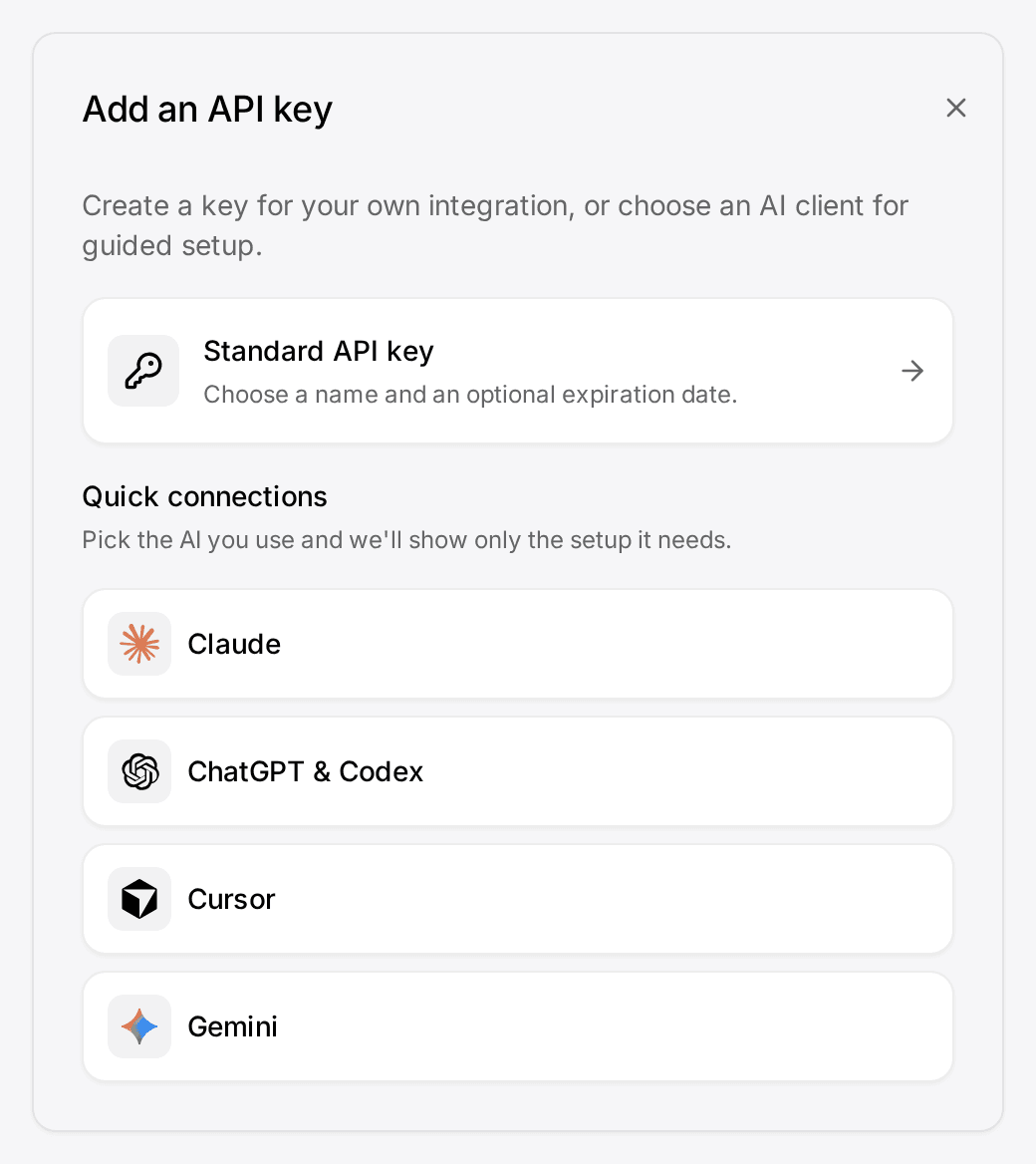
- Let your own Claude or ChatGPT work in your CRMConnect Claude, ChatGPT, Cursor or another MCP client. It reads and updates your workspace within your permissions.Connect your agent

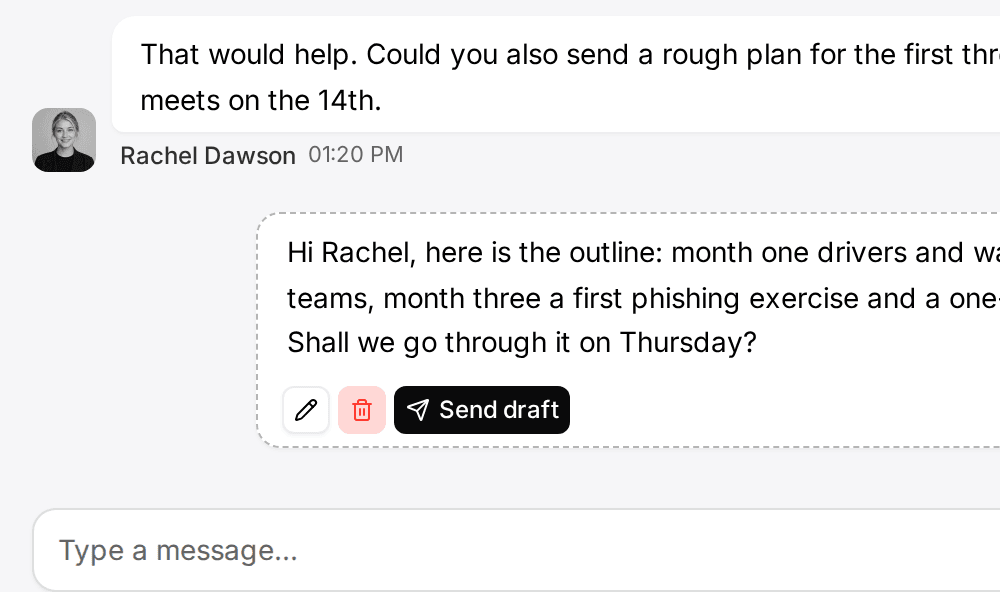
The right Breakcold alternative depends on the job: Customermates suits a small team that wants a free plan, an open-source licence and LinkedIn and email beside each client with a date for the next step, while Breakcold is the better fit when enrichment, call recording or an assistant that spots quiet conversations on its own matter more. Customermates publishes this comparison; every Breakcold detail comes from breakcold.com and was checked on 10 November 2026.
Which CRM fits which team: Breakcold or Customermates?
| Your situation | Better fit | Why |
|---|---|---|
| You want contact enrichment, call recording or meeting transcripts inside the CRM | Breakcold | Enrichment and call recording are on every Breakcold plan; Customermates has neither |
| You want a free plan after the trial | Customermates | Free covers 1 person and 250 records; Breakcold's pricing page lists no free plan |
| You want the CRM to spot quiet conversations and draft the follow-up on its own | Breakcold | Its follow-up planner, one of the specialists inside Chief of Staff, catches conversations that go quiet and drafts the follow-up; in Customermates you set a Next contact date or write a routine that does the check |
| You want an approval step before every AI-drafted message leaves | Breakcold | In Ask mode, its Chief of Staff holds every email, message and change for your approval; Mate sends when you tell it to, so you ask for drafts |
| Each person needs two channels, such as LinkedIn and email, on one price | Breakcold | Two connected accounts per seat on every plan; Customermates counts one per user on Pro and 3 on Business |
| You need an open-source licence or your own server | Customermates | The AGPL-3.0 core self-hosts with Docker Compose, without the inbox and Mate; Breakcold lists no self-hosted edition |
| You want Instagram in the same inbox as LinkedIn and email | Customermates Pro or Business | Instagram is an inbox channel in Customermates; Breakcold's channel pages list email, LinkedIn, WhatsApp, Telegram, meetings and calls |
| You capture LinkedIn profiles with a browser extension | folk | See folk compared with Customermates |
| You want custom objects and a flexible data model | Attio or Customermates | See the Attio comparison; Customermates starts without lists and you create your own |
What is Breakcold, and who is it a good choice for?
Breakcold calls itself "the AI Native CRM for modern salespeople and AI agents". Its pitch is selling on LinkedIn, WhatsApp, Telegram and email from one place, and the pages we read back that up.
- One inbox for five channels. Email through Gmail, Outlook or IMAP, LinkedIn DMs, InMails, connection requests and Sales Navigator threads, WhatsApp 1:1 and group chats, and Telegram DMs and groups, each matched to a record. A feed of your prospects' LinkedIn posts lets you like, comment and message from the deal.
- Enrichment and calls. Person and company enrichment is on every plan, and Breakcold says it fills more than 50 data points. Call recording with summaries and a meeting recorder for Zoom and Google Meet are on every plan too.
- Chief of Staff. Every plan includes an AI assistant that chats with your CRM, moves pipelines from what was said, drafts replies on every channel and writes a weekly report. Five specialists take on single jobs, among them a follow-up planner that catches quiet conversations and drafts the follow-up. In Ask mode, every email, message and change waits on an approval card, and single actions can be switched to Auto.
- MCP. Breakcold's MCP page lists 62 tools, including tools that send and reply on its messaging channels, OAuth for end-user clients and an MIT-licensed Agent Skill.
- Agencies. One workspace is included and each extra one costs $10 a month, so a client can live in its own workspace.
If that list describes how you work, switching will probably cost you more than it saves.
How much does Breakcold cost, and is there a free plan?
Prices checked on 10 November 2026 on Breakcold's pricing page. Breakcold sells one product in three sizes: X1 at $49, X5 at $99 and X20 at $199 per seat per month on monthly billing. Every plan has the full CRM, Chief of Staff and two connected accounts per seat. The plans differ only in how much AI work each seat gets per week: one, five or twenty times the base allowance. Quarterly billing takes 10% off and yearly billing 20%, billed upfront. Extra connected accounts and extra workspaces cost $10 a month each, and resetting a used-up weekly allowance costs $50.
The pricing page lists no free plan. It offers a 14-day free trial and says a card is required; two other Breakcold pages, its MCP page and its LinkedIn CRM page, say no credit card is needed, so confirm at sign-up. Breakcold prices in US dollars on the page we read, and Customermates bills monthly in euros; the table does not convert between them.
| Plan for five people | Monthly billing | Connected accounts included |
|---|---|---|
| Breakcold X1 | $245 | 2 per seat |
| Breakcold X5 | $495 | 2 per seat |
| Breakcold X20 | $995 | 2 per seat |
| Customermates Starter | €60 | No inbox |
| Customermates Pro | €145 | 1 per user |
| Customermates Business | €345 | 3 per user |
These rows do not buy the same things, so read them in pairs:
- Breakcold X1 and Customermates Pro are the closest pair. Each includes an inbox, an AI assistant and an MCP server. Breakcold adds enrichment, call recording and a second account per seat. Customermates Pro adds Instagram, an open-source core and a Free plan to fall back on after the trial.
- Two channels per person is where Breakcold is cheaper. One Customermates Pro account is LinkedIn or email, not both. If every person needs both beside each other, the fair pair is Breakcold X1 and Customermates Business, which also lets you share a whole account with the team.
- Breakcold's price follows AI use, not features. X20 costs four times X1 per seat for the same CRM, because it carries twenty times the weekly AI allowance.
- Customermates Starter is the cheapest row, but it has no inbox. It suits a team that wants records, Mate and the API without synced conversations.
Why do teams look for a Breakcold alternative?
No free plan, and a card for the trial. After the 14 days, the pricing page lists $49 per seat per month as the way in. A solo founder who wants a free tier to fall back on will not find one there.
The plan is sized by AI use. Chief of Staff, chat and background tasks draw from one weekly allowance per seat. The pricing FAQ says background work stops at half the allowance so chat always has room, and that a used-up week can be reset for $50 or the team can move up a plan. How much AI work each seat will do is hard to estimate before you start.
A hosted service in two regions. Breakcold is operated by Logike SAS in Paris and offers US and EU regions. Its privacy policy says it does not promise that all processing stays in one country, and its data processing addendum lists Convex for the database, Cloudflare and Vercel for the application, and AI requests that go through OpenRouter to Anthropic and OpenAI. As the controller, you assess whether that fits your own data processing agreement.
No self-hosted edition. The CRM is not listed as open source or as something you can run on your own server. Only the Agent Skill that sits on its MCP server is MIT-licensed.
Where does Customermates fit?
Customermates is our product, so check each line against its own docs. It is an open-source CRM made in Germany for small client-facing teams: the conversation sits on the client, a date field holds the next step, and Mate or your own AI client drafts the reply that you review and send.
Conversations beside each client. From Pro, the unified inbox brings Gmail, Outlook and IMAP mailboxes, LinkedIn, WhatsApp, Instagram and Telegram into one list, and you reply on the original channel. LinkedIn in Customermates includes Sales Navigator and Recruiter InMail. Link a participant to a contact once, and every conversation with that address or handle shows on the contact's timeline.
A next step on every client. Add a date field such as "Next contact" to contacts or deals, sort a saved view by it and add an Upcoming widget to the dashboard. The follow-up guide walks through it. Nothing pings you; you open the list.
AI that drafts for you. In Customermates Cloud, Mate summarizes threads, drafts replies, updates records and builds views, using hosted AI credits: a monthly allowance per active user, listed on the pricing page. Routines run a saved instruction on a schedule or when a record changes. Mate sends a message without asking when you tell it to send, so ask for drafts when you want to review first. Prefer Claude or ChatGPT? Connect it to the MCP server, with 59 tools on every plan, Free included, and on self-hosted installs. Its model calls then run on your own AI provider, and our guide to CRMs with Claude shows how the options compare.
Open source, with a hosting choice. The AGPL-3.0 core runs with Docker Compose and PostgreSQL 16, including REST, webhooks and MCP. A self-hosted install has no inbox, no Mate and no hosted credits. In Customermates Cloud the database is configured in the AWS Frankfurt region, a DPA is available, and the subprocessors, including US providers, are listed on the legal pages. Customermates holds no compliance certification.
Where is Customermates the wrong choice?
Check these before you start a trial:
- No enrichment, no call recording and no telephony. Contact data is what your team or your AI client enters, and meetings stay in your meeting tool.
- No sequences and no bulk email. Messages go out one at a time, written by you or drafted by Mate. Breakcold's pricing and features pages list no sequence builder either; its features page points to agents such as OpenClaw and Hermes AI for outreach. Neither tool is the pick for multi-step campaigns.
- No browser extension. Profiles do not get captured into the CRM with one click.
- No reminders and no task due dates. A date field and an Upcoming widget show what is due, but nothing sends a notification.
- No automatic detection of silent threads. Nothing watches for a conversation that went quiet unless you write a routine for it.
- One connected account per user on Pro. Two channels per person need Business.
- No approval queue for sends. Mate sends when you tell it to, which is why this page recommends drafts.
- No native mobile app. Customermates runs in the phone's browser.
- A small free plan. Free covers 1 person and 250 records, without the inbox, Mate or routines; more needs a paid plan after the 14-day trial.
What does a follow-up setup look like in Customermates?
Take a three-person consultancy that sells projects to clients it first meets on LinkedIn. Two partners answer on LinkedIn; the third works from Gmail.
| In Breakcold | In Customermates |
|---|---|
| People and companies | Contacts and organizations |
| A pipeline with stages | Deals renamed "Projects", with a stage field: Lead 10%, Proposal 40%, Negotiation 70%, Won 100%, Lost 0% |
| A task with a reminder | A date field "Next contact" and an Upcoming widget; no reminder is sent |
| Chief of Staff drafts in the tasks queue | Mate or a routine saves a draft in the conversation; you review and send |
| One inbox for every channel | The unified inbox with LinkedIn and Gmail connected |
| Enrichment and call recording | Not available; notes by hand or through your AI client |
Each partner connects one channel, LinkedIn or Gmail. One account each fits Pro, at €87 a month for the team. When someone needs LinkedIn and Gmail side by side, the workspace moves to Business at €207.
Each partner also owns a routine for the Monday follow-up. A routine runs as its owner, so it sees that person's contacts and saves drafts in their own channels. It runs in Customermates Cloud and uses hosted AI credits:
Every Monday at 8:00, find the contacts assigned to me whose "Next contact" date is today or earlier. For each one, read our latest conversation and save a short follow-up draft in it. Do not send anything. List the contacts in the run summary.
How do I move from Breakcold to Customermates?
The how-to-switch steps above the article cover the basics. Three details are specific to a move from Breakcold:
- Getting the data out. Breakcold's API documentation describes a REST API for records, tasks, notes and inbox workflows. We found no export guide on breakcold.com, and its help center was not available on 10 November 2026, so look for an export in the app or ask Breakcold's support before you plan the move.
- Importing. Customermates reads a JSON export of a list, .xlsx, .xls and .csv files through Add from file, up to 10 MiB and 5,000 non-blank rows per sheet. Import organizations first, then contacts, then deals. Link columns match records by name, and new contacts need a first and a last name. Map email addresses and phone numbers to the contact's Contact details field. Limits are in the records guide.
- Conversations. Connecting LinkedIn, Gmail or WhatsApp in Customermates starts a history import in the background, so past threads show on the contacts whose address or handle matches. Link the rest once by hand.
Which other CRMs do people compare with Breakcold?
Customermates publishes this list, so check each line on the vendor's own site. The folk and Attio details come from our comparison pages, checked on 8 October 2026.
- folk suits relationship-driven teams that capture LinkedIn profiles with a browser extension. It logs LinkedIn conversations one thread at a time instead of syncing them. See folk compared with Customermates.
- Attio suits teams that want a flexible data model with custom objects and built-in enrichment. WhatsApp and LinkedIn conversations reach it through third-party apps. See the Attio comparison.
Frequently asked questions
What is Breakcold CRM?
Breakcold is a hosted CRM from Logike SAS in Paris that describes itself as "the AI Native CRM for modern salespeople and AI agents". It combines one inbox for email, LinkedIn, WhatsApp and Telegram with enrichment, call recording, pipelines, an AI assistant called Chief of Staff and an MCP server.
How much does Breakcold cost?
Breakcold's pricing page lists X1 at $49, X5 at $99 and X20 at $199 per seat per month on monthly billing, checked on 10 November 2026. Quarterly billing takes 10% off and yearly billing 20%. Every plan has two connected accounts per seat; extra accounts and extra workspaces cost $10 a month each. Customermates Starter is €12, Pro €29 and Business €69 per user per month, billed monthly in euros.
Is Breakcold free, and is there a free alternative?
Breakcold's pricing page lists no free plan, only a 14-day trial. Customermates has a Free plan for 1 person and 250 records, without the inbox, Mate or routines, plus a 14-day trial of Pro with no credit card. Its open-source core can also be self-hosted without a licence fee.
Is there an open-source alternative to Breakcold?
Yes. Customermates has an AGPL-3.0 core that you can self-host with Docker Compose; the inbox and Mate exist only in Customermates Cloud. Breakcold lists no open-source or self-hosted edition of its CRM.
Does Breakcold sync LinkedIn messages?
Yes, according to its LinkedIn CRM page: DMs, InMails, connection requests and Sales Navigator threads sync and you reply from Breakcold. In Customermates, conversations from a connected LinkedIn account, Sales Navigator and Recruiter InMail included, arrive in the inbox from Pro and you reply from there.
Does Breakcold have an MCP server like Customermates?
Yes. Breakcold's MCP page lists 62 tools, OAuth for end-user clients and tools that send and reply on its channels. Customermates includes an MCP server with 59 tools on every plan and on self-hosted installs, so Claude, ChatGPT or another MCP client can read and update the CRM.
Where does Breakcold store data?
Breakcold offers US and EU regions. Its privacy policy says it does not promise that all processing stays in one country, and its data processing addendum names Convex, Cloudflare and Vercel among its providers. Customermates has its cloud database configured in the AWS Frankfurt region, offers a DPA and lists its subprocessors, including US providers. As the controller, you make the final assessment for your own use.
Competitor details checked on 10 November 2026 against Breakcold's pricing page, features page, MCP page, LinkedIn CRM page, privacy policy, data processing addendum and API documentation. The folk and Attio lines come from our own comparison pages, checked on 8 October 2026.
Conclusion
Breakcold is the better tool when enrichment, call recording and an assistant that spots quiet conversations and queues the follow-up are part of how you sell. Customermates fits small client-facing teams that want a free plan, an open-source licence and LinkedIn and email beside each client with a date for the next step. To test the fit, start a free trial, connect one channel and add a Next contact date to ten of your clients.
Related pages
folk CRM
folk CRM alternative compared: Customermates vs folk on price per seat, LinkedIn and WhatsApp in the CRM, deals, API, hosting and self-hosting.
Attio alternative
Attio alternative compared: Customermates vs Attio on price per seat, custom objects, WhatsApp and LinkedIn in the inbox, MCP and self-hosting.
LinkedIn CRM Integration
LinkedIn CRM integration: chats and Sales Navigator on each deal, email beside them, a reply you send. Compared with folk, Breakcold, Kondo (Nov 2026).
Client Follow-Up Software
Client follow-up software with LinkedIn and email on each client, a dated next step per conversation and Mate drafts you review and send. 14-day trial.
Customermates
Comparing Breakcold and Customermates?
Start a trial, connect LinkedIn or Gmail, and add a Next contact date to a handful of clients. You will see quickly whether your conversations and your follow-up routine fit the Customermates model.
✓ No credit card required ✓ First 14 days free