Comparison
Twenty CRM Alternative: Customermates and Twenty Compared
Twenty is open source too, and its own guide covers email and calendar sync. Customermates adds LinkedIn, WhatsApp, Instagram and Telegram on the client record from Pro, and Mate drafts the reply. Twenty details checked 8 October 2026.
✓ No credit card required ✓ First 14 days free
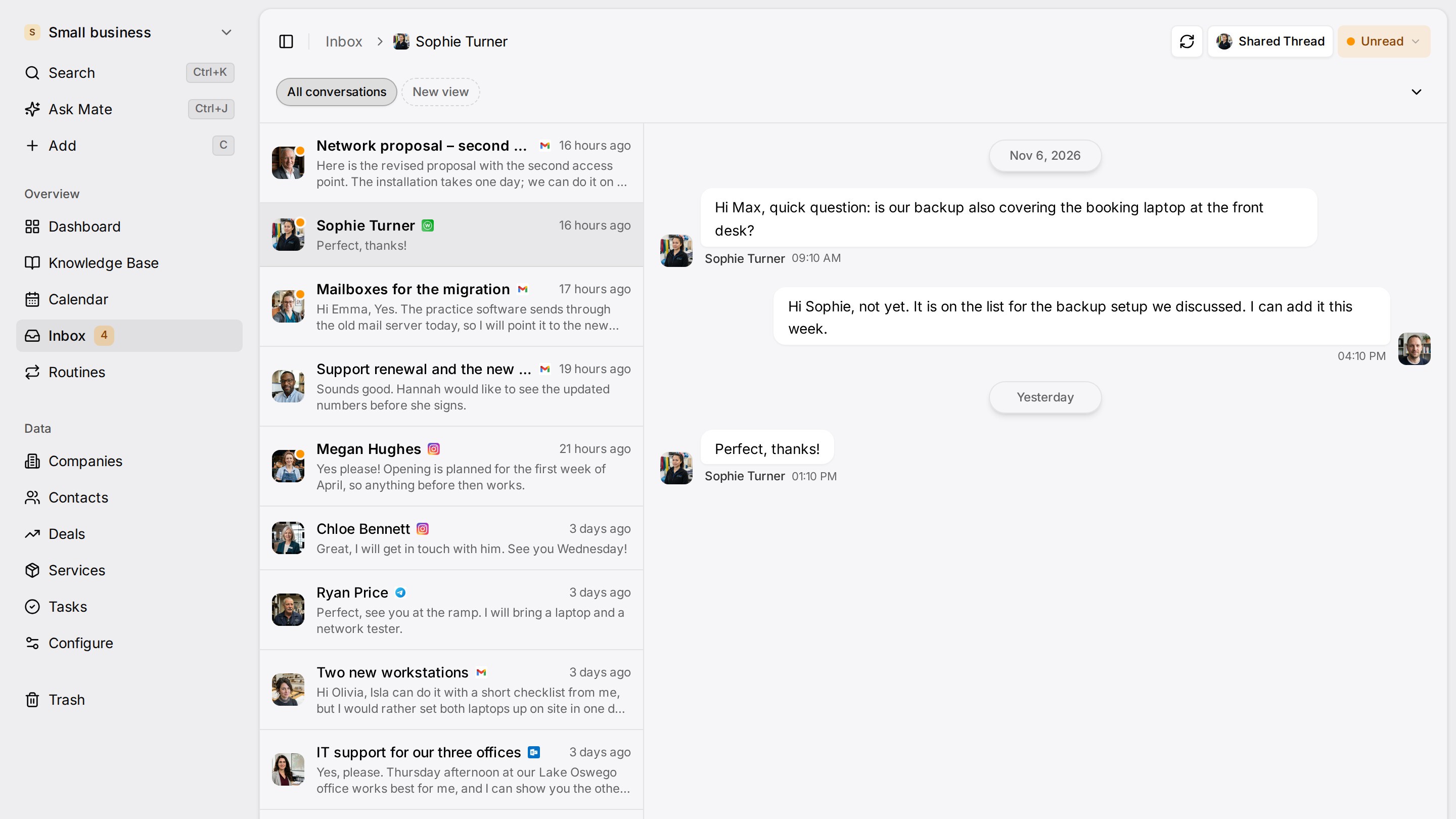
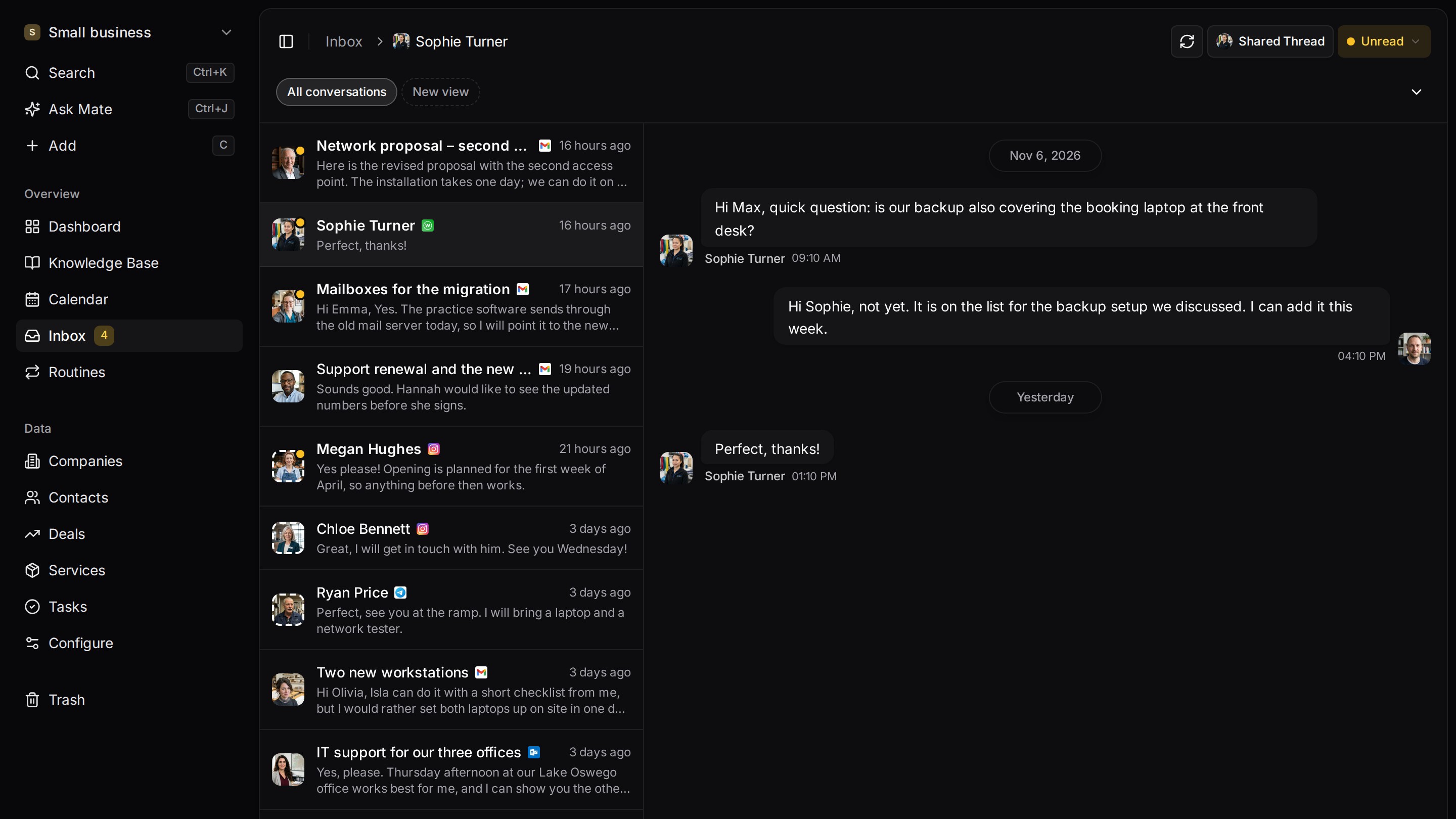
Every client conversation from email, LinkedIn and WhatsApp in one place. Mate sets up your workspace and drafts the follow-up, you review and send. Works with Claude, ChatGPT or any agent that speaks MCP.
Why teams switch
Why teams switch to Customermates.
Clients who write on more than email
From Pro, Gmail, Outlook and IMAP mailboxes, LinkedIn (including Sales Navigator and Recruiter), WhatsApp, Instagram and Telegram sit in one list, and every conversation opens from the client's page.
Replies drafted by Mate
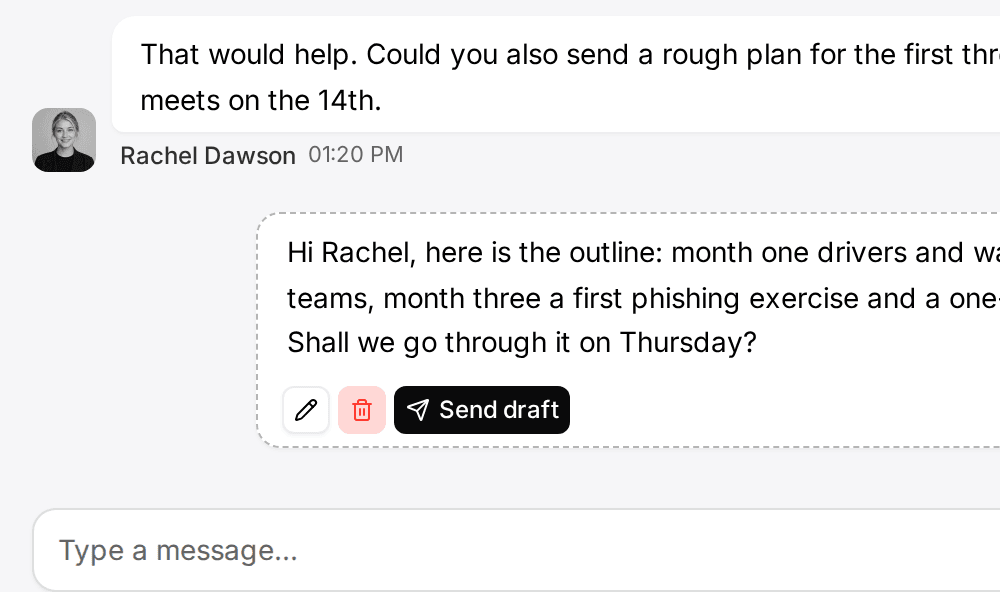
In Customermates Cloud, Mate summarizes threads on every channel, drafts replies, updates records and builds views. You review, edit and send.
Your own AI client through MCP
The MCP server offers 59 tools on every plan and on self-hosted installs, so Claude or ChatGPT can read and update the CRM within your permissions.
Start from one description
One description. A workspace your agent built.
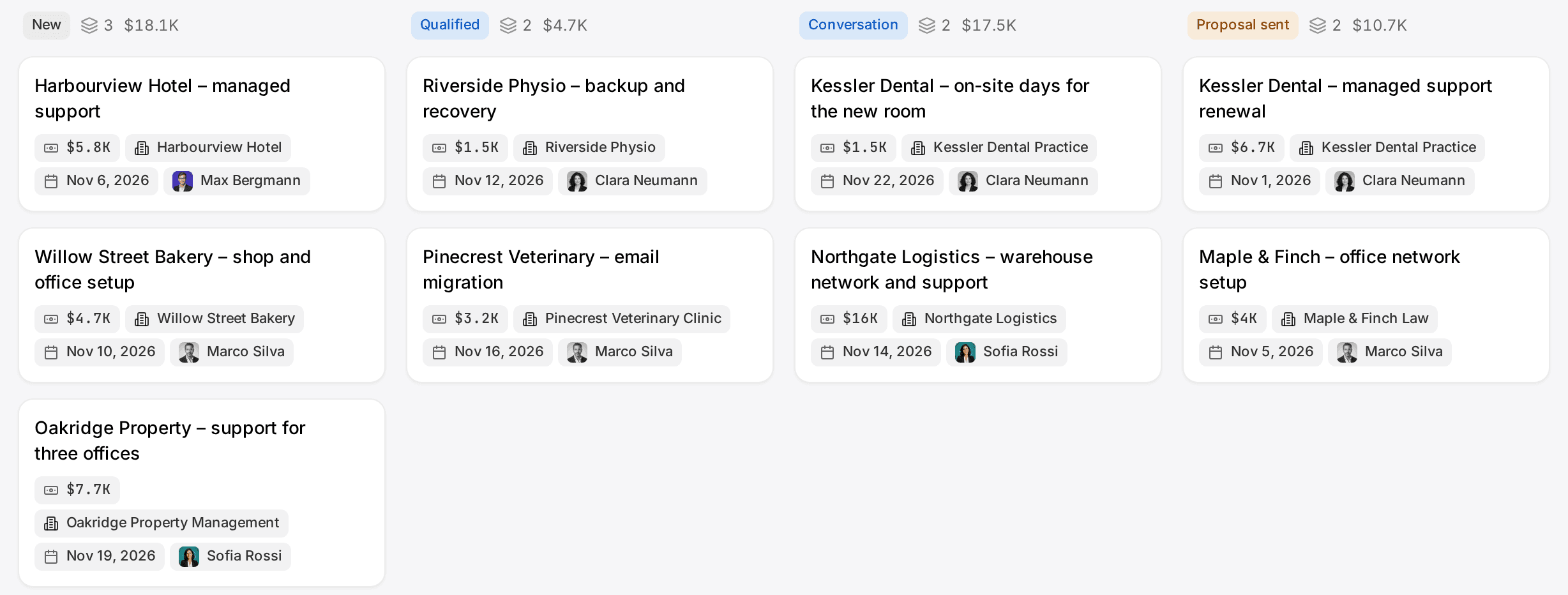
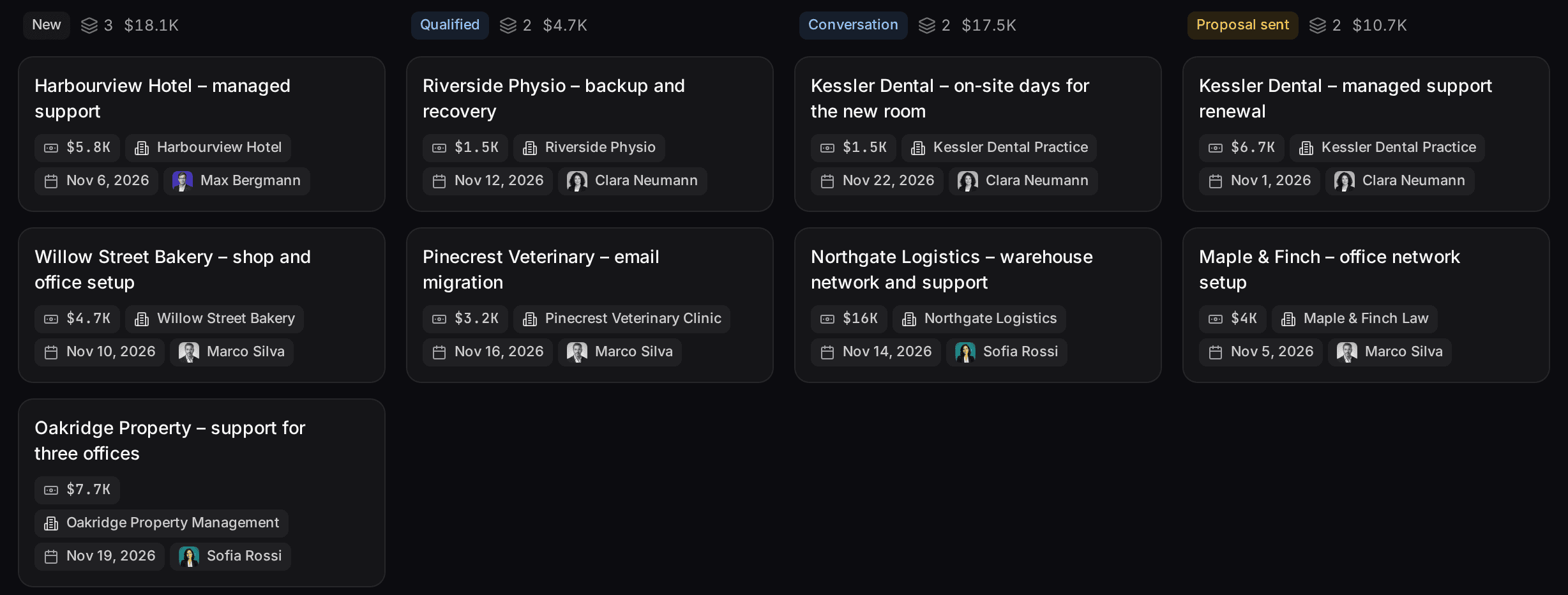
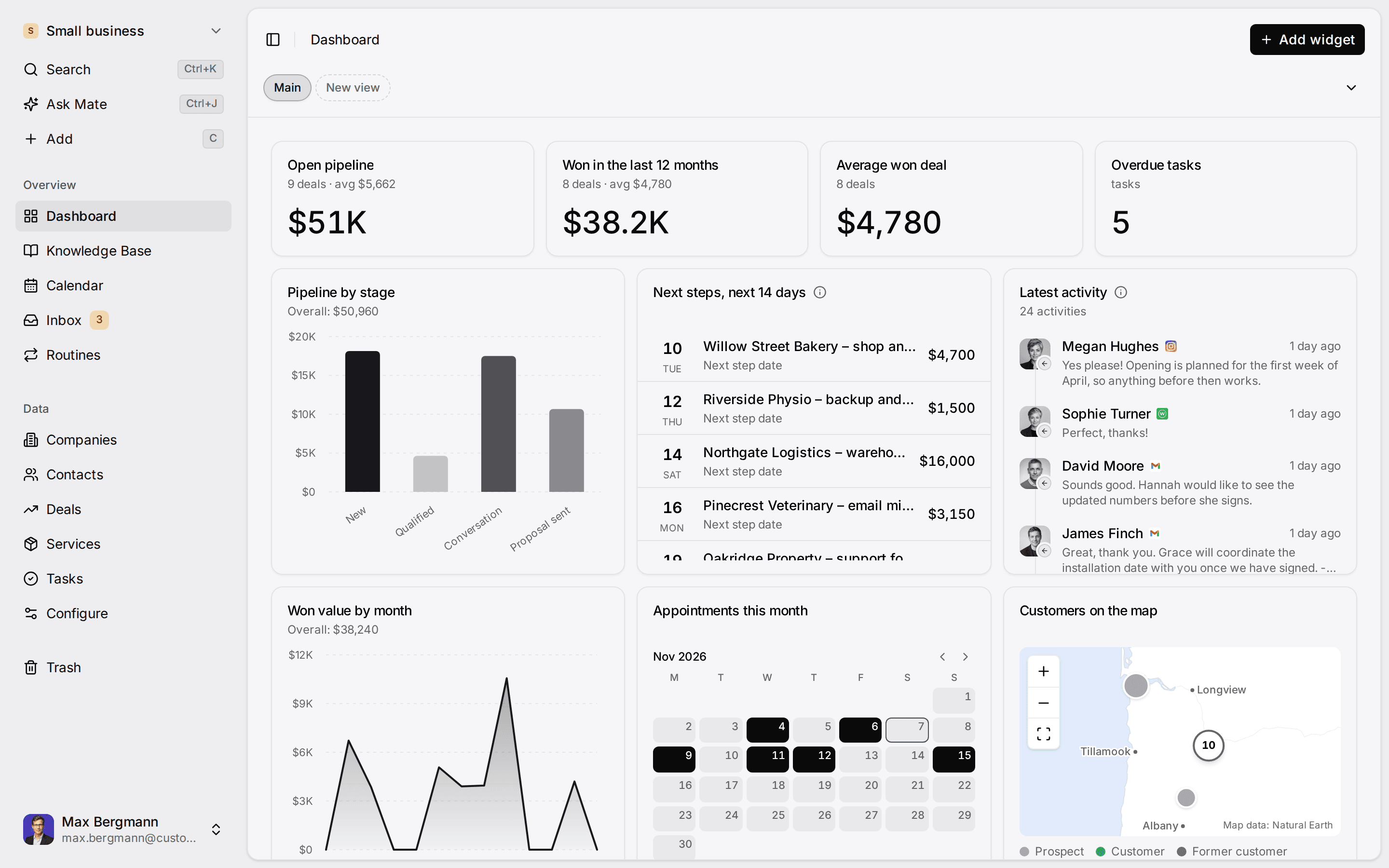
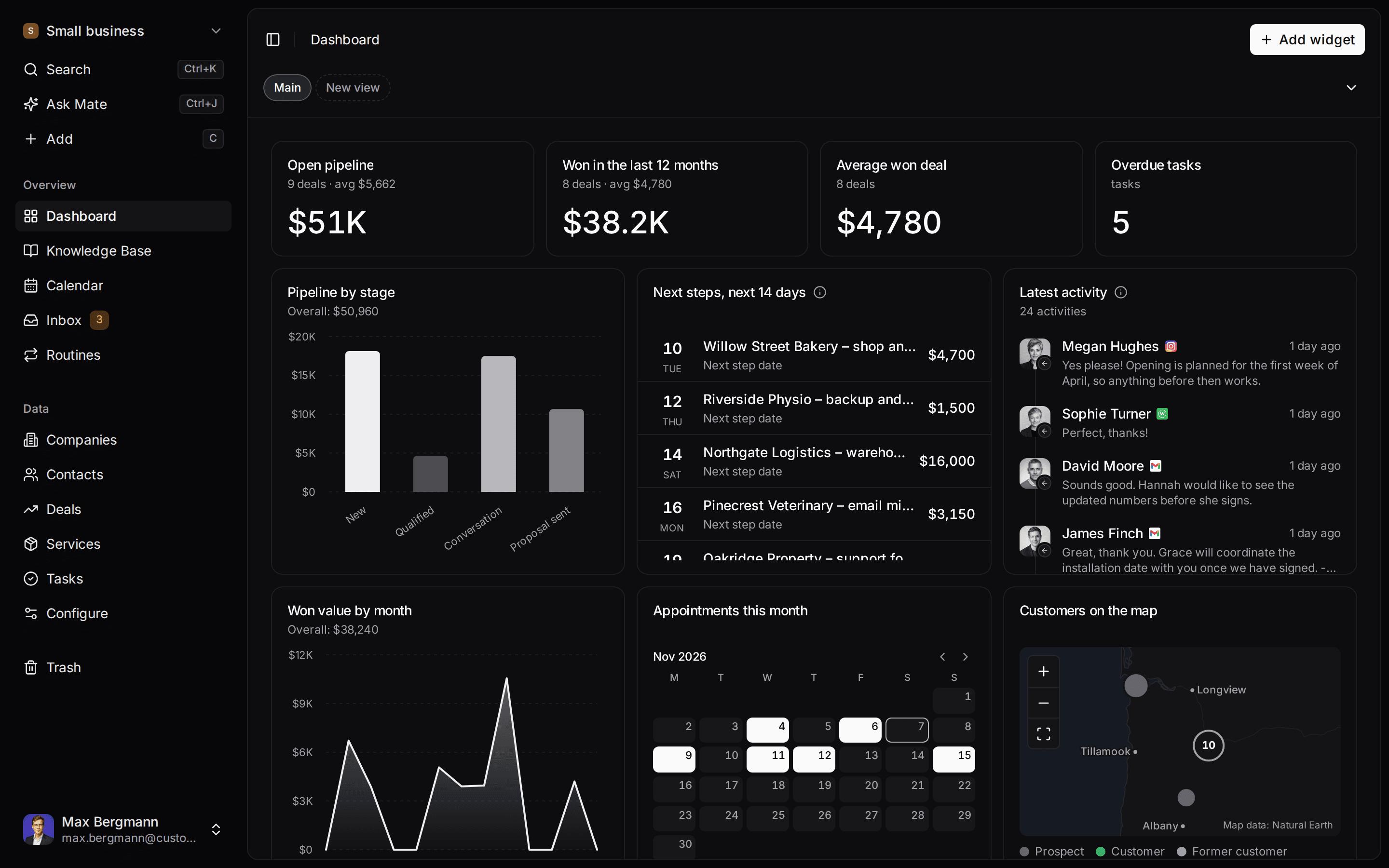
This is what setup builds from one sentence. Sample data, the real product.
Describe your business
One sentence about your team, your clients and how you sell.
Mate builds it
It asks a few questions, then creates the lists, pipeline, dashboard and playbook.
Work in it
Connect LinkedIn and email. Click through a finished example below.
We're a four-person strategy consultancy. Track clients, engagements and proposals, and help us follow up with prospects on LinkedIn.
- Mate
- Claude
- ChatGPT
- Cursor

 Mate
 Claude
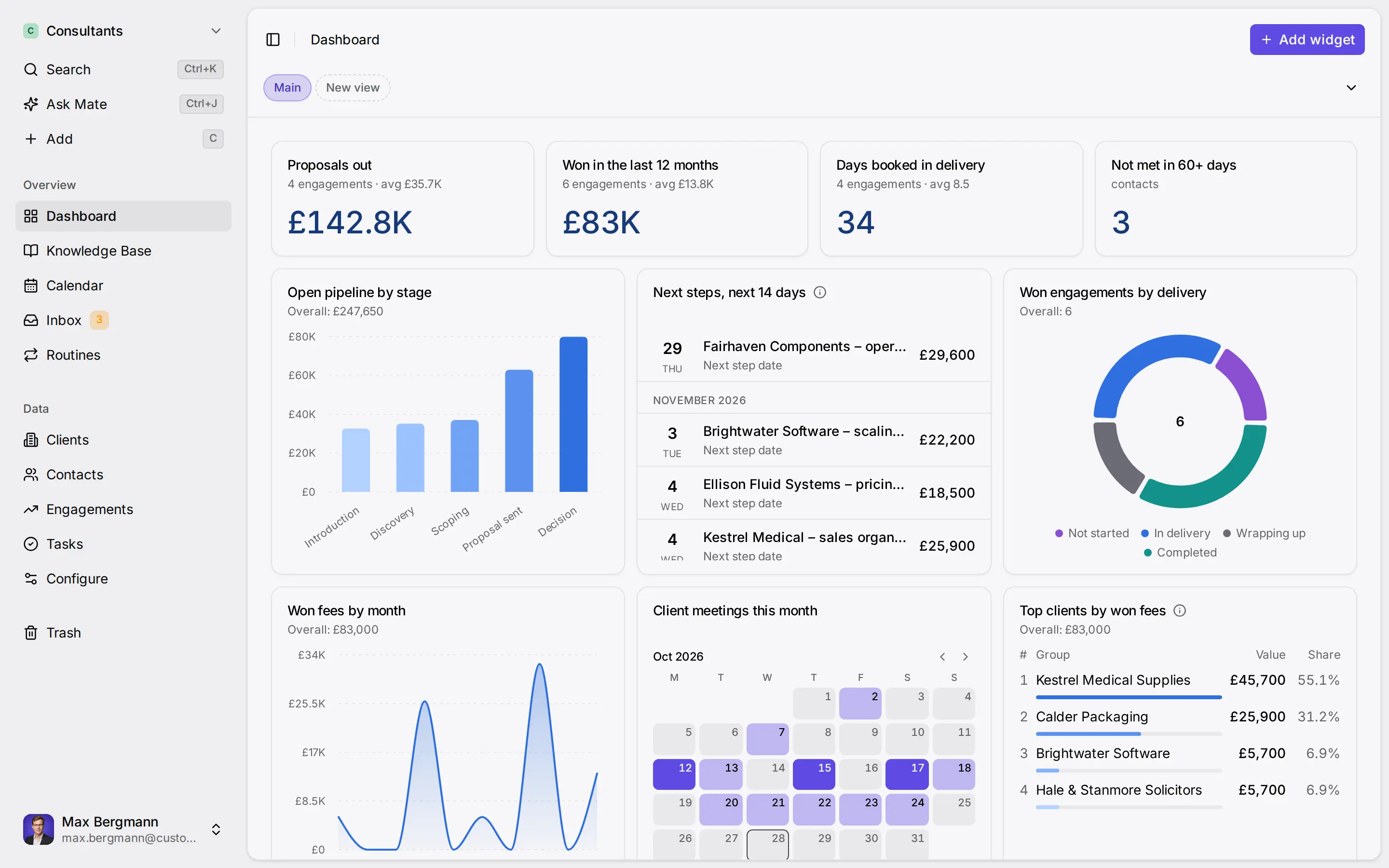
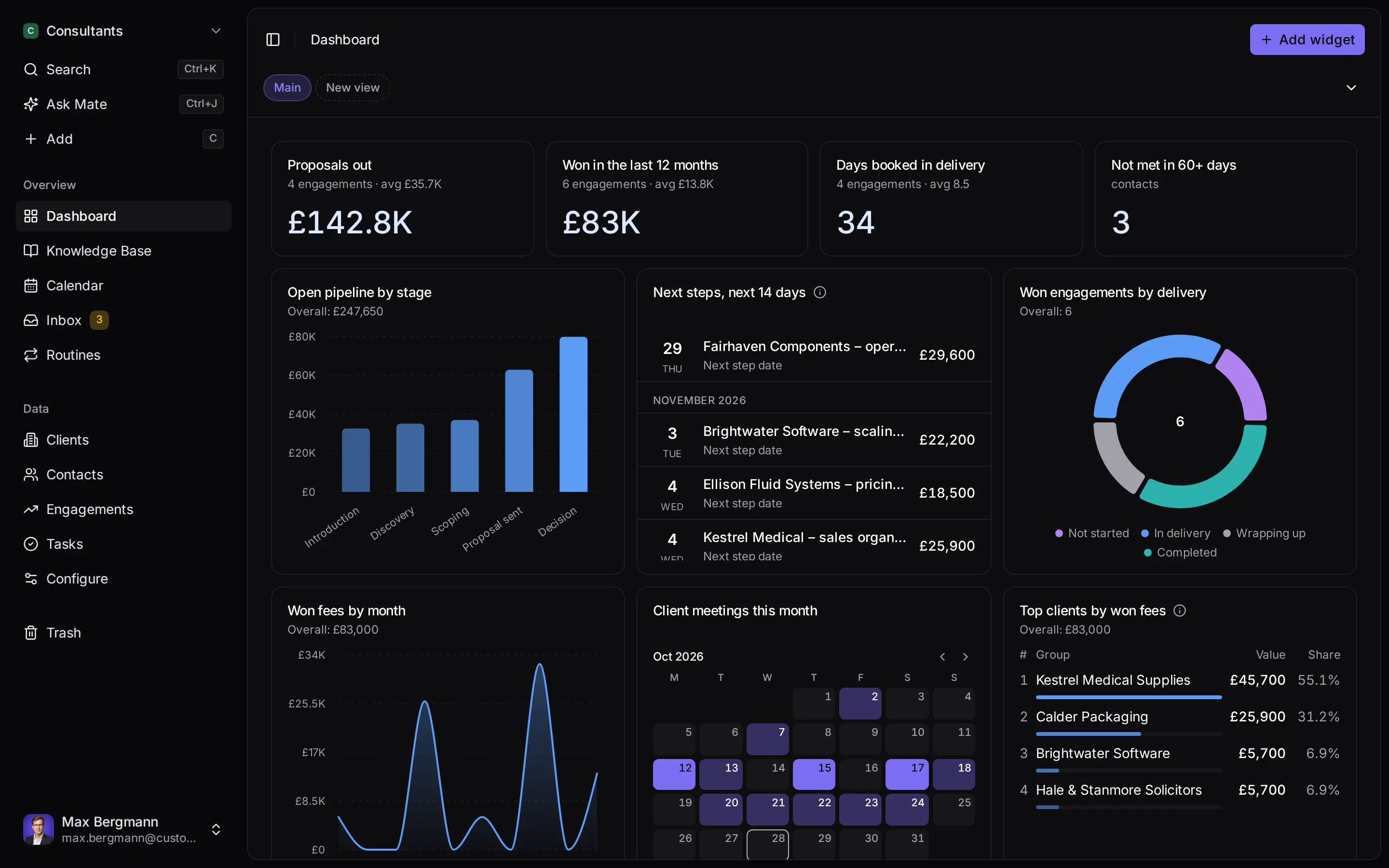
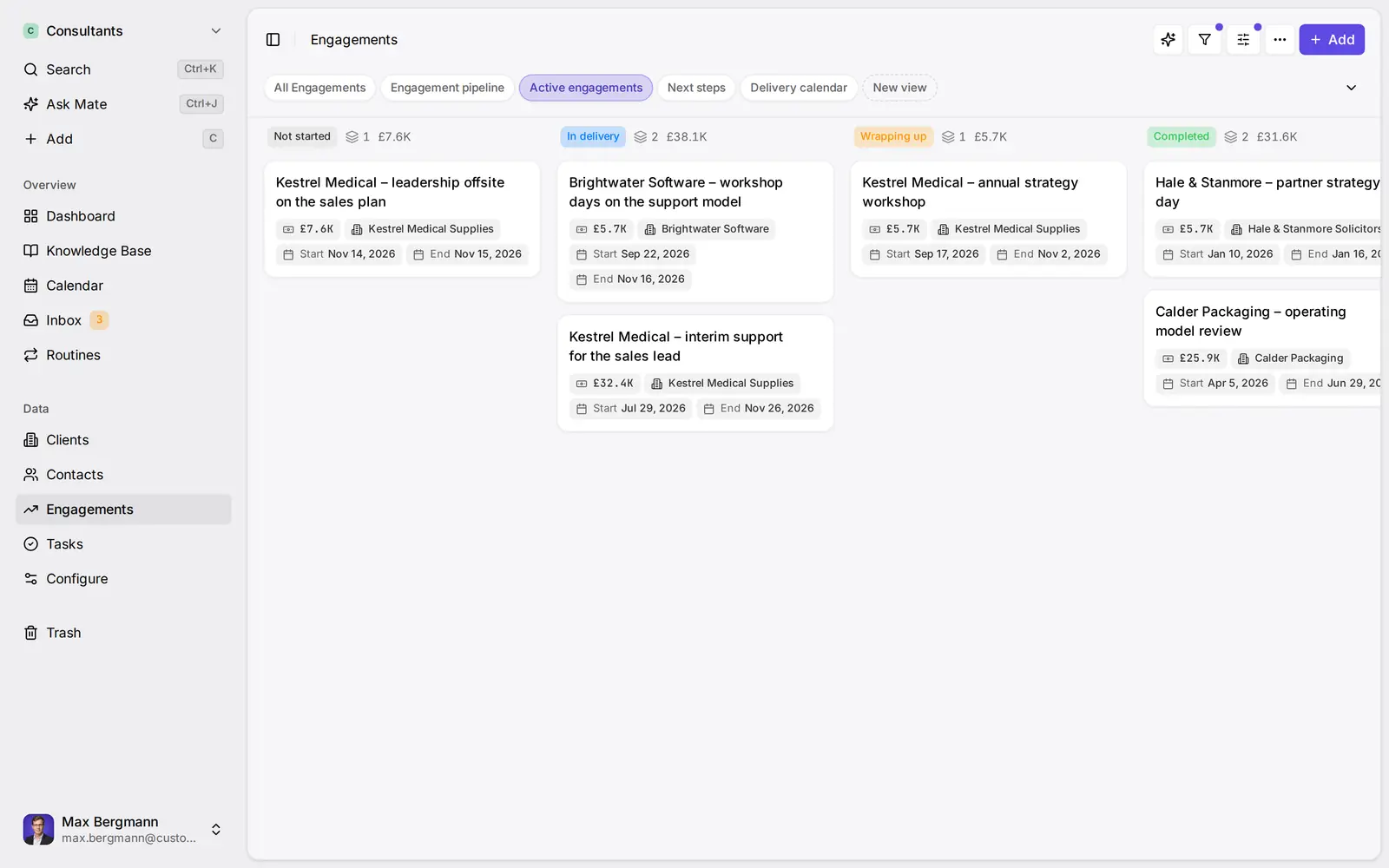
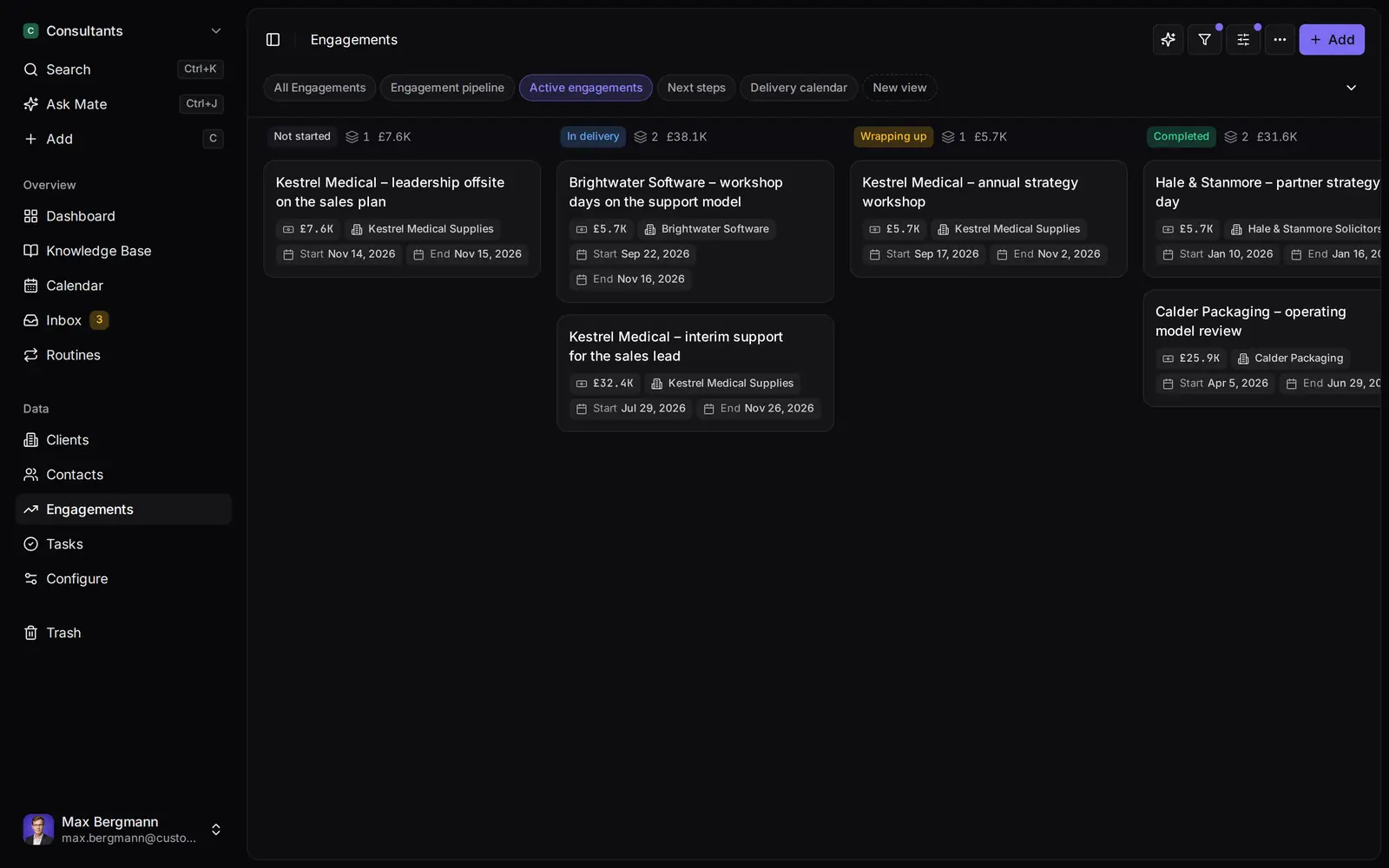
Widgets built from the workspace's own lists and fields
Side by side
Customermates vs. Twenty: Feature Comparison
Licence & Hosting
Open-source licence
- Customermates
- AGPL-3.0 core; ee/ under a separate commercial licence
- Twenty
- Mostly AGPL-3.0; files marked Enterprise under a commercial licence
Self-hosting
- Customermates
- Docker Compose with the app and PostgreSQL 16 (no inbox, no Mate)
- Twenty
- Docker Compose with server, worker, PostgreSQL and Redis
Managed cloud
- Customermates
- Twenty
Pricing
Cloud price per user / month
- Customermates
- Starter €12, Pro €29, Business €69
- Twenty
- Pro $9, Organization $39 (billed yearly); Enterprise from $50k per year
Billing
- Customermates
- Monthly only
- Twenty
- Monthly or yearly (yearly shown as 25% off)
Free trial
- Customermates
- 14 days, no credit card
- Twenty
- 30 days, no credit card
Data Model
Standard records
- Customermates
- Contacts, organizations, deals, services, tasks
- Twenty
- People, companies, opportunities
Custom objects
- Customermates
- Your own lists, with fields and relationships
- Twenty
- Unlimited on every plan
Custom fields
- Customermates
- Sixteen field types, single choice included, plus calculated fields
- Twenty
- Unlimited
View types
- Customermates
- Table and board
- Twenty
- Table, Kanban, calendar
Spreadsheet import and export
- Customermates
- Import from XLSX, XLS, CSV or JSON, export as XLSX or JSON, one list at a time
- Twenty
- CSV, up to 20,000 records per export
Conversations
Email
- Customermates
- Gmail, Outlook and IMAP in the unified inbox (Pro+)
- Twenty
- Google, Microsoft and IMAP/SMTP accounts
Accounts per user
- Customermates
- Pro 1, Business 3
- Twenty
- Unlimited email and calendar accounts
Calendar
- Customermates
- Read-only (Pro+)
- Twenty
- Google, Microsoft and CalDAV
LinkedIn, WhatsApp, Instagram, Telegram
- Customermates
- Unified inbox (Pro+)
- Twenty
- Not in Twenty's documentation; a partner offers a WhatsApp workflow integration
AI & Access
MCP server
- Customermates
- Every plan and self-hosted, 59 tools
- Twenty
- Every Cloud workspace, connected by OAuth
In-app AI
- Customermates
- Mate and routines (Customermates Cloud, hosted AI credits)
- Twenty
- AI agents and workflows
API
- Customermates
- REST (OpenAPI) and webhooks
- Twenty
- REST, GraphQL and webhooks
Permissions
- Customermates
- Roles per list (all, assigned or no records)
- Twenty
- Field-level and row-level on Organization
Single sign-on (SAML/OIDC)
- Customermates
- Twenty
- Organization plan
  | Twenty | |
|---|---|---|
| Licence & Hosting | ||
| Open-source licence | AGPL-3.0 core; ee/ under a separate commercial licence | Mostly AGPL-3.0; files marked Enterprise under a commercial licence |
| Self-hosting | Docker Compose with the app and PostgreSQL 16 (no inbox, no Mate) | Docker Compose with server, worker, PostgreSQL and Redis |
| Managed cloud | ||
| Pricing | ||
| Cloud price per user / month | Starter €12, Pro €29, Business €69 | Pro $9, Organization $39 (billed yearly); Enterprise from $50k per year |
| Billing | Monthly only | Monthly or yearly (yearly shown as 25% off) |
| Free trial | 14 days, no credit card | 30 days, no credit card |
| Data Model | ||
| Standard records | Contacts, organizations, deals, services, tasks | People, companies, opportunities |
| Custom objects | Your own lists, with fields and relationships | Unlimited on every plan |
| Custom fields | Sixteen field types, single choice included, plus calculated fields | Unlimited |
| View types | Table and board | Table, Kanban, calendar |
| Spreadsheet import and export | Import from XLSX, XLS, CSV or JSON, export as XLSX or JSON, one list at a time | CSV, up to 20,000 records per export |
| Conversations | ||
| Gmail, Outlook and IMAP in the unified inbox (Pro+) | Google, Microsoft and IMAP/SMTP accounts | |
| Accounts per user | Pro 1, Business 3 | Unlimited email and calendar accounts |
| Calendar | Read-only (Pro+) | Google, Microsoft and CalDAV |
| LinkedIn, WhatsApp, Instagram, Telegram | Unified inbox (Pro+) | Not in Twenty's documentation; a partner offers a WhatsApp workflow integration |
| AI & Access | ||
| MCP server | Every plan and self-hosted, 59 tools | Every Cloud workspace, connected by OAuth |
| In-app AI | Mate and routines (Customermates Cloud, hosted AI credits) | AI agents and workflows |
| API | REST (OpenAPI) and webhooks | REST, GraphQL and webhooks |
| Permissions | Roles per list (all, assigned or no records) | Field-level and row-level on Organization |
| Single sign-on (SAML/OIDC) | Organization plan |
Switching over
How to switch.
- 01
Import your spreadsheet
Export contacts and deals from your current CRM as Excel or CSV, then use Add from file, one list at a time.
- 02
Connect LinkedIn and email
From Pro, connect LinkedIn, Gmail, Outlook or WhatsApp under Settings, Channels & calendars. Each conversation shows on the linked contact.
- 03
Let Mate draft
In Customermates Cloud, ask Mate for drafts. It writes the reply and the next step, and you review and send it. Your own AI agent can draft through MCP too.
Ways you can use it
Pick the job. The workspace follows.
- Follow up on LinkedIn conversationsLinkedIn and email threads sit on the client. Mate drafts the reply and dates the next step, and you review and send it in the conversation.See LinkedIn in the inbox
- Follow up on every proposal after the callClients, engagements and proposals with the conversations behind them, and a dated next step on each.CRM for consultants
- Keep client next steps on one dashboardEvery client gets a dated next step, and your dashboard shows what is due across all of them.See follow-up
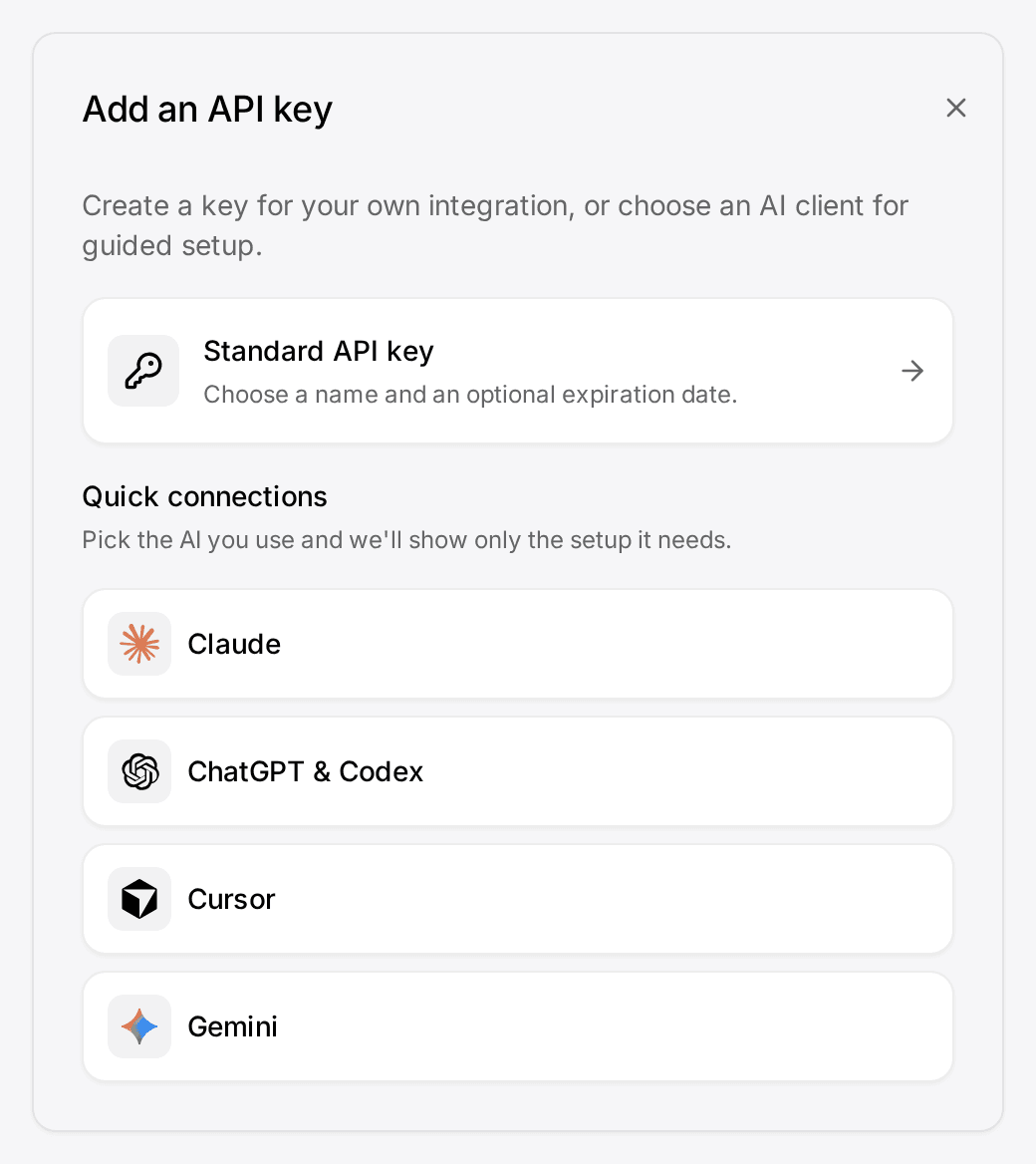
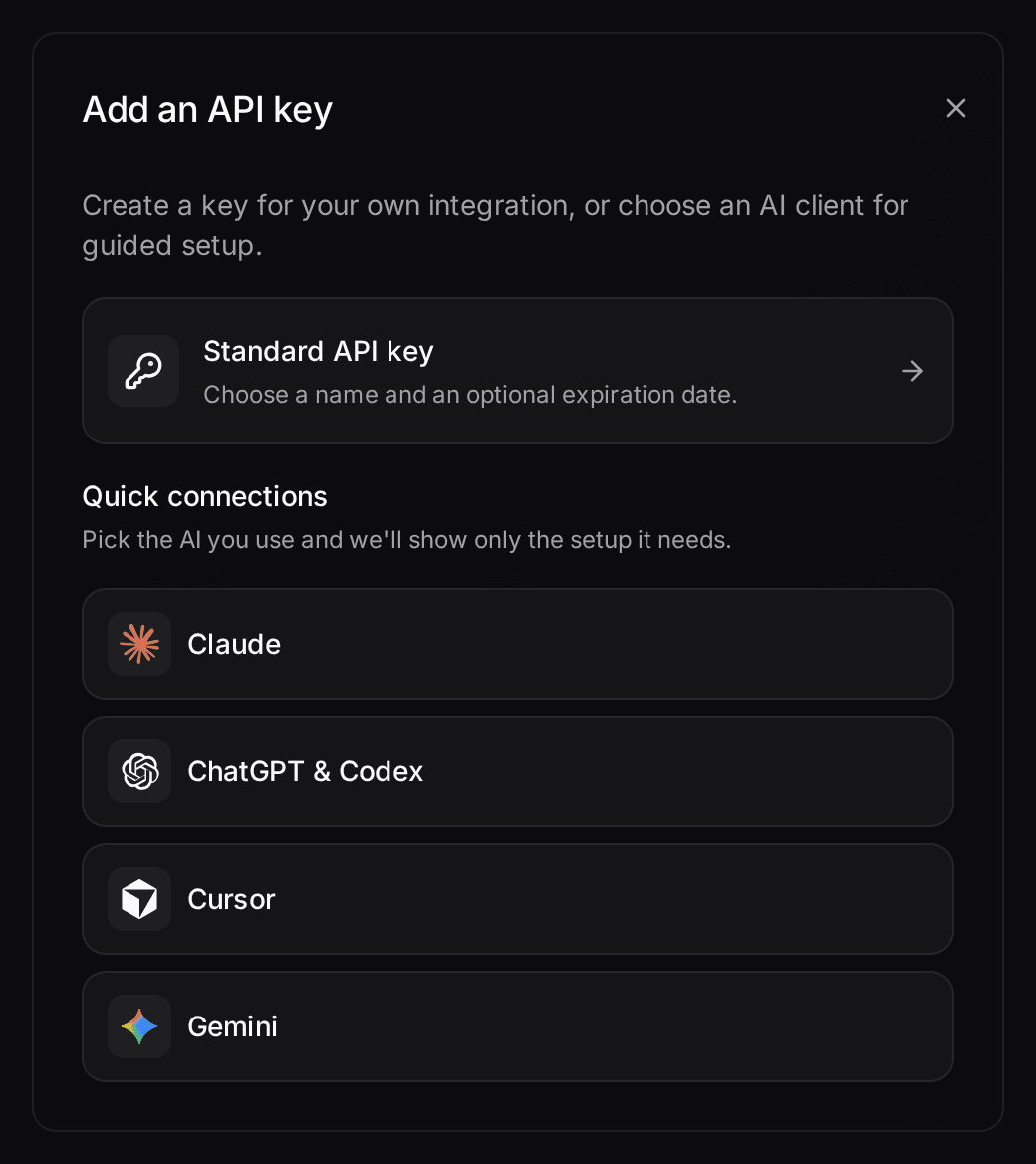
- Let your own Claude or ChatGPT work in your CRMConnect Claude, ChatGPT, Cursor or another MCP client. It reads and updates your workspace within your permissions.Connect your agent

The main reason to pick Customermates over Twenty is where your clients write. Twenty's own documentation covers email and calendar sync; Customermates brings Gmail, Outlook and IMAP mailboxes, LinkedIn, WhatsApp, Instagram and Telegram into one inbox from Pro, next to the deal. If your process depends on single sign-on, row-level permissions or GraphQL, Twenty is the better product. Customermates publishes this comparison. Every Twenty detail comes from twenty.com, Twenty's documentation and its GitHub repository, checked on 8 October 2026.
Which CRM fits which team
| Your situation | Better fit | Why |
|---|---|---|
| Your process needs its own record types, such as properties, investments or funds | Twenty or Customermates | Unlimited custom objects on every Twenty plan; Customermates starts without lists; you create your own (contacts, deals or anything else) |
| You need SAML/OIDC single sign-on or row-level permissions | Twenty Organization | Customermates has no single sign-on, and its roles work per list |
| Developers will extend the CRM in TypeScript or query it through GraphQL | Twenty | Its Apps framework and GraphQL API exist for that; Customermates offers REST, webhooks and MCP |
| Each person syncs several mailboxes and calendars | Twenty | Unlimited email and calendar accounts per user on every plan |
| You want the lowest cloud price per seat | Twenty Pro | $9 per user per month billed yearly |
| Clients write on WhatsApp, LinkedIn, Instagram or Telegram as well as email | Customermates Pro or Business | All of these channels sit in one inbox, and you reply on the original channel |
| You want an assistant that reads WhatsApp, LinkedIn and email threads and drafts the replies | Customermates Cloud | Mate and routines work on records and inbox threads, using hosted AI credits |
Who Twenty is a good choice for
Twenty calls itself "the open alternative to Salesforce, designed for AI" and says on GitHub that it gives technical teams the building blocks for a custom CRM.
A data model you design. Custom objects, custom fields and custom views are unlimited on every plan, and you build them in Settings without code. Views come as table, Kanban or calendar. Developers can go further with the Apps framework (npx create-twenty-app) and ship objects, server-side logic, React components and AI skills in TypeScript.
Email and calendar as the conversation layer. Twenty connects Google and Microsoft accounts directly and any other provider through IMAP, SMTP and CalDAV, with unlimited accounts per user. Each account chooses what teammates see: metadata only, subject and metadata, or full content.
Access control for growing teams. Organization ($39 per user per month, billed yearly) adds field-level and row-level permissions, SAML/OIDC single sign-on, a custom domain and priority support. Enterprise starts at $50,000 per year and adds single-tenant isolation, IP allow-listing and SCIM provisioning.
AI and APIs. Workflows and AI agents come with every plan. Every Cloud workspace ships with an MCP server that Claude, ChatGPT or Cursor connect to by OAuth. REST and GraphQL APIs and webhooks are included.
Licence and hosting. The repository is mostly AGPLv3; files marked /* @license Enterprise */ fall under a commercial licence, and some packages, such as the SDKs, are MIT. Self-hosting the open-source core is free. Twenty Cloud runs on AWS in Frankfurt, and Twenty's legal FAQ states SOC 2 compliance.
If most of that matches how you work, Twenty is the stronger fit and switching would cost you more than it saves.
Why teams look for a Twenty alternative
Clients who write on more than email. Twenty's email and calendar guide lists Google, Microsoft and IMAP/SMTP/CalDAV accounts and no chat channel. A Twenty partner, Next Page Technologies, has published an open-source WhatsApp integration for Twenty workflows built on Meta's WhatsApp Cloud API. It sends messages as a workflow step. For LinkedIn, Instagram and Telegram, Twenty's documentation lists no channel. For consultants and agencies whose clients answer on WhatsApp or LinkedIn, that gap decides the choice.
Someone has to own the model. Twenty's flexibility means a person on your team designs the objects, fields, views and workflows and keeps them tidy. A five-person service team without that person may prefer a model that comes ready to use and only needs extending where its work differs.
What five people pay per month
Prices checked on 9 November 2026 from Twenty's pricing page. Twenty lists US dollars and shows yearly billing as 25% off monthly. Customermates bills monthly, in euros.
| Plan for five people | Per month |
|---|---|
| Twenty Pro, billed yearly | $45 |
| Twenty Organization, billed yearly | $195 |
| Customermates Starter | €60 |
| Customermates Pro | €145 |
| Customermates Business | €345 |
These rows do not buy the same things:
- Twenty Pro gives more for less than Customermates Starter. Starter has no inbox and syncs no email at all. Twenty Pro includes email and calendar sync and custom objects.
- Customermates Pro is where the comparison starts. Each user connects 1 account, which can be a mailbox, LinkedIn, WhatsApp, Instagram or Telegram.
- Email and WhatsApp side by side means Business. Business has 3 accounts per user and shared accounts.
- Self-hosting is free on both sides. Self-hosted Twenty runs four services and asks for at least 2 GB of RAM. Self-hosted Customermates runs two, the app and PostgreSQL 16, without the inbox and Mate.
Where Customermates fits
Twenty and Customermates are both open source, so the difference is the conversation. From Pro, Customermates puts email, LinkedIn, WhatsApp, Instagram and Telegram threads on the client record, and Mate or your own AI agent drafts the reply and the next step. You review, edit and send.
Conversations next to the deal. From Pro, the unified inbox puts Gmail, Outlook and IMAP mailboxes, LinkedIn (including Sales Navigator and Recruiter), WhatsApp, Instagram and Telegram in one list. You reply on the original channel, link a participant to a contact once, and open every conversation with that contact from the contact page.
Mate in Customermates Cloud. Mate summarizes threads on every channel, drafts replies, updates records and builds views. It uses hosted AI credits, with a monthly allowance per active user listed on the pricing page. Deletions and a few admin actions wait for a fresh approval every time; sending a message does not, so ask Mate to save drafts when you want to read first. Routines run a saved instruction on a schedule or when a record changes, and each runs as its owner with that owner's channels.
Your own AI client through MCP. The MCP server offers 59 tools on every plan and on self-hosted installs. Claude, ChatGPT or another MCP client then runs on your own AI provider.
Open source with a hosting choice. The core is AGPL-3.0 and runs on your own server with Docker Compose, including REST, webhooks and MCP. A self-hosted install has no inbox, no Mate and no hosted credits. In Customermates Cloud the database is configured in the AWS Frankfurt region, a DPA is available and the subprocessors, including US providers, are listed on the legal pages.
Where Customermates is the wrong choice
- No single sign-on and no field-level permissions. Roles decide per list whether a member sees all records, only the ones assigned to them, or none.
- No GraphQL and no app framework. Integrations use REST, webhooks, MCP or n8n, which runs separately.
- Calendar is read-only. Customermates does not create or book calendar events.
- No compliance certification. Twenty states SOC 2 compliance; Customermates holds none.
- A small free plan. Free covers 1 person and 250 records, without the inbox, Mate or routines; more needs a paid plan after the 14-day trial.
Moving from Twenty: what maps where
Take a five-person consultancy that runs on Twenty's People, Companies and Opportunities, plus one custom object for engagements.
| In Twenty | In Customermates |
|---|---|
| People | Contacts |
| Companies | Organizations |
| Opportunities | Deals, renamed "Opportunities" in Data model so your team keeps its words |
| Pipeline stages | A stage field (single choice) with a probability per stage |
| A custom object, such as Engagements | Your own "Engagements" list, related to opportunities |
| Tasks | Tasks; if you track a due date, add a custom date field, because tasks have no built-in due date |
| Connected mailboxes | Reconnect them under Settings, Channels & calendars (Pro); their history imports in the background |
| Workflows | Routines in Customermates Cloud, or webhooks to n8n |
With stages Lead 10%, Qualified 30%, Proposal 50%, Negotiation 70%, Won 100% and Lost 0%, Customermates shows each opportunity's weighted value, and a chart widget on the Dashboard sums them: value times stage probability, not a prediction.
Each of the five owns one routine for the Monday follow-up. It runs in Customermates Cloud and uses hosted AI credits:
Every Monday at 8:00, find my opportunities in "Proposal" where the contact has not written in ten days. For each one, save a short follow-up draft in my latest conversation with that contact. Do not send anything. List the opportunities in the run summary.
Export each view from Twenty
Open People, Companies and Opportunities, show every field you want to keep, then choose Export view from the ⋮ menu. Twenty writes a CSV of the visible columns and filtered records, up to 20,000 records per export, without attachments or images. Its guide does not say whether notes or tasks come along, so check one test export.Keep the files as they are
Customermates accepts CSV files, so there is nothing to convert. A file currently takes up to 10 MB and a sheet up to 5,000 rows, so split a larger export.Prepare the workspace
Rename deals to Opportunities in Data model, create custom fields for the properties you keep and set up the stage field with its probabilities.Import one list at a time
Choose More actions, then Add from file. Import organizations first, then contacts, then opportunities. Link columns match records by name, new contacts need a first and a last name, and a notes column fills the record's notes. The records guide covers every rule.Connect channels and AI
On Pro or during the trial, connect a mailbox, LinkedIn or WhatsApp under Settings, Channels & calendars. Then set up routines for Mate, or connect your own AI client through MCP.
Other Twenty alternatives worth a look
Customermates publishes this list. Prices and features come from each vendor's own pages, checked on 8 October 2026.
- EspoCRM suits teams that want a self-hosted open-source CRM with custom entities. It is licensed under AGPLv3, runs on PHP with MySQL, MariaDB or PostgreSQL and installs with Docker or a script. Hosted plans start at €12.90 per user per month with a three-user minimum. See EspoCRM compared with Customermates.
- Attio suits teams that want custom objects in a hosted product. Its plans cap the number of objects: up to 3 on Free, 5 on Plus, 12 on Pro and unlimited on Ultra (formerly Enterprise). The free plan covers three users. Pricing is per workspace with one user included: Plus costs €45 a month (€35 billed yearly) and Pro €110 (€85), plus €39 (€31) and €93 (€74) for each extra user. Attio details checked on 12 November 2026. See the Attio comparison.
- folk fits relationship-driven teams that prospect on LinkedIn. Standard costs $30 per member per month, or $24 billed yearly, and includes a LinkedIn extension, email, calendar and WhatsApp sync, enrichment and email campaigns. Custom objects and deals need Premium at $60, or $48 billed yearly. See folk compared with Customermates.
Frequently asked questions
Is Twenty CRM free?
Self-hosting the open-source core is free. Twenty Cloud starts with Pro at $9 per user per month billed yearly, and Organization costs $39; both come with a 30-day trial without a credit card. Customermates Cloud has a free plan for 1 person and 250 records, without the inbox, Mate or routines, a 14-day trial, and a self-hosted core without licence fees.
Is Twenty a good CRM for a small team?
Yes, if someone on the team enjoys shaping the data model or a developer helps. If your clients mostly write on WhatsApp or LinkedIn and nobody wants to build the CRM, a product with those channels in its inbox needs less setup.
Does Twenty support WhatsApp or LinkedIn messages?
Not in Twenty's own documentation, which covers email and calendar. A partner offers an open-source WhatsApp integration that sends messages from Twenty workflows through Meta's WhatsApp Cloud API. Customermates has WhatsApp, LinkedIn, Instagram and Telegram in its unified inbox in Customermates Cloud from Pro.
Does Twenty have an MCP server?
Yes. Twenty says every Cloud workspace ships with a native MCP server that you connect by OAuth. Customermates includes an MCP server with 59 tools on every plan and on self-hosted installs.
What is the best open-source alternative to Twenty?
It depends on what you miss in Twenty. EspoCRM is a self-hosted open-source CRM that also supports custom entities. Customermates is the open-source option when chat channels and an AI assistant matter most; its inbox and Mate run only in Customermates Cloud.
Where is my data stored with Twenty and with Customermates?
Twenty Cloud runs on AWS servers in Frankfurt, according to Twenty's legal FAQ. The Customermates Cloud database is configured in the AWS Frankfurt region too, and both vendors offer a DPA and list their subprocessors. Self-hosting either product keeps the data on your own server.
Competitor details checked on 8 October 2026 against Twenty's pricing page, email and calendar guide, export guide, Docker Compose guide, legal FAQ, licence, GitHub repository and partner profile of Next Page Technologies, and against EspoCRM's pricing and repository, Attio's pricing (checked again on 12 November 2026) and folk's pricing.
Related pages
Attio alternative
Attio alternatives ranked: Twenty, folk, Pipedrive, HubSpot and Customermates compared on price, custom objects, inbox, MCP and self-hosting.
EspoCRM alternative
EspoCRM alternatives compared: Customermates, SuiteCRM, Twenty and Odoo on licence, hosting, extension costs, chat channels, MCP and migration.
Unified CRM Inbox
One CRM inbox for Gmail, Outlook, IMAP, LinkedIn, WhatsApp, Instagram and Telegram: each conversation on its client, replies drafted. Cloud from Pro.
Self-Hosted CRM
Run the Customermates CRM application and PostgreSQL on your infrastructure with Docker Compose. AGPL core, MCP, REST and webhooks are included.
Customermates
Comparing Twenty and Customermates?
Start a trial, connect one mailbox or your WhatsApp, and import one view you exported from Twenty. You will see quickly whether your data and conversations fit the Customermates model.
✓ No credit card required ✓ First 14 days free