Comparison
Freshsales Alternative: Customermates Compared
Freshsales is built around the phone, email and website chat. If your clients write on LinkedIn or Telegram more than they call, Customermates keeps those threads on the client record from Pro and Mate drafts the reply. Freshsales details checked 8 October 2026.
✓ No credit card required ✓ First 14 days free
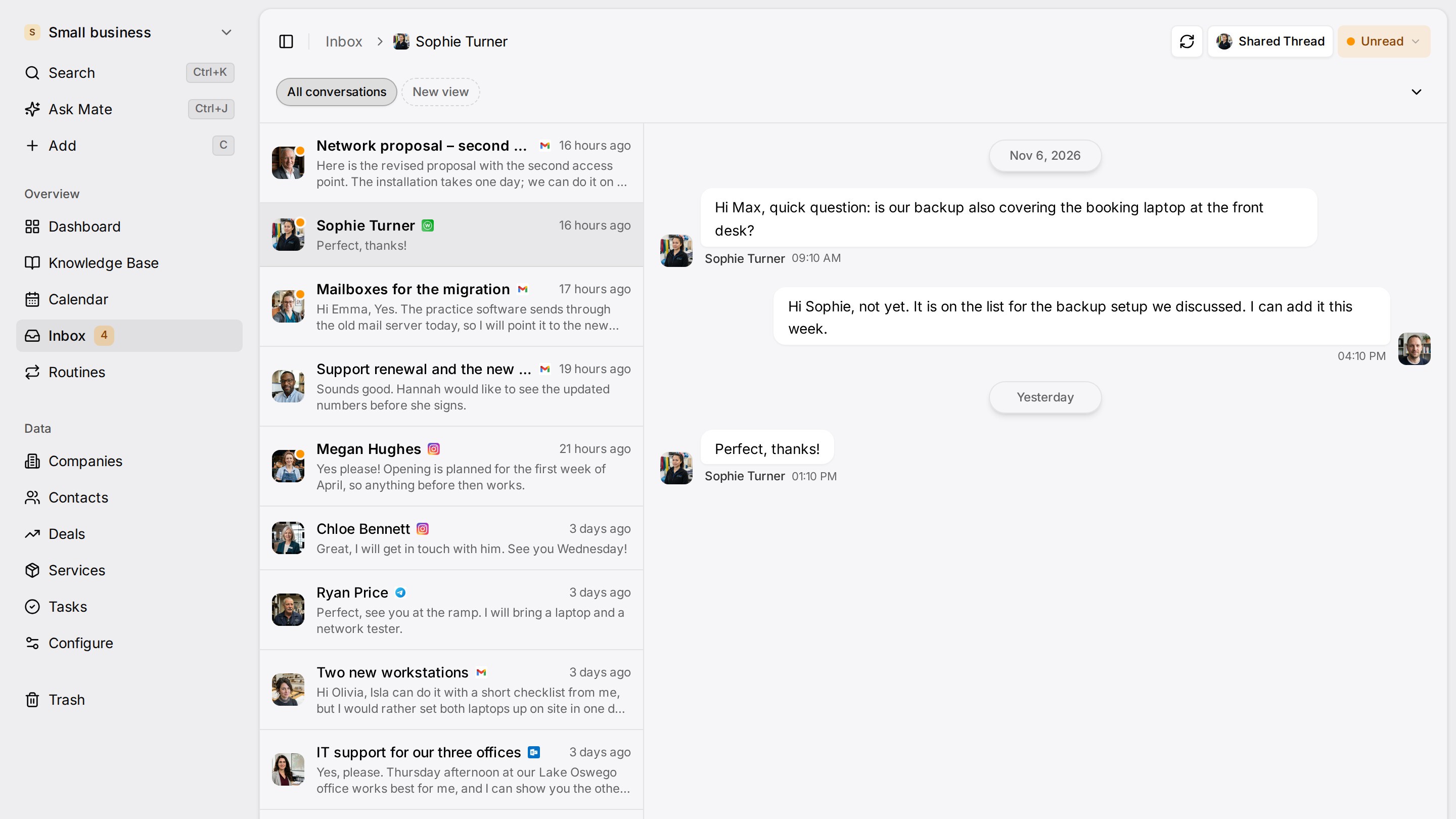
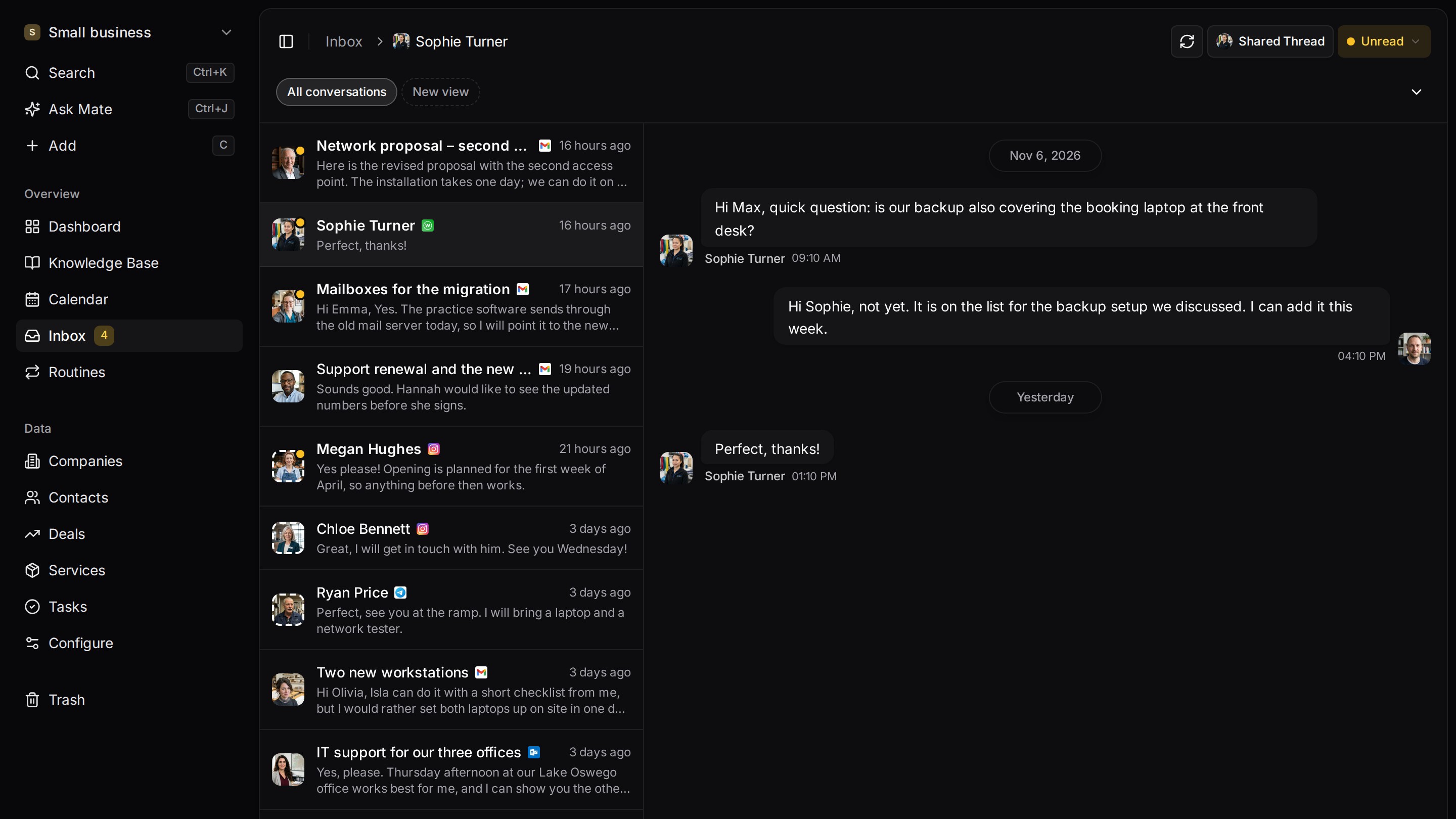
Every client conversation from email, LinkedIn and WhatsApp in one place. Mate sets up your workspace and drafts the follow-up, you review and send. Works with Claude, ChatGPT or any agent that speaks MCP.
Why teams switch
Why teams switch to Customermates.
Conversations where your clients write
From Pro, LinkedIn (including Sales Navigator and Recruiter), WhatsApp, Instagram, Telegram and your Gmail, Outlook or IMAP mailbox sit in one inbox, and you reply on the original channel.
Mate drafts, you send
In Customermates Cloud, Mate summarizes conversations, drafts replies and updates records, using hosted AI credits. Ask for a draft when you want to read it before it goes out.
Open source, with the cloud database in Frankfurt
The core is AGPL-3.0 and runs on your own server with Docker Compose and PostgreSQL 16, including REST, webhooks and MCP. The Freshsales pricing page lists no self-hosted edition.
Start from one description
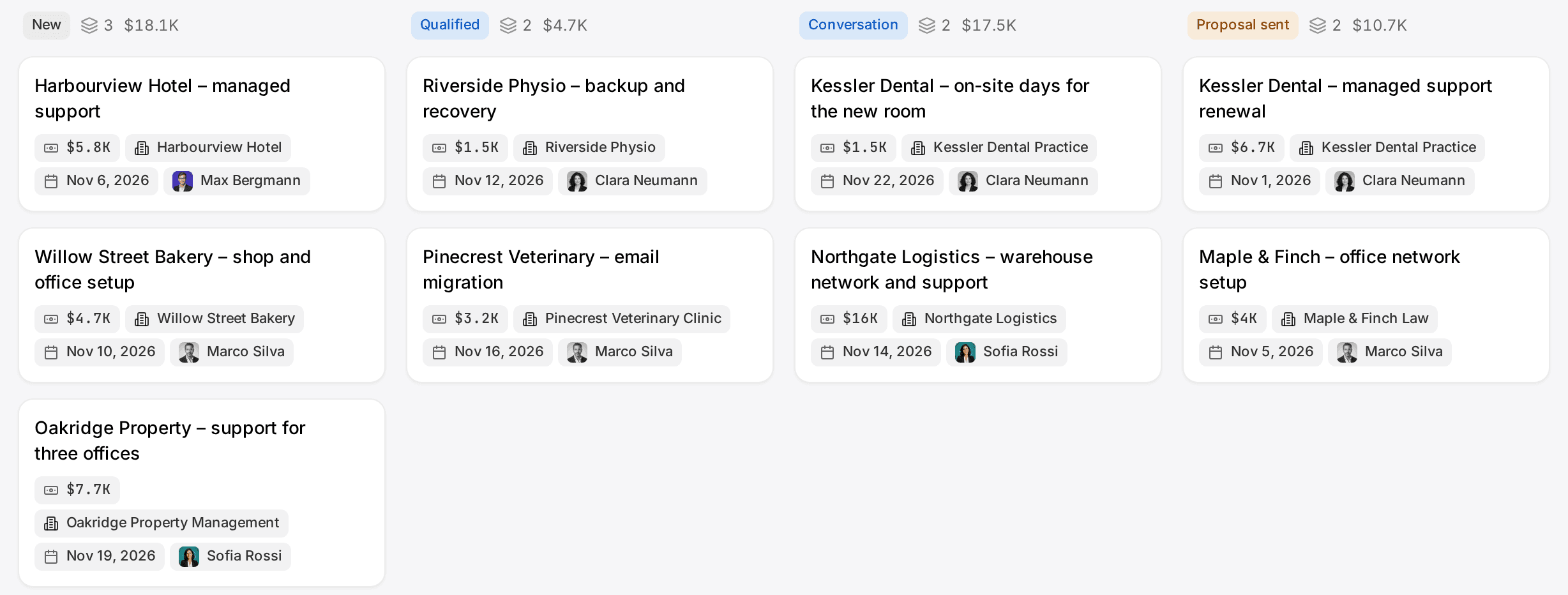
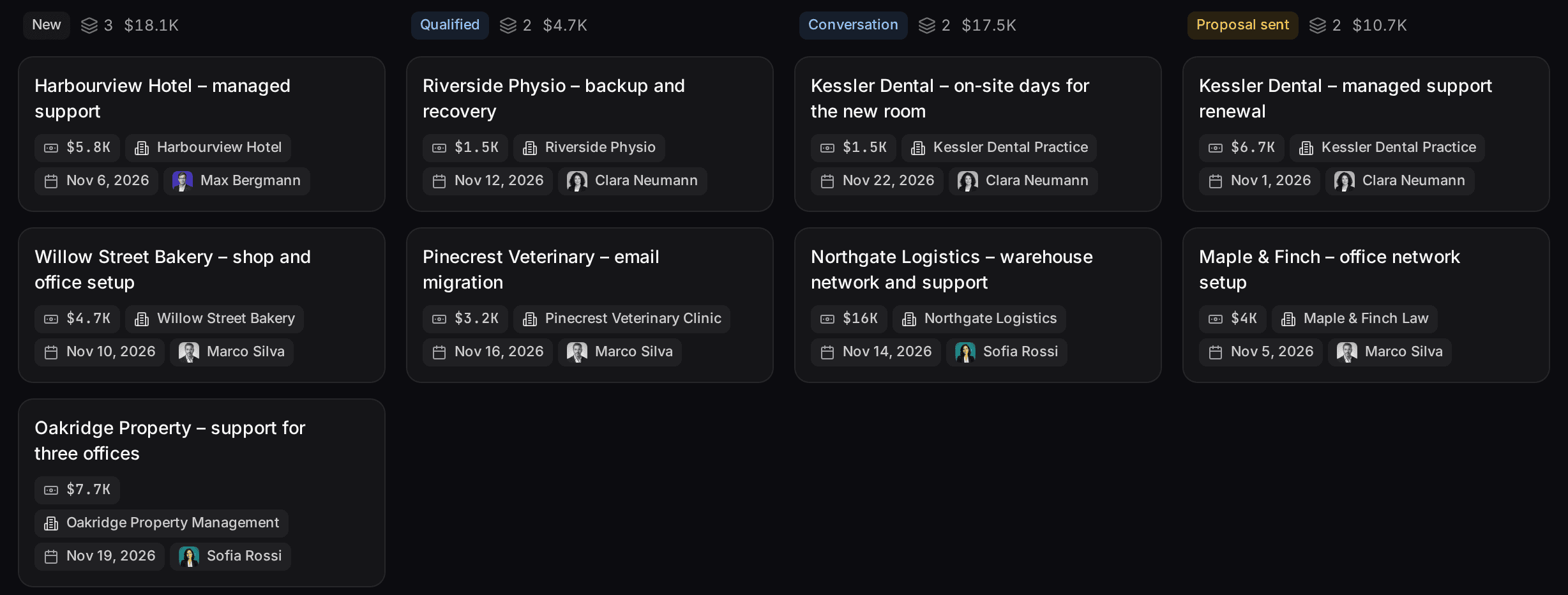
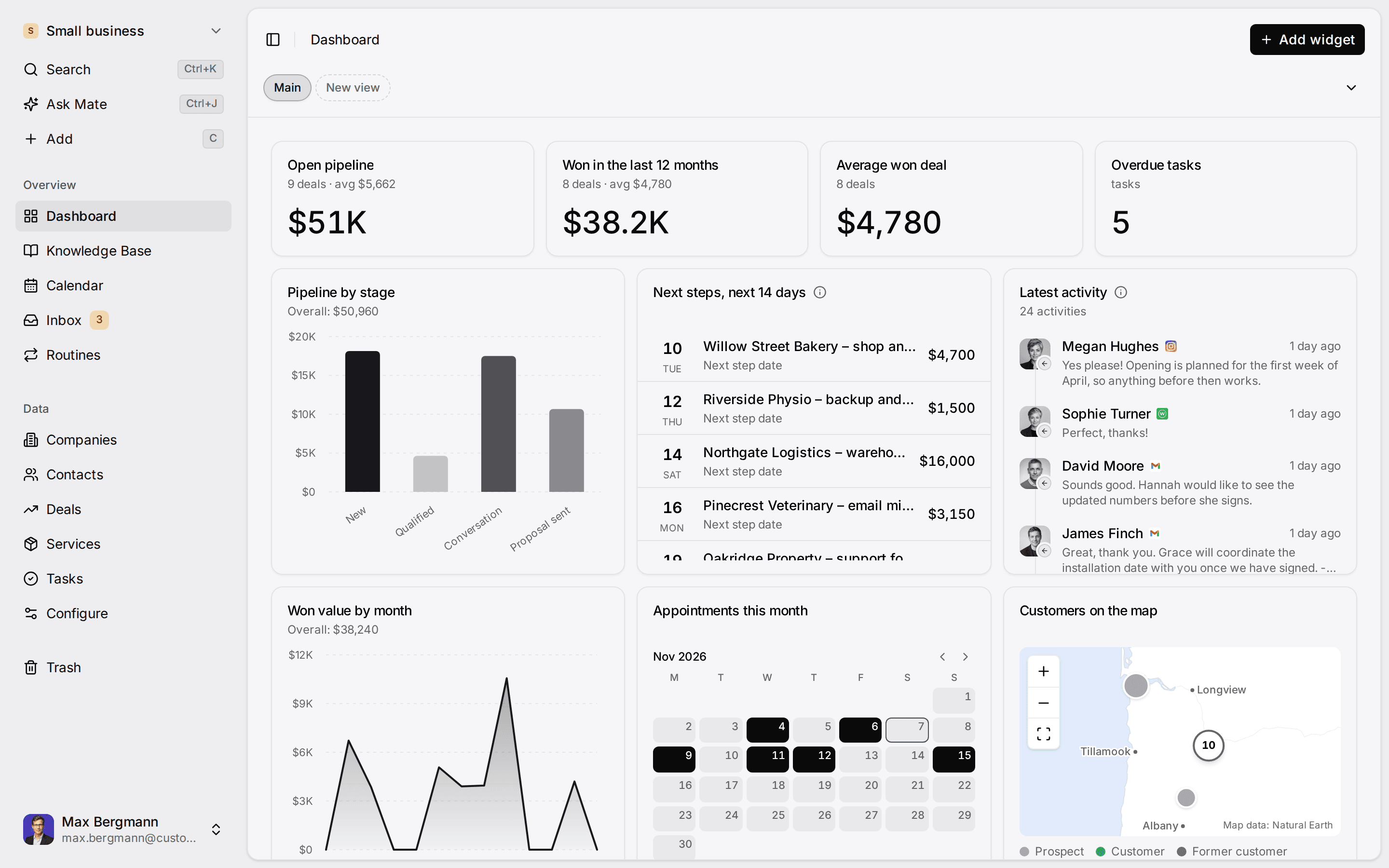
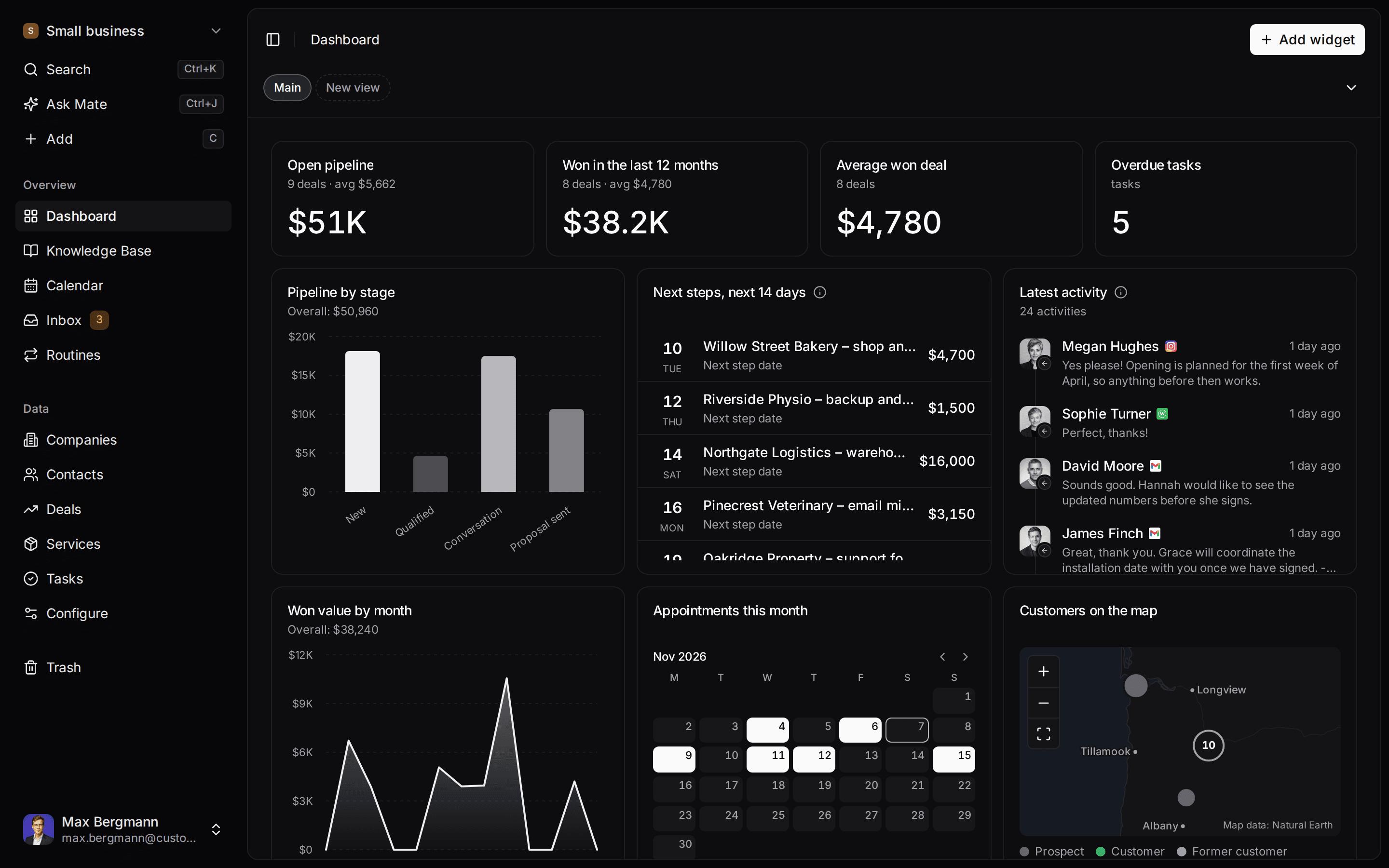
One description. A workspace your agent built.
This is what setup builds from one sentence. Sample data, the real product.
Describe your business
One sentence about your team, your clients and how you sell.
Mate builds it
It asks a few questions, then creates the lists, pipeline, dashboard and playbook.
Work in it
Connect LinkedIn and email. Click through a finished example below.
We're a four-person strategy consultancy. Track clients, engagements and proposals, and help us follow up with prospects on LinkedIn.
- Mate
- Claude
- ChatGPT
- Cursor

 Mate
 Claude
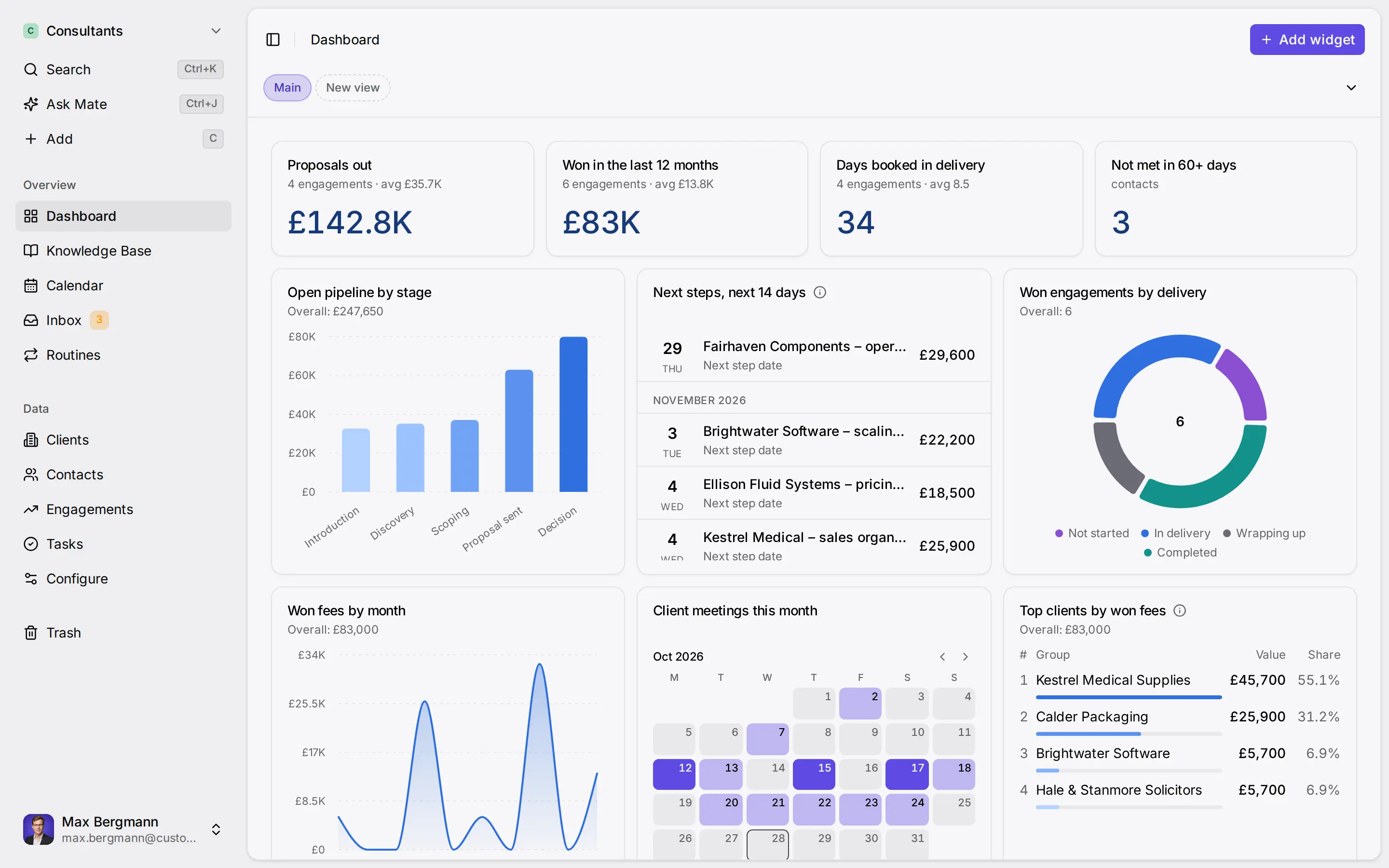
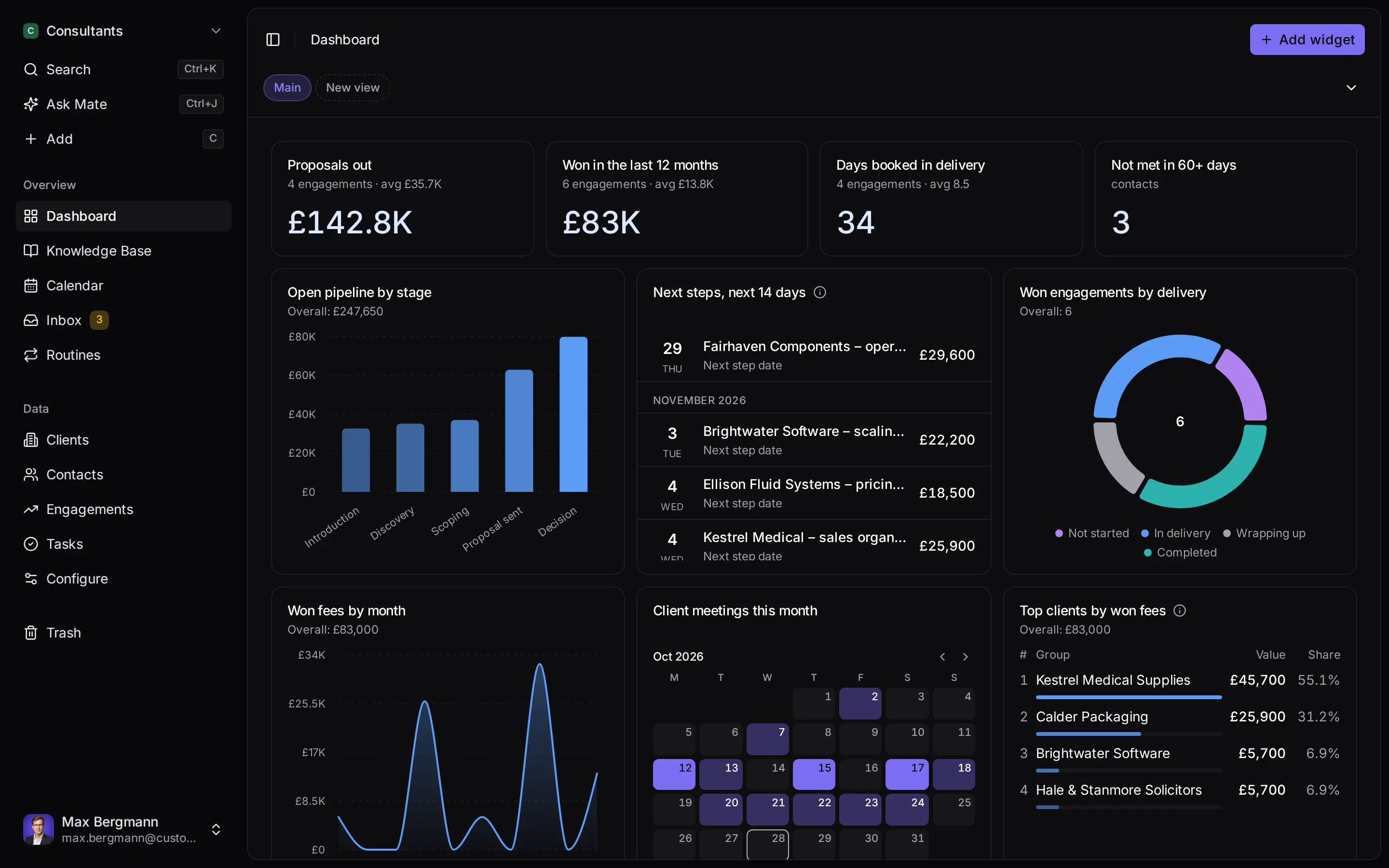
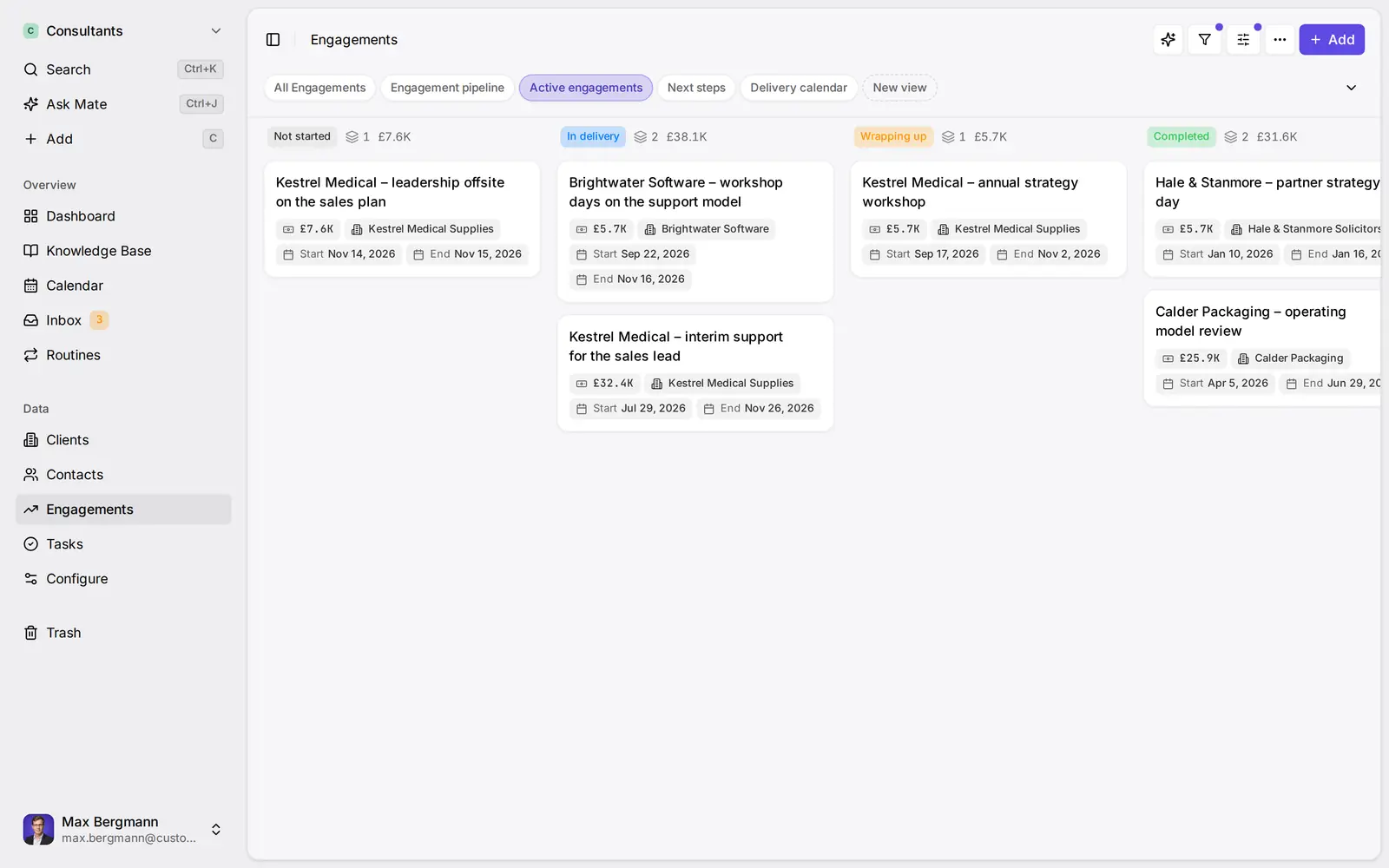
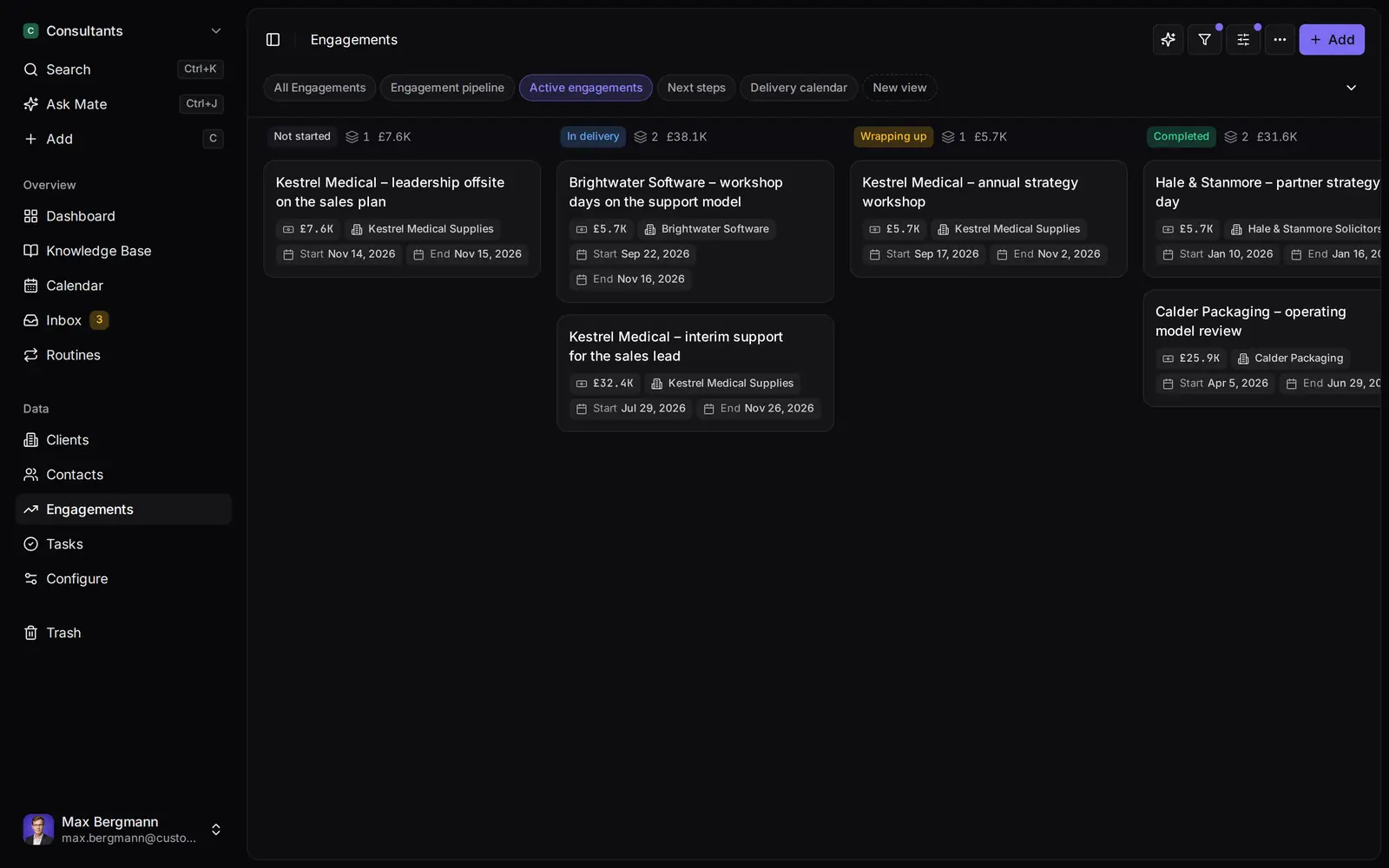
Widgets built from the workspace's own lists and fields
Side by side
Customermates vs. Freshsales: Feature Comparison
Pricing & Plans
Price per user / month, monthly billing
- Customermates
- Starter €12, Pro €29, Business €69
- Freshsales
- Growth $11, Pro $47, Enterprise $71 (same figures in €)
Billed yearly, per user / month
- Customermates
- Monthly billing only
- Freshsales
- Growth $9, Pro $39, Enterprise $59
Free plan
- Customermates
- 1 person, 250 records, no inbox or Mate
- Freshsales
- Up to 3 users
Free trial
- Customermates
- 14 days, no credit card
- Freshsales
- 21 days
Paid add-ons
- Customermates
- None; no AI credit top-ups and no overage charges
- Freshsales
- Freddy AI Agent $49 per 100 sessions, branded documents $19 per user / month, extra workflows $5 per 10
Sales & Data Model
Record types
- Customermates
- Contacts, organizations, deals, services, tasks, plus your own lists
- Freshsales
- Contacts, accounts, deals; up to 10 custom modules on Enterprise
Custom fields
- Customermates
- Sixteen field types and calculated fields on every plan
- Freshsales
- Basic fields on every plan; formula and lookup fields from Pro
Pipelines
- Customermates
- Board grouped by any single choice field; one stage field with win probabilities
- Freshsales
- One on Free and Growth, 10 on Pro, 25 on Enterprise
Bulk email and sales sequences
- Customermates
- Freshsales
- Bulk email from Growth; sequences from Pro
Built-in phone
- Customermates
- Freshsales
- Every plan, including Free
Contact scoring and deal insights
- Customermates
- Freshsales
- From Pro; forecasting insights on Enterprise
Profile enrichment
- Customermates
- Freshsales
- Enterprise
Website chat widget and web forms
- Customermates
- Freshsales
- Chat widget on every plan; forms from Growth
Conversations
Email
- Customermates
- Gmail, Outlook and IMAP in the unified inbox (Pro+)
- Freshsales
- Two-way email sync on every plan
Chat channels
- Customermates
- LinkedIn, WhatsApp, Instagram and Telegram in the unified inbox (Pro+)
- Freshsales
- WhatsApp, Facebook Messenger, LINE, Google Business Messages and SMS providers, from Growth
Shared team inbox
- Customermates
- Shared accounts on Business
- Freshsales
- Team inbox from Growth
AI & Automation
In-app AI
- Customermates
- Mate (Customermates Cloud, hosted AI credits)
- Freshsales
- Freddy AI insights from Pro: contact scoring, deal insights, next best action
MCP server for your own AI client
- Customermates
- Every plan and self-hosted, 59 tools
- Freshsales
- Not listed on the pricing pages
Automation
- Customermates
- Routines run saved AI instructions on a schedule or record event (Customermates Cloud)
- Freshsales
- Workflows: 20 on Growth, 50 basic and 50 advanced on Pro, 100 each on Enterprise
REST API
- Customermates
- Every plan and self-hosted; webhooks on paid plans
- Freshsales
- From Growth; not on Free
Licence, Hosting & Access
Open-source licence
- Customermates
- AGPL-3.0 core
- Freshsales
Self-hosting
- Customermates
- Docker Compose (core CRM without inbox or Mate)
- Freshsales
Where data is stored
- Customermates
- Cloud database configured in the AWS Frankfurt region; your own server when self-hosted
- Freshsales
- US, EU, India or Australia data center, from Growth
Audit log
- Customermates
- Every plan, record and settings changes
- Freshsales
- Enterprise, configuration changes
Field-level permissions
- Customermates
- Freshsales
- Enterprise
Native mobile apps
- Customermates
- Responsive web app
- Freshsales
- iOS and Android on every plan
  | Freshsales | |
|---|---|---|
| Pricing & Plans | ||
| Price per user / month, monthly billing | Starter €12, Pro €29, Business €69 | Growth $11, Pro $47, Enterprise $71 (same figures in €) |
| Billed yearly, per user / month | Monthly billing only | Growth $9, Pro $39, Enterprise $59 |
| Free plan | 1 person, 250 records, no inbox or Mate | Up to 3 users |
| Free trial | 14 days, no credit card | 21 days |
| Paid add-ons | None; no AI credit top-ups and no overage charges | Freddy AI Agent $49 per 100 sessions, branded documents $19 per user / month, extra workflows $5 per 10 |
| Sales & Data Model | ||
| Record types | Contacts, organizations, deals, services, tasks, plus your own lists | Contacts, accounts, deals; up to 10 custom modules on Enterprise |
| Custom fields | Sixteen field types and calculated fields on every plan | Basic fields on every plan; formula and lookup fields from Pro |
| Pipelines | Board grouped by any single choice field; one stage field with win probabilities | One on Free and Growth, 10 on Pro, 25 on Enterprise |
| Bulk email and sales sequences | Bulk email from Growth; sequences from Pro | |
| Built-in phone | Every plan, including Free | |
| Contact scoring and deal insights | From Pro; forecasting insights on Enterprise | |
| Profile enrichment | Enterprise | |
| Website chat widget and web forms | Chat widget on every plan; forms from Growth | |
| Conversations | ||
| Gmail, Outlook and IMAP in the unified inbox (Pro+) | Two-way email sync on every plan | |
| Chat channels | LinkedIn, WhatsApp, Instagram and Telegram in the unified inbox (Pro+) | WhatsApp, Facebook Messenger, LINE, Google Business Messages and SMS providers, from Growth |
| Shared team inbox | Shared accounts on Business | Team inbox from Growth |
| AI & Automation | ||
| In-app AI | Mate (Customermates Cloud, hosted AI credits) | Freddy AI insights from Pro: contact scoring, deal insights, next best action |
| MCP server for your own AI client | Every plan and self-hosted, 59 tools | Not listed on the pricing pages |
| Automation | Routines run saved AI instructions on a schedule or record event (Customermates Cloud) | Workflows: 20 on Growth, 50 basic and 50 advanced on Pro, 100 each on Enterprise |
| REST API | Every plan and self-hosted; webhooks on paid plans | From Growth; not on Free |
| Licence, Hosting & Access | ||
| Open-source licence | AGPL-3.0 core | |
| Self-hosting | Docker Compose (core CRM without inbox or Mate) | |
| Where data is stored | Cloud database configured in the AWS Frankfurt region; your own server when self-hosted | US, EU, India or Australia data center, from Growth |
| Audit log | Every plan, record and settings changes | Enterprise, configuration changes |
| Field-level permissions | Enterprise | |
| Native mobile apps | Responsive web app | iOS and Android on every plan |
Switching over
How to switch.
- 01
Import your spreadsheet
Export contacts and deals from your current CRM as Excel or CSV, then use Add from file, one list at a time.
- 02
Connect LinkedIn and email
From Pro, connect LinkedIn, Gmail, Outlook or WhatsApp under Settings, Channels & calendars. Each conversation shows on the linked contact.
- 03
Let Mate draft
In Customermates Cloud, ask Mate for drafts. It writes the reply and the next step, and you review and send it. Your own AI agent can draft through MCP too.
Ways you can use it
Pick the job. The workspace follows.
- Follow up on LinkedIn conversationsLinkedIn and email threads sit on the client. Mate drafts the reply and dates the next step, and you review and send it in the conversation.See LinkedIn in the inbox
- Follow up on every proposal after the callClients, engagements and proposals with the conversations behind them, and a dated next step on each.CRM for consultants
- Keep client next steps on one dashboardEvery client gets a dated next step, and your dashboard shows what is due across all of them.See follow-up
- Let your own Claude or ChatGPT work in your CRMConnect Claude, ChatGPT, Cursor or another MCP client. It reads and updates your workspace within your permissions.Connect your agent

Look for a Freshsales alternative when your clients write to you on LinkedIn, WhatsApp or Telegram more than they pick up the phone, or when you want a CRM you can run on your own server. Freshsales is built around phone, email and website chat: a dialer comes with every plan, sales sequences start on Pro, and its chat channels are WhatsApp, Facebook Messenger, LINE and Google Business Messages. Customermates puts Gmail, Outlook and IMAP mailboxes, LinkedIn, WhatsApp, Instagram and Telegram in one inbox from Pro, and its open-source core runs on your own server. If you call prospects all day or send email sequences, Freshsales will serve you better than Customermates. Customermates publishes this comparison; every Freshsales detail comes from freshworks.com and was checked on 8 October 2026.
Which CRM fits which team
| Your situation | Better fit | Why |
|---|---|---|
| Up to three people who want a free CRM with email sync and a phone | Freshsales Free | The free plan covers 3 users and includes two-way email sync and the built-in phone |
| You call prospects every day | Freshsales Growth or Pro | Call recording from Growth, power dialer from Pro; Customermates has no telephony |
| You send multi-step email sequences or bulk email | Freshsales Pro | Sequences start on Pro; Customermates sends one message at a time |
| You need field-level permissions | Freshsales Enterprise | Customermates sets permissions per list, not per field |
| Clients reach you on LinkedIn, WhatsApp, Instagram or Telegram as well as email | Customermates Pro or Business | All of these channels sit in one inbox, linked to the contact and the deal |
| You want AI to keep the CRM current, in the app or from Claude or ChatGPT | Customermates | Mate in Customermates Cloud, or your own AI client through MCP on every plan |
| You need an open-source licence, self-hosting or an audit log on a small plan | Customermates | AGPL-3.0 core you can host yourself; the audit log is on every plan, while Freshsales lists it on Enterprise |
Who Freshsales is a good choice for
Freshsales is the sales CRM of Freshworks, the company that also makes Freshdesk, Freshchat, Freshservice and Freshmarketer. Its strength is selling by phone and email from one screen. Every plan, Free included, has a built-in phone with local and toll-free numbers, two-way email sync, a website chat widget and apps for iOS and Android.
Growth adds call recording, a team inbox, bulk email of up to 250 messages per user per day, web forms and 20 workflows. Pro adds a power dialer, sales sequences, up to 10 pipelines, custom reports and the Freddy AI insights: contact scoring, deal insights and next best action. Enterprise adds forecasting insights, field-level permissions, up to 10 custom modules, a sandbox, audit logs and automatic profile enrichment.
If your team works the phone, runs sequences or already supports customers in Freshdesk, those are good reasons to stay.
Why teams look for a Freshsales alternative
The advertised price is the yearly rate. Growth costs $9 per user per month billed yearly and $11 billed monthly. Pro costs $39 or $47, Enterprise $59 or $71. Freshworks lists the same figures in euros.
The step up is where the cost sits. Sequences, multiple pipelines and the Freddy AI insights need Pro, at roughly four times the Growth price. Audit logs, field-level permissions and custom modules need Enterprise. API access starts on Growth; the Free plan has none.
Some parts are sold separately. Paid plans include 500 Freddy AI Agent sessions once per account for customer-facing chatbots; after that, sessions cost $49 per 100. Branded documents cost $19 per user per month, and extra workflows $5 for 10.
Chat channels lean towards customer service. WhatsApp and Facebook Messenger messages are answered through the chat widget, and LINE, Google Business Messages and SMS providers connect from Growth. The plan comparison lists no LinkedIn, Instagram or Telegram channel, which matters if that is where your clients write.
Hosted plans only. Freshworks sells Freshsales as hosted plans. Its pricing pages list no self-hosted edition and no open-source licence.
What five people pay per month
Prices checked on 8 October 2026 from Freshworks' pricing page, using the euro prices listed there. Customermates bills monthly, in euros.
| Plan for five people | Monthly billing | Billed yearly, per month |
|---|---|---|
| Freshsales Growth | €55 | €45 |
| Freshsales Pro | €235 | €195 |
| Freshsales Enterprise | €355 | €295 |
| Customermates Starter | €60 | Not available |
| Customermates Pro | €145 | Not available |
| Customermates Business | €345 | Not available |
The rows do not buy the same things, so read them in pairs:
- Freshsales Growth is cheaper than Starter and includes more communication. Growth has email sync, the phone and the chat widget. Customermates Starter has no inbox: it is the CRM with REST, webhooks, MCP and Mate, which runs in Customermates Cloud on hosted AI credits. If you mainly need email and calls next to your contacts on a small budget, Growth is the better deal.
- Customermates Pro adds the inbox for less than Freshsales Pro. Pro brings the unified inbox with 1 connected account per user, read-only calendar access, LinkedIn Sales Navigator and 5 routines per user. Freshsales Pro buys sequences, a power dialer and Freddy AI insights instead, none of which Customermates offers.
- Several channels per person means Business. If everyone needs email and LinkedIn side by side, the workspace needs Business, with 3 accounts per user and shared accounts.
- Three people or fewer pay nothing on Freshsales Free. No Customermates plan beats that.
Every Customermates Cloud plan includes monthly hosted AI credits per active user for Mate, listed on the pricing page. There are no top-ups and no automatic overage charges.
Where Customermates fits
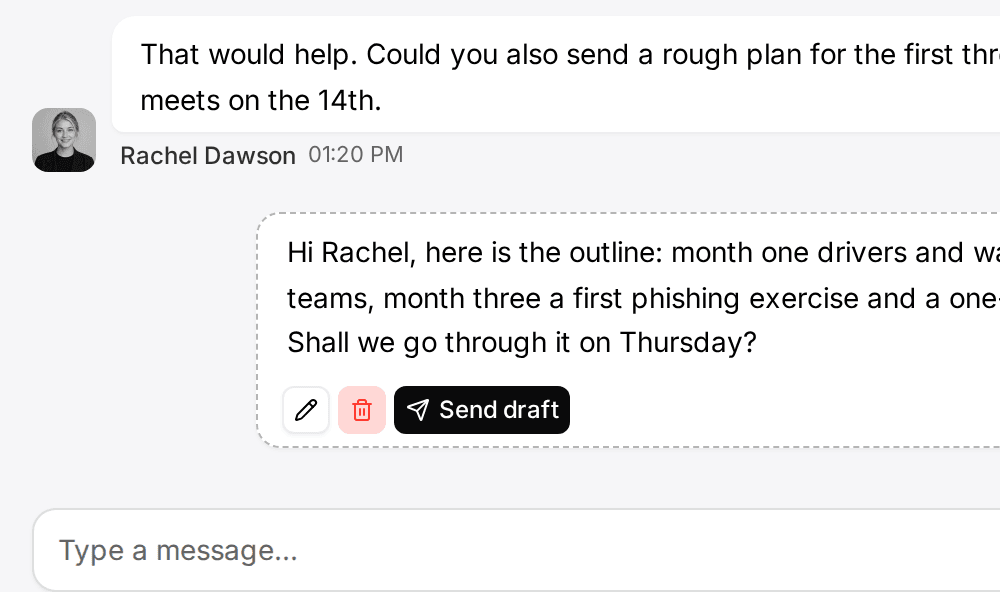
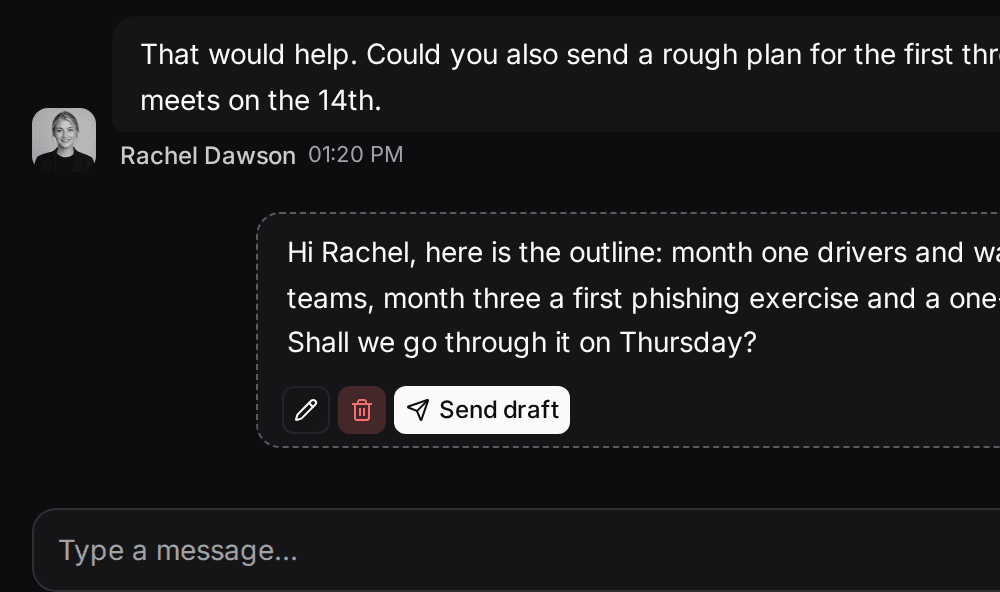
Freshsales starts from the call. Customermates starts from the client's last message: from Pro, LinkedIn, email, WhatsApp, Instagram and Telegram threads sit on the client record, and Mate or your own AI agent drafts the reply and the next step. You review, edit and send.
Conversations next to the deal. From Pro, the unified inbox brings Gmail, Outlook and IMAP mailboxes, LinkedIn (including Sales Navigator and Recruiter), WhatsApp, Instagram and Telegram into one list, and you reply on the original channel. Link a participant to a contact once, and every conversation with that address or handle appears on the contact's timeline.
AI that does the CRM upkeep. In Customermates Cloud, Mate summarizes conversations, drafts replies, updates records and builds saved views, using hosted AI credits. It asks for a fresh approval before every delete, but sends a message without one when you ask it to send, so ask for a draft when you want to read it first. Routines run a saved instruction on a schedule or when a record changes. Prefer Claude, ChatGPT or another client you already pay for? Connect it to the MCP server, with 59 tools on every plan and on self-hosted installs.
Open source, a cloud configured in the AWS Frankfurt region, or your own server. The core is AGPL-3.0 and runs with Docker Compose and PostgreSQL 16, including REST, webhooks and MCP. A self-hosted install has no subscription, and also no inbox, no Mate and no hosted credits. In Customermates Cloud the database is configured in the AWS Frankfurt region, a DPA is available, and the subprocessors, including US providers, are listed. Customermates holds no compliance certification. The audit log records changes to records and workspace settings on every plan.
Where Customermates is the wrong choice
Check these before you start a trial:
- No telephony. There is no dialer, no call recording and no SMS. A phone number goes into the Contact details field, and calls happen on your own phone system.
- No sequences and no bulk email. Outreach goes one message at a time, written by you or drafted by Mate.
- No chat widget and no web forms. Leads from your website reach Customermates through the REST API or a workflow in an n8n instance you run yourself.
- No scoring, enrichment or AI forecasting. The weighted pipeline multiplies each deal's value by its stage probability. That is arithmetic on your own numbers, and it does not predict anything.
- No field-level permissions. Permissions apply per list and action.
- No native mobile apps and a small free plan. Customermates runs in the phone's browser. Free covers 1 person and 250 records, without the inbox, Mate or routines; more needs a paid plan after the 14-day trial.
A worked setup: a consultancy moving from Freshsales Growth
Take a four-person consultancy that sells advisory projects. Two consultants hear from clients mostly on LinkedIn, the other two by email.
| In Freshsales | In Customermates |
|---|---|
| Contacts | Contacts |
| Accounts | Organizations, renamed "Accounts" in Data model |
| Deals in the sales pipeline | Deals with a Stage field and win probabilities |
| Product catalog | Services, renamed "Products", added to deals as line items with a quantity |
| Contact lifecycle stage | A single choice field "Lifecycle stage" and a saved view for each stage you work |
| Record tags | A single choice field, because Customermates has no tags |
| Tasks | Tasks, with a custom date field "Due" because tasks have no built-in due date |
| Phone numbers and call logs | The contact's Contact details field; calls are not logged |
In Data model for Deals, the team renames the Stage options to Lead, Qualified, Proposal sent, Negotiation, Won and Lost, and sets their Probability % to 10%, 25%, 50%, 75%, 100% and 0%. Each consultant saves a board of their own deals grouped by stage. The partner keeps a table of all open deals grouped by assigned user.
Each person connects one channel, two LinkedIn accounts and two Gmail mailboxes, so Pro fits, at €116 a month for the team. If one consultant wants LinkedIn and email side by side, the workspace moves to Business at €276.
Freshsales sequences have no counterpart, so each consultant owns one routine that prepares follow-ups instead. A routine runs as its owner, so it sees that person's deals and saves drafts in their own channels. It runs in Customermates Cloud and uses hosted AI credits:
Every day at 8:00, find my deals in "Proposal sent" where the contact's last message is more than seven days old. For each deal, save a short follow-up draft in my most recent conversation with that contact. Do not send anything. List the deals in the run summary.
Switching from Freshsales in five steps
Export from Freshsales
According to Freshworks' help center, an admin opens Admin Settings › Account, clicks Export data and picks the record types to include. Freshworks emails the export as a ZIP file. You can export up to five times a day, and the full time range only once.Import each file as it is
Customermates imports .xlsx, .xls and .csv files, so a Freshsales export needs no conversion. Keep one list per file.Prepare the workspace
Rename lists in Data model if your words differ, create custom fields for the Freshsales fields you keep, such as lifecycle stage and lead source, and set the stage field with its probabilities.Import one list at a time
On each list, open More actions, then Add from file: organizations first, then contacts, then deals. If your export has no accounts file, build the organizations workbook from the account column of the contacts file. Link columns match records by name, so a contact's account column finds the organization imported before. Map email addresses and phone numbers to the contact's Contact details field. Size limits are in the records documentation.Connect channels and AI
On Pro or during the trial, connect a mailbox, LinkedIn or WhatsApp under Settings › Channels & calendars. Email history from the export does not import; the inbox shows conversations from the accounts you connect. Then set up routines, or connect your own AI client through MCP.
Other Freshsales alternatives worth a look
Customermates publishes this list. Details come from each vendor's pricing page, checked on 8 October 2026.
- Zoho CRM covers a similar scope to Freshsales. It has a free edition for up to three users and four paid editions, Standard, Professional, Enterprise and Ultimate, and yearly billing saves up to 34%. Workflows, cadences for automated follow-ups and sales forecasting are already part of Standard. Zoho shows prices per region and currency. See Customermates compared with Zoho CRM.
- HubSpot Sales Hub suits teams that want sales, marketing and service tools from one vendor. Its free tools cover up to two users. Starter, Professional and Enterprise are paid per seat, and Professional and Enterprise carry a one-time onboarding fee of $1,500 and $3,500. The HubSpot comparison has details.
- CentralStationCRM is a simple contact CRM from Germany, priced per package rather than per user. Starter is free for 3 users and 200 contacts; Team costs €24 a month for 3 users and Small Office €75 a month for 10 users, plus VAT. Every package has the same features, customer data is stored in Germany, and the trial runs 30 days.
Frequently asked questions
Are Freshsales and Freshworks the same?
No. Freshworks is the company, and Freshsales is its sales CRM. Freshworks also sells Freshdesk and Freshchat for customer service, Freshservice for IT service management and Freshmarketer for marketing.
What is the best Freshsales alternative?
It depends on why you are leaving. If you want follow-up cadences and sales forecasting on an entry paid plan, look at Zoho CRM. For marketing and sales from one vendor, look at HubSpot. For a simple contact CRM with data stored in Germany and a flat package price, look at CentralStationCRM. If your clients write on LinkedIn, WhatsApp and email and you want AI to keep the CRM current, Customermates fits; we publish this page, so weigh that accordingly.
Is there a free alternative to Freshsales?
Yes, with limits. Zoho CRM is free for up to three users, HubSpot's free tools for up to two, and CentralStationCRM's Starter package for three users and 200 contacts. Customermates Cloud has a free plan for 1 person and 250 records, without the inbox, Mate or routines. A self-hosted Customermates install has no subscription, so you pay only for your own server and providers, but it has no inbox and no Mate.
Does Freshsales have an API?
Yes, from the Growth plan; the Free plan has no API access. Customermates includes the REST API, webhooks and the MCP server on every paid plan and on self-hosted installs.
Where does Freshsales store data, and is it GDPR compliant?
From Growth, Freshsales lets you store data in a US, EU, Indian or Australian data center. Whether your use is GDPR compliant is for you to assess as the controller, with the vendor's data processing terms. Customermates has its cloud database configured in the AWS Frankfurt region, offers a DPA and lists its subprocessors, including US providers.
Is Freshsales a good CRM?
For teams that sell by phone and email, Freshsales covers a lot in one product: the built-in phone, two-way email sync and the chat widget are on every plan, and sequences, a power dialer and the Freddy AI insights come with Pro. It fits less well if your clients mostly write on LinkedIn, Instagram or Telegram, which the plan comparison does not list, or if you need to host the CRM yourself.
Competitor details checked on 8 October 2026 against Freshworks' Freshsales pricing page, its euro pricing page, its plan comparison and its help article on exporting data, and against the pricing pages of Zoho CRM, HubSpot Sales Hub and CentralStationCRM.
Related pages
Zoho CRM alternative
Zoho CRM alternative compared: edition prices for five users, what each edition adds, LinkedIn and WhatsApp in one inbox, self-hosting and XLSX migration.
HubSpot alternative
HubSpot alternatives for small teams: HubSpot prices and onboarding checked 13 November 2026, and where Customermates, Pipedrive, Zoho CRM and Twenty fit.
Pipedrive alternative
Pipedrive alternatives compared, prices checked 9 November 2026: five-seat costs, plan limits, and where HubSpot, Zoho, Twenty and Customermates fit.
Salesmate alternative
Salesmate alternatives compared: prices billed monthly and yearly, calling costs, LinkedIn and WhatsApp in one inbox, self-hosting, Close and Freshsales.
Customermates
Comparing Freshsales and Customermates?
Start a trial, connect the mailbox or LinkedIn account your clients write to, and import one Freshsales export. You will see quickly whether your own data and conversations fit the Customermates model.
✓ No credit card required ✓ First 14 days free