

Claude Connectors: What They Are, Which Plans Allow Them and How to Add One
What a Claude connector is, how a directory connector differs from a custom one, which plans can add them, what the Gmail, Calendar, Drive, Microsoft 365, HubSpot and Customermates connectors let Claude do, and which permissions to set.

 by Benjamin Wagner
Claude connectors are add-ons that let Claude read data in another app and act there, such as in your email, calendar, files or CRM, with the permissions you already have in that app. You choose one from Anthropic's connectors directory or, for any service that offers a remote MCP server, add it yourself as a custom connector with a URL. Custom connectors work on every Claude plan, and Free allows one.
This guide explains the two kinds, which plans can add which, what six connectors for client work let Claude do (checked on 12 November 2026 against Anthropic's help center and the vendors' own pages), the permissions to set, and how to add a custom connector step by step. The worked example is Customermates, the open-source CRM that publishes this guide, because it works as a custom connector; for other CRMs see the Claude CRM guide.
- A connector gives Claude tools in another app. Directory connectors are ready-made; a custom connector is any remote MCP server URL that you add yourself.
- Custom connectors work on Free, Pro, Max, Ultra, Team and Enterprise, and Free is limited to one. On Team, an Owner adds it and each member then connects individually.
- Claude acts with your permissions in the app, never more. Keep every tool that writes, sends or deletes on Needs approval.
- Plan and capability statements were checked on 12 November 2026 on Anthropic's help center and the vendors' pages. We read them; we did not run every connector.
- Customermates publishes this guide and appears in it as one example.
What is a Claude connector?
Anthropic's help center puts it this way: "Connectors let Claude access your apps and services, retrieve your data, and take actions within connected services." In practice a connector hands Claude a list of tools from the other app. When you ask something like "find my last email thread with Sarah Lee and draft a reply", Claude picks the tools that fit (search, read, create a draft) and the app answers with whatever your account may see.
Under the hood, a custom connector is a remote MCP server that Claude talks to over the web. Three consequences matter before you connect anything:
- Claude inherits your permissions. If you cannot open a file or record in the app, Claude cannot either. Only a connector that runs on a shared credential gives everyone the same access.
- The tool list comes from the developer, not from Anthropic. Anthropic's listings say it "does not control which tools developers make available" and cannot verify that they will not change.
- What Claude reads becomes part of the conversation. The connected app processes your data under its own terms, so check them before you connect customer data.
How is a directory connector different from a custom connector?
The directory holds ready-made connectors; a custom connector is the one you add by URL when the app is not listed or you run your own instance.
| Directory connector | Custom connector | |
|---|---|---|
| Who builds it | The app's developer or Anthropic, listed in Anthropic's connectors directory, which showed more than 1,100 entries on 12 November 2026 | You or your vendor: any service with a remote MCP server URL |
| How you add it | Search the directory and click Connect, or click Add to Claude on the listing | Customize › Connectors, then + Add, Add custom connector, a name and the URL |
| Checked by Anthropic | Some listings carry an "Anthropic verified" label, for example Gmail, Google Calendar, Google Drive, Microsoft 365 and HubSpot | No. Anthropic says custom connectors can reach services it has not verified |
| Plans | Web connectors: all users on Claude, Cowork, Claude Desktop and the mobile apps. Desktop extensions: Claude Desktop | Free, Pro, Max, Ultra, Team and Enterprise; Free users get one |
| Reachability | The vendor hosts it | The server must be reachable from the public internet by Anthropic's IP ranges; a server on a private network needs allowlisting |
| Pick it when | The app you need is listed | The app is not listed, or you self-host it |
The directory filters by type (Web, Desktop extension, Interactive) and by category, for example Productivity, Communication, Developer tools and Sales & marketing. Its listings are headed "Claude Marketplace", so searches for the Claude connector marketplace end up on the same pages. Interactive is a third type the filter offers, and Team and Enterprise Owners can disable the tool calls that render interactive connectors.
Which plans can use Claude connectors?
Every plan can use connectors. What changes is who adds them (Anthropic help center, checked on 12 November 2026):
| Plan | Directory connectors | Custom connectors | Who adds it |
|---|---|---|---|
| Free, Pro, Max, Ultra | Yes | Yes; Free is limited to one | You, under Customize › Connectors |
| Team | Yes | Yes | Only Owners and Primary Owners add custom connectors; each member then connects and enables it individually |
| Enterprise | Yes | Yes | Owners, Primary Owners and people whose custom role includes Manage access to Libraries; members connect individually |
On Team and Enterprise, enabling a connector for the organization makes it available but grants nobody access: every member signs in to the app themselves. Individual connectors add their own conditions. HubSpot's help article requires a paid Claude plan (Pro, Max, Team or Enterprise), and the Microsoft 365 connector takes personal accounts only on Free, Pro, Max and Ultra. Read the connector's own page before you plan a rollout.
Which Claude connectors are useful for client work?
Client work lives in four places: the inbox, the calendar, shared files and the CRM. This table shows what Anthropic and each vendor document for a connector in each place, checked on 12 November 2026 against the pages linked in the last column. We read the pages and did not run every connector, so a row shows what is documented, not a measurement.
| Connector | What Claude can read | What Claude can change or send | Account and plan | Sources |
|---|---|---|---|---|
| Gmail | Search emails, read full threads, list labels and saved drafts; attachments are metadata only | Draft, send, reply to and forward emails; Claude asks for approval before each by default | Your Google account; on Team and Enterprise an Owner enables it first | Anthropic help, listing |
| Google Calendar | View events and shared calendars, find mutual availability | Create, update and delete events, respond to invitations, set up recurring meetings | Your Google account; same Team and Enterprise rule | Anthropic help, listing |
| Google Drive | Search and read Docs, Sheets, Slides, PDFs, images and Office files; text only is extracted | Upload files, create folders, share, move and trash files; sharing, moving and trashing need approval by default | Your Google account; same Team and Enterprise rule | Anthropic help, listing |
| Microsoft 365 (Outlook, SharePoint, OneDrive, Teams) | Search and analyze email, calendar, documents and chats | Read-only until write tools are on: for work or school accounts an admin enables them, for personal accounts they are included; then drafts, sends and calendar changes, no attachments | Personal accounts on Free, Pro, Max and Ultra; work or school accounts on every plan after a one-time consent by a Microsoft Entra Global Administrator | Connect to Microsoft 365, admin setup |
| HubSpot | Contacts, leads, companies, deals, tickets, custom objects, engagement history | Create and update most CRM records and engagements; no delete; bulk changes 10 records at a time | All HubSpot plans; Claude Pro, Max, Team or Enterprise; a Super Admin approves first unless you are one or have App Marketplace Access | HubSpot help, listing |
| Customermates (custom connector) | Records in every list you set up (for example contacts, organizations, deals and tasks), their notes and files, the Knowledge Base; read-only connected calendars | Create, update and delete records (59 tools in all). On Pro and higher, also email, LinkedIn and chat threads, drafts and sends; it cannot book calendar events | Every plan and self-hosted; Free shares 30 requests per minute and 200 per day per workspace | Connector guide, MCP reference |
The directory also lists, among others, Slack, Notion, Asana, Atlassian, Linear, monday.com and Box. For Close, Attio, Pipedrive, folk, Breakcold, Zoho CRM, Capsule and Salesforce, the Claude CRM guide compares what each CRM's connector lets Claude change. If you only want Gmail or Outlook mail attached to client records in a CRM, see Gmail CRM integration and Outlook CRM integration instead of a connector.
How do I add a custom connector in Claude?
The steps follow Anthropic's help article on custom connectors, checked on 12 November 2026. They are the same for any remote MCP server.
Check who can add it
On Free, Pro, Max and Ultra you add it yourself, and Free allows one. On Team, an Owner or Primary Owner adds it under Organization settings › Connectors › Add, hovers over Custom and selects Web. On Enterprise, Owners and roles with Manage access to Libraries can do the same.
Open the form and enter the URL
In Claude, open Customize › Connectors, click + Add and choose Add custom connector. Enter a name and the remote MCP server URL, then click Continue.
Review the authentication
Claude shows the detected settings. Choose Sign in now, Sign in when needed or No sign in, and an OAuth client option; "Use Claude's published identity" is the recommended one. Fixed credentials such as an API key go under Request headers. Then click Add.
Connect and switch it on
On Team and Enterprise, each member opens Customize › Connectors, finds the connector (it usually carries a Custom label) and clicks Connect. In a chat, use the + button at the lower left, then Connectors, to turn it on for that conversation.
Claude Code works with the same servers. It lists the connectors from your claude.ai account as MCP servers with the lowest precedence, and you can add a server directly. Run the command, then type /mcp inside Claude Code to finish the sign-in (Claude Code documentation, checked on 12 November 2026):
claude mcp add --transport http <name> <remote-mcp-url>For a server that takes an API key instead of OAuth, Claude Code accepts --header; the CLI guide shows the Customermates version. Only connect servers built and hosted by organizations you trust: Anthropic warns that a malicious server can use prompt injection, and that the developer can change a tool's behavior later.
How do I connect Claude to Customermates as a custom connector?
Customermates includes a remote MCP server, so it connects through the custom connector route. Every workspace has its own URL, <BASE_URL>/api/v1/mcp/w/<WORKSPACE_ID>, where <BASE_URL> is the address you open Customermates at, in the cloud or on your own instance. You do not assemble it: the app shows it with a copy button. These are the steps of the connector guide; the steps inside Claude match Anthropic's article above.
Copy the workspace URL
In Customermates, open Settings › API keys & connectors, click Add, choose Claude under Quick connections, then Claude account. The dialog shows the URL of your current workspace. Connecting needs Read access All on the API & Webhooks row of your role; the built-in Admin role has it.
Add the connector in Claude
Open Customize › Connectors, click + Add, choose Add custom connector, name it and paste the URL. Leave authentication on OAuth: there is no key to copy. The Add to Claude button in the same dialog opens Claude's form with the URL filled in (Claude web and Team only).
Sign in and approve
A Customermates window opens. Sign in, check that the consent screen names the connecting app and the Connection destination host, then click Approve. Click Deny for any connection you did not start yourself.
Confirm the tools and test one change
Back in Claude, Customermates appears with its tools. Ask a read question first, then change one field on a test record and look for the change in the record's History panel, provided your role can read the audit log.
Each workspace defines its own lists and fields, so ask Claude to call discover_record_types and get_record_model before it writes. Three prompts to start with:
- "Pull the last ten contacts I created. Any without an email address?" (read)
- "Set the Status field on the Acme deal to Won and add a note that the contract was signed today." (update)
- "Which client conversations are waiting for my reply? Draft an answer to the oldest one and save it as a draft." (needs a plan with messaging, Pro or higher in the cloud)
Add one connector per workspace; Claude refuses a second connector with a URL it already has, so on the Free plan, with its single custom connector, you can connect one workspace. To give Claude fewer tools, append ?toolsets=records,messaging to the URL, as the MCP reference explains. To try it on your own Claude account, start your 14-day trial. No credit card.
What permissions does a Claude connector get, and how do I limit them?
- Your permissions, not more. Per Anthropic, access is enforced at the user level: you sign in to the app, and Claude only reaches what your account may see. The exception is a connector that uses a shared API key: on Team and Enterprise it gives everyone the key's access.
- Tool permissions per connector. Each connector has Tool permissions where you choose between Always allow and Needs approval. Allow read tools; leave anything that writes, sends or deletes on Needs approval. On Team and Enterprise, Owners can set a permission to Always allow, Needs approval or Blocked for the whole organization, members cannot override it, and restricting a tool never grants more access than the app allows.
- Anthropic's own defaults. For Gmail, Calendar and Drive, sending, replying, forwarding, sharing, moving and trashing require your approval by default. For work or school Microsoft 365 accounts, Claude asks each time it sends or forwards an email or changes a calendar event, unless an admin set that tool to Always allow.
- Research mode. Anthropic notes that during Research Claude can call connector tools without further approval, so disable tools that write.
- Customermates. The server tells clients to confirm before they delete or send, but it does not enforce that: once Claude may call a tool, the call runs. What protects you is Tool permissions in Claude. A connection carries the permissions of the user who approved it, with no per-key scope, so for narrower access connect a separate user with a narrower role (it takes a seat) or use
?toolsets=. Sending is immediate, so ask Claude to save a draft and send it yourself from the inbox. - Data. For the Google connectors, retrieved data stays with its chat, so deleting the chat deletes it. A connected service processes your data under its own terms, which Anthropic notes may be outside the United States.
When is a Claude connector the wrong choice?
- A one-off task on a few lines. Paste the text into the chat; there is nothing to authorize.
- Hundreds of records. A connector works record by record, and vendors cap bulk calls (HubSpot's connector changes 10 records at a time). Use the CRM's import instead.
- A server you do not control or trust. A custom connector can reach services Anthropic has not verified.
- Customermates, specifically. It is the wrong pick if Claude must book or change calendar events (its connected calendars are read-only, so use the Google Calendar or Microsoft 365 connector next to it), if you need a native Slack link (only n8n reaches Slack), or if you need a phone dialer or email sequences, which it does not have. If your team already runs HubSpot and is happy with it, use HubSpot's connector.
What if a Claude connector will not connect?
| Symptom | Likely cause | Fix |
|---|---|---|
| "Access blocked: your institution's admin needs to review Claude for Google Drive" | A Google Workspace admin has not marked Claude as a trusted app | The admin opens admin.google.com, Security › Access and data control › API controls › Manage third-party app access, finds Claude and sets it to Trusted, then waits about 15 minutes |
| No Add custom connector option, or a second one is refused | Free allows one custom connector | Remove the existing custom connector, or choose a paid plan |
| "Couldn't register with the sign-in service" | The URL is wrong, or Anthropic's servers cannot reach it | Copy the URL again from the app; a private-network server needs allowlisting |
| "A connector with this URL already exists in your organization" | That URL is already connected, possibly for another workspace | Add the other workspace with its own URL, copied while that workspace is open |
Customermates answers HTTP 401 with invalid_token | The connection was approved for another workspace | Reconnect; Claude signs in again for the workspace of the URL |
| "Tool not found" | A stale connector cache | Remove the connector and add it again |
The connector guide has the full table for Customermates.
Frequently asked questions
Is there a list of Claude connectors?
Anthropic's connectors directory is the list: it showed more than 1,100 connectors on 12 November 2026, filterable by category and by type (Web, Desktop extension, Interactive). The table above covers six for client work, and the Claude CRM guide covers CRMs.
Is there a Claude connector for Outlook?
Yes, through the Microsoft 365 connector, which covers Outlook mail and calendar, SharePoint, OneDrive and Teams. It is read-only until write tools are enabled: an admin enables them for work or school accounts, and personal accounts include them. Work or school accounts also need a one-time consent from a Microsoft Entra Global Administrator.
Can Claude connectors send emails?
The Gmail connector can send, reply to and forward emails, and Claude asks for your approval before each by default. The Microsoft 365 connector can draft and send once write tools are on. For a CRM connector, check the vendor: Customermates sends immediately when you allow the tool, so save drafts first.
Can I use Claude connectors on the Free plan?
Yes. Web connectors from the directory are available to all users, and a Free account can add one custom connector. Some connectors need more: HubSpot's requires a paid Claude plan.
What is the difference between a connector and an MCP server?
An MCP server is the program that offers tools through the Model Context Protocol; a custom connector is how you attach a remote MCP server to Claude, with a URL. Directory connectors are ready-made, and some desktop extensions run in Claude Desktop instead. The MCP server explainer covers the protocol, and MCP versus API compares it with a classic integration.
Do Claude connectors work in Claude Code?
Claude Code lists the connectors from your claude.ai account as MCP servers, below servers you add yourself in precedence, and you can turn one off per project with /mcp. You can also add a remote server directly with claude mcp add --transport http, as shown above.
Are Claude connectors safe?
They are as safe as the server behind them and the permissions you give. Connect only servers from organizations you trust, review approval requests, allow only read tools by default, and remember that retrieved data becomes part of the conversation.
Vendor details checked on 12 November 2026 against Anthropic's connector overview, Anthropic's custom connector guide, Anthropic's Google Workspace connectors article, Connect to Microsoft 365, the Microsoft 365 admin setup, the connectors directory, HubSpot's Claude connector article and Claude Code's MCP documentation.
Start from one description
One description. A workspace your agent built.
This is what setup builds from one sentence. Sample data, the real product.
Describe your business
One sentence about your team, your clients and how you sell.
Mate builds it
It asks a few questions, then creates the lists, pipeline, dashboard and playbook.
Work in it
Connect LinkedIn and email. Click through a finished example below.
We're a four-person strategy consultancy. Track clients, engagements and proposals, and help us follow up with prospects on LinkedIn.
- Mate
- Claude
- ChatGPT
- Cursor

 Mate
 Claude
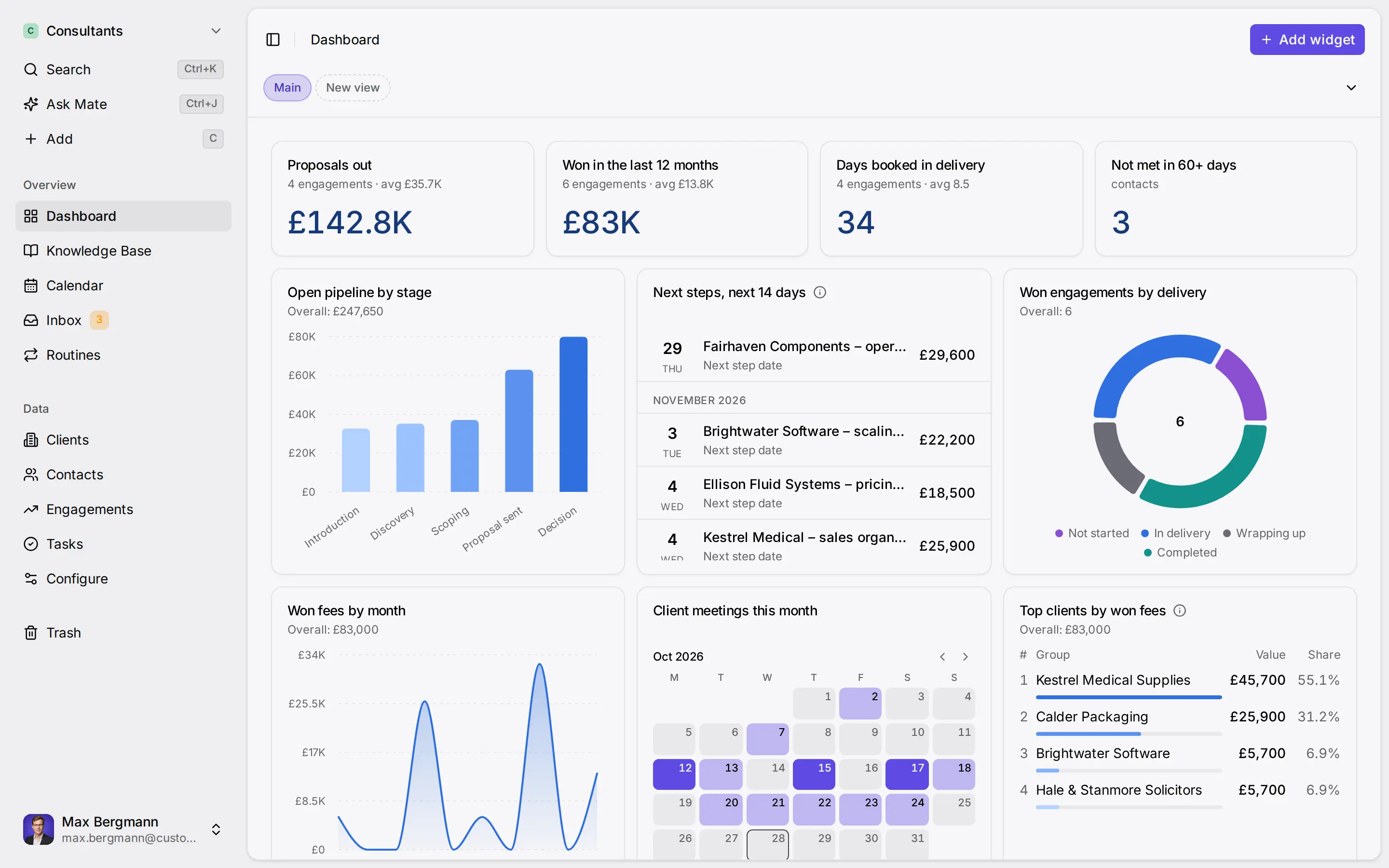
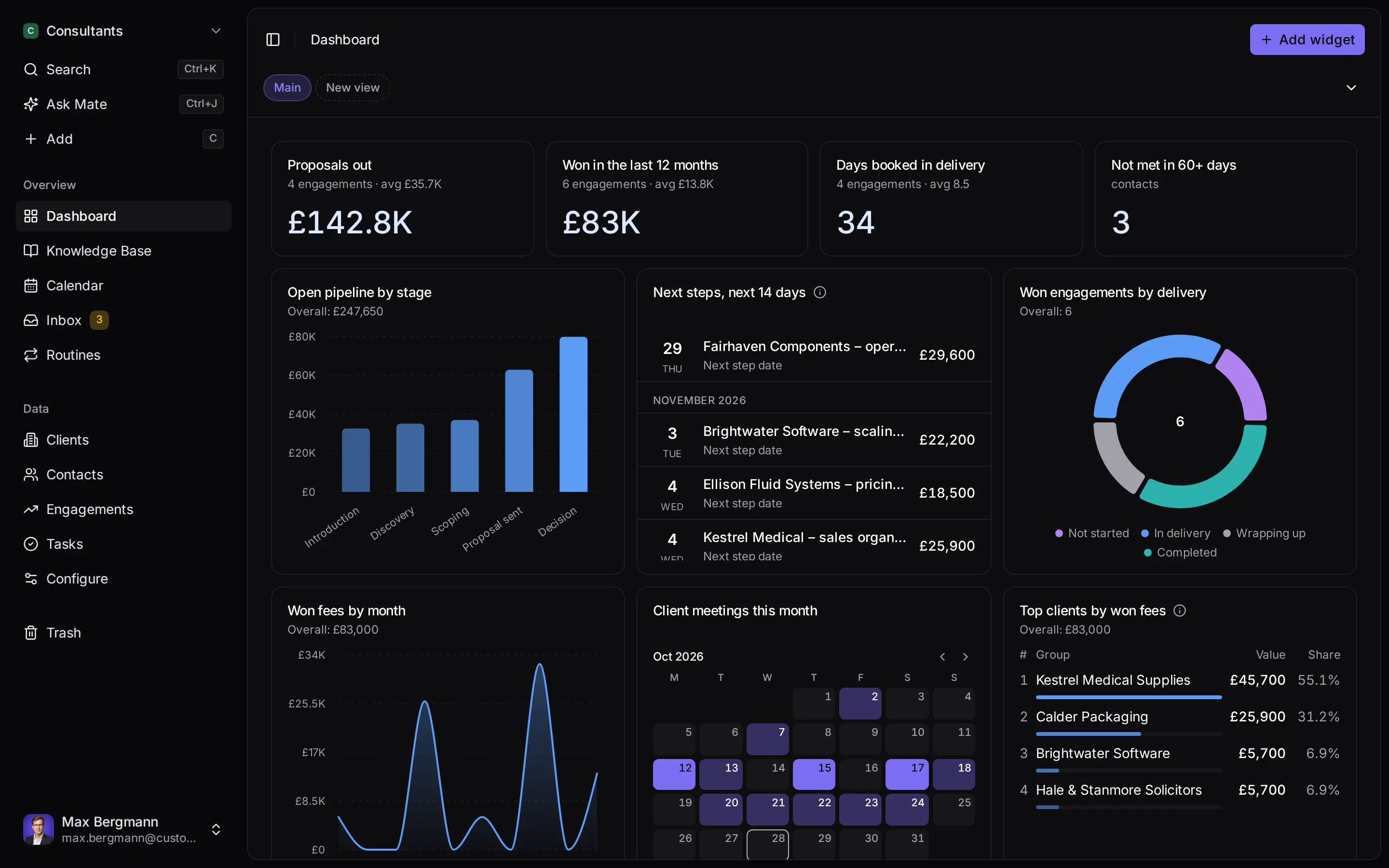
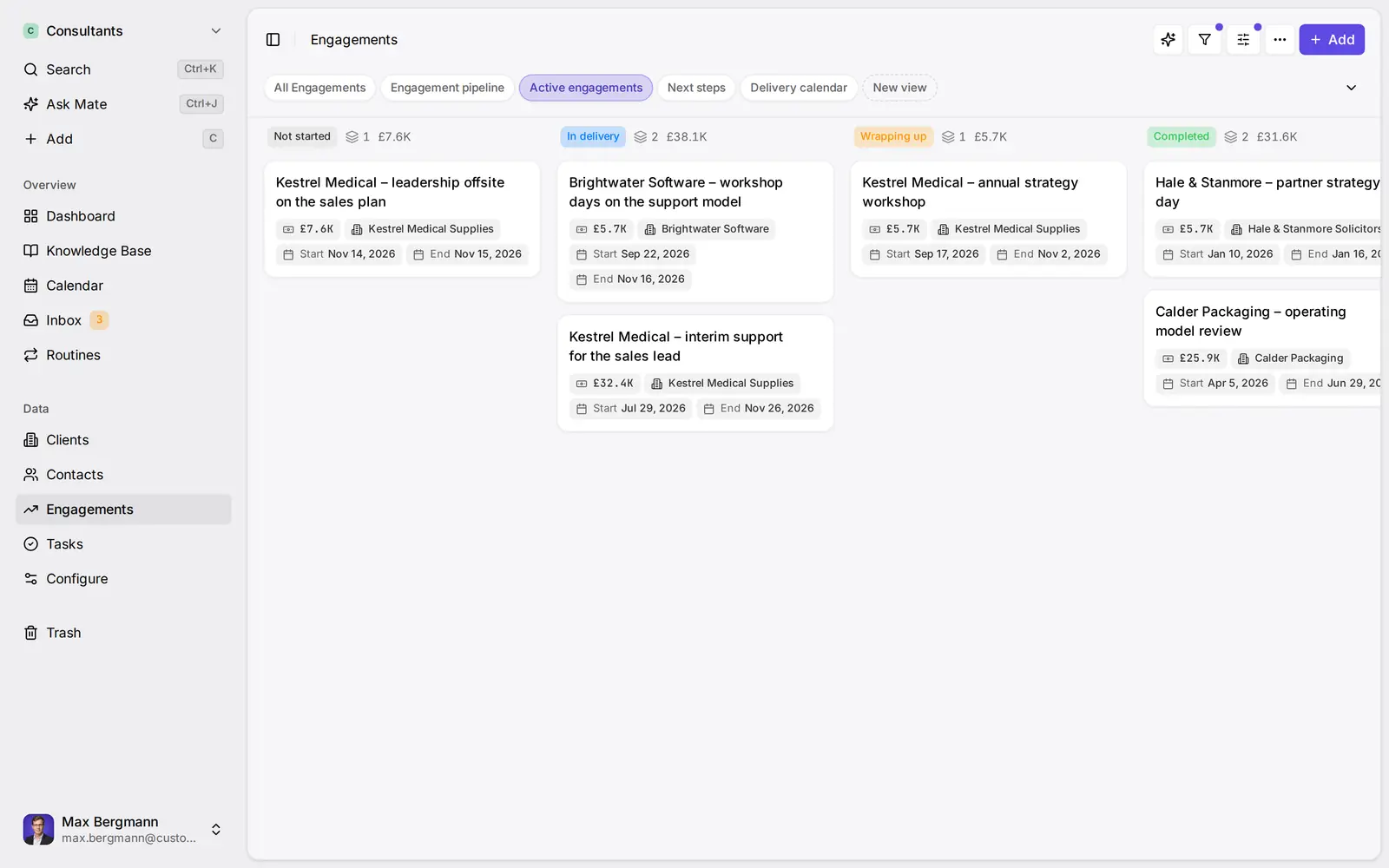
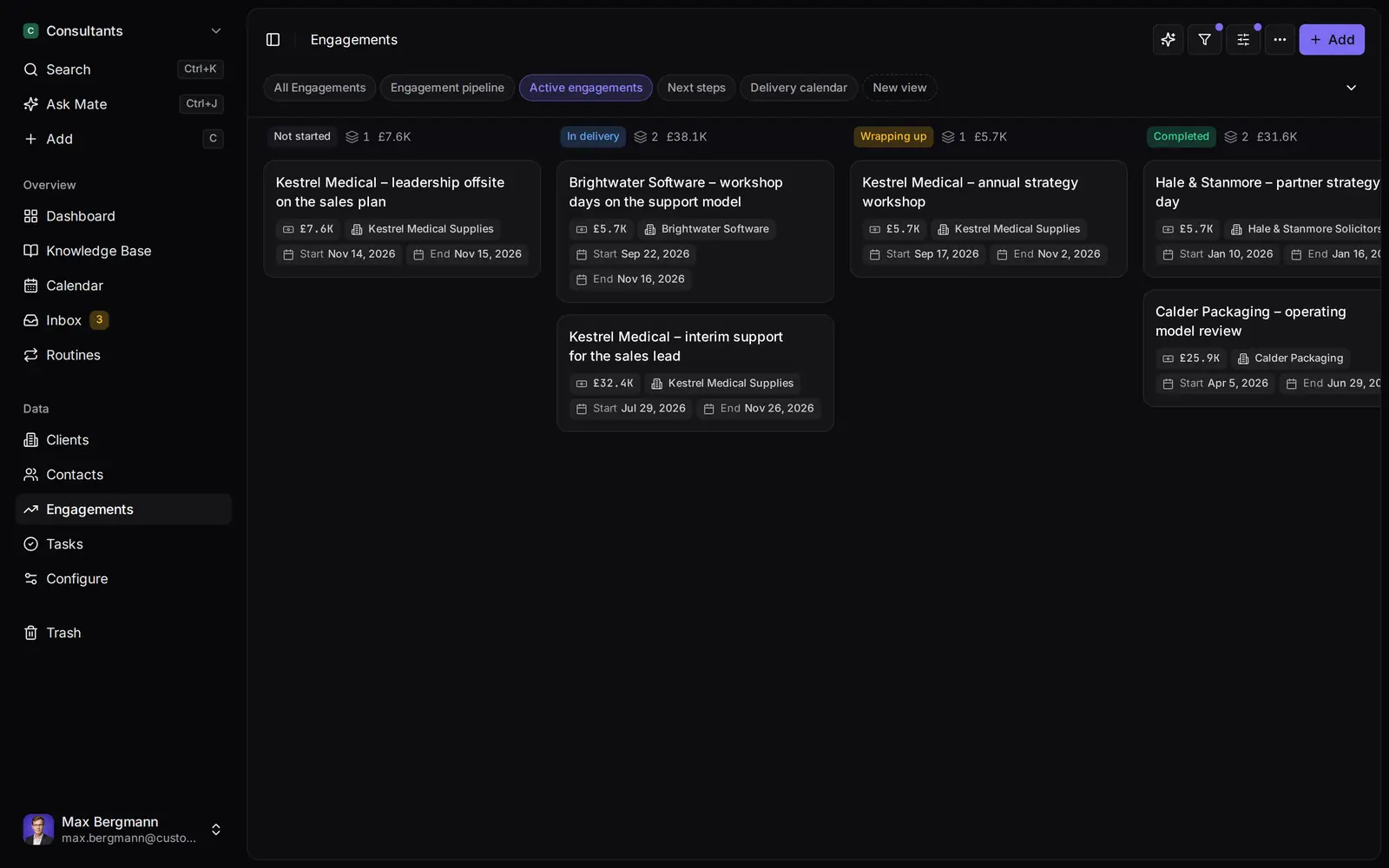
Widgets built from the workspace's own lists and fields
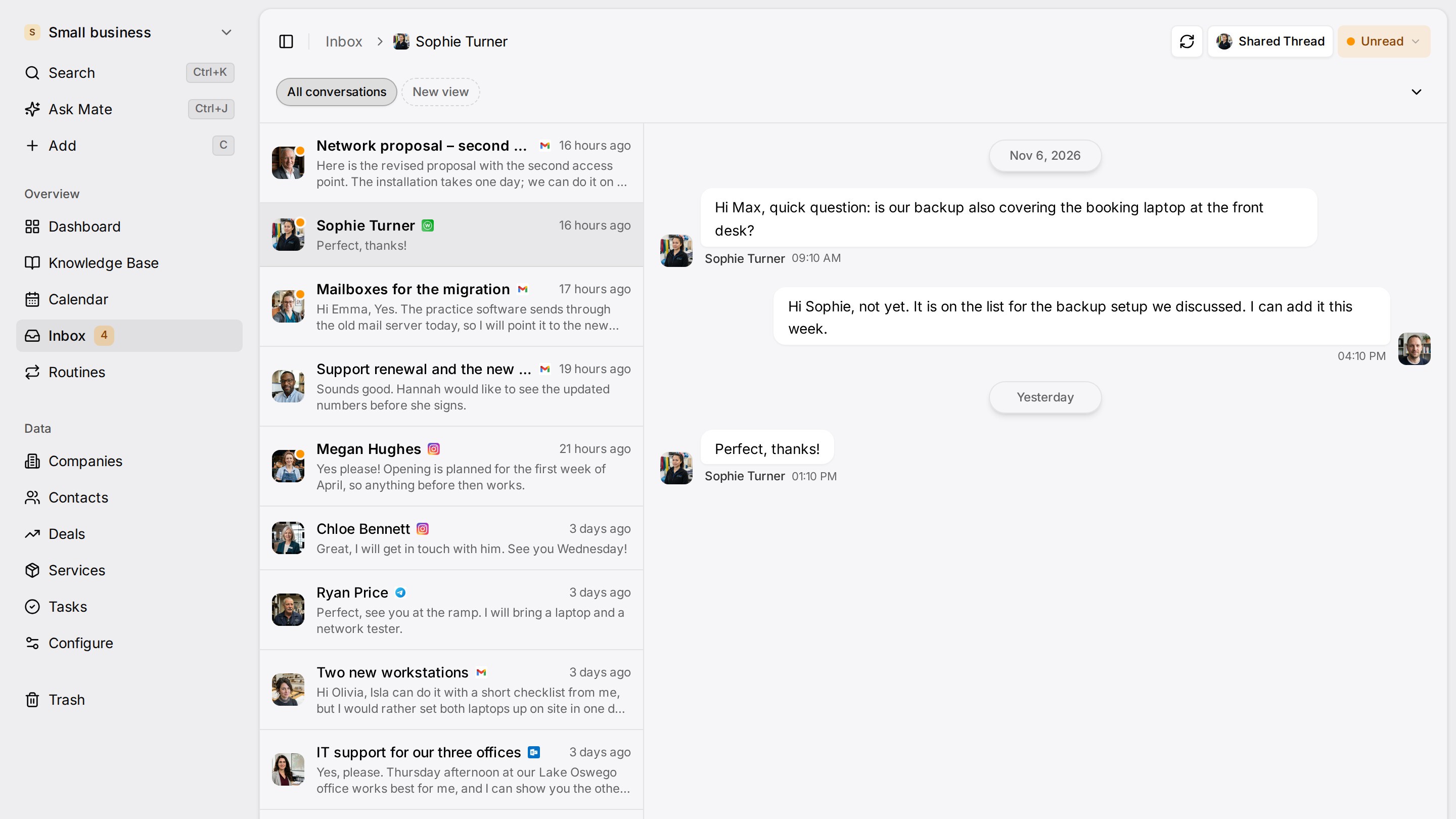
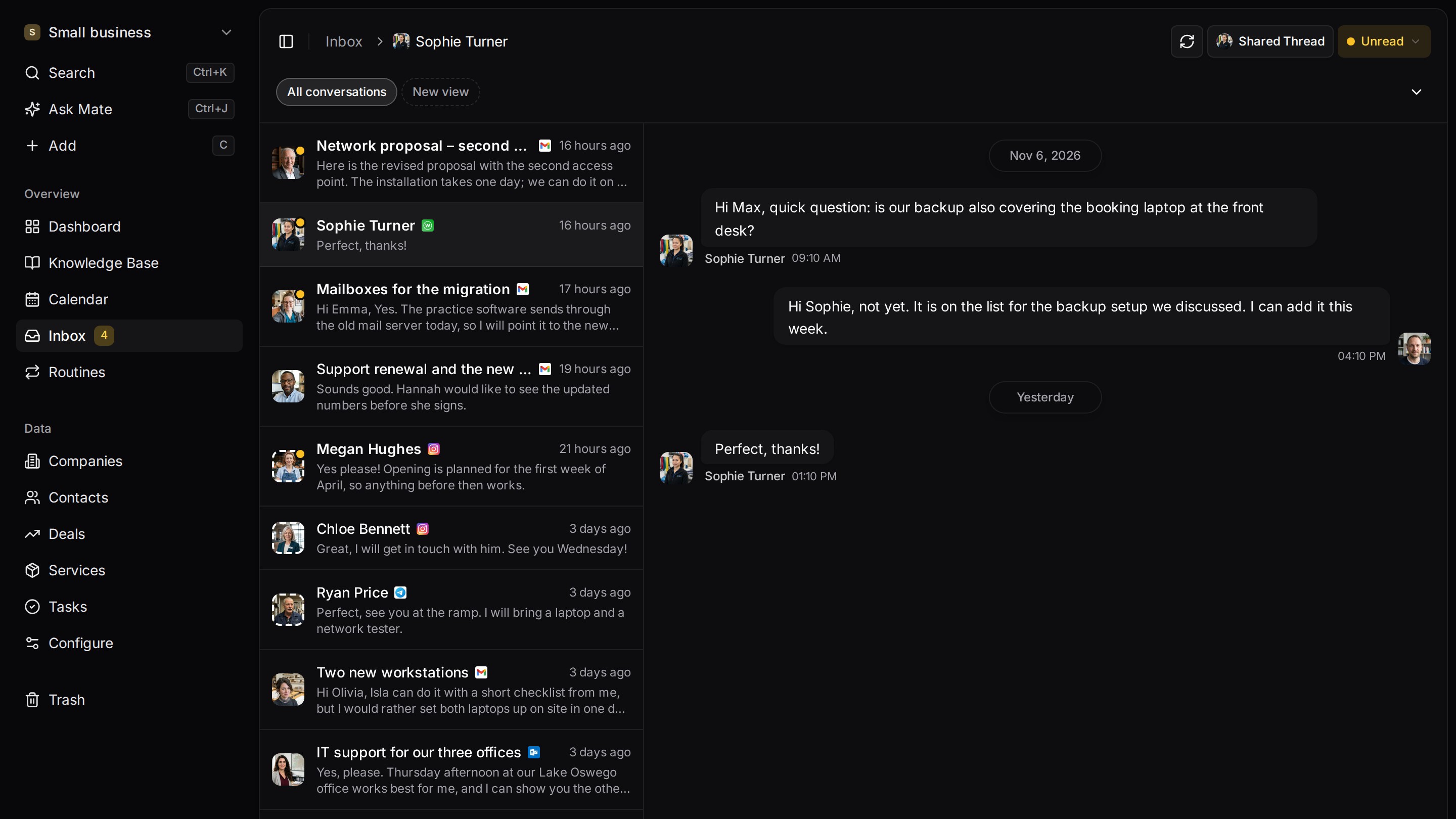
Every client conversation from email, LinkedIn and WhatsApp in one place. Mate sets up your workspace and drafts the follow-up, you review and send. Works with Claude, ChatGPT or any agent that speaks MCP.
Related pages
Claude CRM: How to Connect Claude to Your CRM
Claude CRM guide: seven CRMs compared by what Claude can read and write over MCP, with plan, setup steps and vendor sources, checked 10 November 2026.
Connect Claude & ChatGPT (custom connector)
Add Customermates to Claude (web, desktop, mobile) or ChatGPT as a custom MCP connector: OAuth sign-in, no API key, plus a ChatGPT header fallback.
What Is an MCP Server? Tools, Local vs Remote, Security
What an MCP server is and what it gives Claude, ChatGPT or Cursor: tools, resources, prompts, local vs remote, MCP vs API, risks and a real CRM example.
CRM MCP Server Reference: Endpoint and Tools
Customermates exposes a native MCP endpoint at /api/v1/mcp so Claude, ChatGPT, Cursor, and other agent clients can read and write your CRM directly.
Customermates
Follow up on every client conversation
Start with one channel and one client on Customermates Cloud, or self-host the open-source core.
✓ No credit card required ✓ First 14 days free