

CRM for Claude
The CRM your Claude works in
Customermates is a CRM that Claude reads and updates through a connector: clients, deals, tasks and, once you connect them, your email and LinkedIn conversations. Server address: https://customermates.com/api/v1/mcp
✓ No credit card required ✓ Independent product, not affiliated with Anthropic
How it works
Everything your follow-up needs, in one place. Four parts that work together.
Your knowledge, your client data and your conversations live together, so every agent that helps you works from the same facts.
Agents
Every plan, Mate on paid CloudMate is built in. Or connect the AI you already pay for, and it works with the same records and rules.
Inbox
Cloud, from ProEmail and LinkedIn, plus WhatsApp, Instagram and Telegram, beside the client each conversation belongs to.
Data
Every planClients, deals and any list your business needs, with your own fields, stages and views.
Knowledge
Every planPlaybooks, prices and how you work, written once. Mate and connected agents use the pages their permissions allow.


Start from one description
One description. A workspace your agent built.
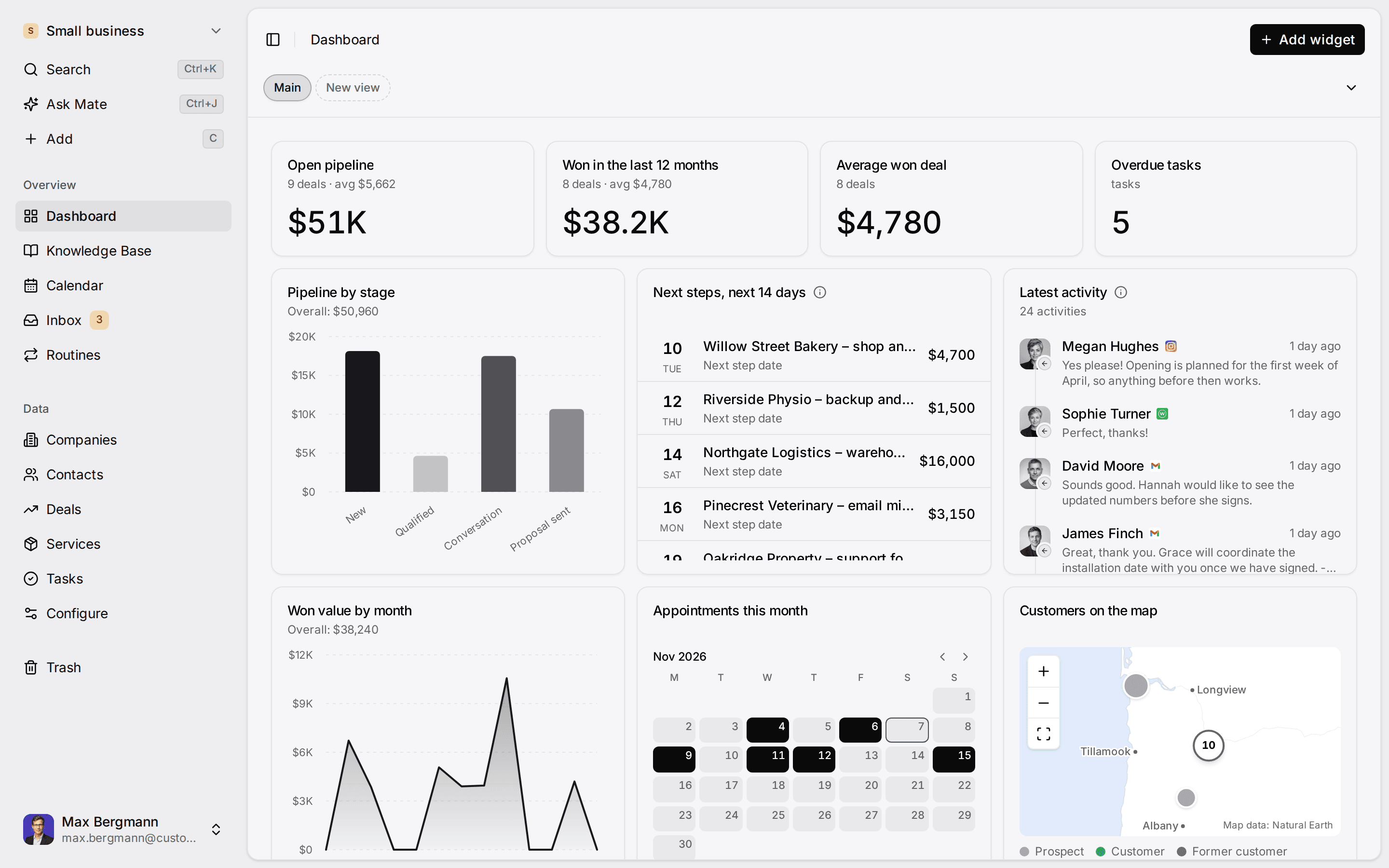
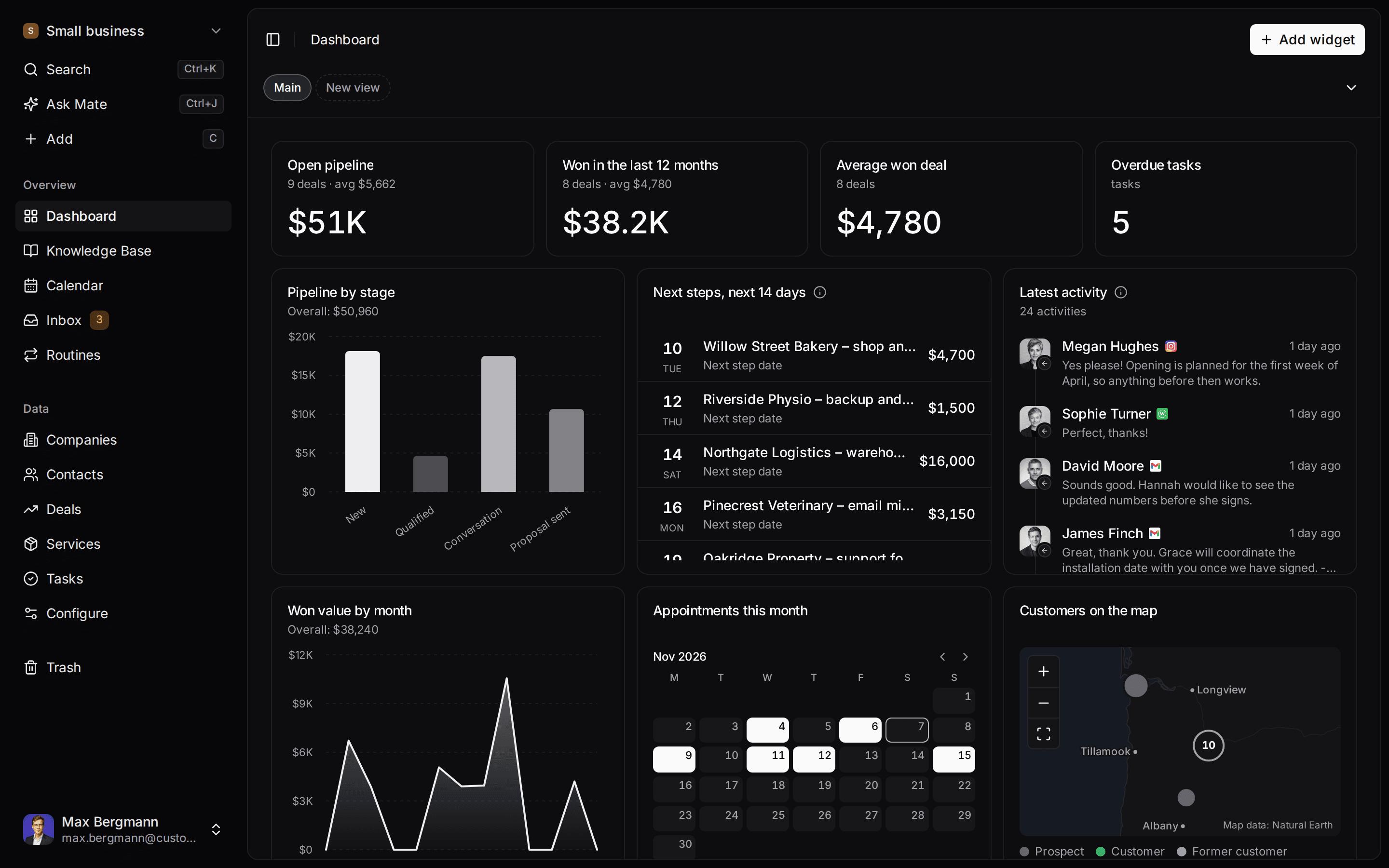
This is what setup builds from one sentence. Sample data, the real product.
Describe your business
One sentence about your team, your clients and how you sell.
Mate builds it
It asks a few questions, then creates the lists, pipeline, dashboard and playbook.
Work in it
Connect LinkedIn and email. Click through a finished example below.
We're a four-person strategy consultancy. Track clients, engagements and proposals, and help us follow up with prospects on LinkedIn.
- Mate
- Claude
- ChatGPT
- Cursor
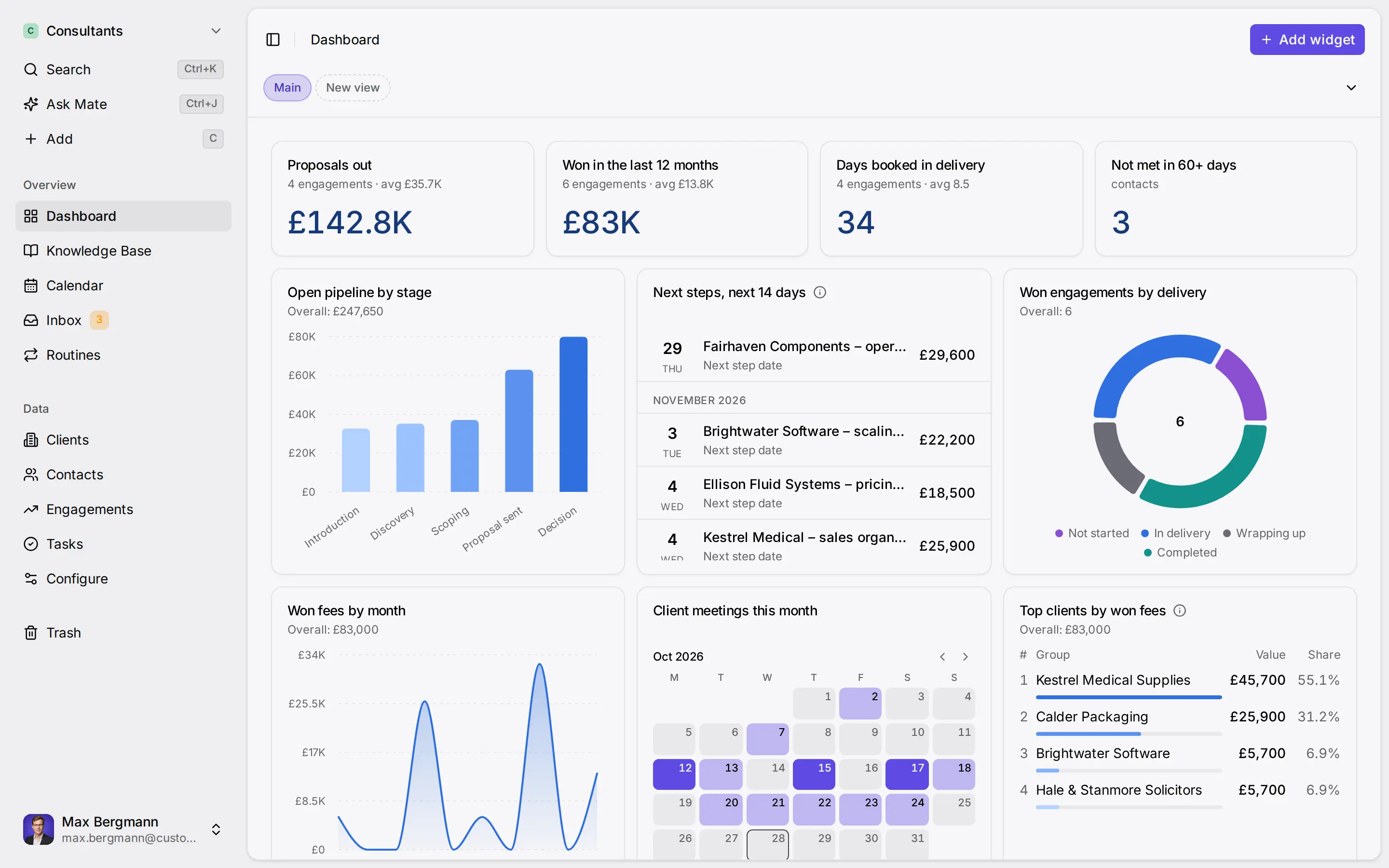
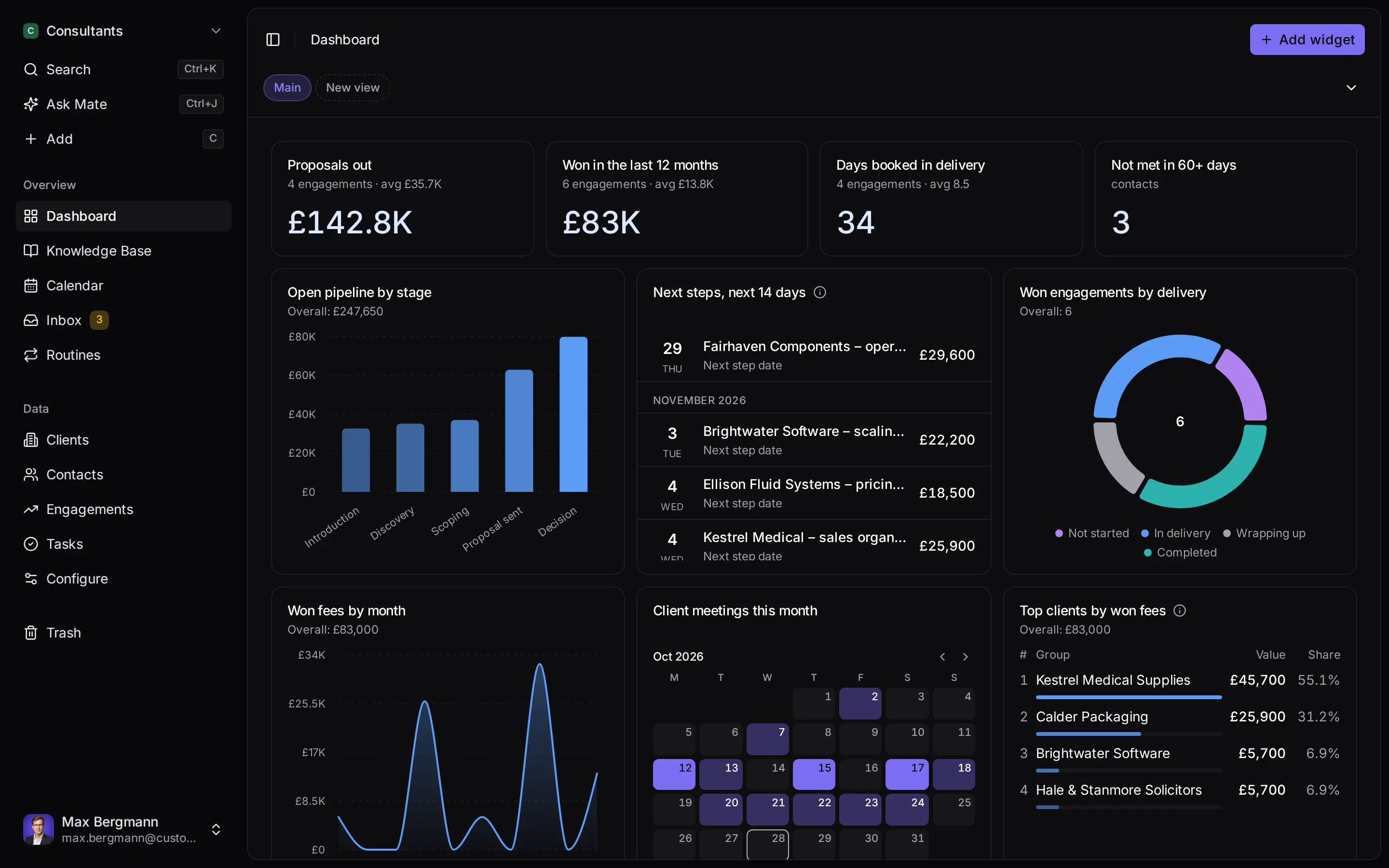
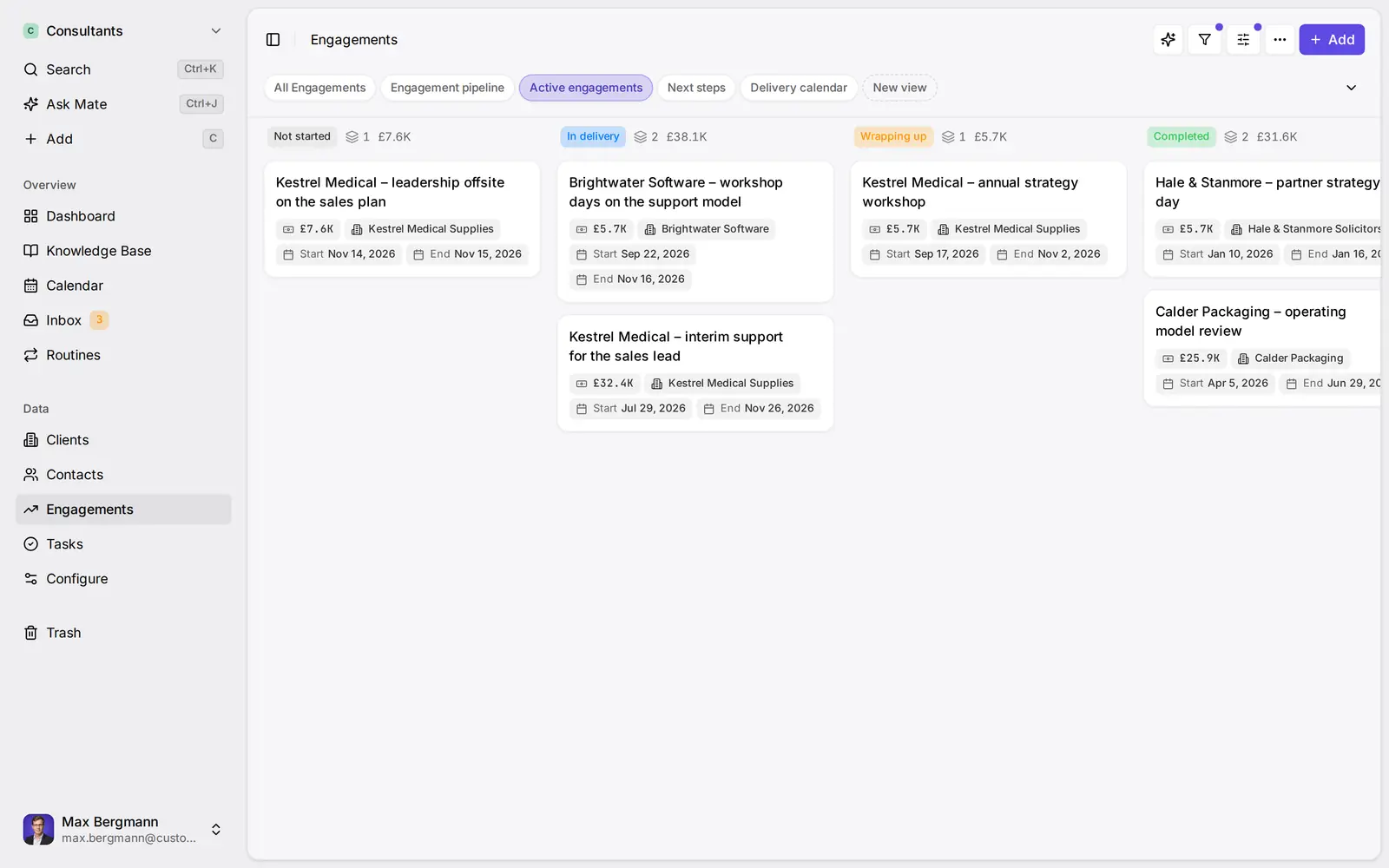
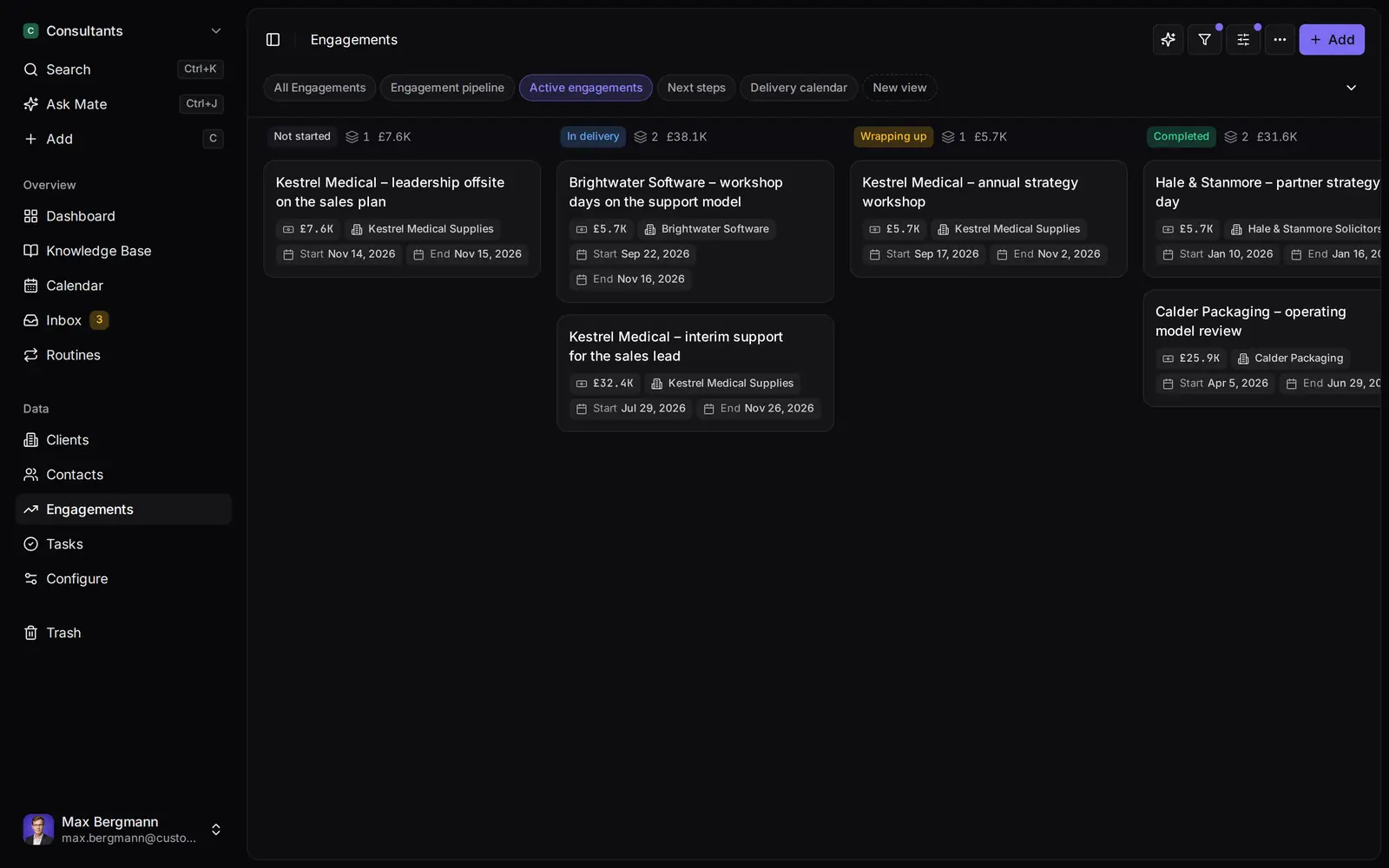
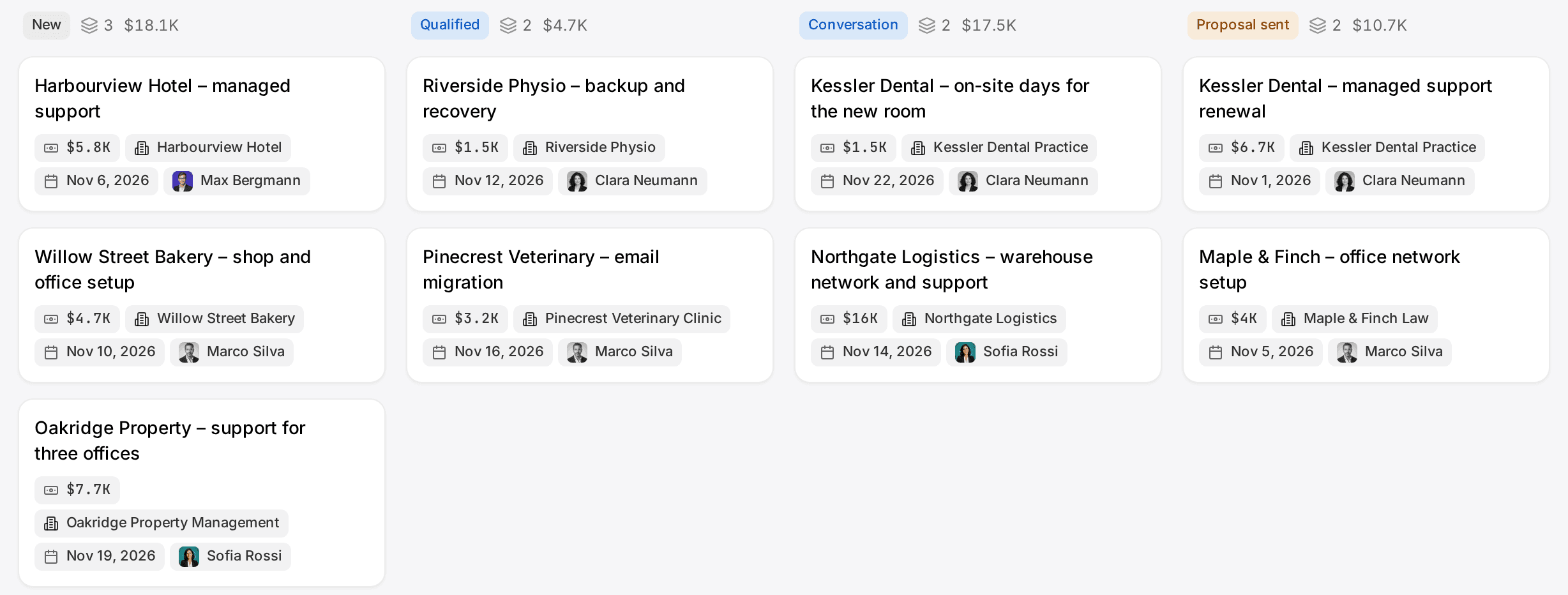
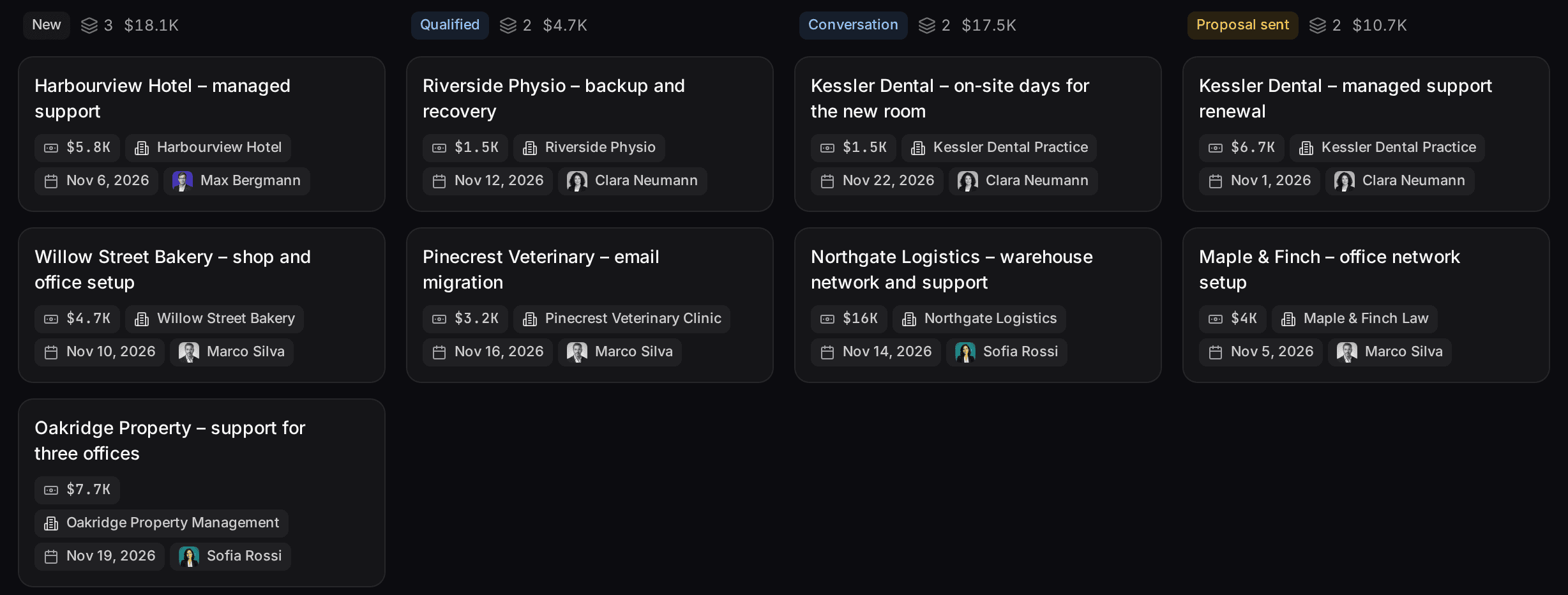
Widgets built from the workspace's own lists and fields
Ways you can use it
Pick the job. The workspace follows.
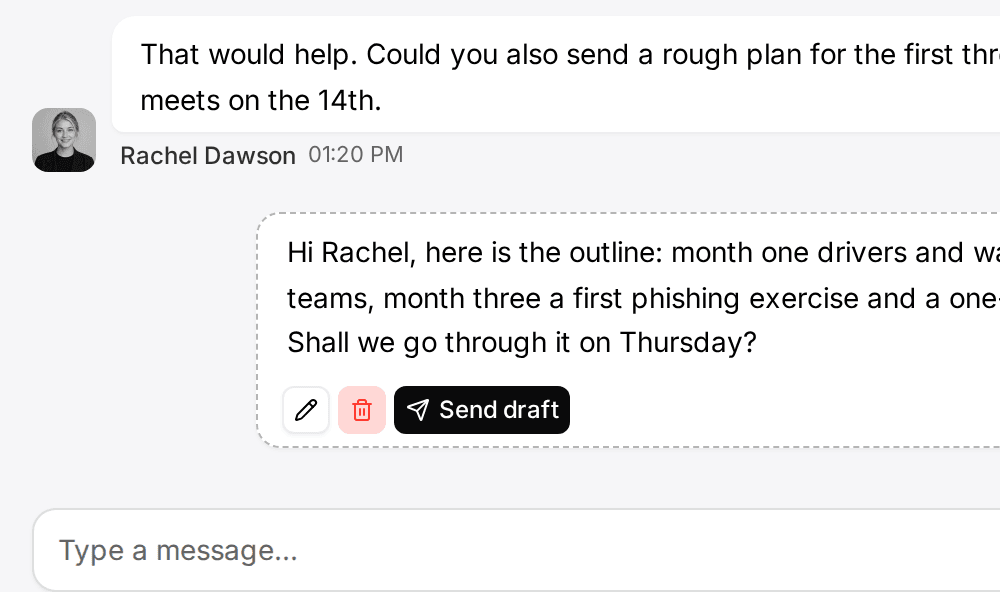
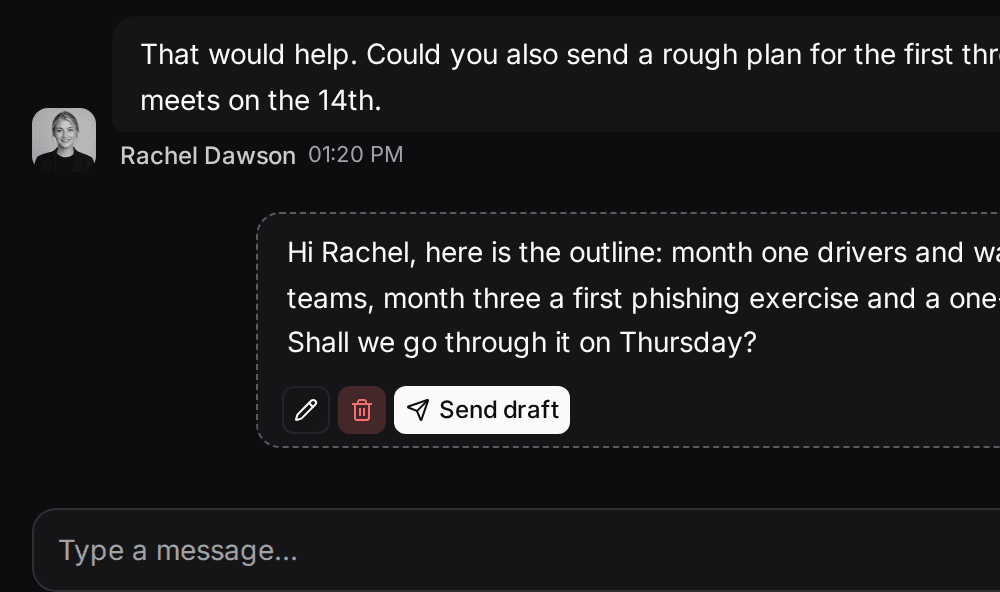
- Follow up on LinkedIn conversationsLinkedIn and email threads sit on the client. Mate drafts the reply and dates the next step, and you review and send it in the conversation.See LinkedIn in the inbox
- Follow up on every proposal after the callClients, engagements and proposals with the conversations behind them, and a dated next step on each.CRM for consultants
- Keep client next steps on one dashboardEvery client gets a dated next step, and your dashboard shows what is due across all of them.See follow-up
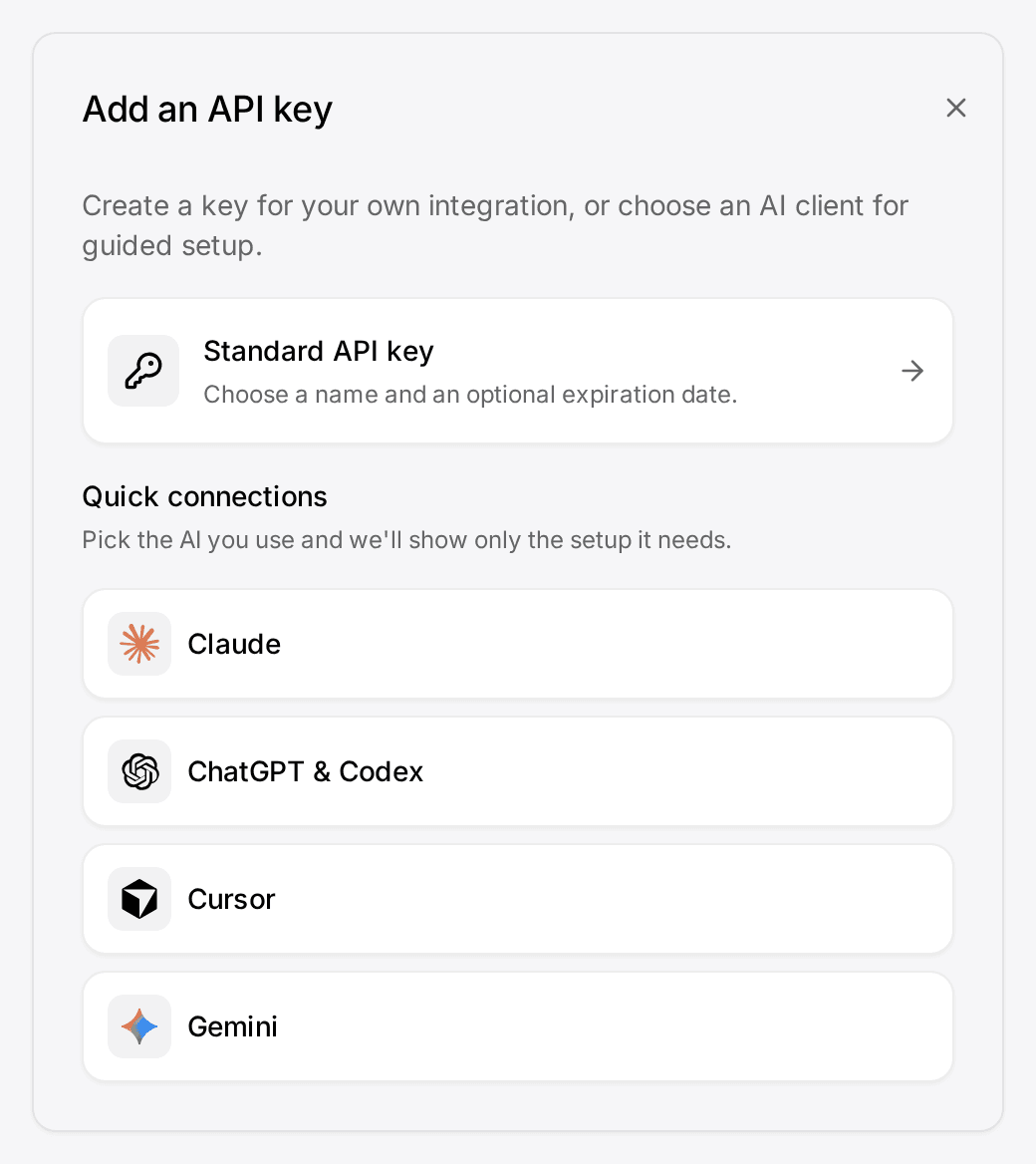
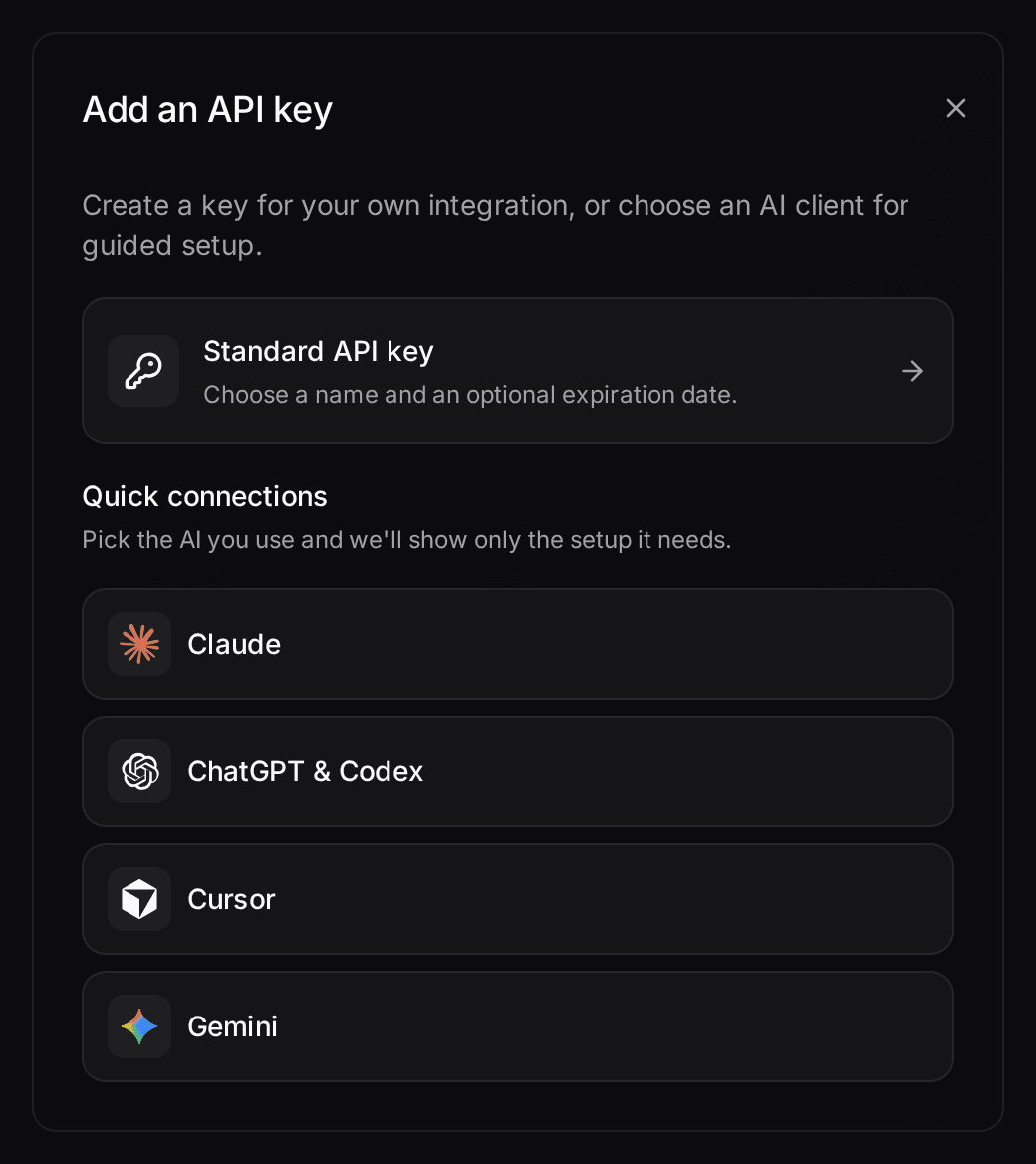
- Let your own Claude or ChatGPT work in your CRMConnect Claude, ChatGPT, Cursor or another MCP client. It reads and updates your workspace within your permissions.Connect your agent
How it works
Connected in three steps
- 01
Start the trial
Sign up and say how many people will use the workspace. The trial runs 14 days on the Pro plan and needs no card.
- 02
Add Customermates to Claude
In Claude, open Settings › Connectors › Add custom connector and paste the server address https://customermates.com/api/v1/mcp. The setup shows the address of your own workspace and waits until Claude's first call arrives.
- 03
Let Claude build your CRM
Tell Claude what you sell and how you work. Claude proposes your lists, pipeline and follow-ups, and builds them in the workspace once you agree.
A CRM for Claude is one that Claude can read and change itself, instead of one you copy text out of. Customermates gives Claude that through a connector: Claude looks up a client, reads the last conversation, updates the deal and writes the next task, in the same workspace your team opens in the browser.
What you can ask Claude
- "Which deals have had no contact for two weeks?" Claude reads your pipeline and the conversations linked to each deal.
- "Add the three people from this email to the right company and note what they asked for." Claude creates the contacts and links them.
- "Which conversations are waiting for my reply?" With a mailbox or LinkedIn connected, Claude lists the open threads and can draft the answers.
Claude works with your own lists and fields, so the CRM uses your words for clients, deals and stages.
What it does and what it does not
It does: read and write records, lists, fields and views with the permissions of the person who connected it; search the workspace's Knowledge Base; read conversations and save drafts once a channel is connected.
It does not: work around your roles and permissions, change anything without a call you can see in Claude, or act in the background while Claude is closed. For work on a schedule there are routines with the built-in assistant Mate.
On approval: Customermates tells Claude to ask before it sends a message or deletes something. Whether Claude asks each time depends on the tool permissions you set in Claude.
The technical side, with every tool the connector offers, is in the MCP guide.
What it costs
The trial runs 14 days on the Pro plan and needs no credit card. Paid plans start at €12 per user and month for the CRM with the connector; the inbox for email and LinkedIn is part of Pro at €29. Without a subscription the workspace moves to the Free plan for 1 person and 250 records. The connector costs nothing extra, and Claude bills its own usage through your Claude plan.
Who runs it
Customermates is an independent product. It is not affiliated with, endorsed by or sponsored by Anthropic. The source code of the CRM is available under the Sustainable Use License and the Community Edition can be self-hosted; the cloud database is configured in the AWS Frankfurt region, and the list of subprocessors names every provider involved.
Does it work with ChatGPT and other AI clients too?
Yes. The same connector works with ChatGPT, Cursor, Gemini and other clients that support MCP. The connector guide has the steps for each.
Does Claude see all my data?
Claude sees what the person who connected it may see. It acts with that person's role and permissions, in the workspace they chose at sign-in.
Do I need a paid Claude plan?
Claude offers custom connectors on every plan; its free plan allows one. ChatGPT needs a paid plan for custom connectors.
Can I host it myself?
The Community Edition can be self-hosted and includes the connector. The inbox for email and LinkedIn and the built-in assistant Mate are part of Customermates Cloud.
Related pages
LinkedIn in Claude
Connect LinkedIn to Claude: see which conversations wait for your reply, let Claude draft, send it yourself. 14-day trial, no card. Not a scraper.
Connect Claude & ChatGPT (custom connector)
Add Customermates to Claude (web, desktop, mobile) or ChatGPT as a custom MCP connector: OAuth sign-in, no API key, plus a ChatGPT header fallback.
CRM MCP Server Reference: Endpoint and Tools
Customermates exposes a native MCP endpoint at /api/v1/mcp so Claude, ChatGPT, Cursor, and other agent clients can read and write your CRM directly.
CRM API
Customermates has a REST API with an OpenAPI 3.1 spec and MCP on every plan, plus signed webhooks on paid plans and self-hosted.
Customermates
Give Claude a CRM to work in
Start the trial, add the connector and let Claude set up the workspace. You agree to the plan before Claude builds it.
✓ No credit card required ✓ First 14 days free