

LinkedIn in Claude
Your LinkedIn inbox in Claude
Connect your LinkedIn account to Customermates and add Customermates to Claude as a connector. Claude then sees which conversations wait for your reply, drafts the answer from the client's record, and you send it. Server address: https://customermates.com/api/v1/mcp
✓ No credit card required ✓ Independent product, not affiliated with Anthropic or LinkedIn
How it works
Everything your follow-up needs, in one place. Four parts that work together.
Your knowledge, your client data and your conversations live together, so every agent that helps you works from the same facts.
Agents
Every plan, Mate on paid CloudMate is built in. Or connect the AI you already pay for, and it works with the same records and rules.
Inbox
Cloud, from ProEmail and LinkedIn, plus WhatsApp, Instagram and Telegram, beside the client each conversation belongs to.
Data
Every planClients, deals and any list your business needs, with your own fields, stages and views.
Knowledge
Every planPlaybooks, prices and how you work, written once. Mate and connected agents use the pages their permissions allow.


Start from one description
One description. A workspace your agent built.
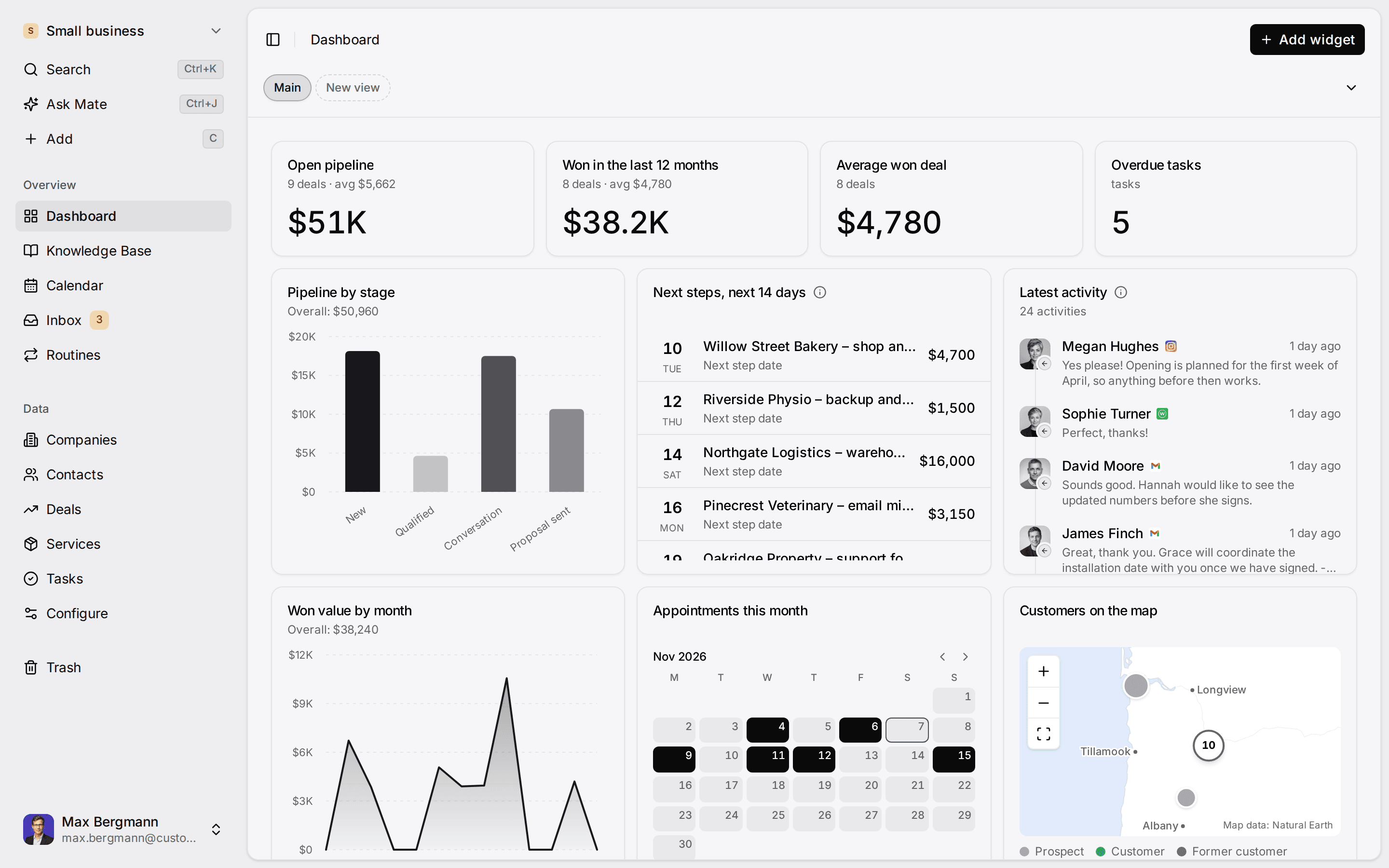
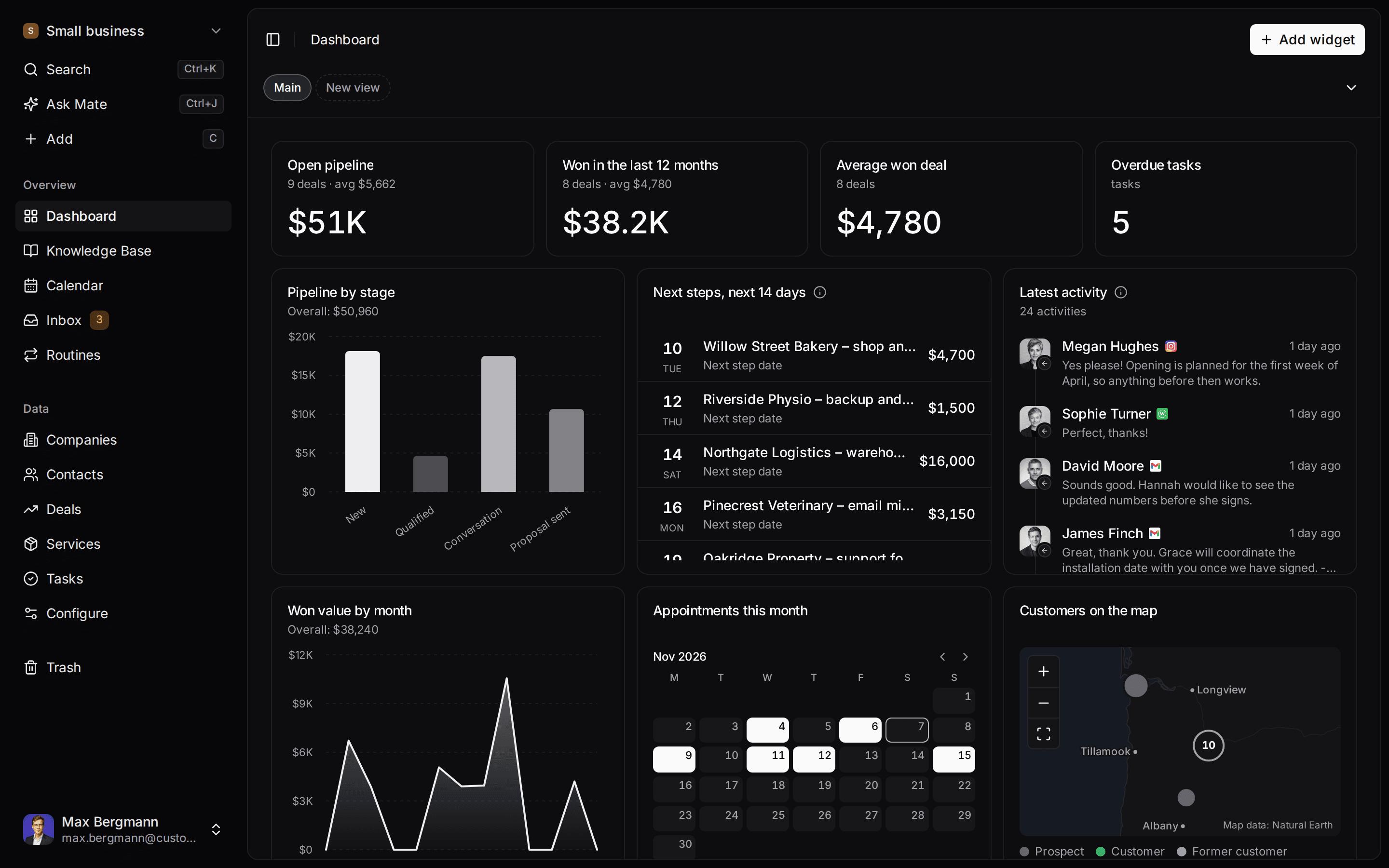
This is what setup builds from one sentence. Sample data, the real product.
Describe your business
One sentence about your team, your clients and how you sell.
Mate builds it
It asks a few questions, then creates the lists, pipeline, dashboard and playbook.
Work in it
Connect LinkedIn and email. Click through a finished example below.
We're a four-person strategy consultancy. Track clients, engagements and proposals, and help us follow up with prospects on LinkedIn.
- Mate
- Claude
- ChatGPT
- Cursor
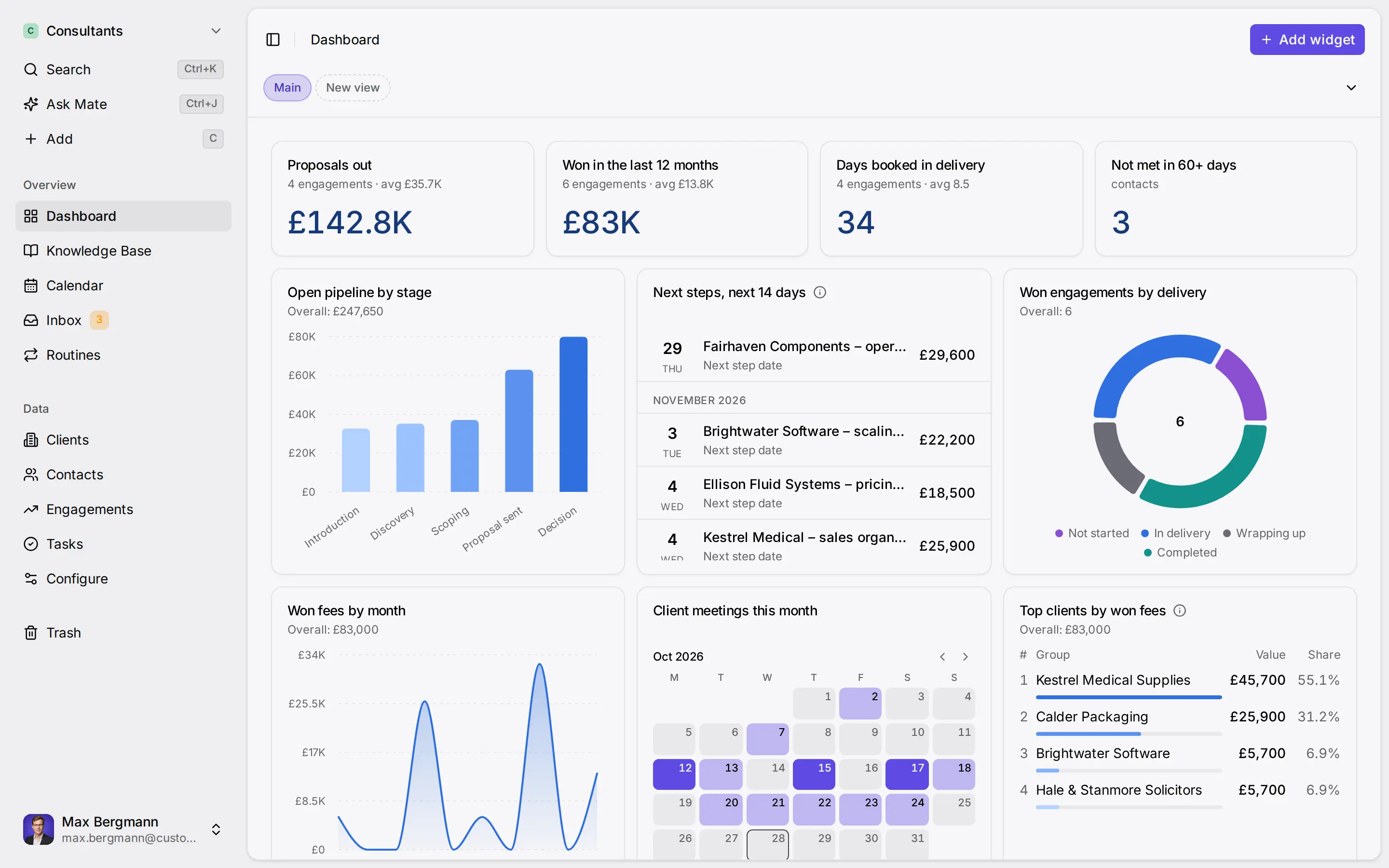
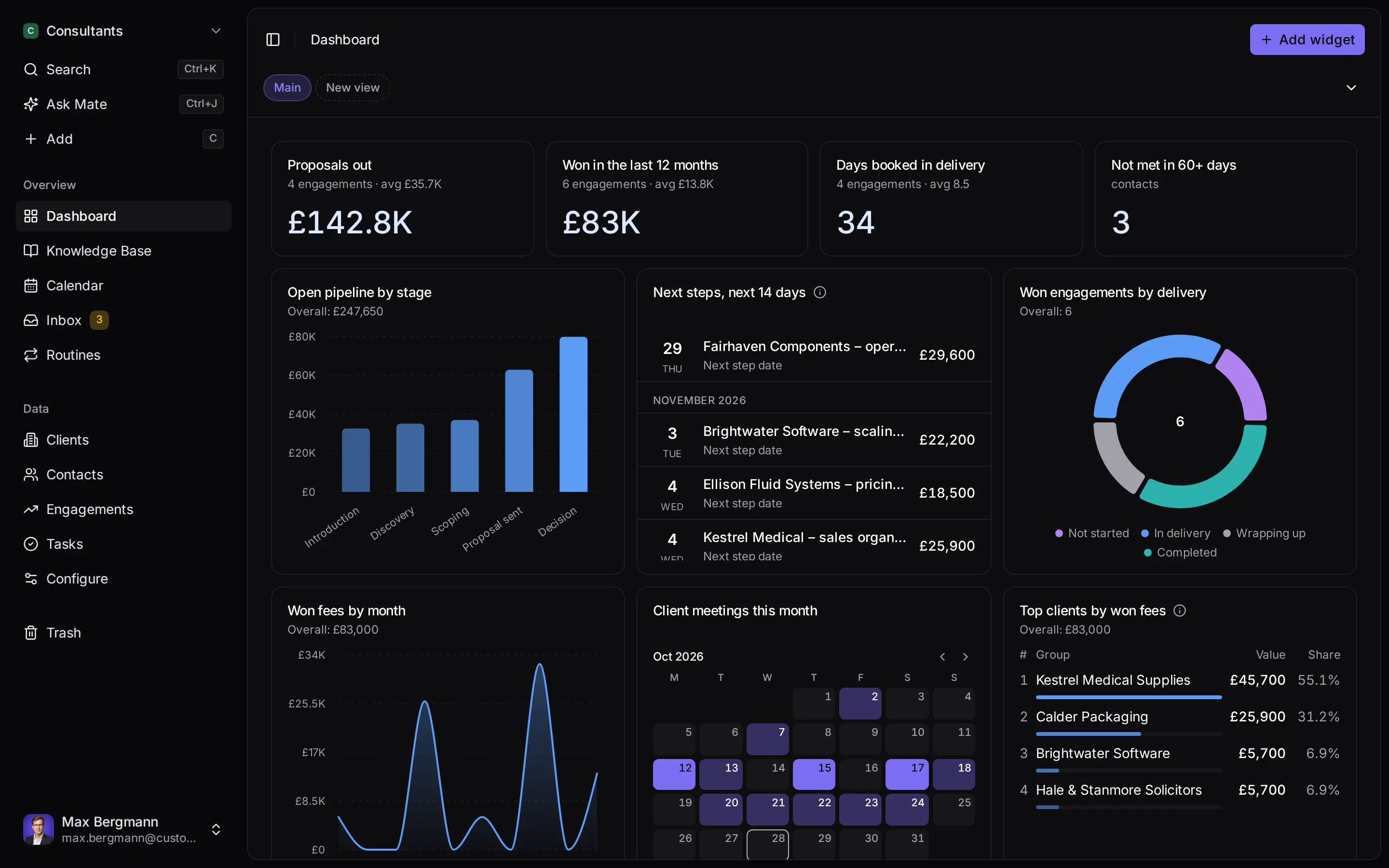
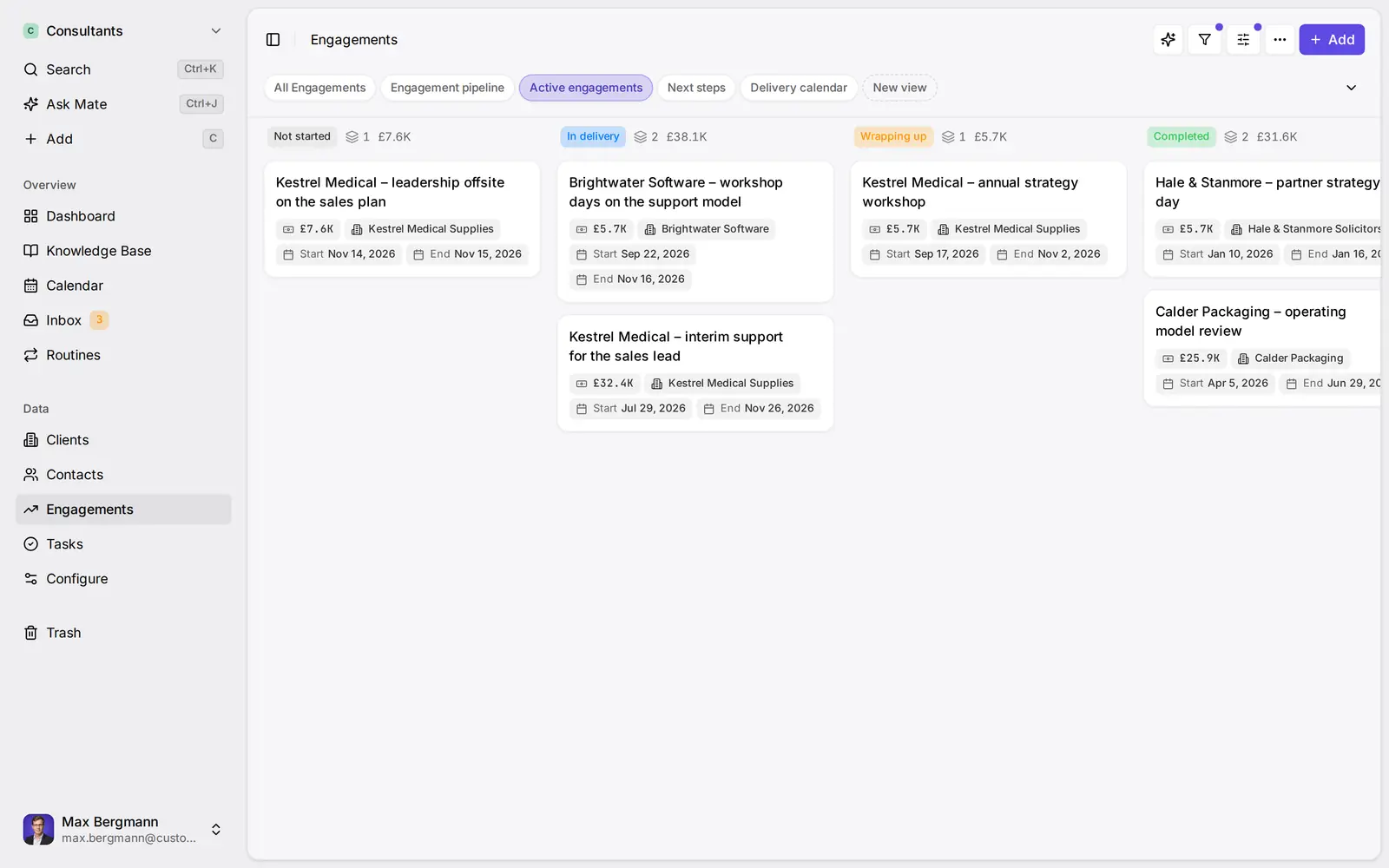
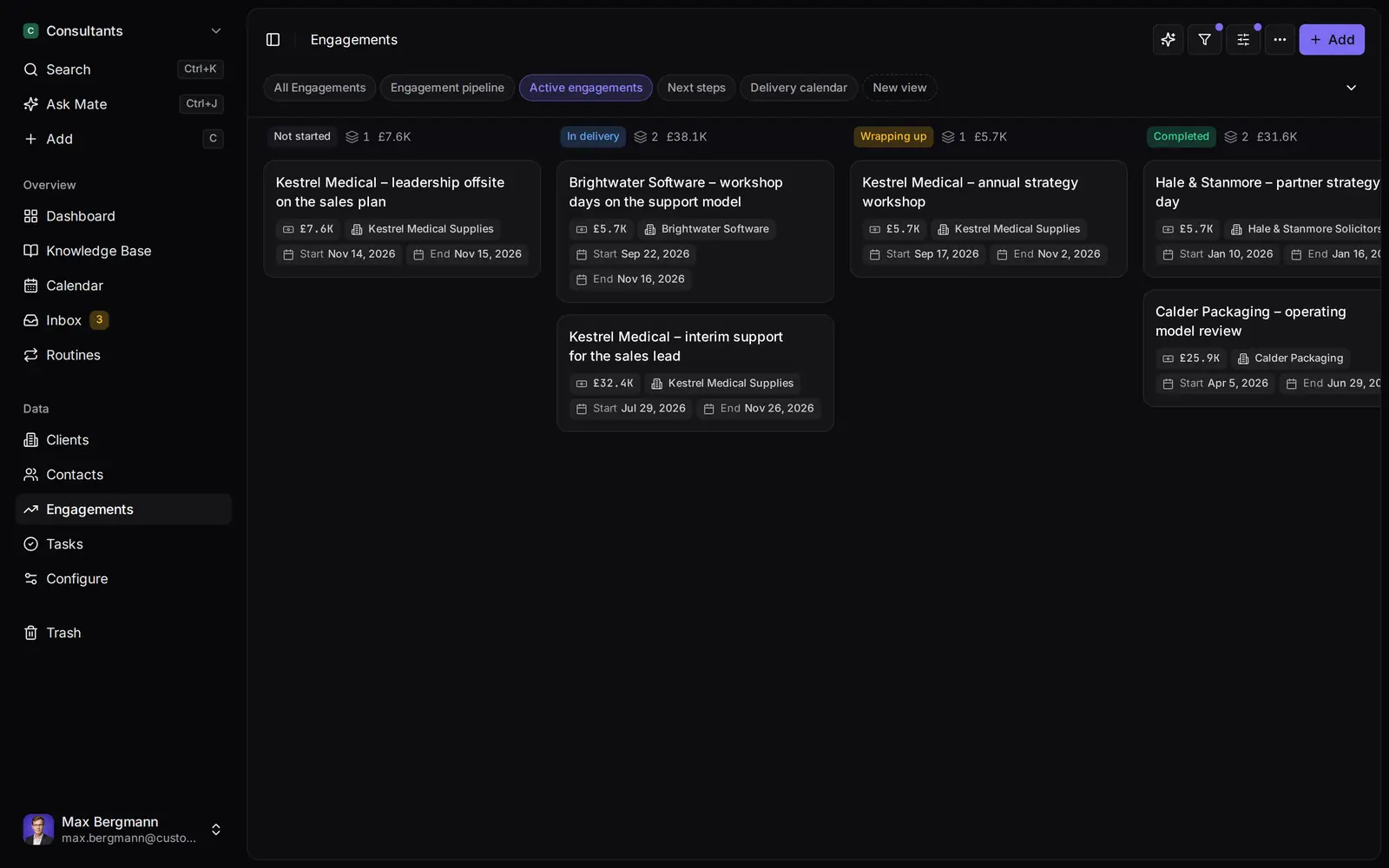
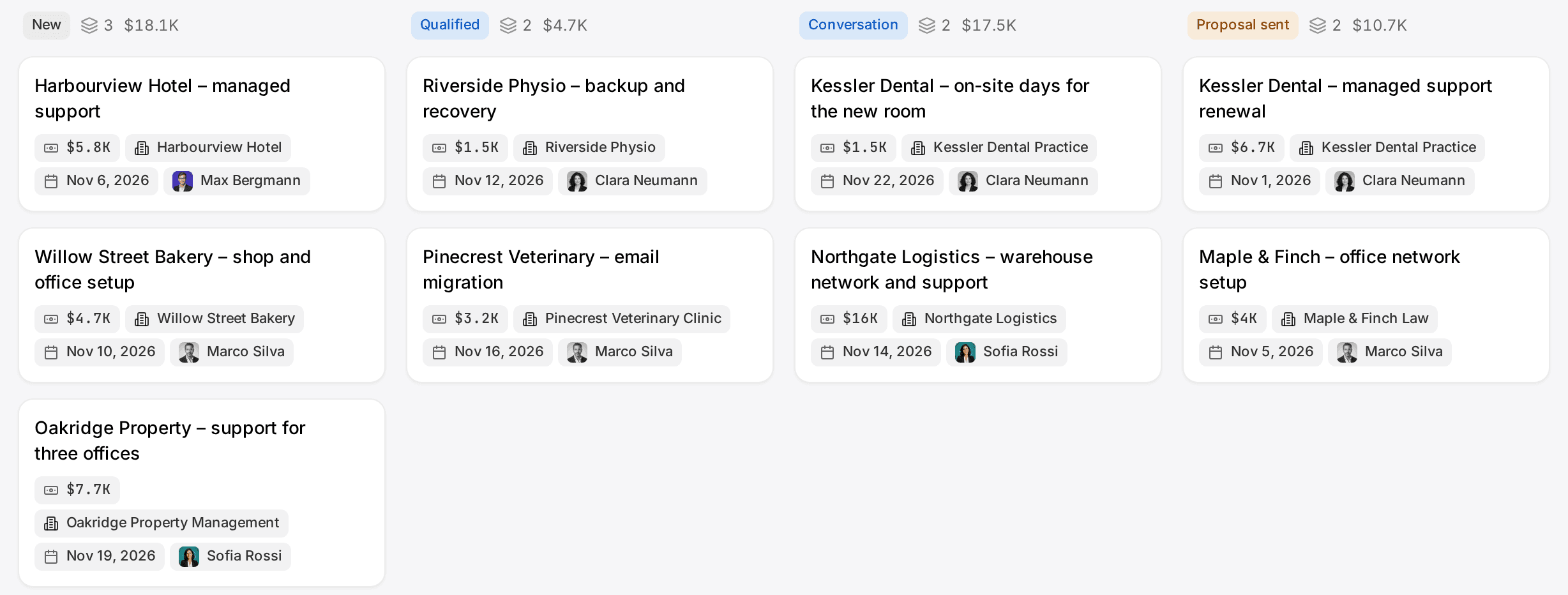
Widgets built from the workspace's own lists and fields
Ways you can use it
Pick the job. The workspace follows.
- Follow up on LinkedIn conversationsLinkedIn and email threads sit on the client. Mate drafts the reply and dates the next step, and you review and send it in the conversation.See LinkedIn in the inbox
- Follow up on every proposal after the callClients, engagements and proposals with the conversations behind them, and a dated next step on each.CRM for consultants
- Keep client next steps on one dashboardEvery client gets a dated next step, and your dashboard shows what is due across all of them.See follow-up
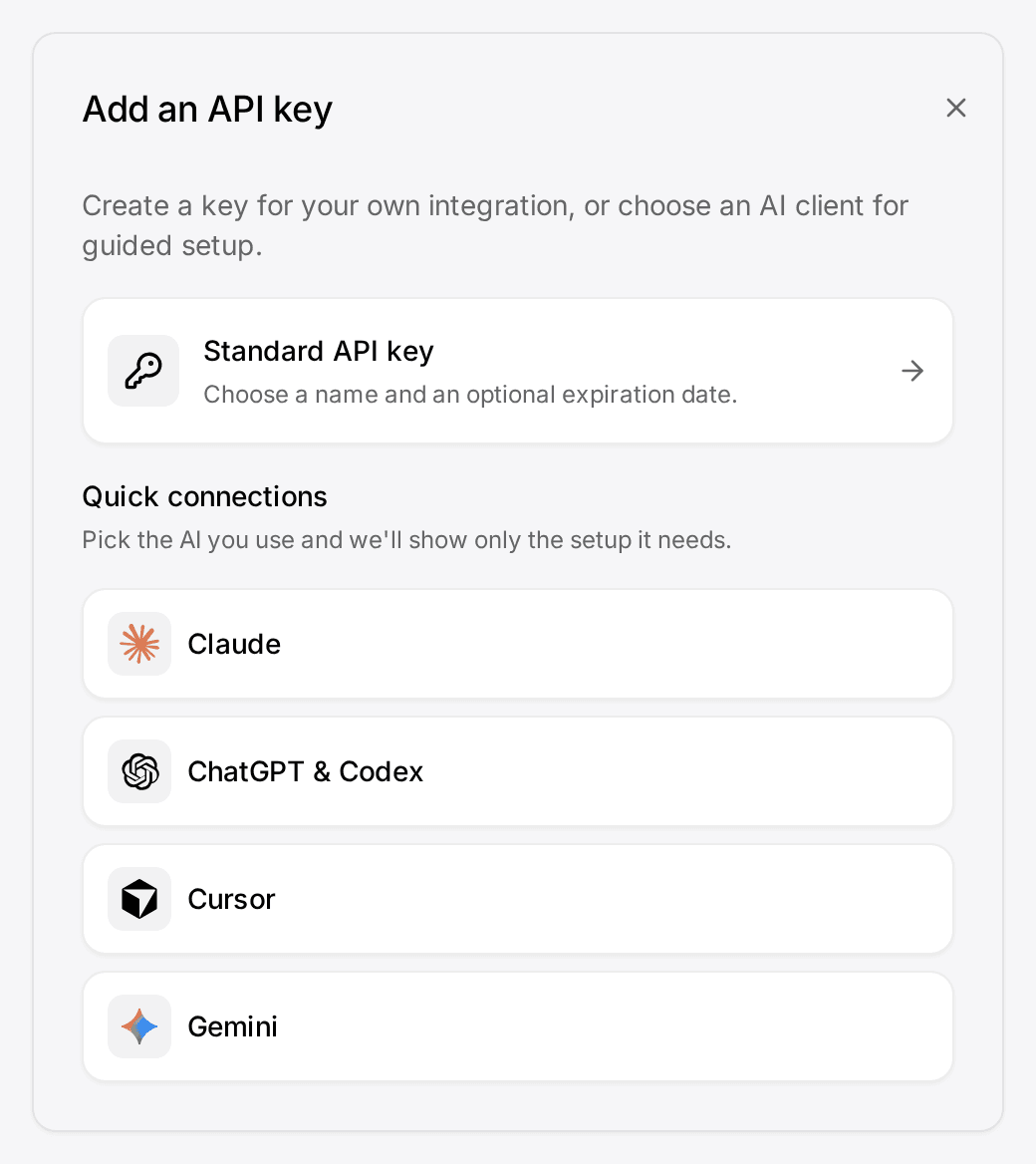
- Let your own Claude or ChatGPT work in your CRMConnect Claude, ChatGPT, Cursor or another MCP client. It reads and updates your workspace within your permissions.Connect your agent
How it works
Connected in three steps
- 01
Start the trial and connect LinkedIn
Sign up, then connect your LinkedIn account in the setup. Your conversations come in, private to you by default. The trial runs 14 days and needs no card.
- 02
Add Customermates to Claude
In Claude, open Settings › Connectors › Add custom connector and paste the server address https://customermates.com/api/v1/mcp. The setup also shows the address of your own workspace and a button that fills it in for you.
- 03
Sign in and ask
Claude opens the Customermates sign-in page. Approve the access, then ask Claude which LinkedIn conversations are waiting for your reply.
To connect LinkedIn to Claude, you need something between the two: Claude has no LinkedIn connector of its own. Customermates is a CRM with an inbox. You connect your LinkedIn account to it once, and Claude reaches the inbox through the Customermates connector. Your conversations, the people in them and your notes on each client are then one question away in Claude.
What you can ask Claude
Write the question the way you would ask a colleague. Three that work on the first day:
- "Which LinkedIn conversations are waiting for my reply?" Claude lists the open threads with the last message of each.
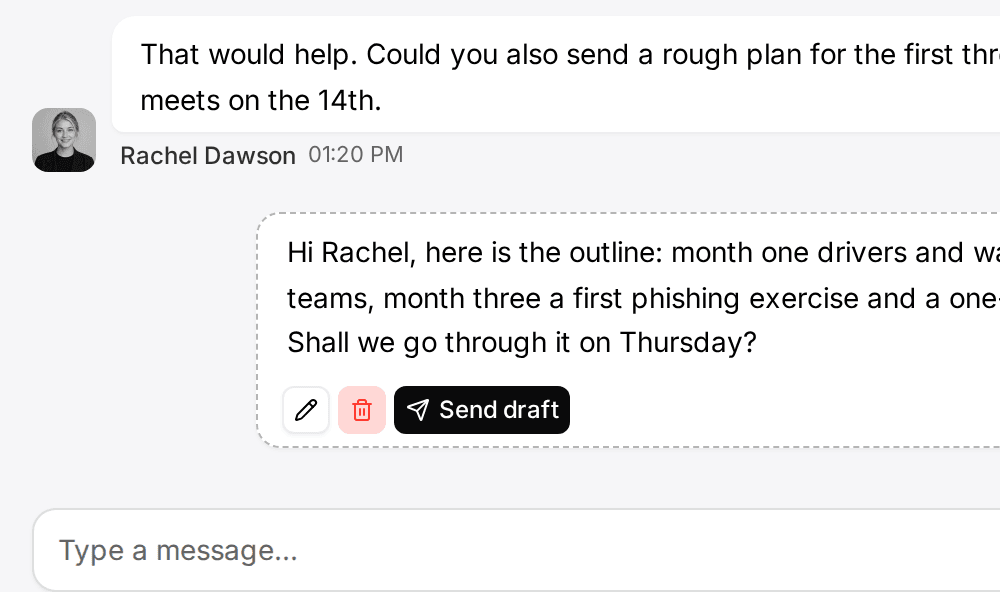
- "Draft a reply to the last message from Anna, using what we know about her company." Claude reads the thread and the client's record and saves a draft in your inbox.
- "Who did I promise to get back to this week, and have I?" Claude goes through your recent conversations and names the ones that are still open.
The same connector covers your email once you connect a mailbox, so the answer can include both.
What it does and what it does not
It does: read the conversations of the account you connected, read and update your client records, save a draft for you to review, and send a single message or connection request when you tell Claude to.
It does not: scrape profiles or search results, send bulk invites or mass messages, run sequences, or act in the background. Customermates is not a LinkedIn automation tool. It keeps a conservative request budget for LinkedIn and pauses before LinkedIn would push back; the numbers are in the messaging rate limits.
On sending: Customermates tells Claude to ask you before it sends anything. Whether Claude asks each time depends on the tool permissions you set in Claude, so keep the send tools on "ask" there. A draft never leaves your inbox until you send it.
The longer description of the LinkedIn side, including Sales Navigator, is on the LinkedIn integration page.
What it costs
The trial runs 14 days on the Pro plan and needs no credit card. After it, Pro costs €29 per user and month and includes 1 connected account per user. If you do not subscribe, the workspace moves to the Free plan: the CRM stays, the inbox does not. The connector itself costs nothing extra, and Claude bills its own usage through your Claude plan.
Claude offers custom connectors on every plan; its free plan allows one. The connector guide has the steps for Claude and for ChatGPT.
Who runs it
Customermates is an independent product. It is not affiliated with, endorsed by or sponsored by Anthropic or LinkedIn. The source code of the CRM is available under the Sustainable Use License (not open source), and the cloud database is configured in the AWS Frankfurt region. The list of subprocessors names every provider involved, including the one that connects your LinkedIn account.
Does Claude have an official LinkedIn connector?
No. Claude reaches LinkedIn conversations only through a connector that someone else provides. With Customermates, the conversations come from the LinkedIn account you connect yourself, and Claude reads them through the Customermates connector.
Can Claude send LinkedIn messages for me?
Claude can save a draft in your Customermates inbox, and it can send one message when you tell it to. Customermates instructs Claude to ask first; your tool permissions in Claude decide whether it does. There are no bulk messages and no sequences.
Is this a LinkedIn scraper or automation tool?
No. It reads the conversations of your own connected account and looks up a profile when you ask for one. It does not scrape, enrich in the background or send invitations in bulk.
Does it work on the free Claude plan?
Claude's free plan allows one custom connector, so it works if that slot is free. ChatGPT needs a paid plan for custom connectors.
What happens after the trial?
You choose a plan or do nothing. Without a subscription the workspace moves to the Free plan, which keeps the CRM for 1 person and 250 records and has no inbox.
Related pages
CRM for Claude
A CRM connector for Claude: clients, deals, email and LinkedIn conversations in one workspace Claude reads and updates. 14-day trial, no card. Self-hostable.
LinkedIn CRM Integration
LinkedIn CRM integration: chats and Sales Navigator on each deal, email beside them, a reply you send. Compared with folk, Breakcold, Kondo (Nov 2026).
Connect Claude & ChatGPT (custom connector)
Add Customermates to Claude (web, desktop, mobile) or ChatGPT as a custom MCP connector: OAuth sign-in, no API key, plus a ChatGPT header fallback.
Unified CRM Inbox
One CRM inbox for Gmail, Outlook, IMAP, LinkedIn, WhatsApp, Instagram and Telegram: each conversation on its client, replies drafted. Cloud from Pro.
Customermates
See which LinkedIn conversations wait for your reply
Start the trial, connect LinkedIn and add the connector to Claude. The first question takes a few minutes, and you can disconnect either side at any time.
✓ No credit card required ✓ First 14 days free