Comparison
Kondo Alternative: Customermates and Kondo Compared
Kondo is a fast LinkedIn and WhatsApp inbox with labels, snippets and reminders. Customermates is a CRM that puts LinkedIn next to email on the client record from Pro, with a drafted reply to review and send. Kondo details checked 10 November 2026.
✓ No credit card required ✓ First 14 days free
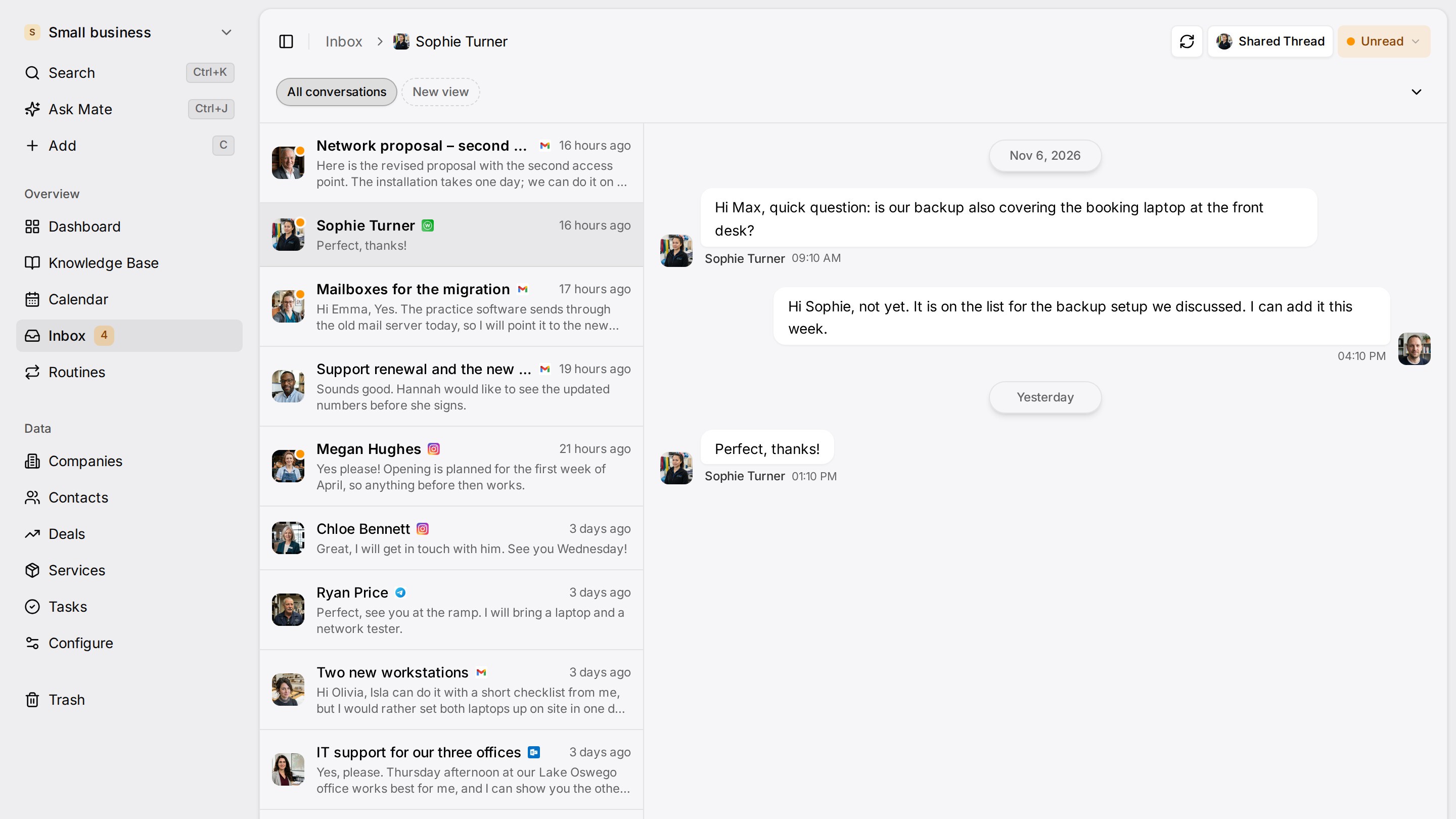
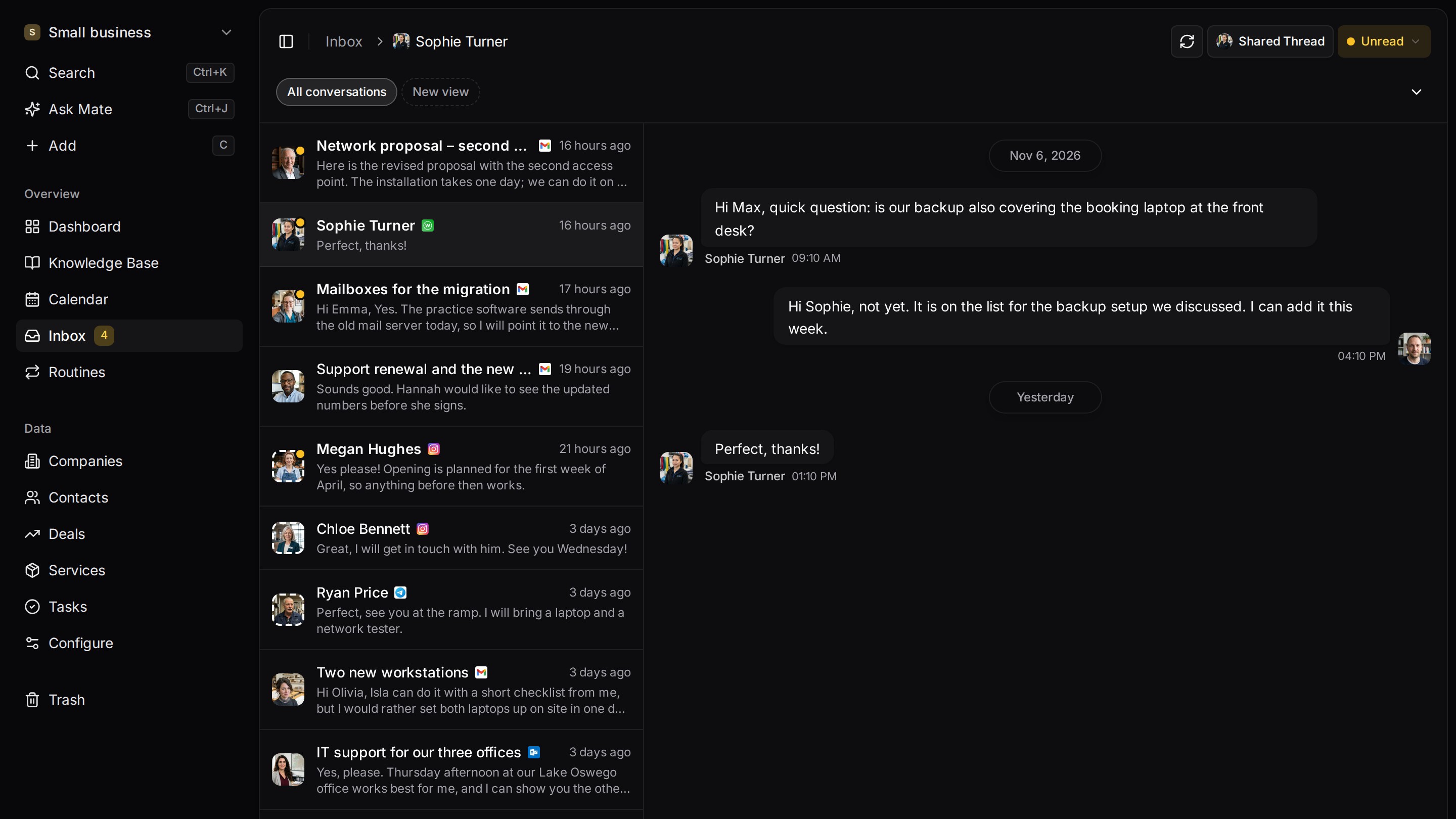
Every client conversation from email, LinkedIn and WhatsApp in one place. Mate sets up your workspace and drafts the follow-up, you review and send. Works with Claude, ChatGPT or any agent that speaks MCP.
Why teams switch
Why teams switch to Customermates.
LinkedIn beside email on the client
From Pro, LinkedIn (including Sales Navigator and Recruiter InMail), Gmail, Outlook, IMAP, WhatsApp, Instagram and Telegram sit in one inbox, and each conversation shows on the client record.
A deal and a dated next step
Link a conversation to its deal and add your own next-step date to the record, so a saved view shows who is waiting on you. Kondo keeps its labels and reminders on each chat.
A drafted reply you review and send
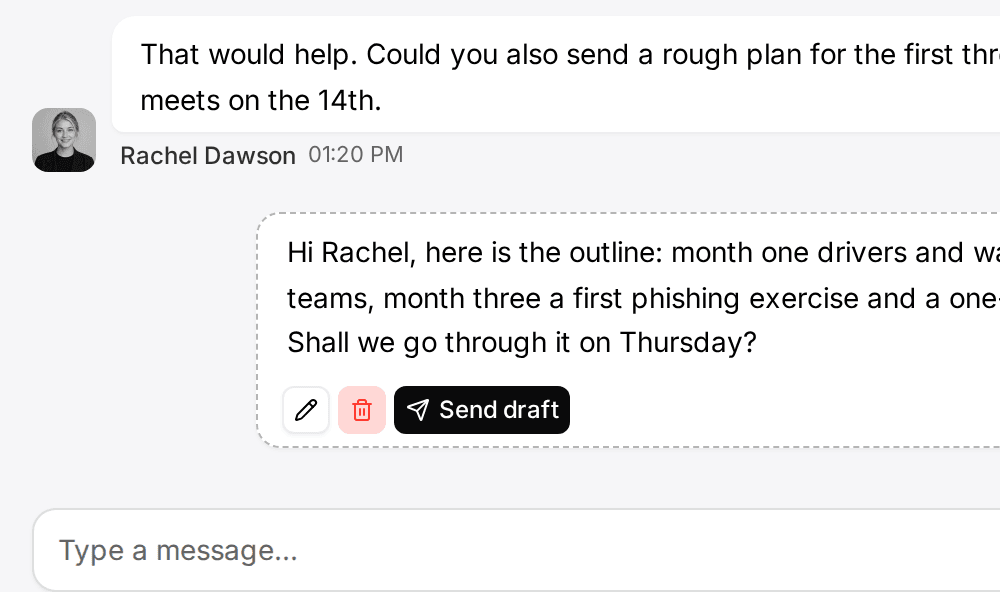
In Customermates Cloud, Mate saves a draft reply in the conversation. Your own Claude or ChatGPT can do the same over MCP. You edit and send it yourself.
Start from one description
One description. A workspace your agent built.
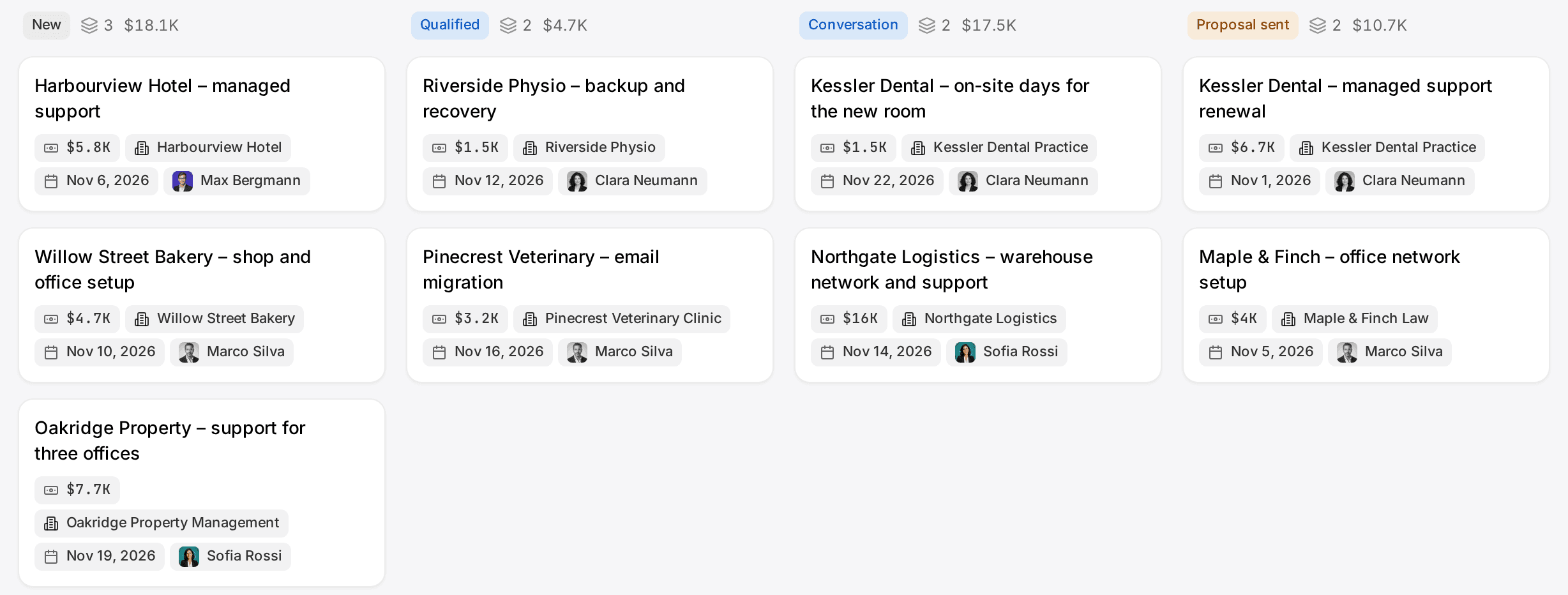
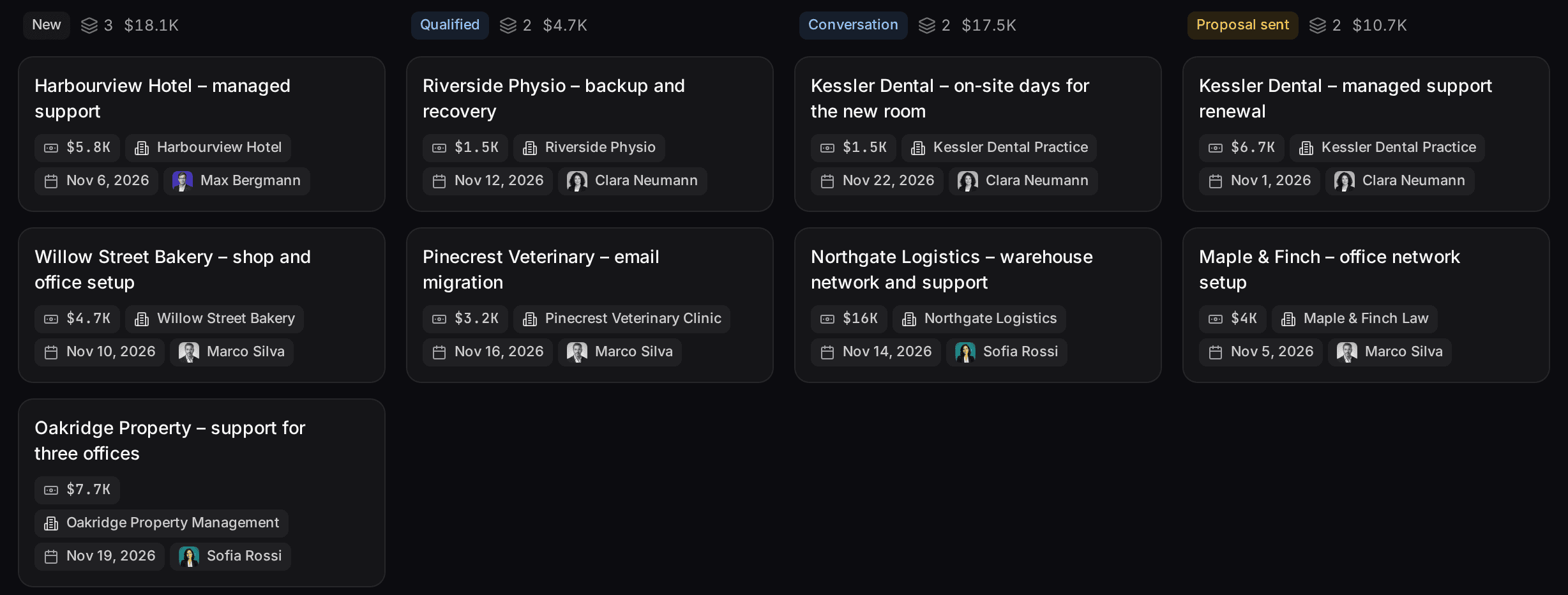
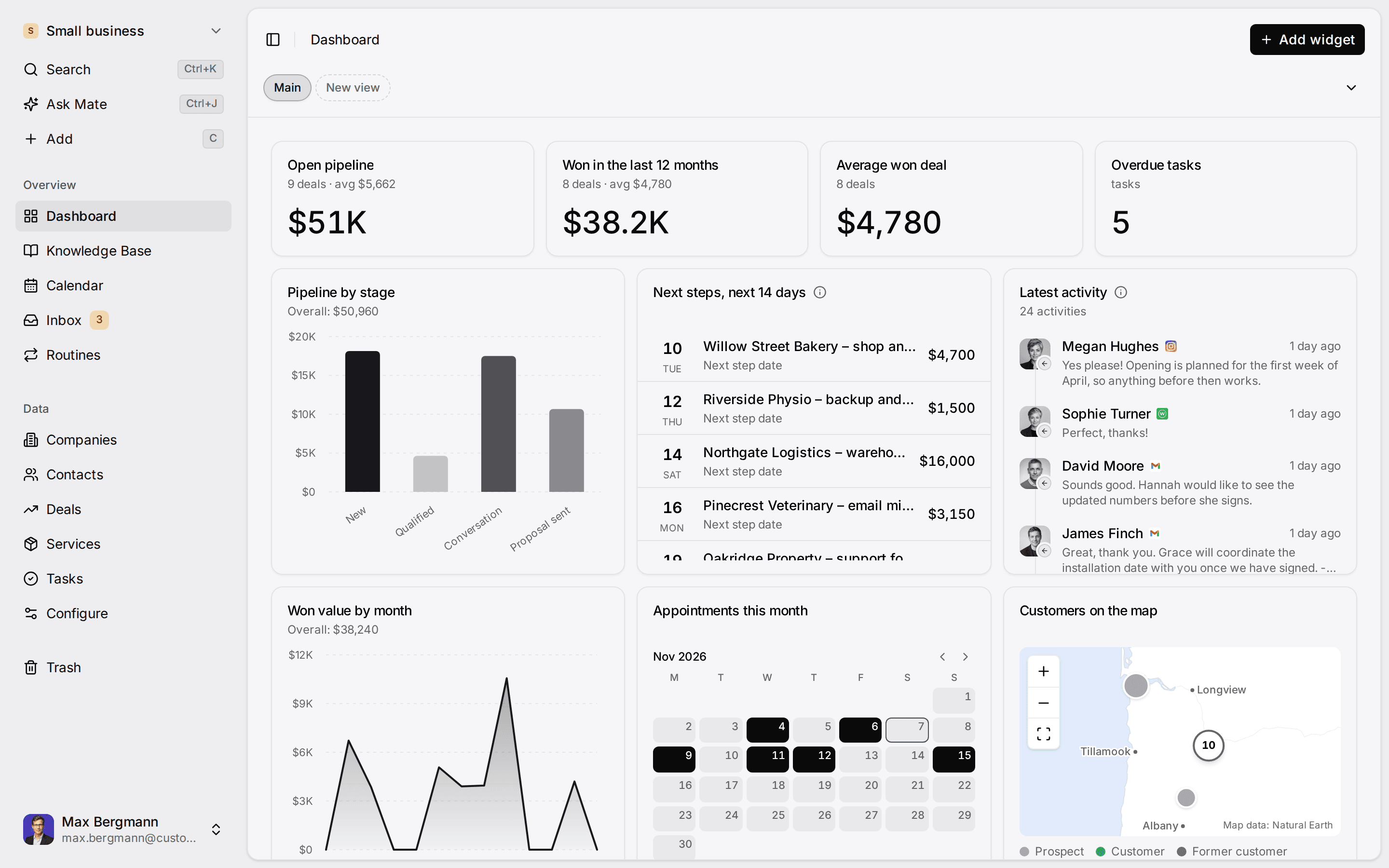
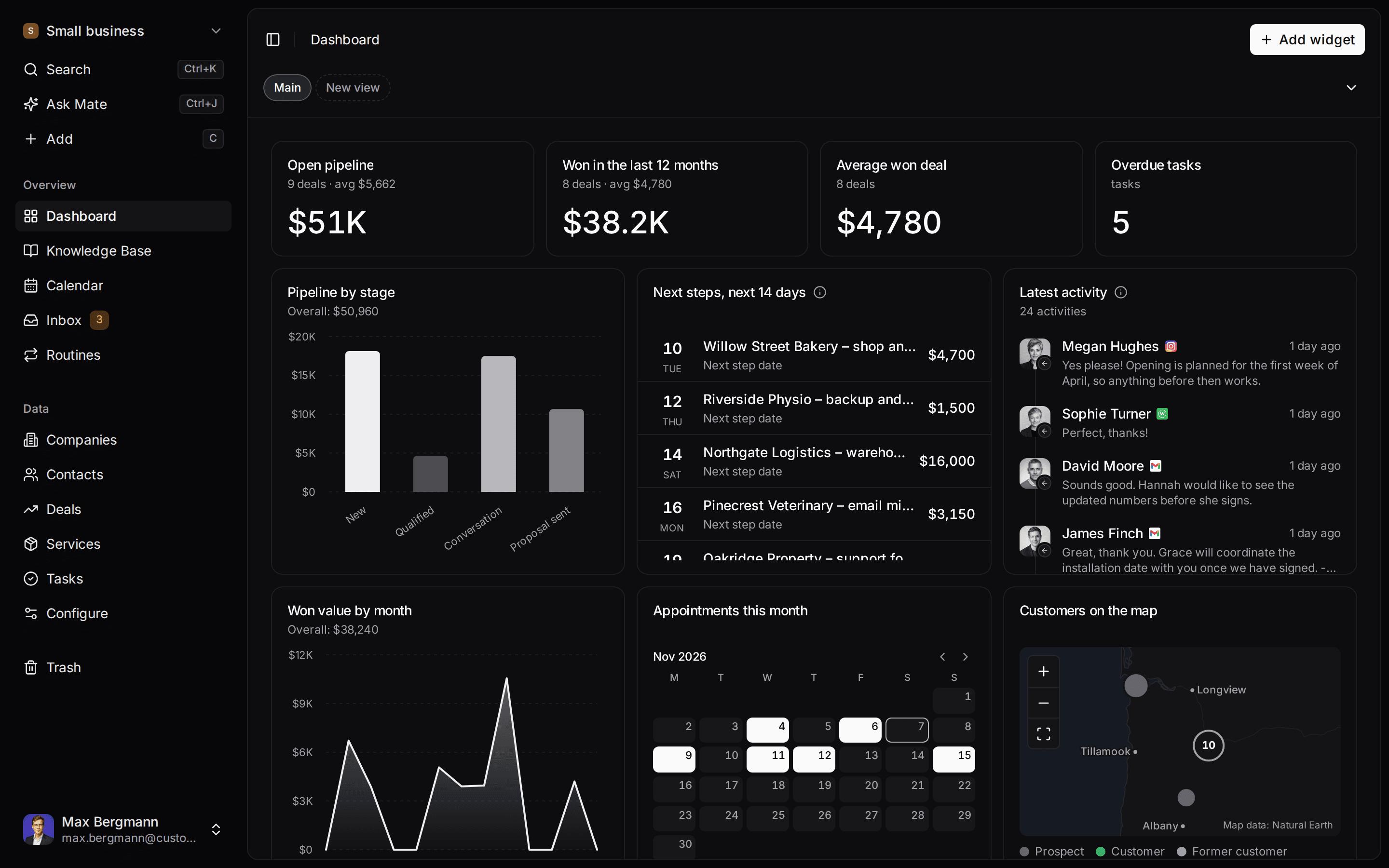
This is what setup builds from one sentence. Sample data, the real product.
Describe your business
One sentence about your team, your clients and how you sell.
Mate builds it
It asks a few questions, then creates the lists, pipeline, dashboard and playbook.
Work in it
Connect LinkedIn and email. Click through a finished example below.
We're a four-person strategy consultancy. Track clients, engagements and proposals, and help us follow up with prospects on LinkedIn.
- Mate
- Claude
- ChatGPT
- Cursor

 Mate
 Claude
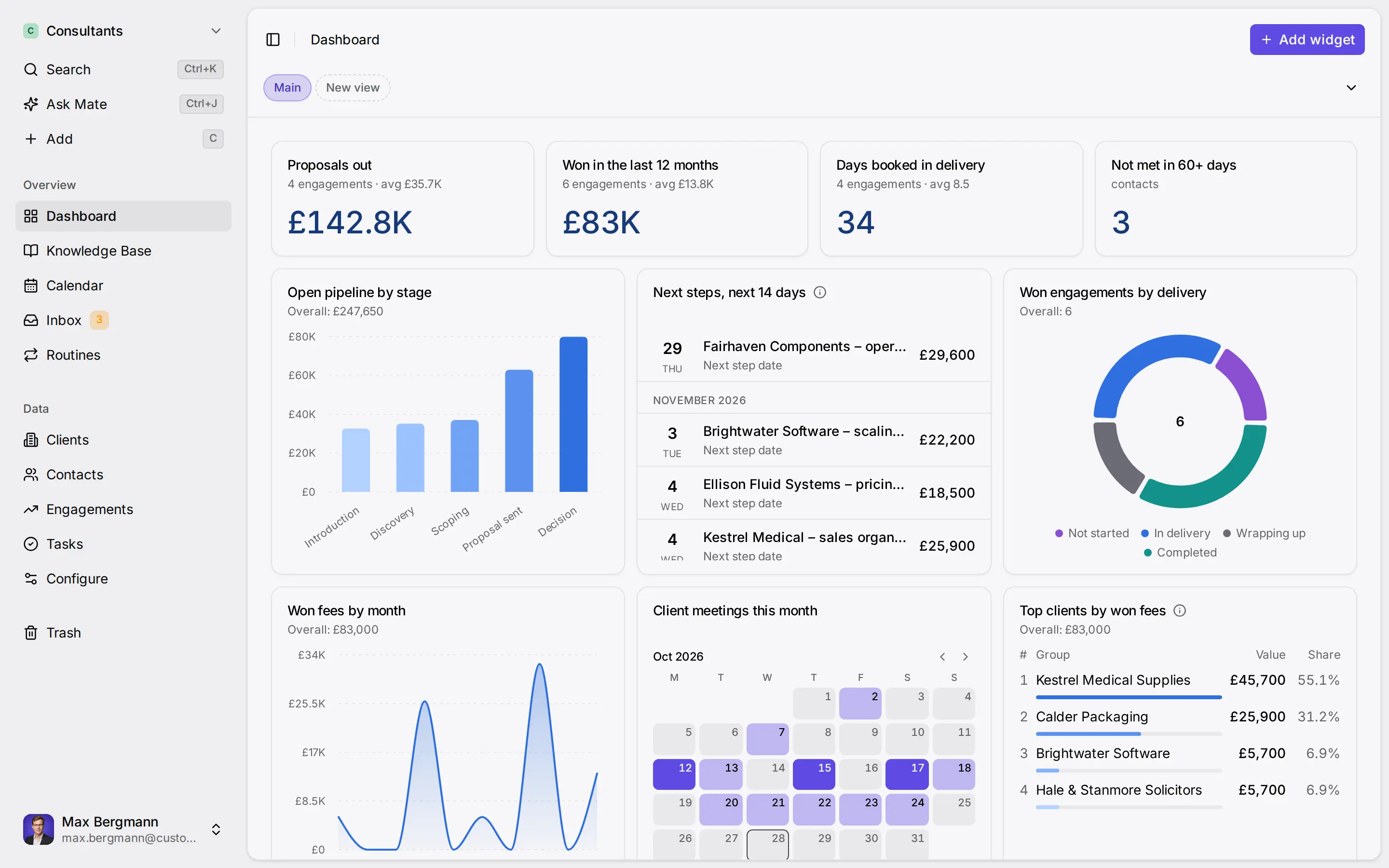
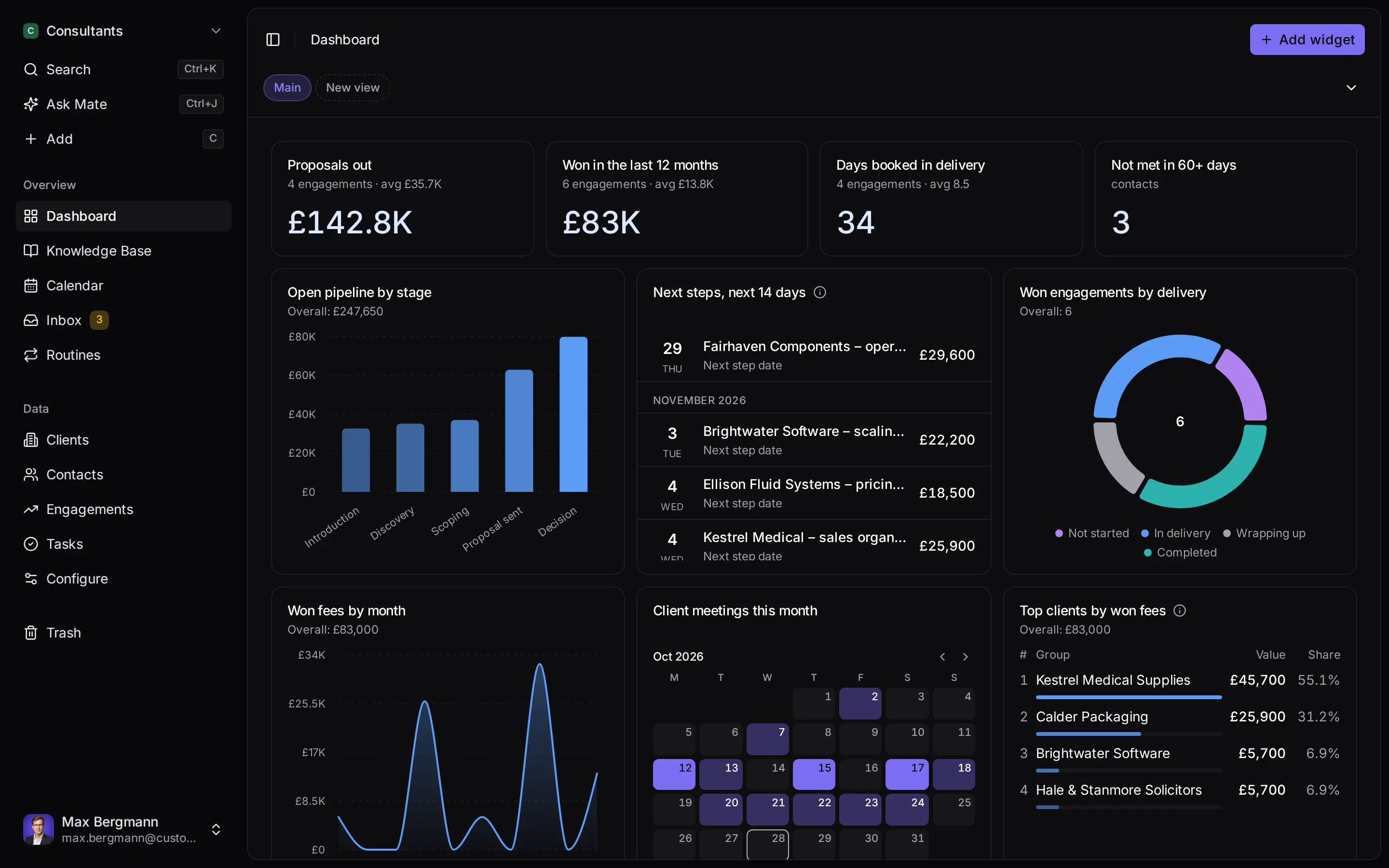
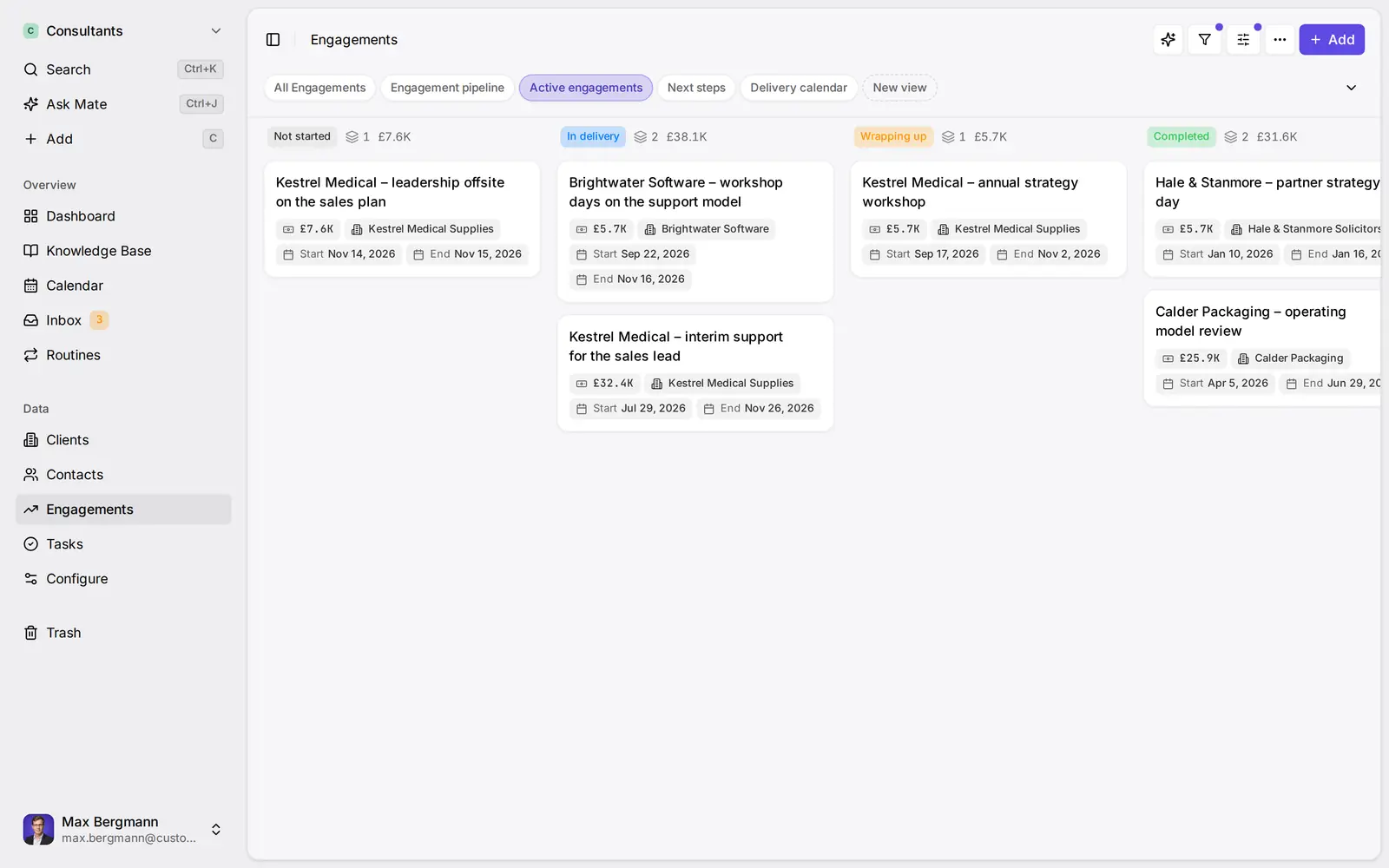
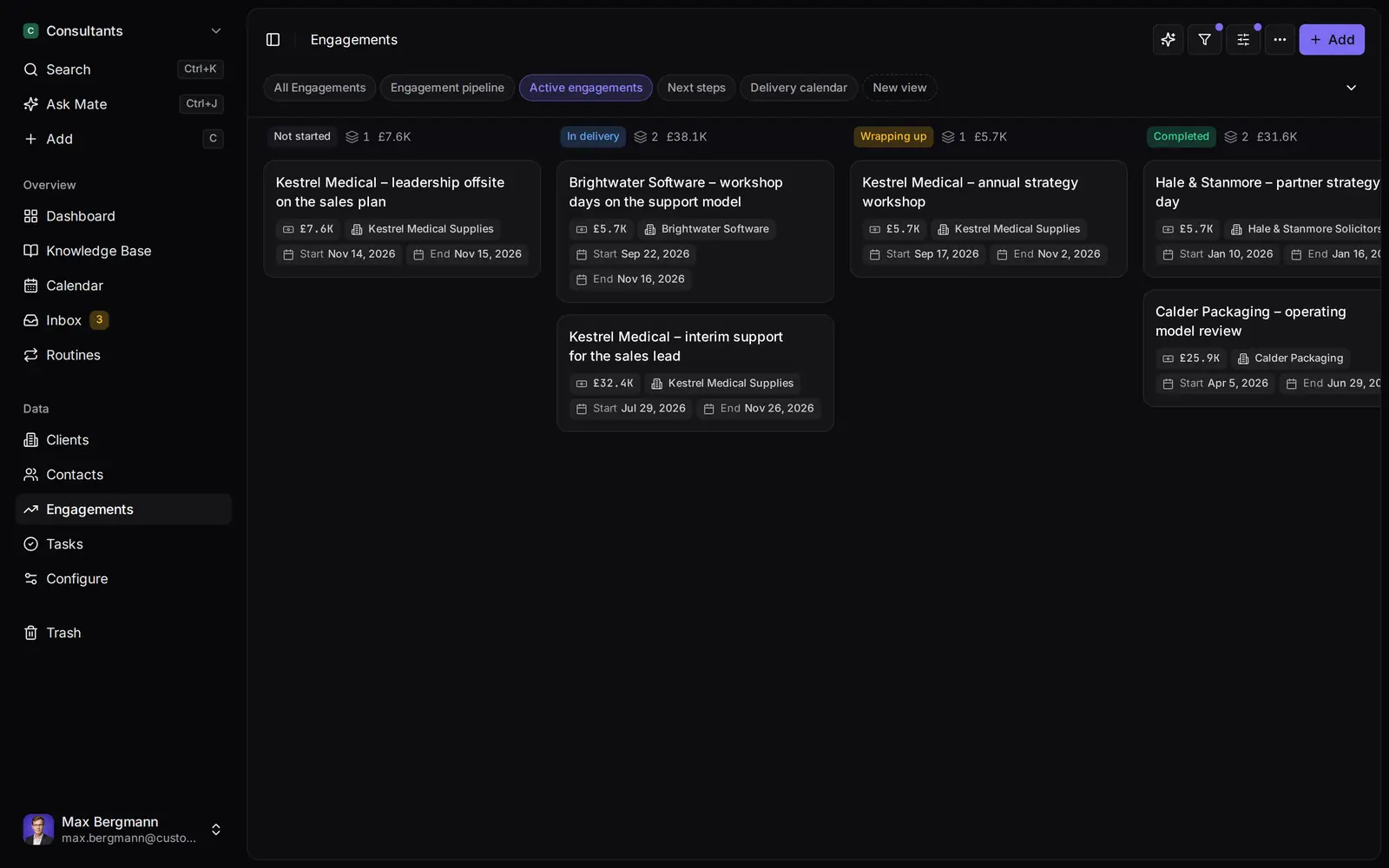
Widgets built from the workspace's own lists and fields
Side by side
Customermates vs. Kondo: Feature Comparison
Pricing & Plans
Price per user / month, monthly billing
- Customermates
- Starter €12, Pro €29, Business €69
- Kondo
- Basic $35, Business $45, Enterprise $65
Billed yearly, per user / month
- Customermates
- Monthly billing only
- Kondo
- Basic $28, Business $36, Enterprise $52
Free plan
- Customermates
- 1 person, 250 records, no inbox or Mate
- Kondo
- None on its pricing page
Free trial
- Customermates
- 14 days, no credit card
- Kondo
- No trial; a 14-day money-back guarantee
Conversations
LinkedIn messages
- Customermates
- Synced to the inbox, including Sales Navigator and Recruiter InMail (Pro+)
- Kondo
- Every plan; the Sales Navigator inbox needs Business
WhatsApp
- Customermates
- Read and reply in the unified inbox (Pro+)
- Kondo
- Every plan, in the Kondo Desktop app
Email
- Customermates
- Gmail, Outlook and IMAP in the unified inbox (Pro+)
- Kondo
- Not among the platforms it lists
Connected accounts per user
- Customermates
- Pro 1, Business 3; no inbox on Starter
- Kondo
- One LinkedIn account per Kondo account; more means separate Chrome profiles
Where the messages are kept
- Customermates
- Synced threads are stored in the Customermates database
- Kondo
- On your own device; its servers hold labels, reminders and snippets
Inbox Triage
Keyboard shortcuts
- Customermates
- A few, such as F for the filter and Cmd or Ctrl+Enter to send
- Kondo
- Built around the keyboard, with a command bar on Cmd or Ctrl+K
Labels as separate inboxes
- Customermates
- Thread states Unread, Open, Closed and Spam, plus filters and saved views
- Kondo
- Each label gets its own inbox in the sidebar
Reminders and snooze
- Customermates
- A date field you add to the record
- Kondo
- A reminder returns the chat to the top of the inbox when it is due
Saved replies
- Customermates
- Drafts from Mate or your own AI client
- Kondo
- Snippets with name placeholders
CRM & Next Steps
Deals with pipeline stages
- Customermates
- Every plan, with stage probabilities
- Kondo
- Labels and notes per chat; deals stay in your CRM
Conversation linked to a deal
- Customermates
- Linked on purpose by a person or an agent
- Kondo
- Chats sync to a CRM you already use (Business)
CRM destinations
- Customermates
- Customermates is the CRM; REST, MCP and webhooks on paid plans
- Kondo
- HubSpot, Salesforce, Attio, Clarify, Notion, Google Sheets, webhooks, Zapier, Make and Clay (Business)
Team work
- Customermates
- Roles; single threads can be shared from Pro, whole accounts from Business
- Kondo
- Team seats with shared snippets; analytics on Business
AI & Automation
MCP server
- Customermates
- Every plan and self-hosted, 59 tools
- Kondo
- Business: search, read, label, remind and draft
Drafts
- Customermates
- Mate or your AI client saves a draft in the conversation; you send it
- Kondo
- Agents write drafts only; you send from Kondo, which has to be open
In-app AI
- Customermates
- Mate (Customermates Cloud, hosted AI credits)
- Kondo
- AI agents connect through MCP (Business)
Hosting & Access
Where you work
- Customermates
- Web app in the browser
- Kondo
- A Chrome, Edge or Brave window for LinkedIn; Kondo Desktop for WhatsApp
Self-hosting
- Customermates
- Docker Compose (core CRM without inbox or Mate)
- Kondo
- No self-hosted edition described
SSO
- Customermates
- Kondo
- Okta SSO on Enterprise
  | Kondo | |
|---|---|---|
| Pricing & Plans | ||
| Price per user / month, monthly billing | Starter €12, Pro €29, Business €69 | Basic $35, Business $45, Enterprise $65 |
| Billed yearly, per user / month | Monthly billing only | Basic $28, Business $36, Enterprise $52 |
| Free plan | 1 person, 250 records, no inbox or Mate | None on its pricing page |
| Free trial | 14 days, no credit card | No trial; a 14-day money-back guarantee |
| Conversations | ||
| LinkedIn messages | Synced to the inbox, including Sales Navigator and Recruiter InMail (Pro+) | Every plan; the Sales Navigator inbox needs Business |
| Read and reply in the unified inbox (Pro+) | Every plan, in the Kondo Desktop app | |
| Gmail, Outlook and IMAP in the unified inbox (Pro+) | Not among the platforms it lists | |
| Connected accounts per user | Pro 1, Business 3; no inbox on Starter | One LinkedIn account per Kondo account; more means separate Chrome profiles |
| Where the messages are kept | Synced threads are stored in the Customermates database | On your own device; its servers hold labels, reminders and snippets |
| Inbox Triage | ||
| Keyboard shortcuts | A few, such as F for the filter and Cmd or Ctrl+Enter to send | Built around the keyboard, with a command bar on Cmd or Ctrl+K |
| Labels as separate inboxes | Thread states Unread, Open, Closed and Spam, plus filters and saved views | Each label gets its own inbox in the sidebar |
| Reminders and snooze | A date field you add to the record | A reminder returns the chat to the top of the inbox when it is due |
| Saved replies | Drafts from Mate or your own AI client | Snippets with name placeholders |
| CRM & Next Steps | ||
| Deals with pipeline stages | Every plan, with stage probabilities | Labels and notes per chat; deals stay in your CRM |
| Conversation linked to a deal | Linked on purpose by a person or an agent | Chats sync to a CRM you already use (Business) |
| CRM destinations | Customermates is the CRM; REST, MCP and webhooks on paid plans | HubSpot, Salesforce, Attio, Clarify, Notion, Google Sheets, webhooks, Zapier, Make and Clay (Business) |
| Team work | Roles; single threads can be shared from Pro, whole accounts from Business | Team seats with shared snippets; analytics on Business |
| AI & Automation | ||
| MCP server | Every plan and self-hosted, 59 tools | Business: search, read, label, remind and draft |
| Drafts | Mate or your AI client saves a draft in the conversation; you send it | Agents write drafts only; you send from Kondo, which has to be open |
| In-app AI | Mate (Customermates Cloud, hosted AI credits) | AI agents connect through MCP (Business) |
| Hosting & Access | ||
| Where you work | Web app in the browser | A Chrome, Edge or Brave window for LinkedIn; Kondo Desktop for WhatsApp |
| Self-hosting | Docker Compose (core CRM without inbox or Mate) | No self-hosted edition described |
| SSO | Okta SSO on Enterprise |
Ways you can use it
Pick the job. The workspace follows.
- Follow up on LinkedIn conversationsLinkedIn and email threads sit on the client. Mate drafts the reply and dates the next step, and you review and send it in the conversation.See LinkedIn in the inbox
- Follow up on every proposal after the callClients, engagements and proposals with the conversations behind them, and a dated next step on each.CRM for consultants
- Keep client next steps on one dashboardEvery client gets a dated next step, and your dashboard shows what is due across all of them.See follow-up
- Let your own Claude or ChatGPT work in your CRMConnect Claude, ChatGPT, Cursor or another MCP client. It reads and updates your workspace within your permissions.Connect your agent

Look for a Kondo alternative when the LinkedIn inbox is only part of the job: the same client also writes by email, a deal depends on the conversation and someone has to own the next step. Kondo is a fast inbox for LinkedIn and WhatsApp with labels, snippets and reminders. Customermates is a CRM that puts LinkedIn next to email, WhatsApp, Instagram and Telegram on the client record from Pro, with drafts you review and send. If keyboard-speed triage of a very busy LinkedIn inbox is the whole job, Kondo for LinkedIn is the better pick. Customermates publishes this comparison; every Kondo detail comes from trykondo.com and was checked on 10 November 2026.
Kondo or Customermates: which fits your situation?
| Your situation | Better fit | Why |
|---|---|---|
| You clear a very busy LinkedIn inbox every day and want it done from the keyboard | Kondo | Shortcuts, a command bar, snippets, label inboxes and reminders are what Kondo is built for; Customermates documents no snooze, snippets or label inboxes |
| Your CRM is already HubSpot, Salesforce or Attio and you want LinkedIn chats synced into it | Kondo Business | Business syncs chats, notes and labels to those CRMs; Customermates is a CRM, not a sync into another one |
| You want your messages to stay on your own computer | Kondo | Kondo says chats stay on your device; Customermates stores synced conversations in its own database |
| The same clients write on LinkedIn and by email | Customermates Pro or Business | Email is not among the platforms Kondo lists; Customermates puts both on one client record |
| You track deals and want the conversation linked to the deal | Customermates | You or an agent link a conversation to a deal; Kondo keeps labels and notes on the chat |
| Several people need to see who is waiting on whom | Customermates | The next-step date sits on the record, and a saved view can be shared with the whole workspace |
| You want a CRM you can host yourself | Customermates | The AGPL-3.0 core runs as a self-hosted install without the inbox and Mate; Kondo's pages describe no self-hosted edition |
What is Kondo for LinkedIn, and who is it a good choice for?
Kondo calls itself "the pro DM inbox for LinkedIn, WhatsApp and iMessage, built for you and your AI agents", and "Superhuman for DMs". Its strength is speed in the conversation list itself. If most of your week is answering LinkedIn messages, Kondo is built for that and Customermates is not.
- Triage. Kondo is built to be driven from the keyboard, with a command bar on Cmd or Ctrl+K. You archive, label and reply without the mouse, and filters such as "Waiting for their reply" narrow the list.
- Labels as inboxes. A chat can carry several labels, and each label gets its own inbox in the sidebar, so leads, customers and candidates stay apart.
- Follow-ups. A reminder puts a chat away until it is due, then returns it to the top. If the person writes first, the reminder is cancelled and the chat comes back at once. Snippets fill in names and your own placeholders.
- Where it runs. LinkedIn runs as its own window in Chrome, Edge or Brave, and WhatsApp in Kondo Desktop for macOS or Linux. Kondo says your chats stay on your device and its servers hold only the metadata you create, such as labels, reminders and snippets.
- Business plan. Adds the Sales Navigator inbox, team analytics, MCP and CRM integrations. Chats, notes and labels sync to HubSpot, Salesforce, Attio, Clarify, Notion and Google Sheets, or go out through webhooks, Zapier, Make and Clay.
- Agents. Through MCP, Claude, ChatGPT, Codex or Cursor can search chats, draft replies, label and set reminders. Kondo says it never sends a message for you, and Kondo has to be open while the agent works.
If that describes your week, switching will probably cost you more than it saves.
Why do teams look for a Kondo alternative?
Email is not in the inbox. Kondo's pricing page names LinkedIn and WhatsApp, and its platform list has no email. A client who moves from a LinkedIn message to an email thread continues in another tool, and nothing ties the two together.
The deal lives somewhere else. Labels, reminders and notes belong to a chat. To get them onto a pipeline, Kondo syncs to a CRM, which needs the Business plan, and Customermates is not among the destinations Kondo lists.
One LinkedIn account per Kondo account. Kondo's help says it has no unified inbox for several LinkedIn accounts. It suggests a separate Chrome profile for each one.
Kondo has to stay open. Its MCP server answers only while the Kondo tab or app is open, and the agent writes drafts that you send from Kondo.
A price per person for an inbox. Basic costs $35 per user per month on monthly billing. The Sales Navigator inbox, CRM integrations, analytics and MCP need Business at $45.
What do five people pay per month?
Prices checked on 10 November 2026 on Kondo's pricing page, in US dollars as listed there. Customermates bills monthly, in euros.
| Plan for five people | Monthly billing | Billed yearly, per month |
|---|---|---|
| Kondo Basic | $175 | $140 |
| Kondo Business | $225 | $180 |
| Kondo Enterprise | $325 | $260 |
| Customermates Starter | €60 | Not offered |
| Customermates Pro | €145 | Not offered |
| Customermates Business | €345 | Not offered |
These rows do not buy the same things, so read them in pairs:
- Kondo Basic and Customermates Pro are the closest pair. Basic gives each person LinkedIn and WhatsApp with unlimited labels, snippets and voice notes. Customermates Pro gives each person 1 connected account, which can be LinkedIn or a mailbox, and adds deals, notes, Mate and MCP.
- LinkedIn plus email for one person means Business. The Customermates allowance is one pool across LinkedIn, mailboxes and chat apps. Business gives 3 accounts per user and lets you share a whole account with the team.
- Kondo Business buys sync and the Sales Navigator inbox. On Customermates, Sales Navigator and Recruiter InMail arrive with the connected LinkedIn account from Pro, and MCP is on every plan.
- Neither subscription includes LinkedIn itself. A Sales Navigator or Recruiter licence stays a separate purchase with both tools.
- Customermates Starter is the cheapest row, but it has no inbox. It suits a team that wants deals, Mate and the API without synced conversations.
Where does Customermates fit?
Customermates is our product, so weigh this section against the Kondo one. It starts where an inbox ends: the conversation sits on the client, next to the deal, and you or your AI client draft the reply and the next step. It is open source and built in Germany.
LinkedIn beside email on the client. From Pro, the unified inbox brings Gmail, Outlook and IMAP mailboxes, LinkedIn (including Sales Navigator and Recruiter InMail), WhatsApp, Instagram and Telegram into one list, and you reply on the original channel. Link a participant to a contact once and every conversation with that address or LinkedIn identity shows on the contact. Linking a conversation to a deal is a step you or an agent take on purpose. LinkedIn in Customermates has the details.
A next step on every open conversation. Customermates has no built-in reminders or task due dates. You add a date field such as "Next step" to deals or contacts, sort a saved view by it and share the view with the workspace, and the Upcoming widget on the dashboard lists them by that date, with an Overdue section for earlier ones. Nobody is reminded automatically, so the list helps only when someone opens it. Follow-up in Customermates shows the setup.
Drafts you review and send. In Customermates Cloud, Mate saves a draft reply in the conversation, and you edit and send it. Your own Claude or ChatGPT can do the same through the MCP server, with 59 tools on every plan and on self-hosted installs, using your own AI provider. Mate sends a message as soon as you tell it to send, so ask for a draft when you want to review first. Mate uses hosted AI credits, with a monthly allowance per active user on the pricing page.
How LinkedIn connects. You sign in through a hosted flow of the transport provider Unipile, and Customermates receives neither your LinkedIn password nor OAuth tokens. Synced threads and messages are stored in the Customermates database, which is configured in the AWS Frankfurt region in Customermates Cloud. A DPA is available, and the subprocessors, including US providers, are listed on the legal pages. Customermates applies a conservative request budget per channel and pauses before LinkedIn would push back. Kondo works the other way round, inside your own session, so decide which model you prefer.
Where is Customermates the wrong choice?
Check these before you start a trial:
- It is not a keyboard-first inbox. The documented Inbox has thread states, filters, saved views and drafts. It has no snooze, no snippets and no label inboxes. For hundreds of LinkedIn messages a day, Kondo is faster.
- Messages cannot stay on your computer. Connected conversations are synced into the Customermates database.
- The inbox starts at Pro and exists only in Customermates Cloud. Free, Starter and self-hosted installs have no connected accounts, and one account per Pro user means LinkedIn plus a mailbox needs Business.
- No reminders that bring a chat back. A date field and a saved view replace them, and someone has to open the view.
- No sequences, no bulk messaging, no enrichment and no native mobile app. Messages go out one at a time, written by you or drafted by Mate. Kondo says it does not automate either.
- A small free plan. Free covers 1 person and 250 records, without the inbox, Mate or routines; more needs a paid plan after the 14-day trial.
A worked setup: a consultant moving from Kondo
Take a solo consultant who runs client and prospect conversations through LinkedIn messages. In Kondo the labels are Hot, Proposal sent and Client, and clients increasingly continue by email.
| In Kondo | In Customermates |
|---|---|
| Labels such as Hot and Proposal sent | A stage field on each deal: Lead 10%, Proposal sent 50%, Negotiation 70%, Won 100%, Lost 0% |
| A reminder "in four days" | A date field "Next step" on the deal and a saved view sorted by it |
| A snippet for the first reply | A draft from Mate or your own AI client |
| Notes on a person | The notes field on the contact |
| LinkedIn chats in the Kondo inbox | LinkedIn connected under Channels, each thread linked to its deal |
| A HubSpot sync | Not needed, because the deal is already in the CRM |
Customermates multiplies each deal's value by its stage probability, and a chart widget on the dashboard sums the weighted values. That is arithmetic on your own numbers, and it does not predict anything.
One Pro seat connects LinkedIn. When the mailbox has to sit beside it, the workspace moves to Business. The consultant also owns one routine for the Monday check. A routine runs as its owner, so it sees that person's deals and saves drafts in their own channels. It runs in Customermates Cloud and uses hosted AI credits, and Pro includes 5 routines per user:
Every Monday at 8:00, find my deals whose "Next step" date is today or earlier. For each one, read the latest conversation with the contact and save a short follow-up draft in it. Do not send anything. List the deals in the run summary.
How do you try Customermates next to Kondo?
Kondo keeps your chats on your device, so there is nothing to export into Customermates. You test the other model beside it.
Start the trial and keep Kondo running
The 14-day trial counts as Pro and needs no credit card. Your Kondo subscription stays untouched while you test.Connect one channel
Under Settings, Channels, connect LinkedIn (Classic, or with Sales Navigator or Recruiter). The history import runs in the background and can take up to an hour for large accounts, as the channels guide explains. The trial allows 1 connected account per person.Match one real conversation
Open a thread you know. In Thread settings, link the participant to a contact, which adds the LinkedIn identity to the contact details, and attach the conversation to its deal under Conversation records.Add the next step
Create a date field "Next step", add a saved view sorted by it and share it with the people who work the same clients.Ask for a draft
Ask Mate, or your own AI client over MCP, to save a reply draft in the thread. Edit it and send it yourself. After a week, compare which tool you opened more often.
What other Kondo alternatives are worth a look?
Customermates publishes this list. Prices and features come from each vendor's pricing page, checked on 10 November 2026.
- Breakcold suits teams that sell on LinkedIn and want a full CRM around it. Its pricing page lists plans from $49 per seat per month billed monthly, each seat with two connected accounts, a 14-day trial that asks for a card, one inbox for every channel and Claude, ChatGPT and MCP access on every plan.
- folk suits relationship-driven prospecting. Standard costs $30 per member per month, or $24 billed yearly, and includes a LinkedIn extension, email, calendar and WhatsApp sync and contact enrichment. Deals and API access need Premium at $60 monthly or $48 billed yearly. See folk compared with Customermates.
Frequently asked questions
What is Kondo for LinkedIn?
Kondo is a subscription inbox for LinkedIn and WhatsApp messages with keyboard shortcuts, labels that become inboxes, reminders and snippets. LinkedIn runs as its own window in Chrome, Edge or Brave, and Kondo says your chats stay on your device. Its Business plan adds the Sales Navigator inbox, CRM sync, analytics and MCP.
Is there a Kondo app for LinkedIn?
For LinkedIn, Kondo installs as its own window in Chrome, Edge or Brave. Kondo Desktop is a separate app for WhatsApp, and Kondo's installation guide lists LinkedIn and iMessage on desktop as coming soon. Customermates is a web app and needs no install.
How much does Kondo cost?
On Kondo's pricing page, checked on 10 November 2026, Basic costs $35 per user per month, or $28 billed annually. Business costs $45 or $36, and Enterprise $65 or $52. No free plan is listed; instead there is a 14-day money-back guarantee. Customermates bills monthly in euros, with a 14-day trial of Pro and a free plan without the inbox.
Is Kondo a CRM?
Kondo markets its labels, reminders and CRM sync as a personal CRM for LinkedIn relationships, and its Business plan syncs chats to HubSpot, Salesforce, Attio and other tools. Deals and pipeline stages live in the CRM you sync to. Customermates is the CRM itself, with the conversation on the contact and its deal.
Does Kondo work with email?
Kondo's pricing page lists LinkedIn and WhatsApp, and email is not among the platforms it names, so email conversations stay in your mail client. Customermates brings Gmail, Outlook and IMAP into the same inbox as LinkedIn from Pro.
Is Kondo safe for my LinkedIn account?
Kondo says it works inside your own session, never sees your password and does not automate LinkedIn. Customermates connects LinkedIn through a hosted sign-in of Unipile and applies a conservative request budget per channel; every provider enforces its own limits, and exceeding them can get an account throttled or suspended. Check LinkedIn's own terms before you rely on any third-party tool with your account.
Is there a free alternative to Kondo?
Kondo lists no free plan. Customermates has a free plan for 1 person and 250 records, but without the inbox, so a LinkedIn test needs the 14-day trial of Pro or a paid plan.
Can I use Kondo and Customermates together?
Yes, side by side. Customermates is not among Kondo's listed CRM destinations. Kondo's Business plan can send chat data through webhooks, Zapier or Make, and Customermates has a REST API, so a workflow of your own could connect them, but we have not built or tested one.
Does Customermates sync LinkedIn messages?
From Pro, yes. Supported LinkedIn conversations from a connected account, including Sales Navigator and Recruiter InMail, arrive in the inbox and you reply from there. A conversation reaches a deal only when you or an agent link it. Customermates runs no LinkedIn sequences or bulk messages.
Competitor details checked on 10 November 2026 against Kondo's pricing page, overview, installation guide, keyboard shortcuts, labels, reminders, snippets, integrations, Sales Navigator guide, multiple accounts guide, data guide and MCP guide, and against the pricing pages of Breakcold and folk.
Conclusion
Kondo is the better tool when your job is clearing a crowded LinkedIn inbox at keyboard speed. Customermates fits when the same client writes on LinkedIn and by email, and you want the deal, the next step and the draft in one place. To test the fit, start a free trial and link one real conversation.
Related pages
LinkedIn CRM Integration
LinkedIn CRM integration: chats and Sales Navigator on each deal, email beside them, a reply you send. Compared with folk, Breakcold, Kondo (Nov 2026).
Unified CRM Inbox
One CRM inbox for Gmail, Outlook, IMAP, LinkedIn, WhatsApp, Instagram and Telegram: each conversation on its client, replies drafted. Cloud from Pro.
Client Follow-Up Software
Client follow-up software with LinkedIn and email on each client, a dated next step per conversation and Mate drafts you review and send. 14-day trial.
folk CRM
folk CRM alternative compared: Customermates vs folk on price per seat, LinkedIn and WhatsApp in the CRM, deals, API, hosting and self-hosting.
Customermates
Comparing Kondo and Customermates?
Start a trial, connect LinkedIn, and link one real conversation to a deal. You will see quickly whether the client record helps more than a faster inbox.
✓ No credit card required ✓ First 14 days free