

Outlook MCP and Gmail MCP: How to Connect Claude to Your Email and What Claude Can See
Which connectors Anthropic offers for Gmail, Google Calendar and Microsoft 365, what Google's Gmail MCP server and Microsoft's Work IQ MCP do today, how mailbox, calendar and CRM access differ, and how Claude prepares a customer reply as a draft with Customermates.

 by Benjamin Wagner
The quickest way to connect Claude to Outlook or Gmail is Anthropic's connectors for Gmail, Google Calendar and Microsoft 365 (in Outlook also the Claude for Outlook add-in), not an Outlook MCP or Gmail MCP server: with them Claude reads your mailbox and drafts replies, but it does not know your customers. That takes a second connection to your CRM, because mailbox, calendar and customer data are three separate permissions.
This guide compares the routes that exist on 16 November 2026: Anthropic's connectors and Outlook add-in, Google's Gmail MCP server, Microsoft's MCP offerings and community bridges. It shows in one table what Claude sees through each and who finally sends, and it sets up Customermates as a worked example, an open-source CRM that connects your Gmail or Outlook mailbox and gives Claude client history over MCP. Customermates publishes this guide and appears in it as one route among several. We read the Anthropic, Google and Microsoft facts on their own pages on 16 November 2026, linked at the end. We did not run the Google or Microsoft servers.
- For one mailbox, Anthropic's connectors for Gmail and Microsoft 365 are enough, and in Outlook so is the Claude for Outlook add-in. If you want replies that know the client history and the deal, add a CRM connector.
- Gmail connector: read, draft, send. Microsoft 365 connector: read, and with write tools also draft and send. Attachments are limited in both.
- Google's Gmail MCP server is a Developer Preview and sends no email. Microsoft calls its application-specific Mail tools backward-compatibility only and points new projects to Work IQ MCP, which needs an administrator.
- What matters is who sends. With Customermates, Claude saves a draft in the inbox and you send it yourself.
- Every vendor fact was read on the vendor's page on 16 November 2026, not run.
Which ways are there to connect Claude to Outlook or Gmail?
There are seven. The table says who runs each one and what Claude gets, as of 16 November 2026.
| Route | Who runs it | What Claude gets | Status and requirement |
|---|---|---|---|
| Connector for Gmail and Google Calendar | Anthropic, in the connector directory | Search and read mail and threads, drafts, send, reply, forward, labels; in the calendar, view and manage events | Available to all users on Claude and Claude Desktop; on Team and Enterprise an Owner enables it for the organization first |
| Connector for Microsoft 365 | Anthropic, in the connector directory | Outlook mail and calendar, plus SharePoint, OneDrive and, on work accounts, Teams | Work or school accounts on every plan after a one-time consent by a Microsoft Entra Global Administrator; personal accounts on Free, Pro, Max and Ultra |
| Claude for Outlook add-in | Anthropic, through Microsoft AppSource | In Outlook next to the open email: triage the mailbox, drafts of replies, thread summaries, read attachments, search the mailbox, find meeting times; never sends | Beta; Pro, Max, Team and Enterprise, not Free; Outlook with Microsoft 365 and Exchange Online; mailbox features need an administrator's Microsoft Graph consent |
| Google's Gmail MCP server | Search and read threads, labels, create drafts; no tool sends | Developer Preview in the Google Workspace Developer Preview Program; needs a Google Cloud project and your own OAuth client | |
| Microsoft's MCP offerings (Work IQ MCP, older Mail tools) | Microsoft | Read, write and send mail through an Entra-protected server | Work IQ needs a Global Administrator and a usage-based billing plan in Copilot Studio; Microsoft calls the Mail tools backward-compatibility only |
| Community bridges | Individual developers, listed in directories | Varies widely by project | No vendor commitment; you hand a stranger's program access to your mailbox |
| A CRM with the mailbox connected, as a connector (Customermates) | Customermates | Threads at the client, records, activity, notes, knowledge base, save a reply draft; calendar read-only | Customermates Cloud on Pro or a trial |
Which one fits depends on the job:
- Search one mailbox and answer individual emails: Anthropic's connector for Gmail or Microsoft 365, or in Outlook the Claude for Outlook add-in. There is nothing to operate.
- Answers that know the client: a CRM connector that supplies thread, deal and earlier agreements. Gmail and Outlook do not know what you promised a customer. How other CRMs work with Claude is compared in the guide to Claude and CRM.
- Trying Google's server: only if you are in the Developer Preview Program and want a server that cannot send.
What can Claude's Gmail connector do, and what does it need?
According to Anthropic's help article on the Google Workspace connectors, Claude searches and reads email with natural-language queries, drafts messages, sends, replies and forwards, manages labels and threads and lists saved drafts. It sees attachments only as metadata, not content. The Google Calendar connector shows events and shared calendars, creates, updates and deletes events, finds shared free time and responds to invitations.
Three points decide daily use:
- Approval before sending. By default Claude asks before every send, reply and forward. On Team and Enterprise, Owners decide whether members may let these actions run without asking.
- Sign-in. Each member signs in with their own Google account. If Google blocks access, a Google Workspace admin has to mark Claude as a trusted app in API controls.
- Data. Anthropic says retrieved data stays with its chat; delete the chat and it goes. How Anthropic treats inputs by plan is covered in Claude data privacy.
The connector knows your mailbox and your calendar, but no customer record: which deal a message belongs to and what was last agreed is not in Gmail.
What is Claude for Outlook, and how does it differ from the connector?
Claude for Outlook is an add-in from Anthropic that puts Claude inside Outlook next to the open email, instead of bringing Outlook into the Claude chat. According to Anthropic's documentation it is in beta and available on Pro, Max, Team and Enterprise, not on Free. You install it from Microsoft AppSource ("Get it now"), open an email, select Claude and sign in with your Claude account. It triages unread mail, drafts replies, reply-alls and forwards, summarizes long threads with citations, reads .docx and .xlsx attachments, searches your mailbox, finds shared free time and prepares invitations.
On the question of who sends, the add-in is the most cautious option: Anthropic says it never sends mail or invitations and does not request the Mail.Send permission. Every draft lands unsent in Outlook's compose pane, and you click Send.
| Claude for Outlook (add-in) | Microsoft 365 connector | |
|---|---|---|
| Where you work | In Outlook, next to the open email | In the Claude chat |
| Plans | Pro, Max, Team, Enterprise; beta | Work or school accounts on every plan, personal accounts on Free, Pro, Max and Ultra |
| Outlook and accounts | Outlook on the web, new and classic Outlook on Windows, Outlook on Mac, each with Microsoft 365; Exchange Online required. Not supported: Outlook on iOS and Android, Exchange on-premises, Outlook 2016 and 2019 perpetual or volume licenses, shared mailboxes, Gmail, IMAP and POP accounts in Outlook | Microsoft 365 accounts as in the table below |
| Sending | Never; drafts stay unsent | Only with write tools enabled, Claude asks first |
| Admin | Installation from AppSource, or deployment by an admin through Integrated apps in the Microsoft 365 Admin Center; mailbox features (triage, search, free/busy) need a one-time Microsoft Graph consent by a Global Administrator or Cloud Application Administrator, with the permissions Mail.ReadWrite, Calendars.Read, User.Read and offline_access; without it Claude works only on the open email | An Owner (Team, Enterprise) and a one-time consent by an Entra Global Administrator |
| Client history from the CRM | Not there | Not there |
Two points for context. Mailbox content the add-in reads becomes part of the prompt sent to api.anthropic.com; for Claude for Outlook, Anthropic states that inputs and outputs are deleted within 30 days, with the exceptions in its data-retention article. And in the beta Anthropic advises against letting the add-in send unattended and against sending client-facing mail without reading the draft. The add-in knows your mailbox and calendar, but no customer record.
How do I connect Claude to Outlook? What does the Microsoft 365 connector do?
The Microsoft 365 connector brings Outlook into the Claude chat. Anthropic's help distinguishes two kinds of account:
| Work or school account | Personal account (Outlook.com, Hotmail, Live, MSN) | |
|---|---|---|
| Plans | All | Free, Pro, Max and Ultra; the option does not appear on Team and Enterprise |
| Claude reads | SharePoint, OneDrive, Outlook mail, Outlook calendar, Teams | OneDrive, Outlook mail, Outlook calendar |
| Write tools | Drafts, sending, filing and calendar changes: only if an admin has enabled them | Included; can be turned off under Tool permissions |
| Who enables it | On Team and Enterprise an Owner turns the connector on; a Microsoft Entra Global Administrator consents once per tenant; write tools need fresh consent | Nobody, no admin needed |
| Limits | Attachments are not supported in write tools | No shared mailboxes, no inbox rules, no free/busy lookups; no attachments either |
By default the permissions are read-only, according to Anthropic's admin guide (for example Mail.Read and Calendars.Read). Mail.Send and Calendars.ReadWrite only come with fresh consent, and an admin sets each write tool to Always allow, Needs approval or Blocked. On personal accounts Claude asks before it sends, creates, changes, moves or deletes anything; searching and reading run without asking.
Here too: the connector delivers mail and calendar, but no client history outside the mailbox. The guides to Outlook CRM integration and Gmail CRM integration compare how a CRM mailbox behaves in practice.
Is there an official Outlook MCP or Gmail MCP server?
Yes, but none is a ready replacement for the connector. What an MCP server is, the guide to MCP servers explains. The position on 16 November 2026:
| Server | Status according to the vendor | Requirement | |
|---|---|---|---|
Google's Gmail MCP server (gmailmcp.googleapis.com) | Developer Preview | Search and read threads, labels, create and list drafts; no tool sends | Member of the Google Workspace Developer Preview Program, a Google Cloud project, an OAuth client with "Use this client for an AI-powered agent", scopes gmail.readonly and gmail.compose |
| Microsoft MCP Server for Enterprise | Preview | None: Microsoft Entra identity and directory data only, read-only | A tenant with Microsoft Entra |
| Microsoft Mail tools (application-specific) | Preview, backward compatibility only | Create a draft, reply, send, search, update, delete | Microsoft says not for production or new projects |
| Work IQ MCP | The retrieve tool is a public preview | Paths such as /me/messages read mail, /me/sendMail sends, events can be created | Entra sign-in, admin consent for all Work IQ permissions, a Global Administrator and a Copilot Studio billing plan for setup |
Two things stand out. Google's server is deliberately cautious: it creates drafts but sends nothing; you review and send the draft in Gmail yourself. And the name "Microsoft MCP Server for Enterprise" misleads anyone looking for Outlook: it covers Entra directory data, not mail. For Outlook mail, Microsoft points new projects to Work IQ MCP, and that is a setup for IT administrators, not a connection for a small team that wants to answer customer email today.
Google's guide says its Gmail server can be added in Claude as a custom connector named "Gmail", with the server URL, an OAuth client and the redirect URI https://claude.ai/api/mcp/auth_callback. Whether Claude can also sign in to Microsoft's Work IQ server is not described on the pages we read, and we did not test it. Microsoft's marketplace lists an entry called "Work IQ Outlook Mail MCP Server (Preview)"; the page was not reachable for us, so we do not repeat its terms.
Community bridges are programs by individual developers that connect Gmail or Outlook to MCP through their APIs; directories list dozens. We tested none. Anyone who uses one hands a stranger's program an access token for the mailbox, should read the code, and should expect a project to be dropped or changed without warning.
Mailbox, calendar and CRM: who sees what?
Most questions about "Claude and Outlook" mix three kinds of access. Taken apart, it looks like this:
| Access | What Claude needs it for | Gmail | Outlook | Customermates |
|---|---|---|---|---|
| Mailbox | Read the thread, word the reply | Gmail connector | Claude for Outlook or Microsoft 365 connector | Threads of the connected mailbox in the inbox, only folders you switched on |
| Calendar | Suggest times, check availability | Google Calendar connector, with write access | Claude for Outlook (find times, invite as a draft) or Microsoft 365 connector, write tools after admin approval | Read-only (get_calendars), no booking |
| Client history | Who this is, which deal, what was promised | Not there | Not there | Records, activity, notes, files, knowledge base |
| Sending | Send the reply | Claude asks first by default | Add-in: never sends, the draft stays in Outlook; connector, personal accounts: Claude asks first; work accounts: only after an admin enables write tools | save_message_draft stores a draft; send_email sends at once if you allow the tool |
A simple rule follows: give each access only what the task needs. Answering a customer email needs mailbox and client history, but no calendar and no right to delete.
How do I have Claude answer a customer email with the history? Setup with Customermates
Customermates connects Gmail, Outlook or IMAP on the server side into the unified inbox, matches threads to the contact by email address, and ships a remote MCP server that Claude uses as a custom connector. You need Customermates Cloud on Pro or a trial; Starter and self-hosted installations have no inbox. Your role needs Read All on Inbox messages and on API & webhooks; the Admin role has both. Pro includes 1 connected account per user.
Connect the mailbox
Open Settings › Channels & calendars, click Connect channel and choose Gmail or Outlook; IMAP is for every other mailbox. You sign in on a secure page at the provider, then your history imports in the background. For Outlook that usually takes a few minutes, up to an hour for a large mailbox. If your Microsoft 365 tenant blocks user consent to third-party apps, an admin has to approve the connection first. On the Folders tab, check which folders should reach the CRM, and link senders to contacts, otherwise Claude has no link to the customer.
Add Customermates in Claude
Under Settings › API keys & connectors, click Add, choose Claude and then Claude account to copy your workspace URL. In Claude, open Customize › Connectors, click + Add, choose Add custom connector, enter a name and the URL, and leave the sign-in on OAuth. Sign in in the Customermates window and click Approve. The steps in detail are in the connector guide.
Set approvals
In Claude, open the Tool permissions of Customermates. Reading tools (
get_messaging_threads,get_activities,search_crm_records,read_crm_record) may be Always allow. Everything else stays on Needs approval, above allsend_emailandsend_chat_message, which send at once. On Team and Enterprise an Owner can set tools to Blocked.Have a reply drafted
Write, for example: "Find the latest thread with Sarah Lee in my inbox. Check the contact and the deal for what we last agreed, and save a reply as a draft. Send nothing." Claude reads the thread with
get_messaging_threads, the record withsearch_crm_recordsandread_crm_record, the history withget_activities, and stores the reply withsave_message_draft. Every workspace has its own lists and fields, so ask Claude to calldiscover_record_typesandget_record_modelfirst.Review the draft and send it yourself
Open the conversation in the inbox. The draft waits there; you edit it and send it yourself. Customermates appends the account's signature when sending, so Claude writes no sign-off. If you send nothing, the draft stays put.
Which conversations Claude sees is set by your account: a newly connected channel is private, even admins do not see a colleague's private threads, and over MCP Claude reaches only what your user may see. How the threads look at the contact and how you follow up with them is shown on the pages for the Outlook integration and the follow-up feature.
To try it with your own Claude account, start a free 14-day trial. No credit card.
What should I watch for when Claude reads other people's email?
An incoming message is text from a stranger, and Claude reads it. Google's guide warns explicitly about indirect prompt injection: a sender can write instructions into an email that a model takes for yours. Anthropic names the same risk for custom connectors. What helps:
- Release only the tools the task needs. Read and save drafts; keep sending and deleting blocked or on Needs approval. With
?toolsets=records,messagingon the URL, Customermates offers fewer tools (therecordsandmessaginggroups, plus alwayssearchandfetch) but does not rule out sending or deleting, as the MCP reference explains. - Keep everything that writes on Needs approval. Customermates asks clients to confirm before sending or deleting but does not enforce it: the server runs any authorized call. The control sits in Claude and in your click in the inbox.
- Treat message text as data. Customermates returns message and record text between the markers
<<<UNTRUSTED_RECORD_TEXT>>>and<<<END_UNTRUSTED_RECORD_TEXT>>>so a client does not read it as an instruction. Do not rely on that alone; check every draft. - Read a draft before you send it. That applies to every route in this guide.
- Read drafts from Claude for Outlook too. Anthropic calls email from strangers untrusted input and advises against sending client-facing mail without reading the draft. The add-in's draft lands unsent in Outlook, but it still needs your check.
When is Customermates the wrong choice for this?
- You only want to search one mailbox. Anthropic's connector for Gmail or Microsoft 365 is enough, and it needs no CRM.
- Claude should schedule meetings. Customermates reads connected calendars read-only and books no appointments. Add the Google Calendar or Microsoft 365 connector for that.
- You are on Free, Starter or a self-hosted instance. The inbox and the messaging tools start at Pro in the cloud. Self-hosted keeps MCP, records and the knowledge base, but no mailbox.
- You do not want a copy of the thread history. Customermates imports the folders you switched on into its inbox, and disconnecting the account deletes the import again. Anthropic's connectors keep retrieved data only with the chat.
- You need sequences. Customermates has no sequences and no mass sending; each message is written individually.
- You want the CRM inside Outlook or Gmail. There is no Outlook add-in and no Gmail sidebar.
Frequently asked questions
Is there a Claude connector for Outlook?
Yes: the Microsoft 365 connector, which covers Outlook mail and calendar, SharePoint, OneDrive and, on work accounts, Teams. It reads only by default. On work or school accounts an admin enables write tools; on personal accounts they are included. Work or school accounts also need a one-time consent by a Microsoft Entra Global Administrator. For Outlook there is also the Claude for Outlook add-in.
What is Claude for Outlook?
An add-in from Anthropic that puts Claude in Outlook next to the open email. It is in beta, available on Pro, Max, Team and Enterprise but not Free, and runs in Outlook on the web, new and classic Outlook on Windows and Outlook on Mac with Microsoft 365 and Exchange Online. It drafts replies unsent and never sends itself; mailbox features such as search and triage need a one-time Microsoft Graph consent by an administrator.
Is there an official Outlook MCP server?
Microsoft offers MCP servers, but no simple Outlook server for everyone. The Enterprise server covers only Entra directory data. Microsoft describes the application-specific Mail tools as backward-compatibility only and points new projects to Work IQ MCP, whose setup needs a Global Administrator and a billing plan in Copilot Studio.
Is Google's Gmail MCP server the same as Claude's Gmail connector?
No. The connector comes from Anthropic, sits in the directory and can send email. Google's server is a Developer Preview, needs a Google Cloud project and your own OAuth client, and has no tool to send.
Can Claude send email without my approval?
Not by default. With the Gmail connector Claude asks before every send, reply and forward, and with the Microsoft 365 connector on a personal account before every send or change. How much asking remains is set in Tool permissions, by Owners on Team and Enterprise. In Customermates, send_email sends at once if you allow the tool; have Claude save a draft instead.
Can Claude create meetings in Outlook or Google Calendar?
With Anthropic's connectors yes, and on Microsoft 365 only with write tools enabled. Customermates reads connected calendars read-only and books no appointments.
Does this work with a personal Outlook.com account?
The Microsoft 365 connector accepts personal accounts (Outlook.com, Hotmail, Live, MSN) on Free, Pro, Max and Ultra. On Team and Enterprise the option does not appear. If a mailbox cannot sign in through the Outlook option in Customermates, Customermates connects it over IMAP.
Do I need a developer for this?
Not for Anthropic's connectors: you click through the sign-in. Google's MCP server and Microsoft's Work IQ MCP need cloud projects, OAuth clients and administrator rights, which is a job for someone who manages the tenant.
Vendor facts checked on 16 November 2026 in Anthropic's article on the Google Workspace connectors, Connect to Microsoft 365, the Microsoft 365 admin setup, Anthropic's guide to custom connectors, Anthropic's page on Claude for Outlook, Google's Gmail MCP server guide, Google's Gmail MCP reference, Microsoft's overview of the MCP Server for Enterprise, Microsoft's Mail reference for Copilot Studio, Microsoft's Work IQ MCP overview, the Work IQ permissions and the Work IQ setup. Anthropic's pages carry only the label "Updated this week", no fixed date.
Start from one description
One description. A workspace your agent built.
This is what setup builds from one sentence. Sample data, the real product.
Describe your business
One sentence about your team, your clients and how you sell.
Mate builds it
It asks a few questions, then creates the lists, pipeline, dashboard and playbook.
Work in it
Connect LinkedIn and email. Click through a finished example below.
We're a four-person strategy consultancy. Track clients, engagements and proposals, and help us follow up with prospects on LinkedIn.
- Mate
- Claude
- ChatGPT
- Cursor

 Mate
 Claude
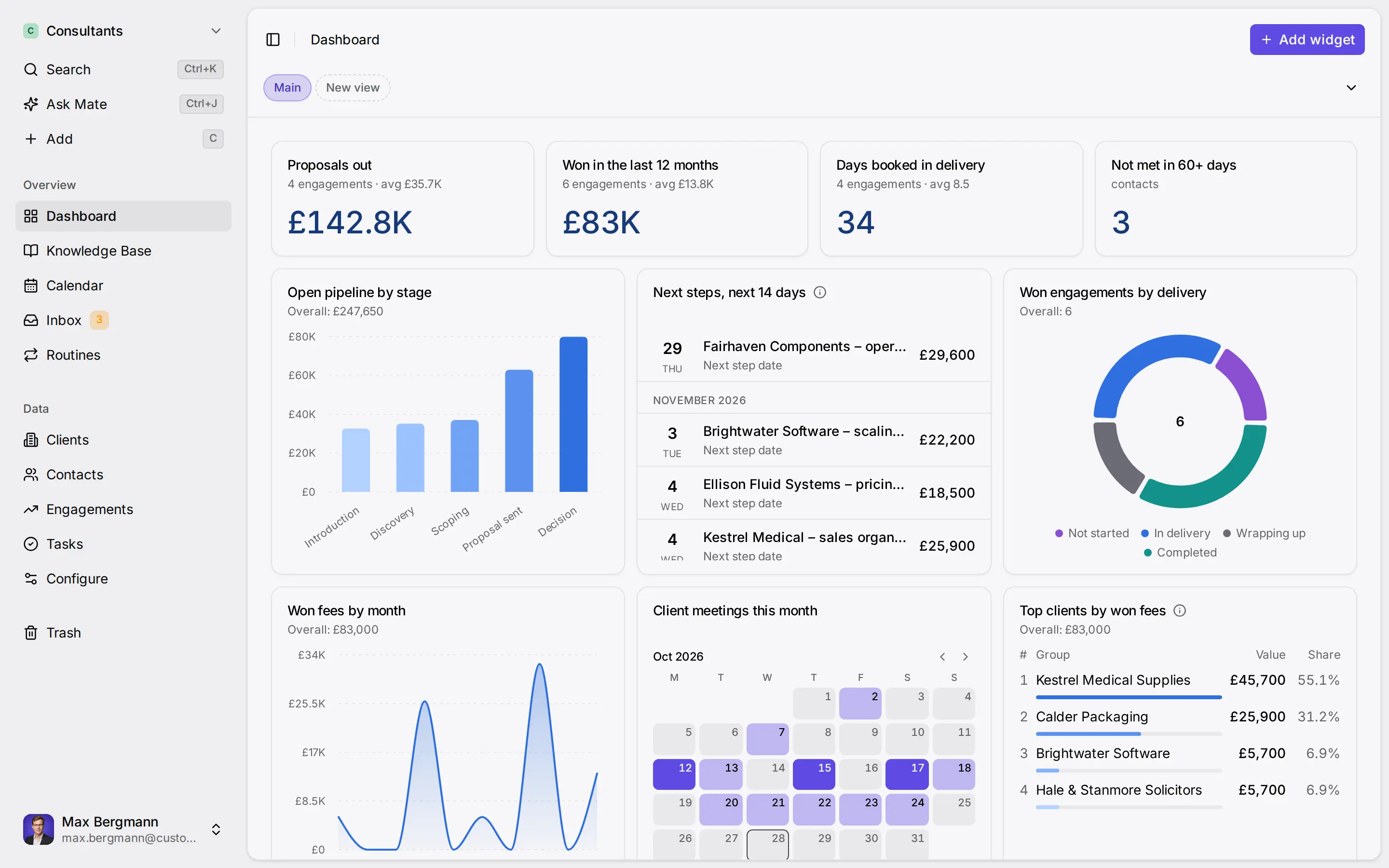
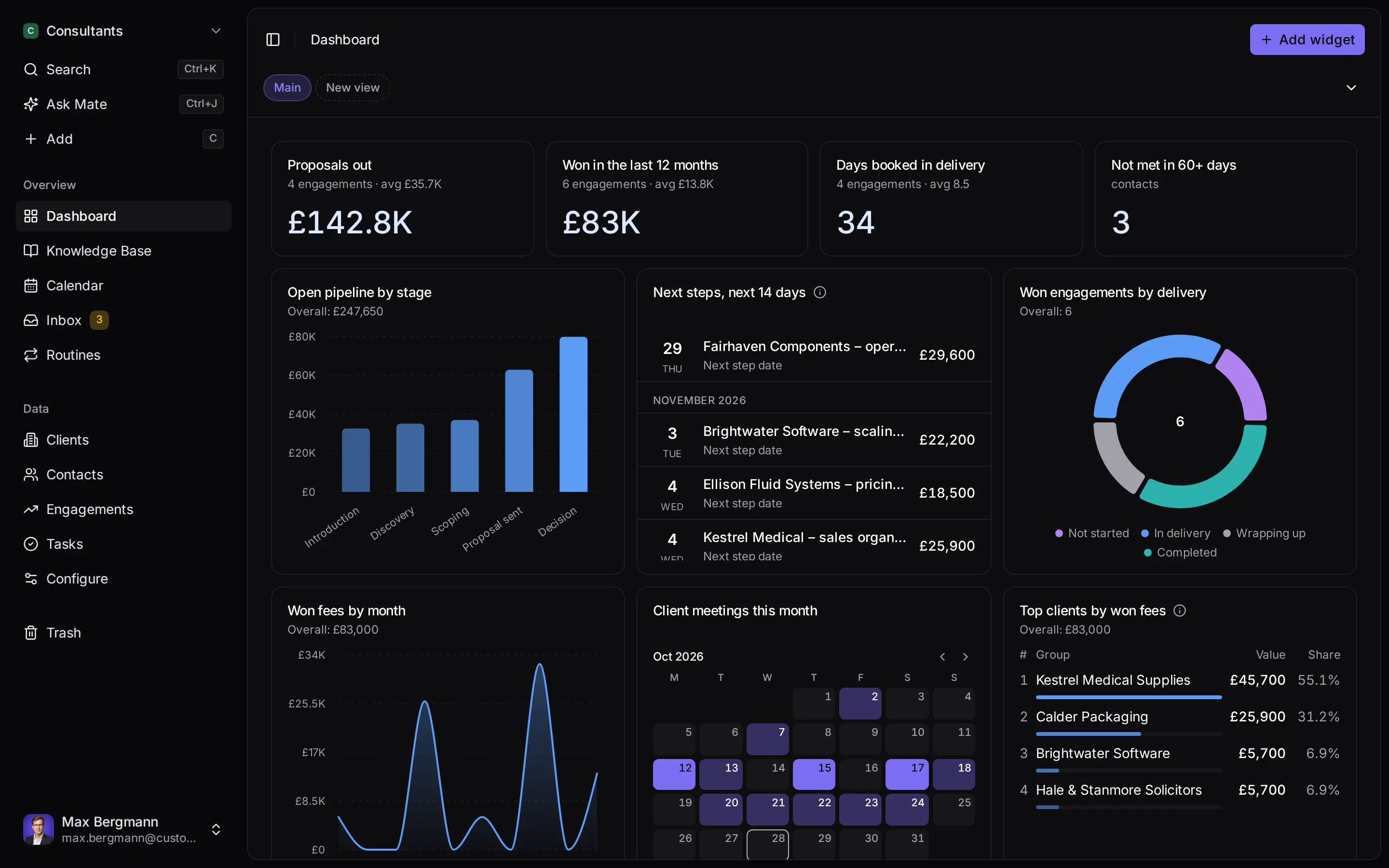
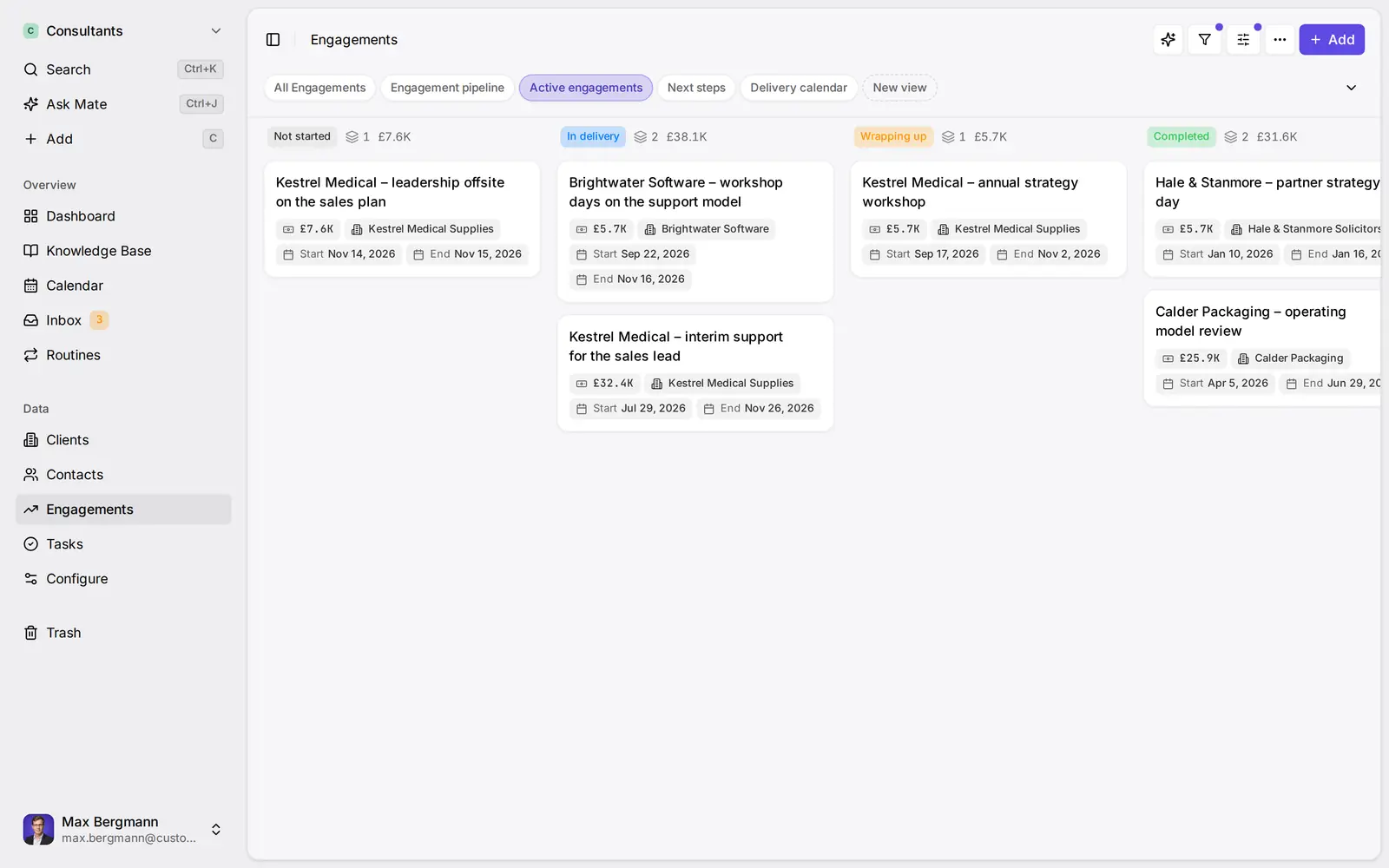
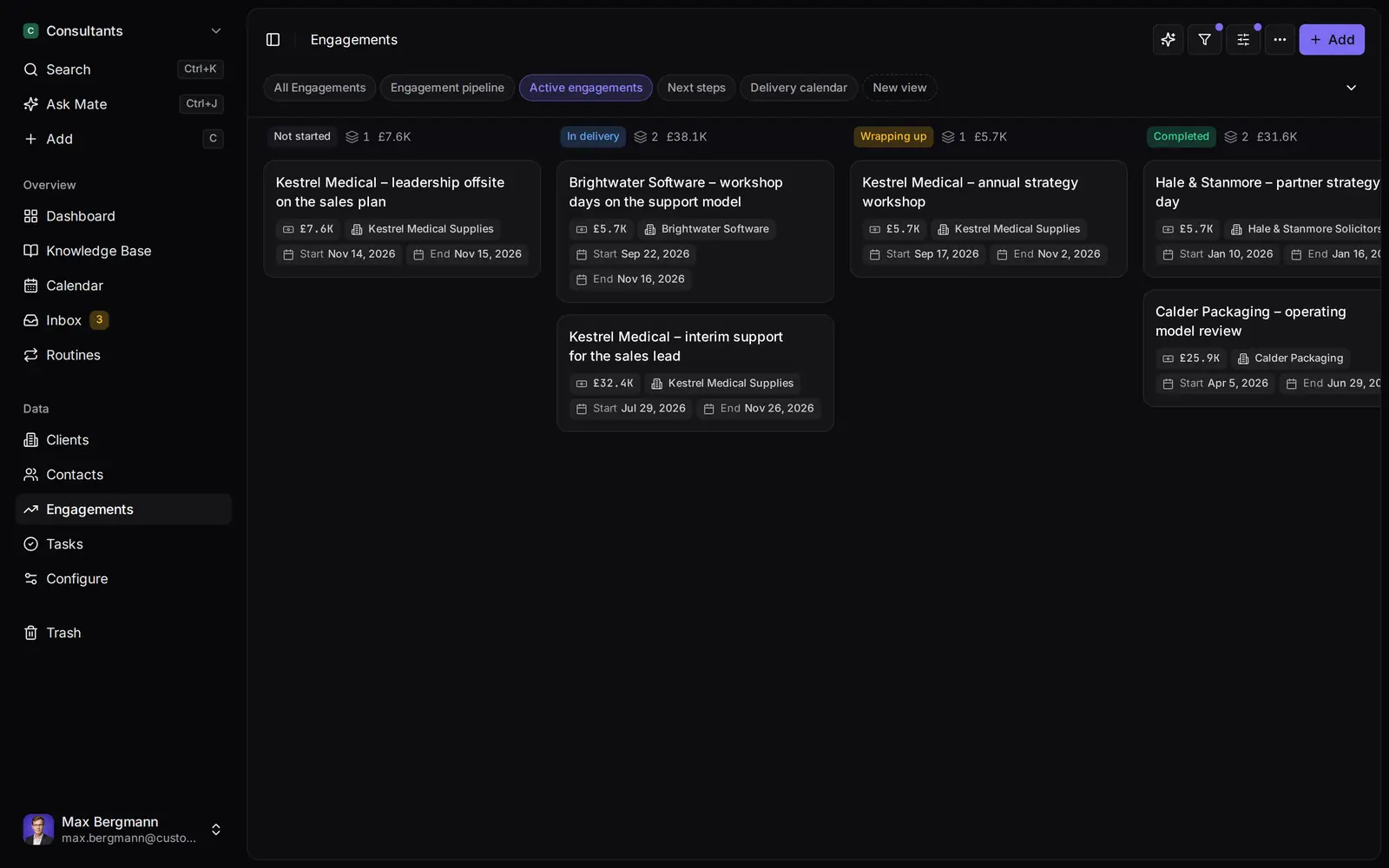
Widgets built from the workspace's own lists and fields
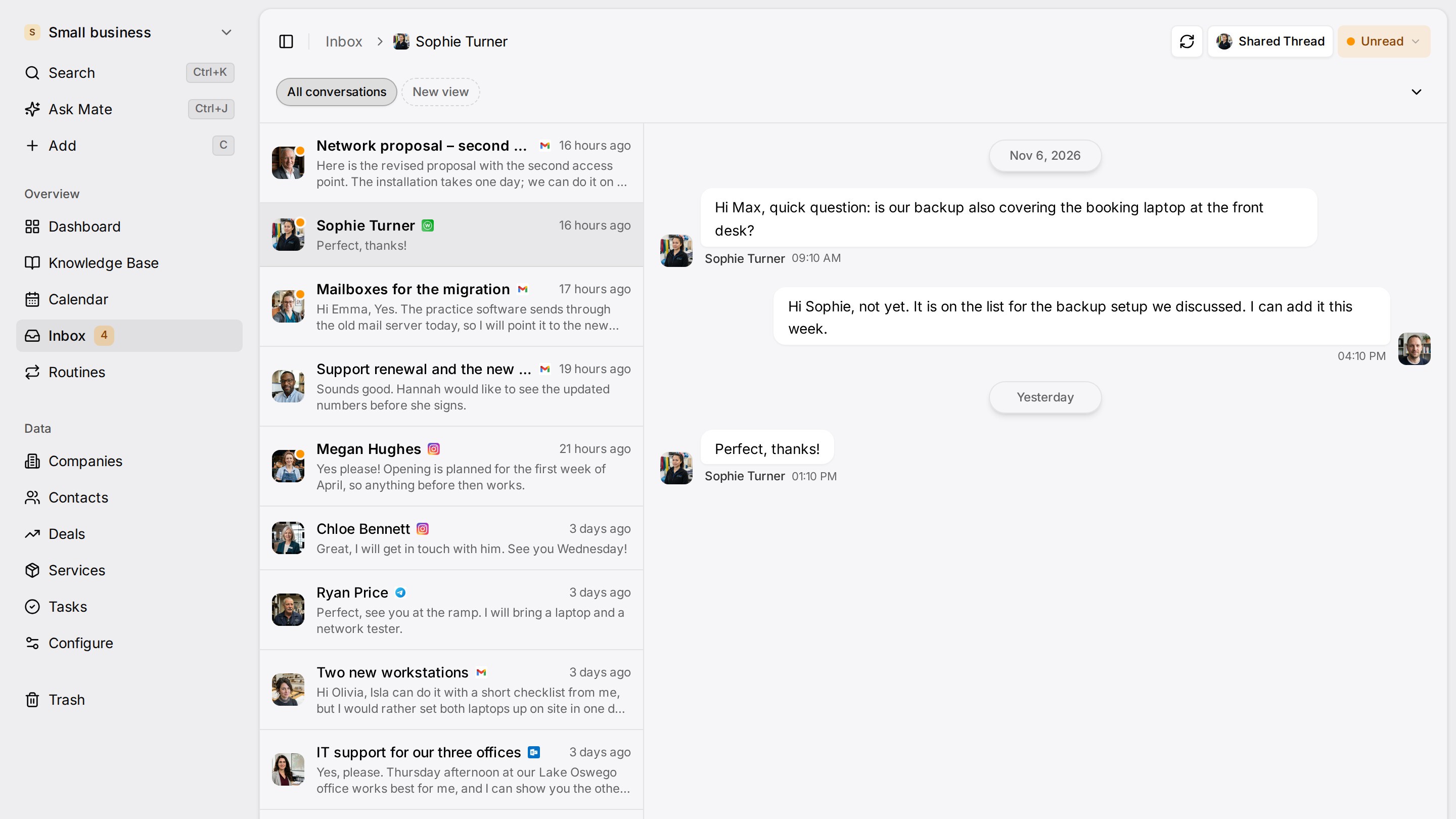
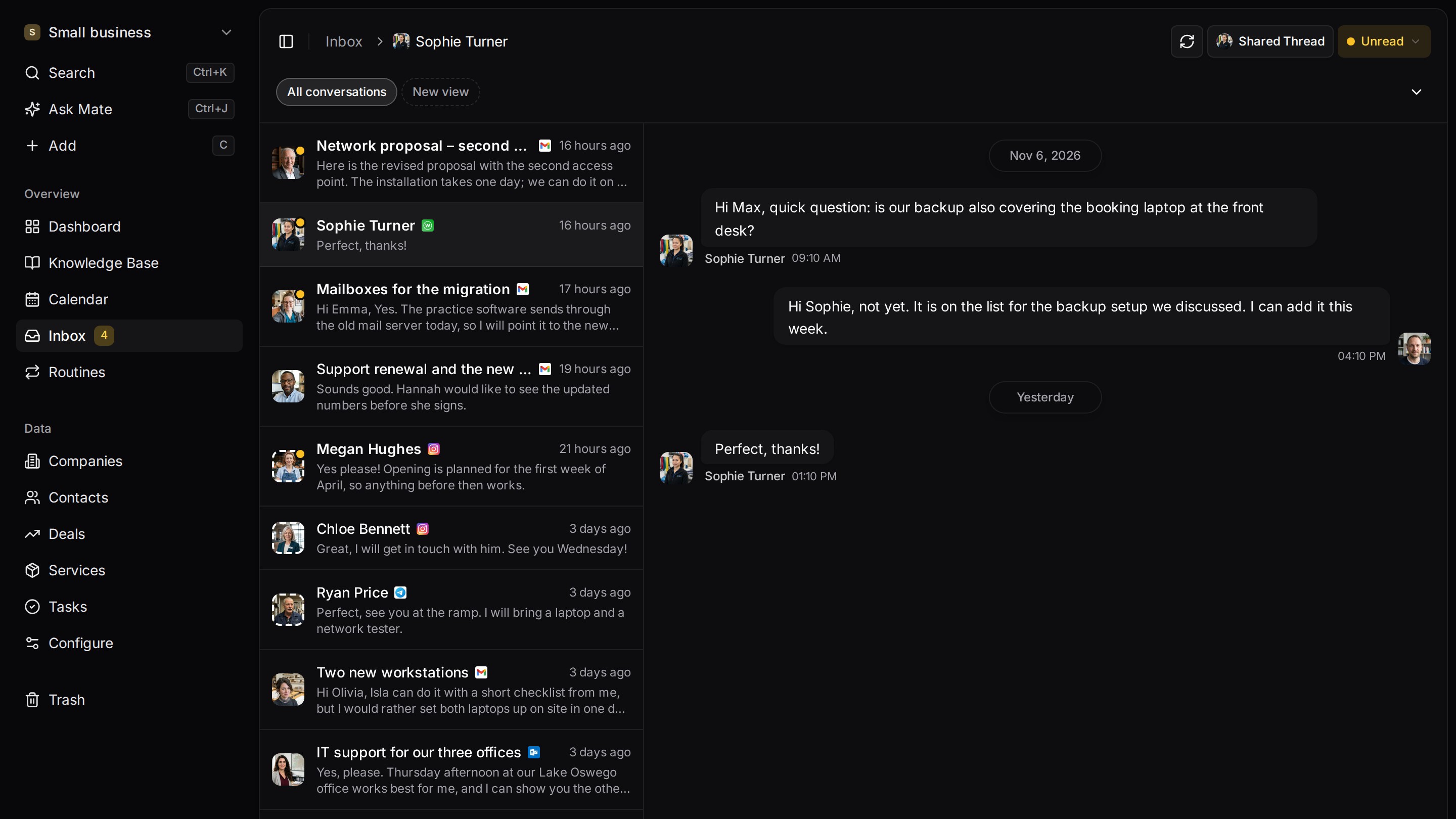
Every client conversation from email, LinkedIn and WhatsApp in one place. Mate sets up your workspace and drafts the follow-up, you review and send. Works with Claude, ChatGPT or any agent that speaks MCP.
Related pages
Claude Connectors: What They Are, Plans and Custom Setup
Claude connectors explained: directory vs custom, which plans allow them, tool permissions and a source-checked table for email, calendar, files and CRM.
Outlook Integration
Follow up on Outlook email from your CRM: threads on the matching contact, drafts from Mate, folder moves that reach your mailbox. No add-in. Pro or higher.
Unified CRM Inbox
One CRM inbox for Gmail, Outlook, IMAP, LinkedIn, WhatsApp, Instagram and Telegram: each conversation on its client, replies drafted. Cloud from Pro.
Connect Claude & ChatGPT (custom connector)
Add Customermates to Claude (web, desktop, mobile) or ChatGPT as a custom MCP connector: OAuth sign-in, no API key, plus a ChatGPT header fallback.
Customermates
Follow up on every client conversation
Start with one channel and one client on Customermates Cloud, or self-host the open-source core.
✓ No credit card required ✓ First 14 days free