Loading...
Company Settings
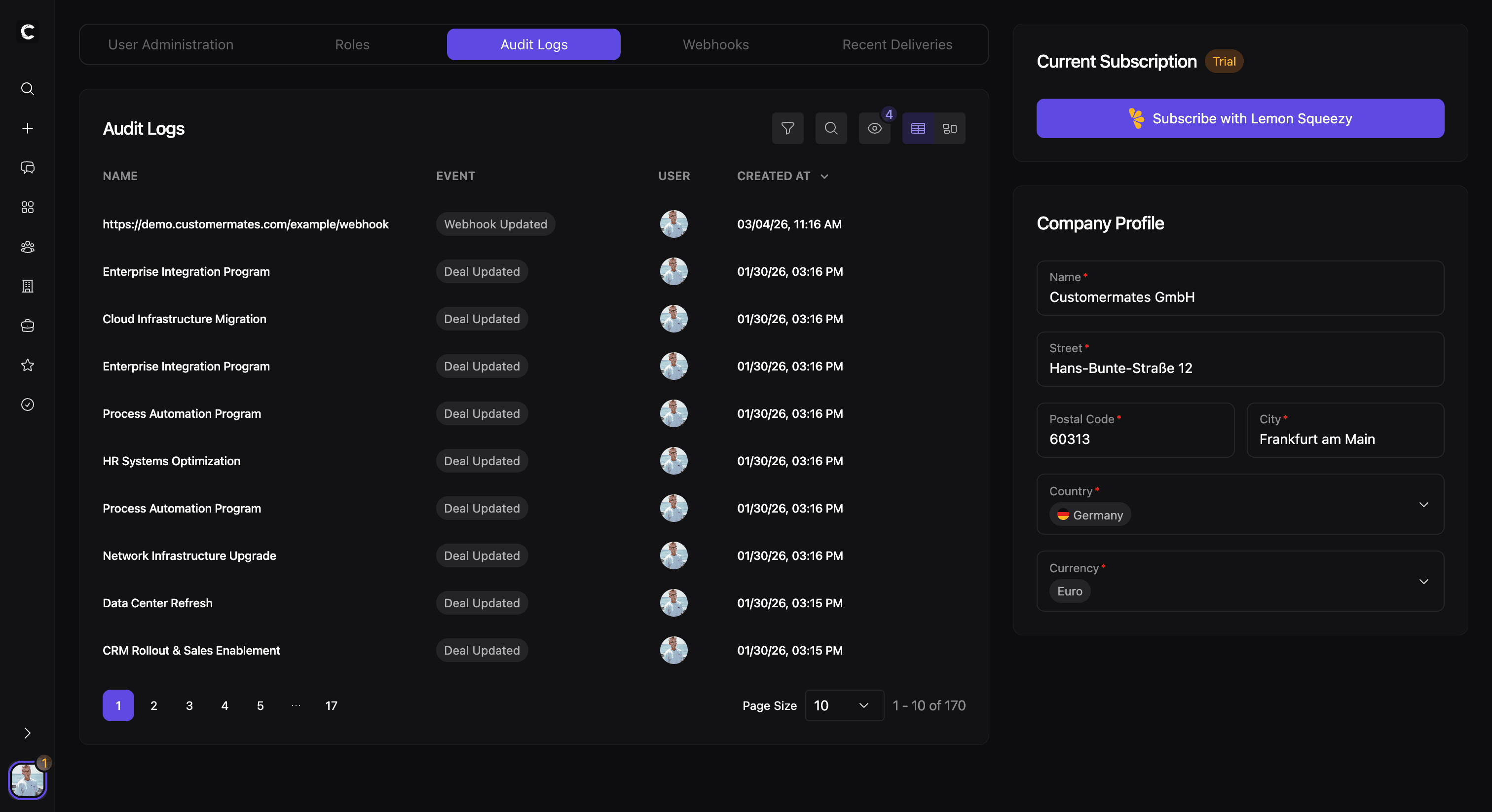
Overview
Company Settings are the shared administration area for the workspace. This is where teams manage company details, users, subscriptions, operational controls, and other settings that affect the workspace as a whole rather than one individual user.
In practice, this area brings together both configuration and administration. It is the place where a team keeps workspace information current and where admins manage the people and systems connected to the company.
Company details
The company details section contains the core business information for the workspace. This includes the company name, address, country, and default currency.
These values shape the shared company profile and help create a consistent foundation for billing, formatting, and workspace identity.
Users and invitations
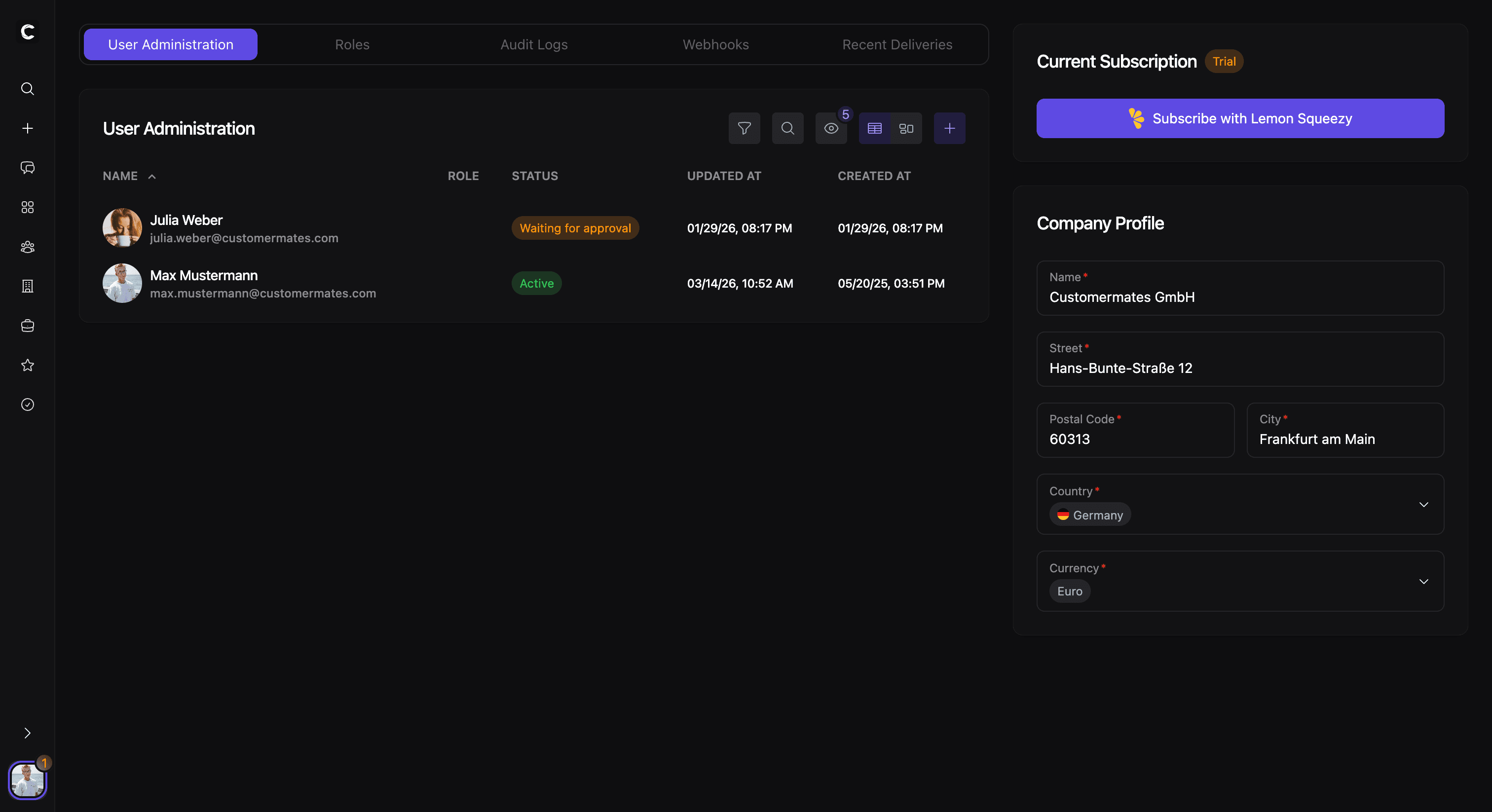
Company Settings also include user administration. Teams can review the list of users in the company, open individual user records, and manage status, profile details, and assigned role.
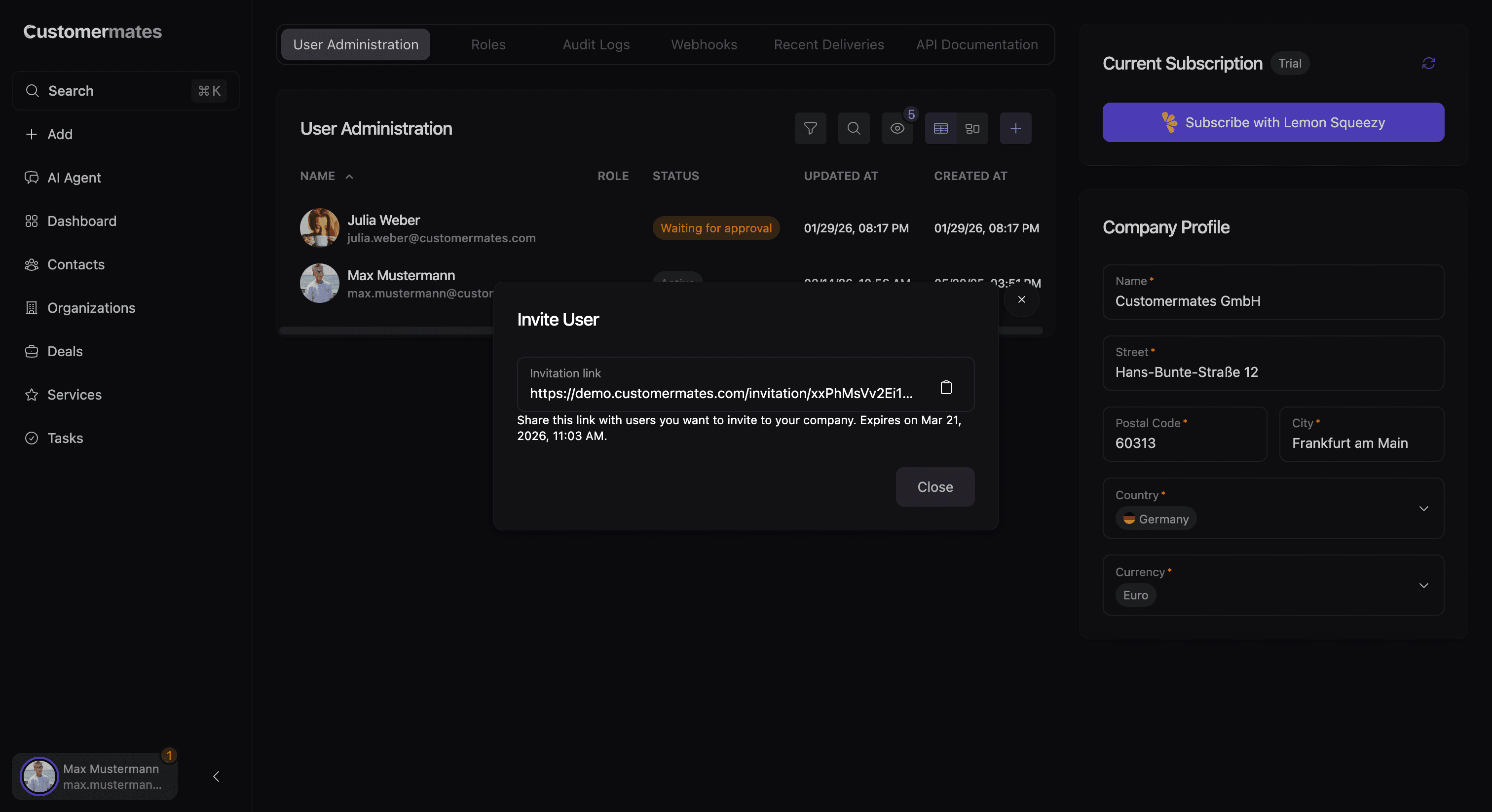
Inviting a new user starts from the same area. The invitation flow generates a company invite link that can be shared with the person who should join the workspace. This keeps onboarding close to the place where user administration already happens. If you need the access-control model behind those assignments, continue with Roles & Permissions.
Billing and operational controls
The company area also brings together settings that matter for day-to-day operations. This includes subscription information and self-service billing actions, as well as operational views such as audit logs and webhook management when those areas are available.
That makes Company Settings the administrative home for the workspace: not only for company profile data, but also for the systems and controls that support the account in production. For event-driven integrations and delivery behavior, pair this area with Webhooks & Events.