Loading...
Account Settings & API Keys
Account settings overview
Account Settings apply to the individual user profile. This area is where each user manages their personal details, interface preferences, and account-level defaults that shape how the workspace feels for them day to day.
These settings are personal. They do not change company-wide configuration or team permissions.
Profile details and preferences
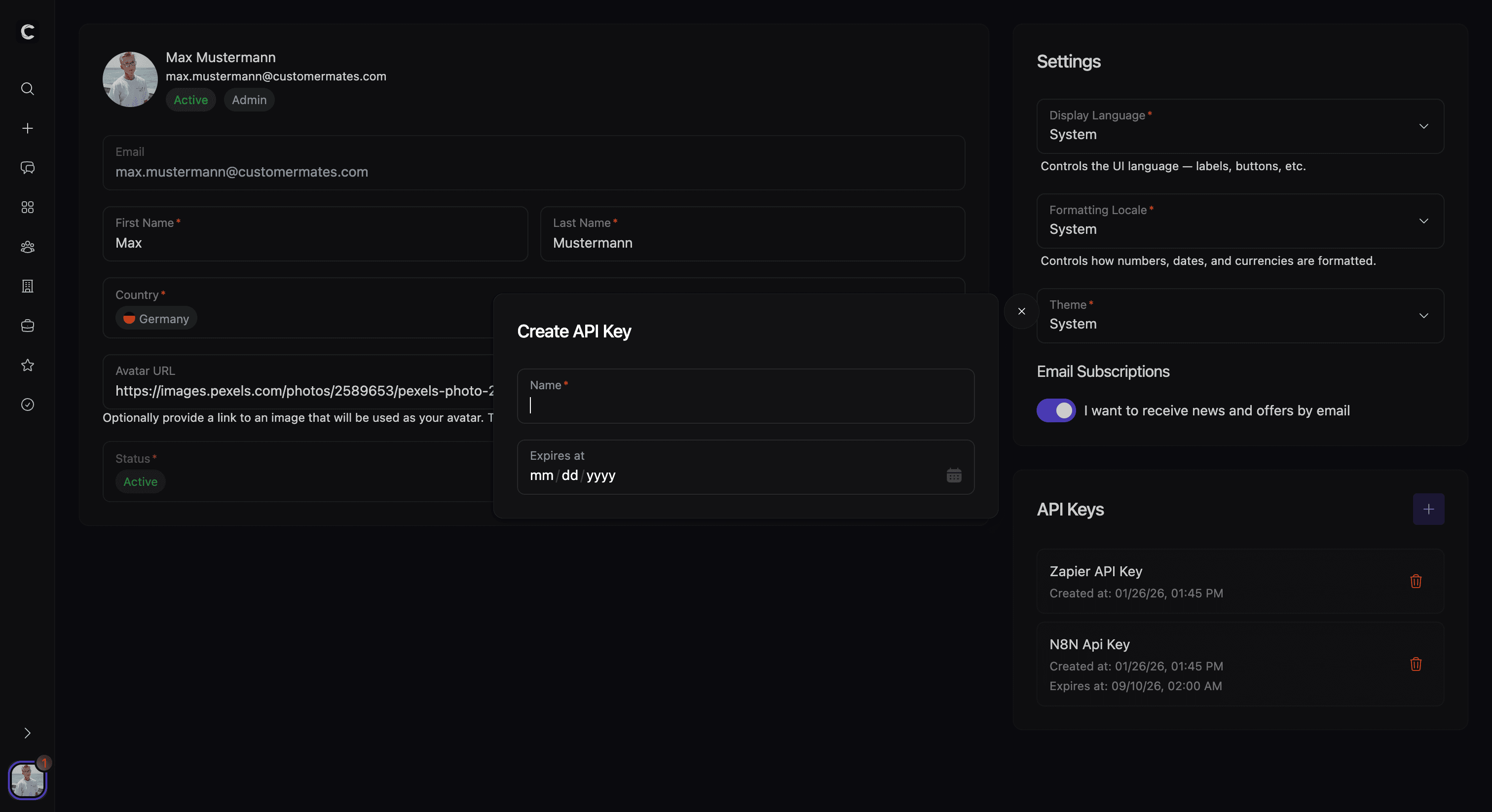
Account Settings combine personal profile information and individual display preferences in one place. This includes first name, last name, country, and avatar, plus display language, formatting locale, and theme. Email and account status are visible in this area but primarily serve as reference information.
There is also a personal marketing-email preference. Together, these settings shape day-to-day workspace presentation and the formatting of localized values such as dates and numbers.
API keys
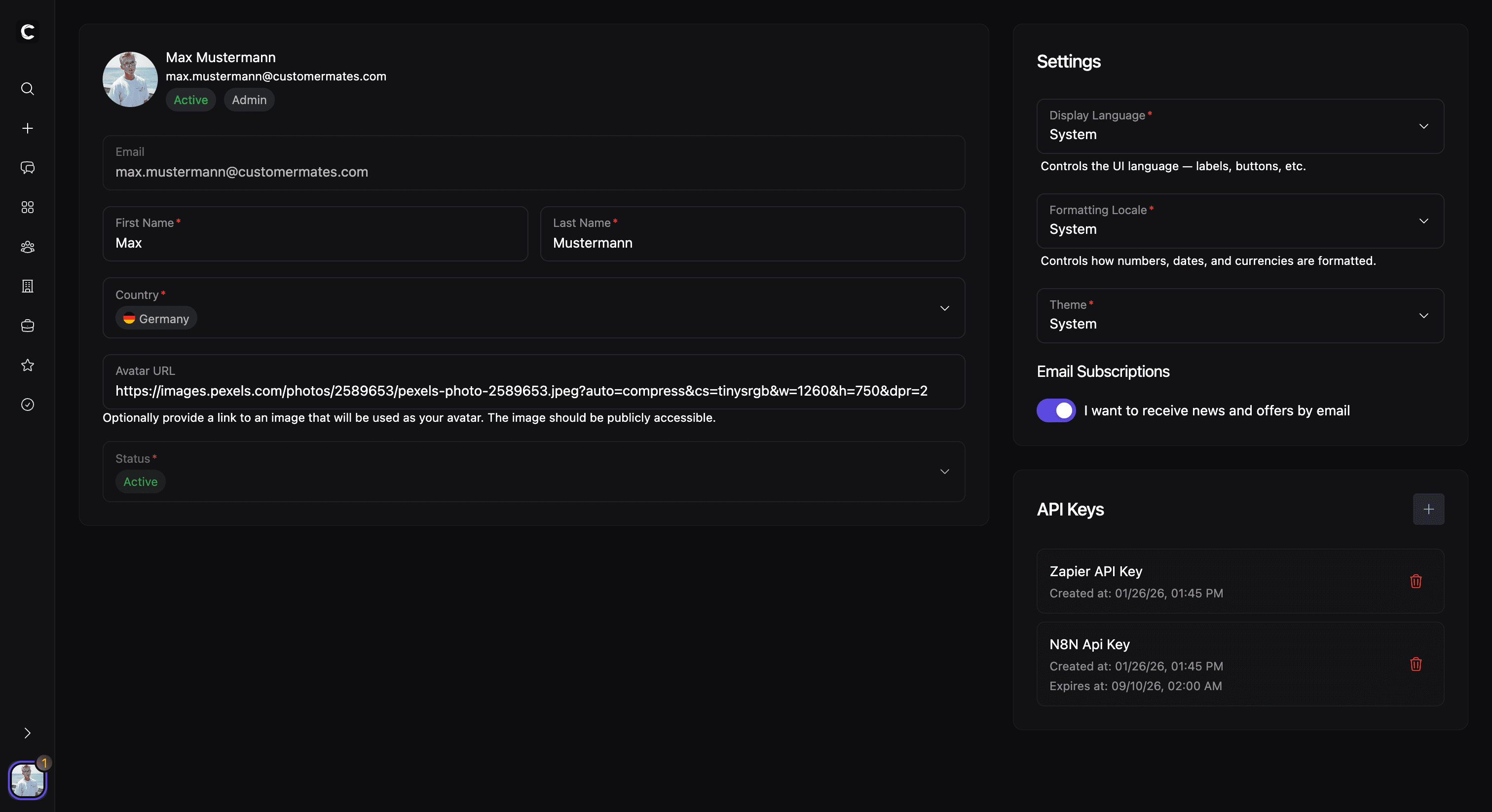
If API access is available for the user, Account Settings also include API key management. This is the place where users can create named keys, set an optional expiration date, copy the secret when it is first generated, and remove keys that are no longer needed.
This makes the account area the personal control center not only for profile preferences but also for user-scoped API access. Those keys are used across CRM Integrations, OpenAPI 3.1.0, MCP, and n8n, so this page is the natural starting point before you connect external tools.