Comparison
Pipedrive vs monday CRM: Which One Fits Your Sales Team?
Pipedrive or monday CRM for your sales team? Pipedrive is built around pipelines and activities; monday CRM is sold from three seats. Checked 13 November 2026.
✓ No credit card required ✓ First 14 days free
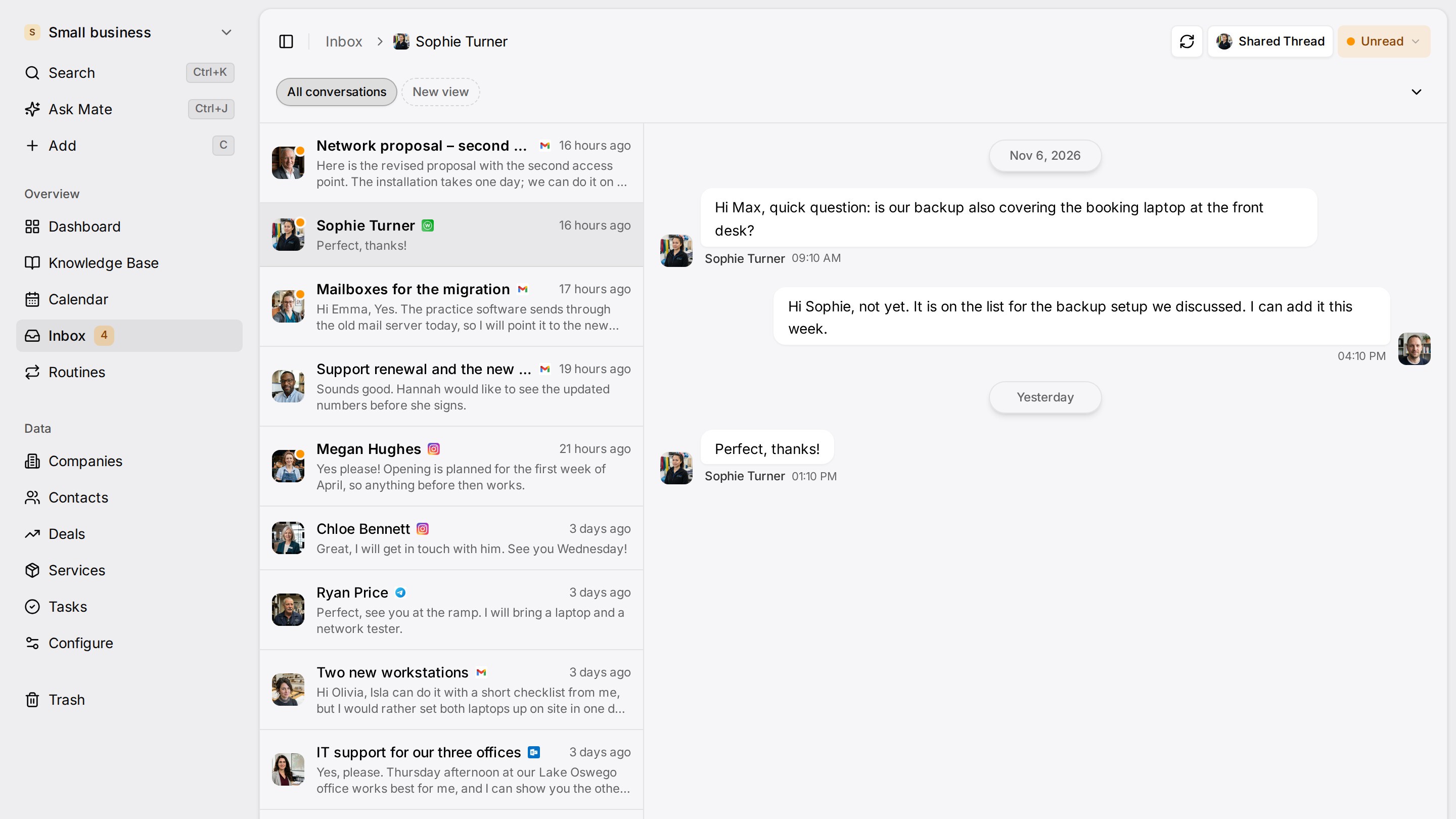
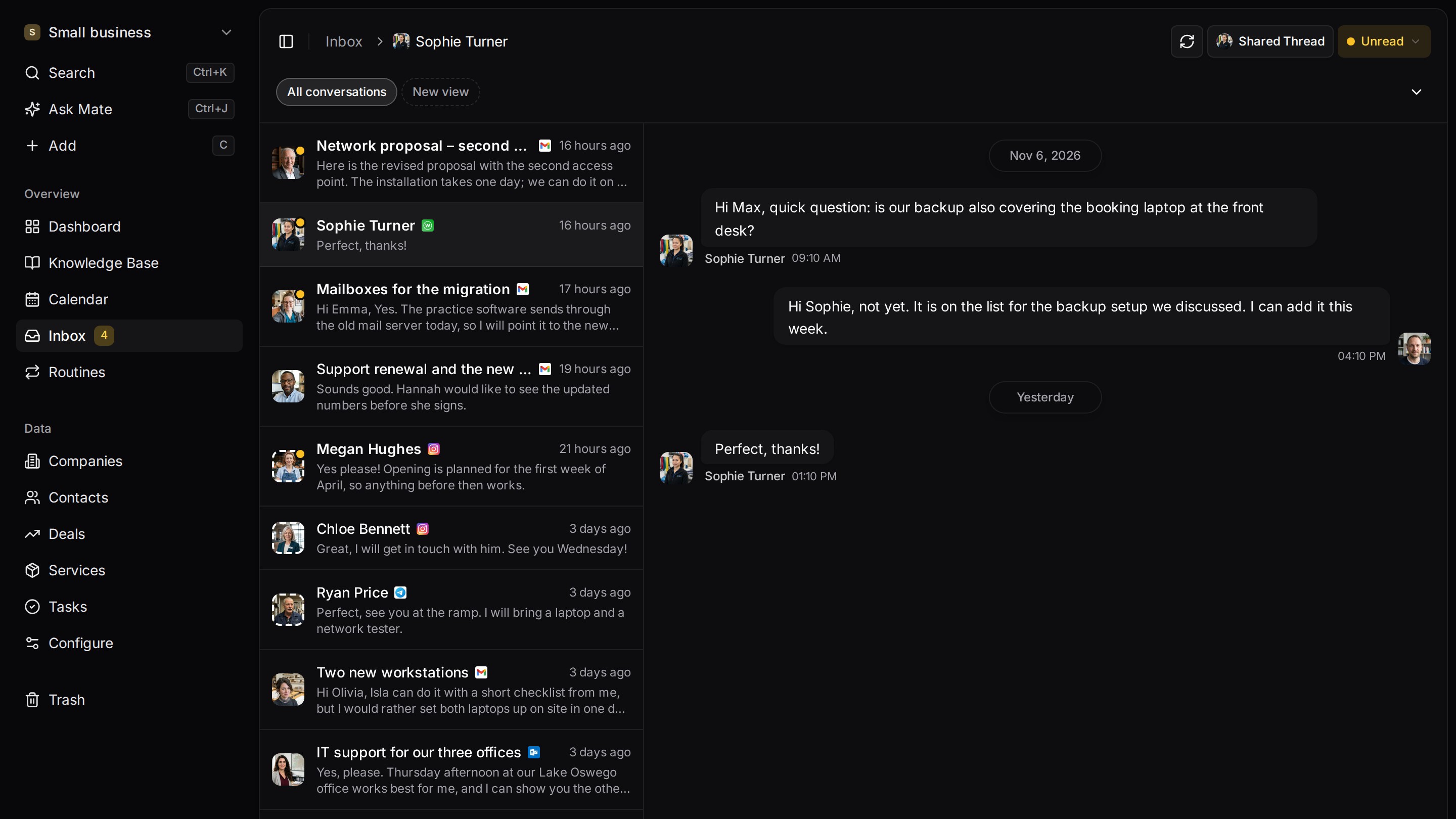
Every client conversation from email, LinkedIn and WhatsApp in one place. Mate sets up your workspace and drafts the follow-up, you review and send. Works with Claude, ChatGPT or any agent that speaks MCP.
Why teams switch
Why teams switch to Customermates.
Conversations next to the deal
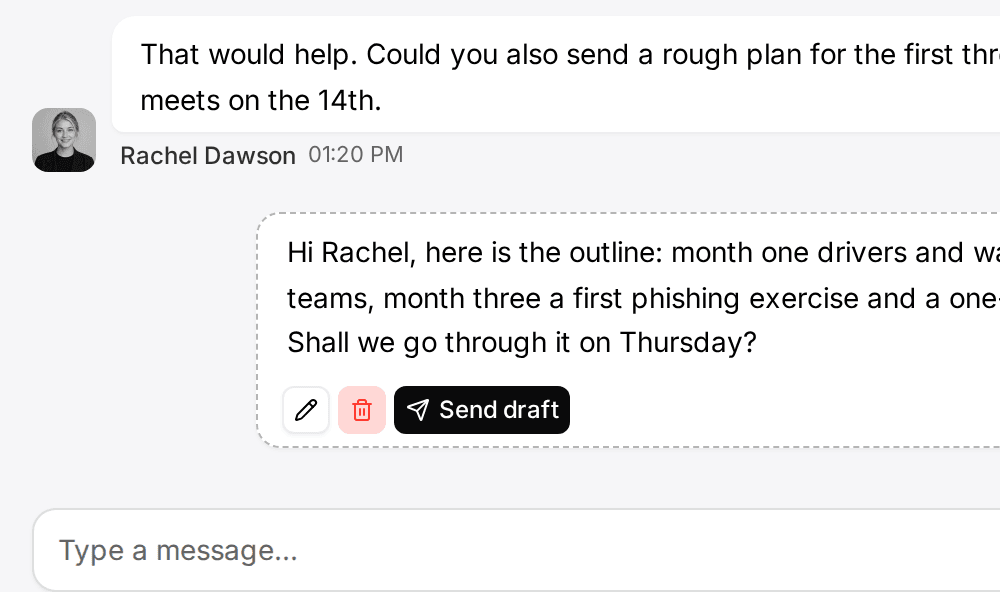
From Pro, the unified inbox puts Gmail, Outlook and IMAP mailboxes, LinkedIn, WhatsApp, Instagram and Telegram in one list linked to your contacts, and you reply on the original channel.
Less typing into the CRM
In Customermates Cloud, Mate drafts replies and updates records from the conversation, so less typing goes into the CRM.
Hosting choice
In Customermates Cloud the database is configured in the AWS Frankfurt region.
Start from one description
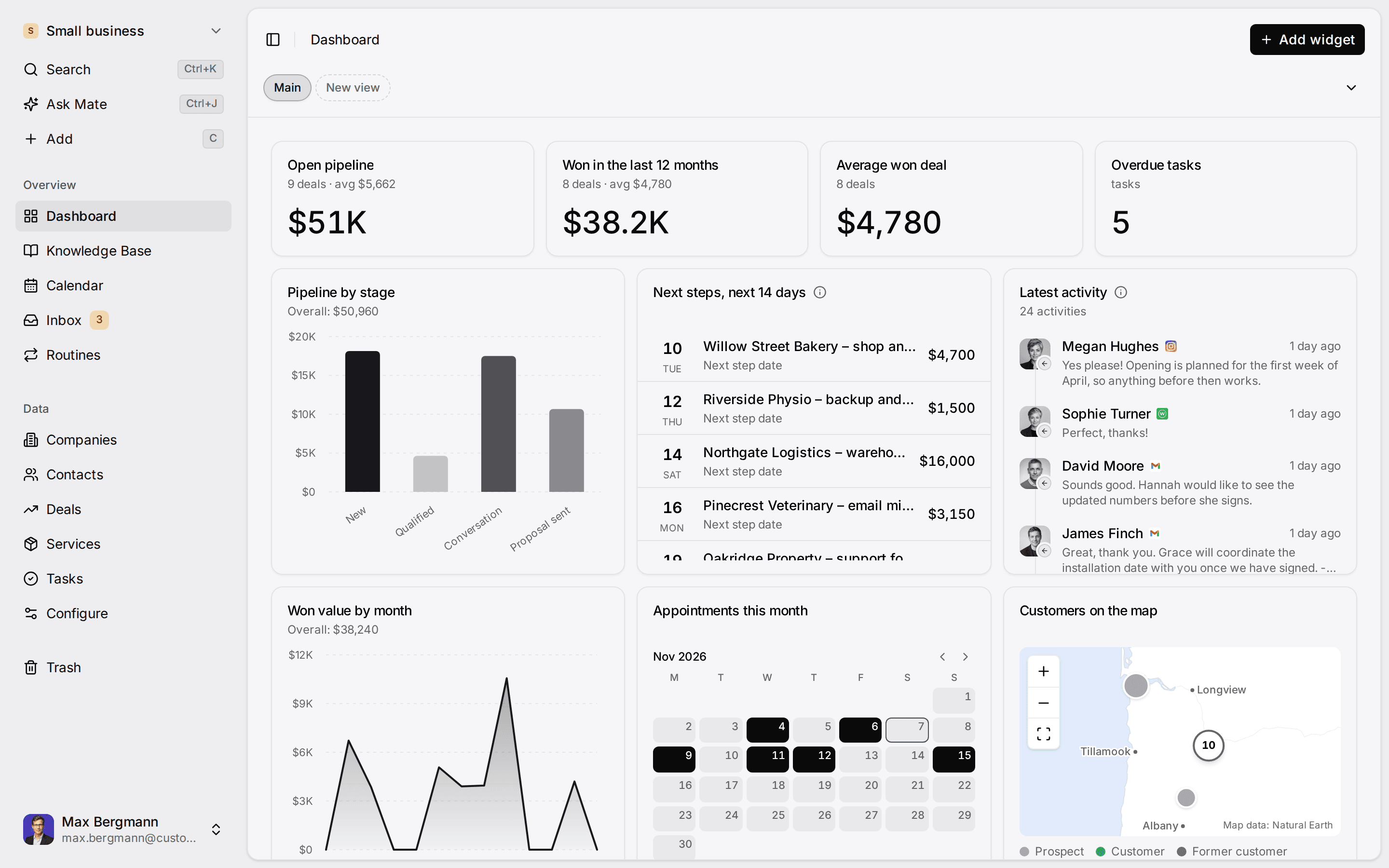
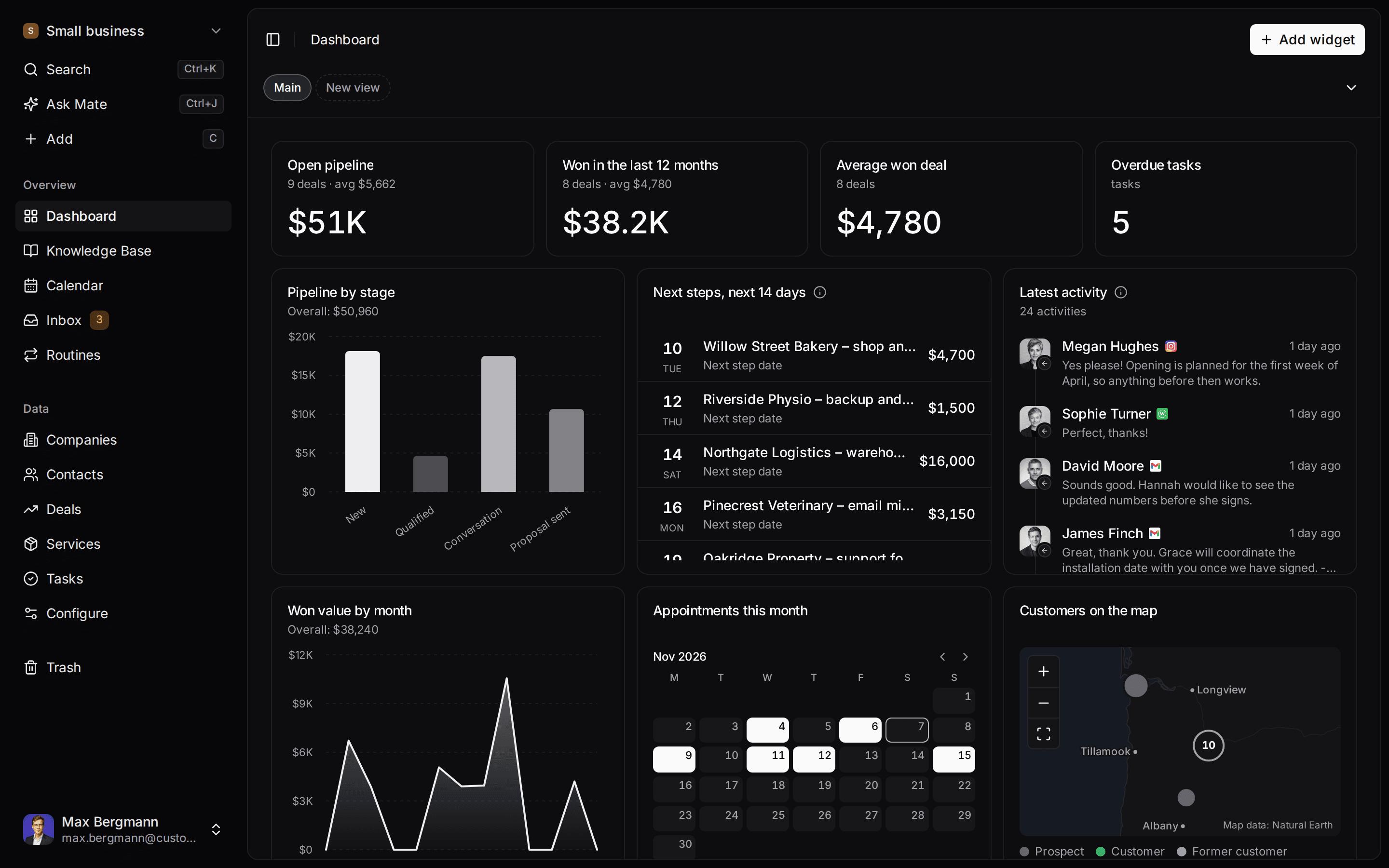
One description. A workspace your agent built.
This is what setup builds from one sentence. Sample data, the real product.
Describe your business
One sentence about your team, your clients and how you sell.
Mate builds it
It asks a few questions, then creates the lists, pipeline, dashboard and playbook.
Work in it
Connect LinkedIn and email. Click through a finished example below.
We're a four-person strategy consultancy. Track clients, engagements and proposals, and help us follow up with prospects on LinkedIn.
- Mate
- Claude
- ChatGPT
- Cursor

 Mate
 Claude
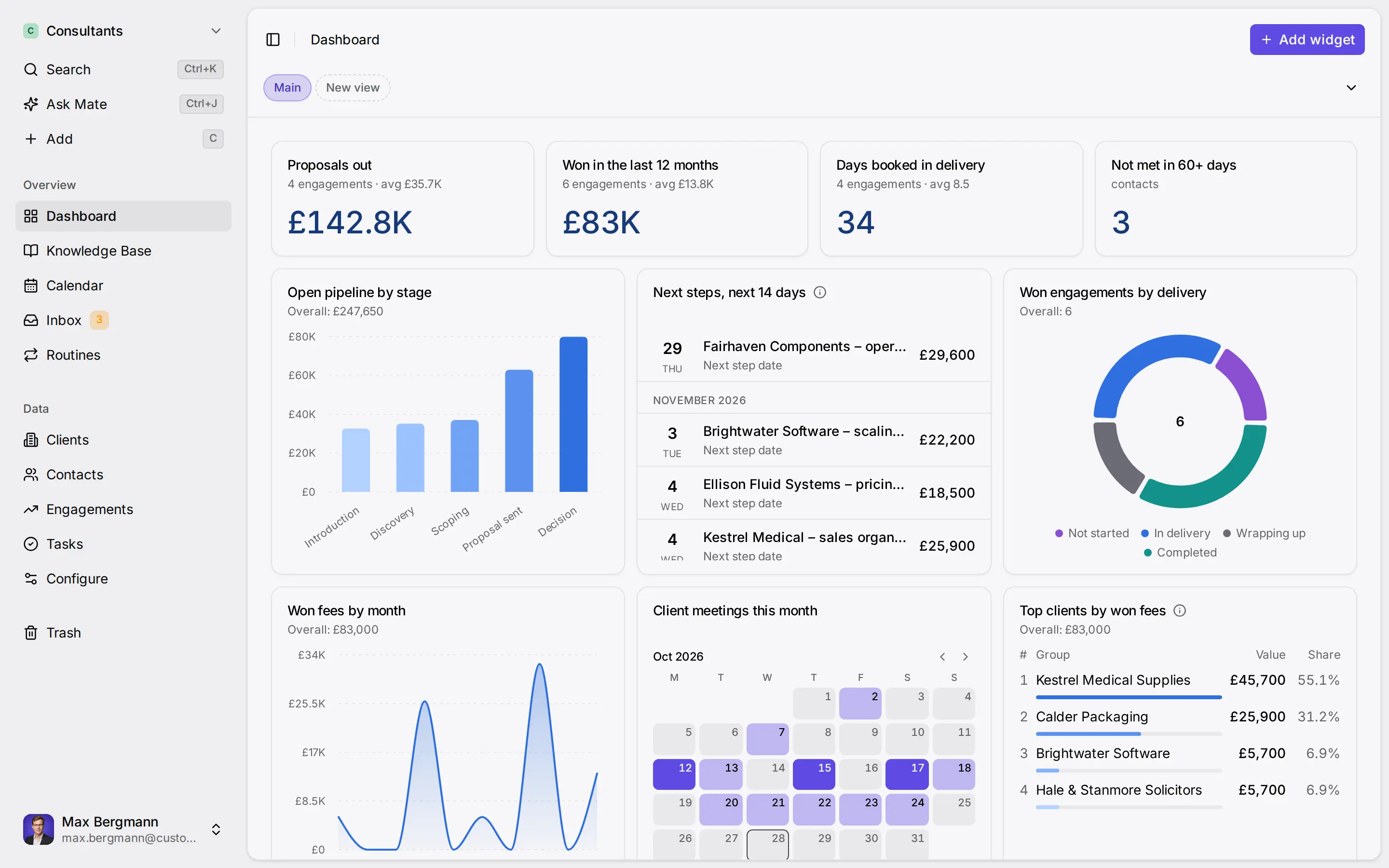
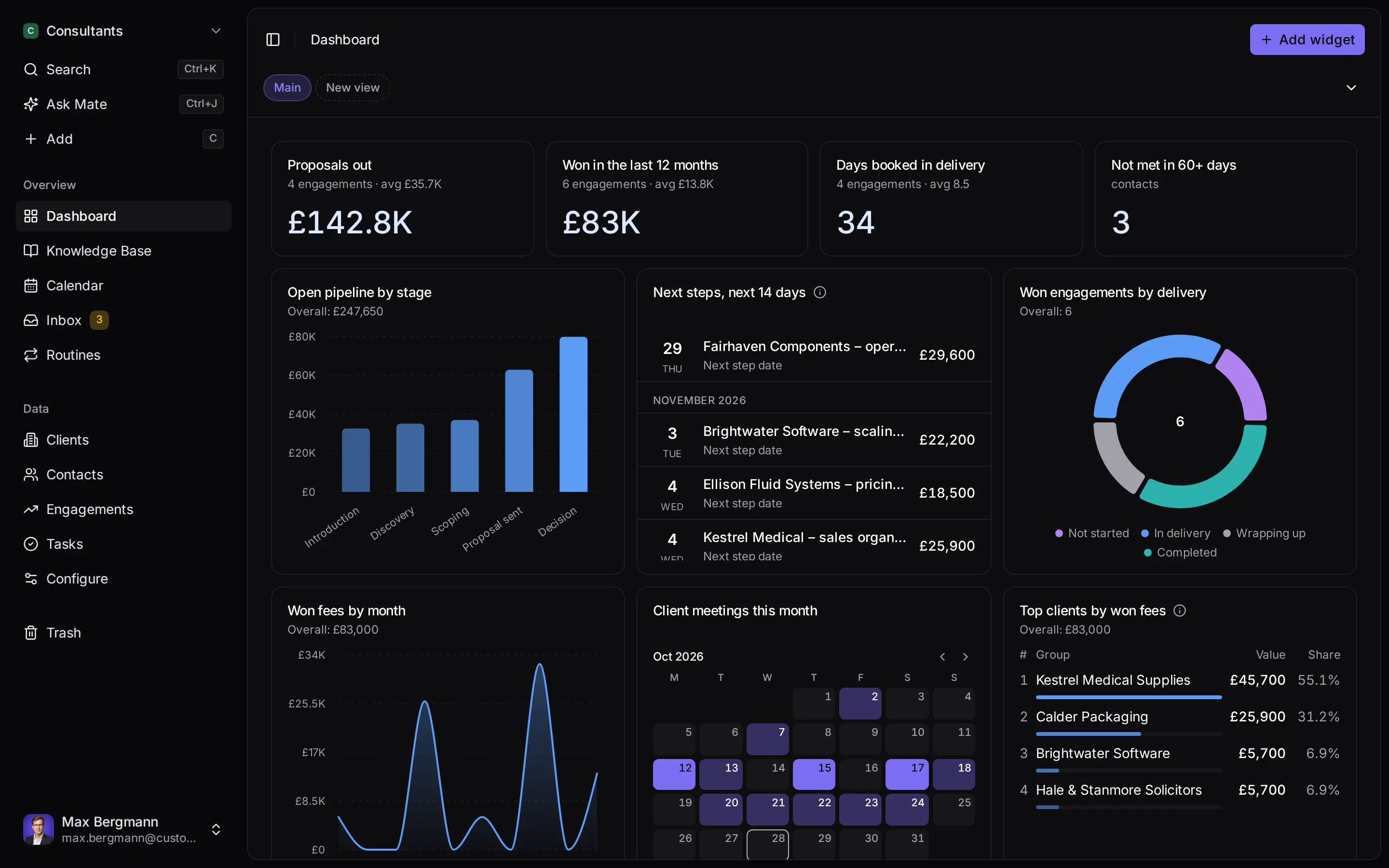
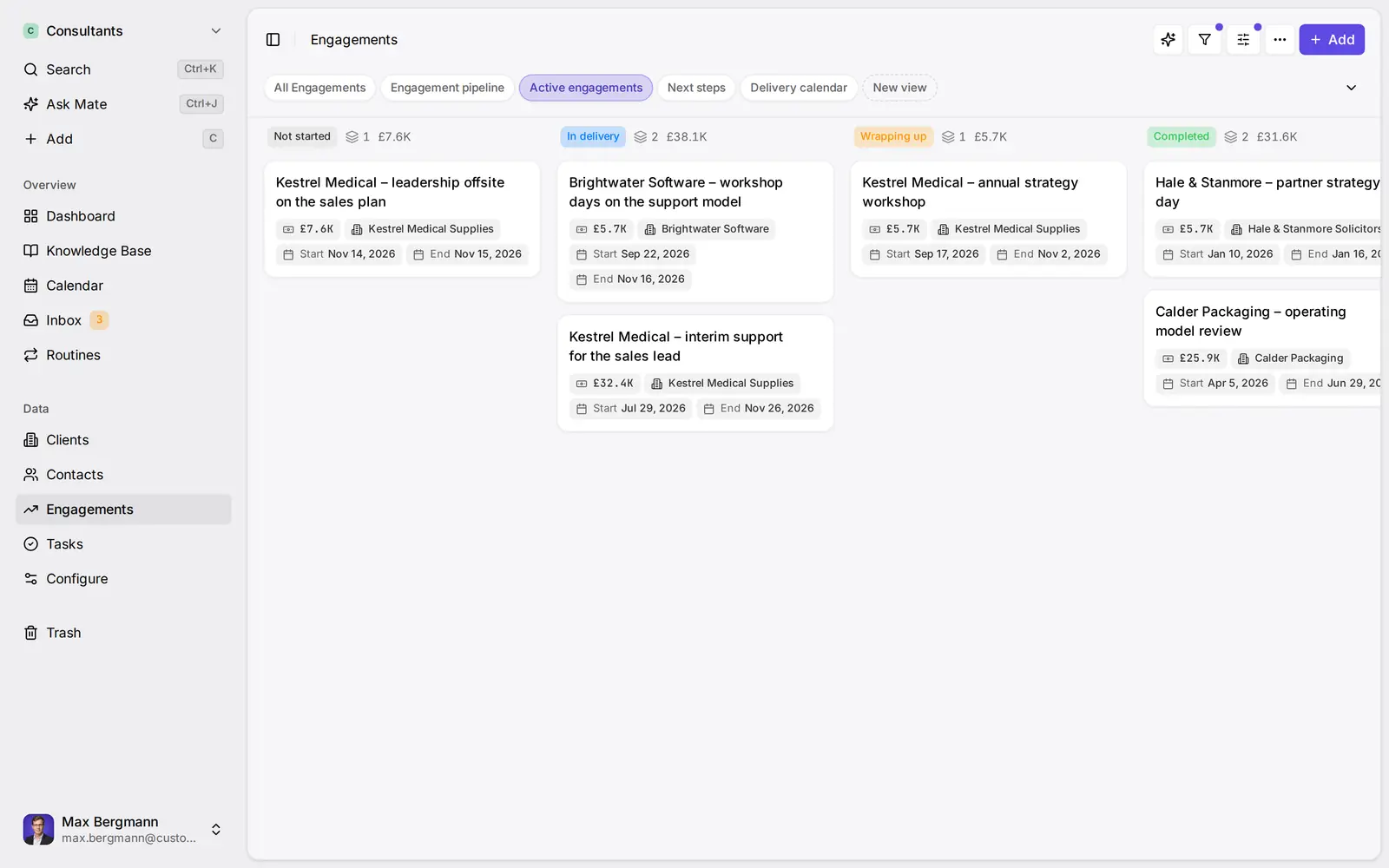
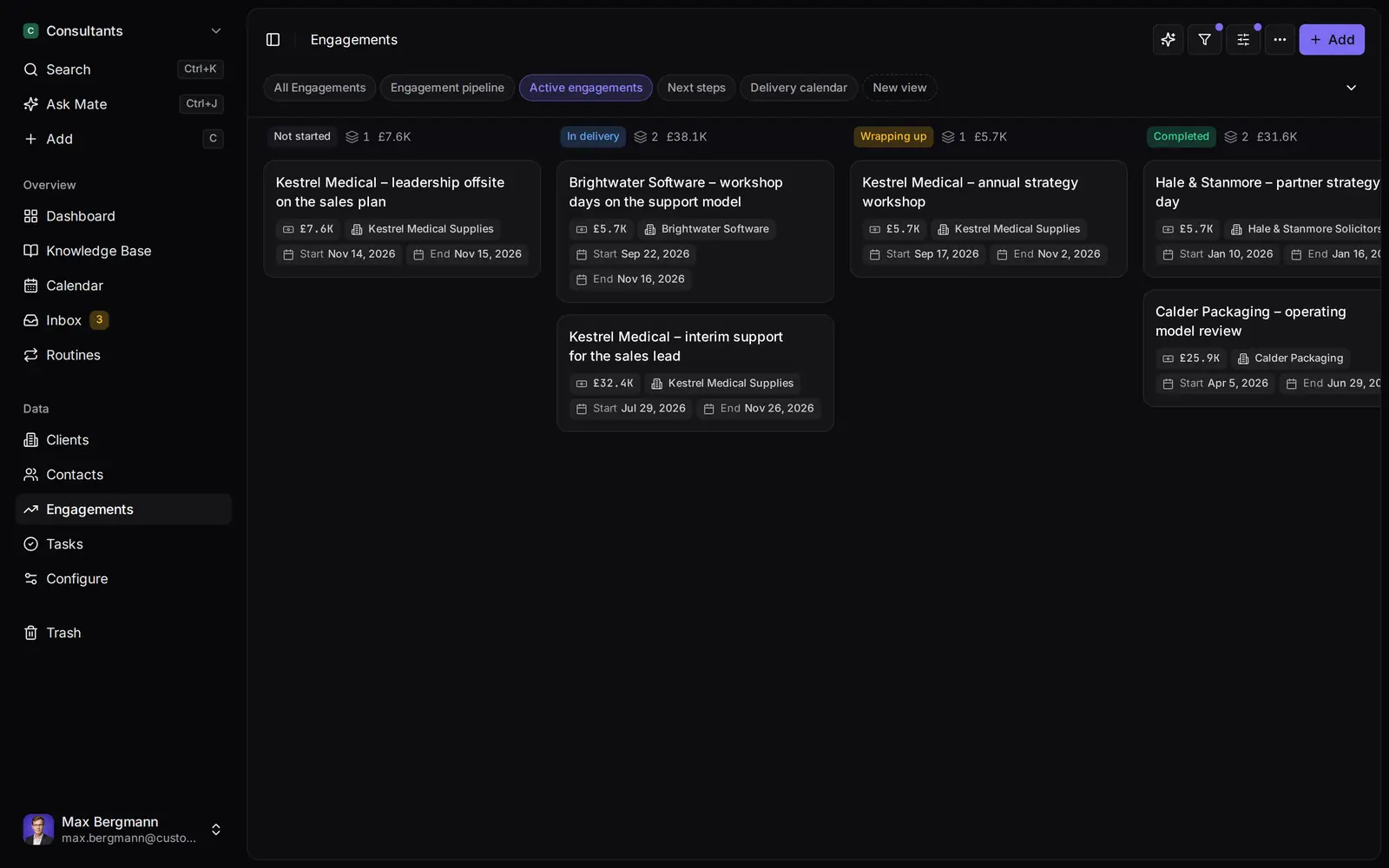
Widgets built from the workspace's own lists and fields
Side by side
Pipedrive vs monday CRM vs Customermates
Pricing & Plans
Price per seat / month, billed yearly
- Customermates
- Monthly billing only
- Pipedrive
- Lite €14, Growth €39, Premium €59, Ultimate €79
- monday CRM
- Basic €12, Standard €17, Pro €28, Ultimate custom
Price per seat / month, billed monthly
- Customermates
- Starter €12, Pro €29, Business €69
- Pipedrive
- Lite €24, Growth €49, Premium €79, Ultimate €99; yearly billing saves up to 42%
- monday CRM
- Basic €18, Standard €25, Pro €41
Seat minimum
- Customermates
- None
- Pipedrive
- None
- monday CRM
- 3 seats
Free trial
- Customermates
- 14 days, no credit card
- Pipedrive
- 14 days, no credit card
- monday CRM
- 14 days, no credit card
Records & Limits
Record limits
- Customermates
- No cap on paid plans
- Pipedrive
- Leads and deals: 2,500 to 20,000 per seat, at most 300,000
- monday CRM
- Contacts and deals together: 1,000 (Basic), 10,000 (Standard), 100,000 (Pro)
Custom fields
- Customermates
- Sixteen field types and calculated fields, no cap on paid plans
- Pipedrive
- 30 (Lite) to 500 (Ultimate) per company
- monday CRM
- 5, 15 or 75 columns per board
Pipelines
- Customermates
- One stage field with stage probabilities, as table or board
- Pipedrive
- Unlimited pipelines on every plan
- monday CRM
- Boards you configure, within the column caps
Post-sale work
- Customermates
- Tasks and services linked to deals; no project module
- Pipedrive
- Projects add-on, included from Premium
- monday CRM
- Pre- and post-sales on one platform
Conversations & AI
Email in the CRM
- Customermates
- Gmail, Outlook and IMAP in the unified inbox (Pro and up)
- Pipedrive
- Email sync from Growth, 1, 3 or 5 accounts per user
- monday CRM
- Gmail and Outlook integrations; comms hub from Standard
Email sequences
- Customermates
- Pipedrive
- From Growth (5, 25 or 50)
- monday CRM
- Pro
Automation
- Customermates
- Routines on a schedule or record event (Customermates Cloud); webhooks and REST API
- Pipedrive
- 50, 150 or 250 automations from Growth
- monday CRM
- 250 a month on Standard, 25,000 on Pro
AI in the app
- Customermates
- Mate in Customermates Cloud, uses hosted AI credits
- Pipedrive
- AI reports on every plan; AI email tools from Premium
- monday CRM
- AI credits on every plan; AI agents from Standard; AI workflow builder on Pro
Integrations
- Customermates
- REST API, webhooks, MCP, n8n community node (n8n runs separately)
- Pipedrive
- More than 500 integrations
- monday CRM
- Outlook, Gmail, Zoom, QuickBooks, Docusign and hundreds more
Hosting & Access
Open-source licence
- Customermates
- AGPL-3.0 core
- Pipedrive
- monday CRM
Self-hosting
- Customermates
- Docker Compose (core CRM without inbox or Mate)
- Pipedrive
- monday CRM
EU data location
- Customermates
- Database configured in the AWS Frankfurt region
- Pipedrive
- AWS Frankfurt or Dublin for EU sign-ups, not guaranteed
- monday CRM
- EU region in Germany; subprocessors bound to the EU on Enterprise only
Mobile apps
- Customermates
- Responsive web app, no native apps
- Pipedrive
- iOS and Android
- monday CRM
- iOS and Android from Standard
  | Pipedrive | monday CRM | |
|---|---|---|---|
| Pricing & Plans | |||
| Price per seat / month, billed yearly | Monthly billing only | Lite €14, Growth €39, Premium €59, Ultimate €79 | Basic €12, Standard €17, Pro €28, Ultimate custom |
| Price per seat / month, billed monthly | Starter €12, Pro €29, Business €69 | Lite €24, Growth €49, Premium €79, Ultimate €99; yearly billing saves up to 42% | Basic €18, Standard €25, Pro €41 |
| Seat minimum | None | None | 3 seats |
| Free trial | 14 days, no credit card | 14 days, no credit card | 14 days, no credit card |
| Records & Limits | |||
| Record limits | No cap on paid plans | Leads and deals: 2,500 to 20,000 per seat, at most 300,000 | Contacts and deals together: 1,000 (Basic), 10,000 (Standard), 100,000 (Pro) |
| Custom fields | Sixteen field types and calculated fields, no cap on paid plans | 30 (Lite) to 500 (Ultimate) per company | 5, 15 or 75 columns per board |
| Pipelines | One stage field with stage probabilities, as table or board | Unlimited pipelines on every plan | Boards you configure, within the column caps |
| Post-sale work | Tasks and services linked to deals; no project module | Projects add-on, included from Premium | Pre- and post-sales on one platform |
| Conversations & AI | |||
| Email in the CRM | Gmail, Outlook and IMAP in the unified inbox (Pro and up) | Email sync from Growth, 1, 3 or 5 accounts per user | Gmail and Outlook integrations; comms hub from Standard |
| Email sequences | From Growth (5, 25 or 50) | Pro | |
| Automation | Routines on a schedule or record event (Customermates Cloud); webhooks and REST API | 50, 150 or 250 automations from Growth | 250 a month on Standard, 25,000 on Pro |
| AI in the app | Mate in Customermates Cloud, uses hosted AI credits | AI reports on every plan; AI email tools from Premium | AI credits on every plan; AI agents from Standard; AI workflow builder on Pro |
| Integrations | REST API, webhooks, MCP, n8n community node (n8n runs separately) | More than 500 integrations | Outlook, Gmail, Zoom, QuickBooks, Docusign and hundreds more |
| Hosting & Access | |||
| Open-source licence | AGPL-3.0 core | ||
| Self-hosting | Docker Compose (core CRM without inbox or Mate) | ||
| EU data location | Database configured in the AWS Frankfurt region | AWS Frankfurt or Dublin for EU sign-ups, not guaranteed | EU region in Germany; subprocessors bound to the EU on Enterprise only |
| Mobile apps | Responsive web app, no native apps | iOS and Android | iOS and Android from Standard |
Switching over
How to switch.
- 01
Import your spreadsheet
Export contacts and deals from your current CRM as Excel or CSV, then use Add from file, one list at a time.
- 02
Connect LinkedIn and email
From Pro, connect LinkedIn, Gmail, Outlook or WhatsApp under Settings, Channels & calendars. Each conversation shows on the linked contact.
- 03
Let Mate draft
In Customermates Cloud, ask Mate for drafts. It writes the reply and the next step, and you review and send it. Your own AI agent can draft through MCP too.
Ways you can use it
Pick the job. The workspace follows.
- Follow up on LinkedIn conversationsLinkedIn and email threads sit on the client. Mate drafts the reply and dates the next step, and you review and send it in the conversation.See LinkedIn in the inbox
- Follow up on every proposal after the callClients, engagements and proposals with the conversations behind them, and a dated next step on each.CRM for consultants
- Keep client next steps on one dashboardEvery client gets a dated next step, and your dashboard shows what is due across all of them.See follow-up
- Let your own Claude or ChatGPT work in your CRMConnect Claude, ChatGPT, Cursor or another MCP client. It reads and updates your workspace within your permissions.Connect your agent

Pipedrive vs monday CRM in short: pick Pipedrive if selling is the main job of your CRM, because it is built around the pipeline and the next scheduled activity, and its Growth plan adds email sync, automations and sequences. Pick monday CRM if your team already runs client projects on monday.com boards and wants deals in the same account. On yearly billing, monday CRM is cheaper per seat at every listed tier, but it bills at least three seats and its entry plans have low caps: Basic allows 5 columns per board and 1,000 active contacts and deals in total. Customermates publishes this comparison and describes its own product in a separate section below.
Which one fits your team
| Your situation | Better fit | Why |
|---|---|---|
| Your salespeople work from a list of calls and meetings | Pipedrive | Pipelines, activities and the calendar are on every plan |
| Client projects already run on monday.com | monday CRM | Deals sit in the same account as the delivery boards |
| One or two people | Pipedrive Lite | No seat minimum; monday CRM bills at least 3 seats |
| Email sequences at the lowest seat price | monday CRM Pro | Sequences and mass email at €28 per seat billed yearly; Pipedrive's sequences start on Growth at €39 |
| Thousands of contacts, fewer deals | Pipedrive | Its limit counts leads and deals only; monday CRM counts contacts and deals together |
| Deal records with many fields | Pipedrive Growth or monday CRM Pro | Growth allows 100 custom fields per company; monday CRM caps a board at 5 columns on Basic and 15 on Standard |
| Web forms, chatbot or e-signatures | Pipedrive Premium | LeadBooster and contracts with e-signatures are included from Premium |
| EU residency that also binds subprocessors | monday CRM, top tier | monday.com promises region-bound EU residency for Enterprise accounts only |
Sales CRM or work platform
Pipedrive is a sales CRM. Its records are leads, deals, people and organizations, and the pipeline view with scheduled activities is the center of the product. Pipedrive says every plan includes unlimited pipelines. Post-sale work is extra: Projects is an add-on from €16 on Lite and Growth and is included from Premium.
monday CRM is monday.com's sales product, built on the same board platform as monday work management. Leads, contacts and deals are items on boards, and every field is a column. That makes a pipeline quick to reshape, and it lets the plan decide how far you can go. monday.com describes the CRM as covering pre- and post-sales on one platform. For a team that hands won deals to delivery on monday.com, that is the main argument.
Is monday.com a CRM tool?
Yes, through a separate product. monday.com is a work platform, and monday CRM is its sales product on the same platform, with its own plans (Basic, Standard, Pro and Ultimate) and its own price list. monday work management, the general project tool, has a free plan for up to 2 seats. monday CRM has no free plan, only a 14-day trial, and its paid plans start at 3 seats. If neither monday CRM nor Pipedrive fits, the monday CRM alternatives comparison lists other options.
What they cost
Prices checked on 13 November 2026 from Pipedrive's pricing page and monday CRM's pricing page, in euros per seat per month. Pipedrive adds VAT for EU customers and bills in the currency of your location. Its page lists both billing cycles and says yearly billing saves up to 42% against monthly billing.
| Plan | Billed yearly | Billed monthly | What the plan adds |
|---|---|---|---|
| Pipedrive Lite | €14 | €24 | Pipelines, activities, calendar, AI reports |
| Pipedrive Growth | €39 | €49 | Email sync, automations, sequences, forecast reports, meeting scheduler |
| Pipedrive Premium | €59 | €79 | LeadBooster, Projects and Smart Docs included, custom scoring, AI email tools, e-signatures |
| Pipedrive Ultimate | €79 | €99 | Security alerts, phone and email enrichment, sandbox account, extended phone support |
| monday CRM Basic | €12 | €18 | 1,000 active contacts and deals, 5 columns per board |
| monday CRM Standard | €17 | €25 | Comms hub, 250 automations a month, AI agents |
| monday CRM Pro | €28 | €41 | Email sequences, mass email, 25,000 automations a month |
| monday CRM Ultimate | Custom | Custom | Unlimited contacts, deals and columns, white-glove migration |
Pipedrive also sells add-ons. LeadBooster and Smart Docs (each from €32.50) and Projects (from €16) cost extra below Premium. Campaigns (from €13.33) and Web Visitors (from €41) cost extra on every plan. Pipedrive pricing explained goes through every plan and add-on.
What a small team pays per month on yearly billing:
| Team | Pipedrive Lite | Pipedrive Growth | monday CRM Basic | monday CRM Standard | monday CRM Pro |
|---|---|---|---|---|---|
| 2 people | €28 | €78 | €36 (3 seats) | €51 (3 seats) | €84 (3 seats) |
| 5 people | €70 | €195 | €60 | €85 | €140 |
| 10 people | €140 | €390 | €120 | €170 | €280 |
The cheapest columns do not buy the same things. Five people who want email in the CRM and sequences pay €195 for Pipedrive Growth or €140 for monday CRM Pro. On monthly billing, five people pay €245 for Pipedrive Growth or €205 for monday CRM Pro.
Plan limits side by side
Both vendors cap usage per plan, but they count different things.
| Limit | Pipedrive Lite / Growth / Premium / Ultimate | monday CRM Basic / Standard / Pro |
|---|---|---|
| Records | Leads and deals: 2,500 / 5,000 / 15,000 / 20,000 per seat, at most 300,000 | Active contacts and deals together: 1,000 / 10,000 / 100,000 |
| Fields | 30 / 100 / 300 / 500 custom fields per company | 5 / 15 / 75 columns per board |
| Automations | None / 50 / 150 / 250 automations you can set up | Not listed / 250 / 25,000 custom automations a month |
| Synced email accounts per user | None / 1 / 3 / 5 | Gmail and Outlook integrations |
| Email sequences | None / 5 / 25 / 50 | Pro only |
| Reports | 15 / 50 / 250 / 500 Insights reports | 1 / 5 / 50 custom dashboards |
For five seats on the entry plans, Pipedrive Lite holds 12,500 leads and deals, and Pipedrive sets no limit for contacts. monday CRM Basic holds 1,000 contacts and deals in total. When Pipedrive hits a limit, your data stays, but you cannot add more by hand until you archive, buy a top-up or upgrade.
The automation caps also measure different things. Pipedrive limits how many automations you have. monday CRM limits how many run each month, so a busy month can use up Standard's 250.
Email, AI and integrations
Email. Pipedrive syncs Gmail or Outlook from Growth; Lite has no email sync. monday CRM names Gmail and Outlook among its integrations and gathers emails, calls and meetings in a comms hub from Standard.
AI. Pipedrive includes AI-assisted reports on every plan and AI email tools from Premium. monday CRM includes AI agents from Standard for outreach calls, lead sourcing, meeting prep and note taking, paid from a package of AI credits, and Pro adds an AI workflow builder.
Integrations. Pipedrive lists more than 500 integrations on its pricing page. monday CRM names Outlook, Gmail, Zoom, QuickBooks, Google Workspace and Docusign "and hundreds more".
Is Pipedrive a good CRM system?
For a team that sells deal by deal, yes. Pipedrive is built around leads, deals and scheduled activities, every plan has unlimited pipelines, and its usage limits are published per plan, so you can check them before you buy. It is a weaker fit when the CRM has to do more than selling: Lite has no email sync, automations or sequences, leads and deals are capped per seat, and there is no free plan or self-hosted edition. Before you decide, check three numbers against your own data: leads and deals per seat (2,500 on Lite up to 20,000 on Ultimate), custom fields per company (30 to 500) and the plan that unlocks email sync (Growth). Pipedrive pricing explained goes through each plan, and the Pipedrive alternatives comparison covers other options.
Does Pipedrive have a client portal?
Not as a built-in feature. Pipedrive's plan descriptions list no client portal, and Pipedrive's own guide to customer portal software describes connecting Pipedrive to a separate portal tool. For sharing with clients, the CRM itself offers documents: quotes, proposals and contracts with e-signatures are part of Premium, and Smart Docs is an add-on on Lite and Growth. If your clients need a login to see their projects or files, plan for a portal app or a separate tool.
Data location and GDPR
Pipedrive hosts on AWS in Sydney, Montreal, Frankfurt, Dublin, London, US East and US West. New EU sign-ups are hosted in an EU region. Pipedrive's help center adds that an account can still end up in a different data center, for example through IP mapping, and that support will tell you where yours is.
monday.com hosts in the US, the EU (Germany) and Australia. Only Enterprise accounts in the EU, the tier the CRM pricing page now calls Ultimate, get region-bound residency in which subprocessors also keep the data in the EU. On other plans, monday.com may use subprocessors that host parts of the data outside the assigned region. A data processing addendum is available.
On the plans small teams buy, both normally host an EU account's main data in the EU. Neither promises that every copy stays there.
Connecting Pipedrive to monday.com, or moving over
Using both. Pipedrive's help center documents a monday.com integration that creates a monday.com item when a new deal, person, organization or activity is added in Pipedrive. For deals it carries organization, contact person, stage, status, value and owner. The sync runs one way, from Pipedrive to monday.com, so edits in monday.com do not flow back, and the article describes creating items for new records, not updating them later. That is enough to start a delivery item per new deal. It is not a way to run one pipeline in two tools.
Moving from Pipedrive to monday CRM. In Pipedrive, open Tools and apps, then Export data, and export each item type as Excel or CSV. Only global admins and users with export permission can do this, and each person exports only what they can see. monday.com says you can bring Pipedrive data into monday CRM workflows, and its Ultimate tier includes a white-glove migration. On the other plans you import the exported files yourself. Export before you cancel, because a cancelled Pipedrive account loses access at the end of the billing cycle.
A third option: Customermates
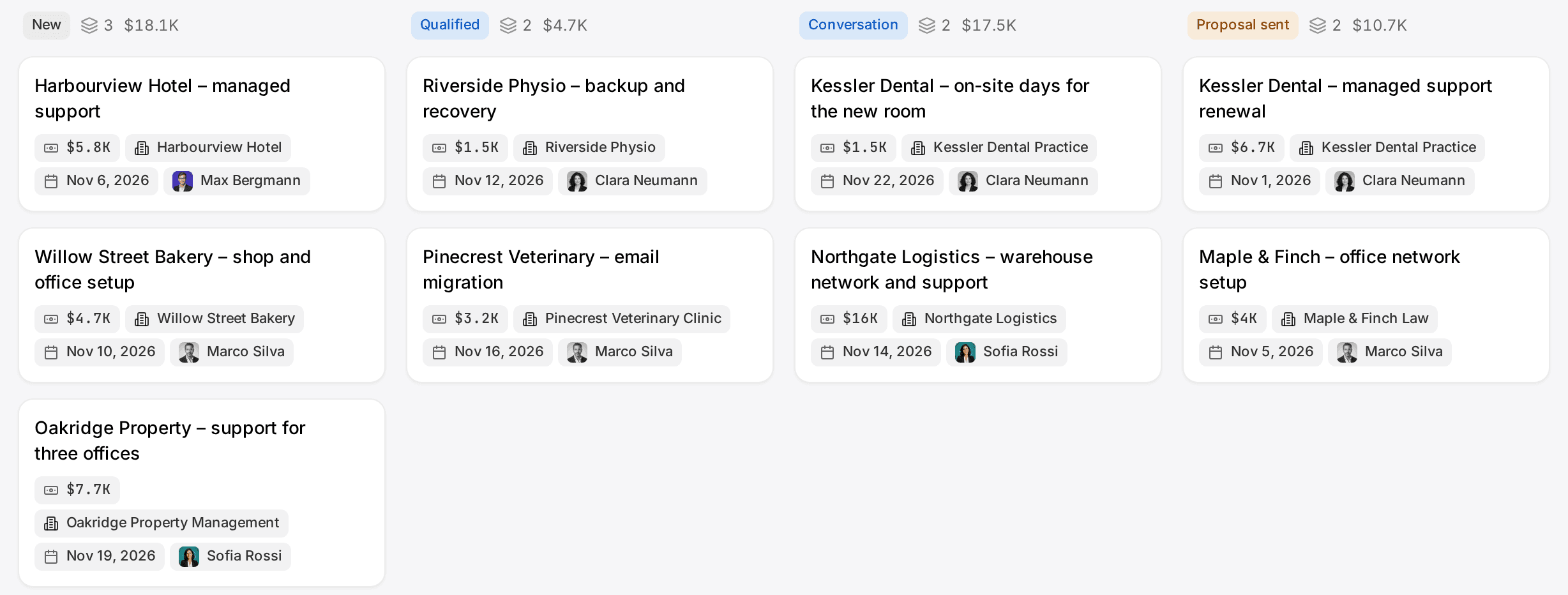
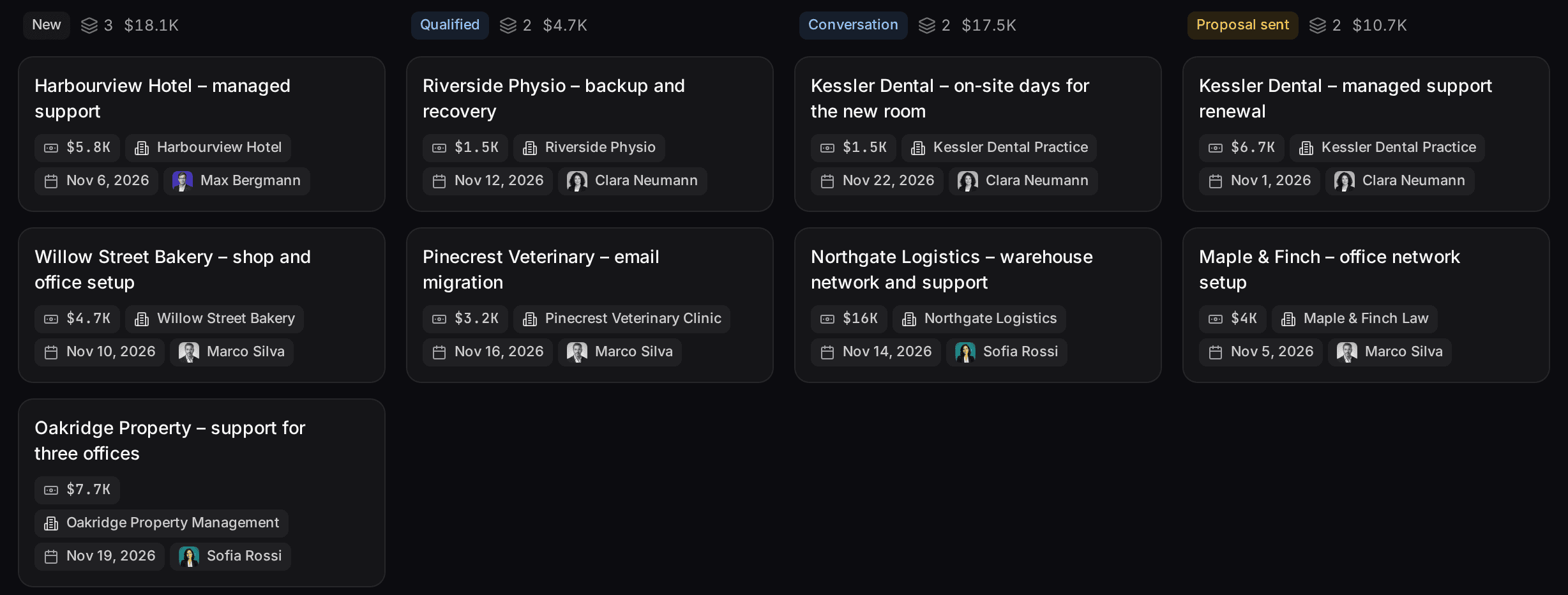
Customermates publishes this page, so read this section as a vendor describing its own product. Customermates is an open-source, AI-native CRM for small client-facing teams such as consultants, agencies, other service businesses and founders, built in Germany and made to follow up on every client conversation: from Pro they sit on the client record, and Mate or your own AI agent drafts the reply and the next step. Like Pipedrive, it is a CRM first: contacts, organizations, deals or anything else live in separate, linked lists that you create (a new workspace starts without lists), and paid plans have no record caps. Where it differs from both:
- Conversations next to the deal. From Pro, the unified inbox puts Gmail, Outlook and IMAP mailboxes, LinkedIn, WhatsApp, Instagram and Telegram in one list linked to your contacts, and you reply on the original channel. Each Pro user connects 1 account, each Business user 3. Starter has no inbox.
- AI that keeps the records current. In Customermates Cloud, Mate summarizes threads, drafts replies and updates records. It uses hosted AI credits, a monthly allowance per active user listed on the pricing page. Routines run a saved instruction on a schedule or when a record changes. Claude, ChatGPT or another AI client can work with the CRM through MCP on every plan.
- Hosting choice. In Customermates Cloud the database is configured in the AWS Frankfurt region. The AGPL-3.0 core also runs on your own server with Docker Compose; a self-hosted install has REST, webhooks and MCP but no inbox and no Mate.
- Monthly prices per user, no seat minimum. Five people pay €60 a month on Starter or €145 on Pro.
A four-person consultancy coming from either tool could set it up like this:
Import one list at a time
Export organizations, people and deals from Pipedrive as Excel or CSV. Import organizations first, then contacts, then deals, because link columns are matched by record name. The records documentation lists the file limits.Weight the stages
Give the deal stage field probabilities such as Lead 10%, Discovery call 25%, Proposal sent 50%, Negotiation 75% and Won 100%. A deal's value is the sum of its line items, each a service times quantity, and its weighted value is value times stage probability. That is a fixed calculation, not a prediction.Add fields and views
Add a single choice field "Source" with Referral, LinkedIn, Website and Event. Each person saves a board view of the deals assigned to them, grouped by stage, and can share it with the team.Set up a weekly routine (Customermates Cloud)
Every Monday at 08:00: "List my deals in Proposal sent. For each, read the latest conversation with the linked contact and save a short follow-up draft in that thread. Do not send anything." A routine runs as its owner, with that owner's channels, and on Pro each user gets 5 routines.
Customermates does not fit if you need email sequences or bulk email, web forms, e-signatures, telephony, lead scoring or a rule-based automation builder. Tasks have no built-in due date and no reminders (a custom date field can hold a due date, but nothing alerts you), so a team that works from Pipedrive's activity list will miss it. There are no native mobile apps, while Pipedrive and monday.com both offer iOS and Android apps. And if delivery should live on project boards, monday CRM covers that and Customermates does not. The free plan stops at 1 person and 250 records, without the inbox or Mate; the 14-day trial shows the full product.
Frequently asked questions
Is monday CRM better than Pipedrive for customizable pipelines?
It is more flexible in shape and more limited in size. A monday CRM pipeline is a board you design column by column, but Basic allows 5 columns and Standard 15, so a detailed deal record needs Pro. Pipedrive says every plan has unlimited pipelines, and Growth allows 100 custom fields. Teams that restructure often will find monday CRM easier; teams with many fields per deal get further with Pipedrive Growth.
Which is better for project management and sales in one tool?
monday CRM, if delivery happens on boards. monday.com builds the CRM on the same platform as its work management product, so sales and delivery share one account. Pipedrive's answer is its Projects add-on, from €16 below Premium and included from Premium, which keeps project work inside the CRM.
What are the downsides of Pipedrive?
For a small team, mostly the plan step. Lite has no email sync, automations or sequences, so a team that wants its email in the CRM needs Growth at €39 per seat billed yearly. Records, custom fields and automations are capped per plan, and there is no self-hosted edition.
How do I cancel Pipedrive without losing data?
Export first: Tools and apps, then Export data, one item type at a time. Then a user with account settings access opens the Billing tab and selects "Cancel my subscription" at the bottom. You keep access until the end of the billing cycle and lose it after that. Pipedrive deletes cancelled accounts after six months.
What are the main alternatives to Pipedrive and monday CRM?
Other CRMs worth comparing with both are HubSpot, Zoho CRM and Salesforce. The comparisons HubSpot vs Pipedrive and Pipedrive vs Zoho use the same method as this page.
Competitor details checked on 13 November 2026 against Pipedrive's pricing page, usage limits, plan changes, pricing help, data hosting, monday.com integration, data export, cancellation, mobile CRM page, Pipedrive vs monday page and customer portal software guide; monday.com's CRM pricing page, CRM product page, work management pricing, privacy trust center and Pipedrive vs monday CRM article.
Related pages
Pipedrive alternative
Pipedrive alternatives compared, prices checked 9 November 2026: five-seat costs, plan limits, and where HubSpot, Zoho, Twenty and Customermates fit.
monday CRM alternative
A monday CRM alternative without a three-seat minimum: plan limits, WhatsApp and LinkedIn in one inbox, EU hosting and self-hosting compared.
Pipedrive Pricing 2026: Plans, Limits and Real Team Costs
Pipedrive costs $14 to $79 per seat a month billed yearly or $24 to $99 monthly, checked 8 November 2026. Plans, limits, add-ons and team cost examples.
HubSpot vs monday CRM
HubSpot vs monday CRM for small teams: seat prices, the three-seat minimum, automation caps, AI, EU data hosting and a clear rule for who should pick which.
Customermates
Want a third option on your list?
Start a Customermates trial, import one Excel export of your Pipedrive deals and connect a mailbox or WhatsApp. You will see quickly whether your data and conversations fit.
✓ No credit card required ✓ First 14 days free